

Controller Charging Dock Stand for PlayStation 5 DualSense, Nintendo Switch Pro & Switch 2, Xbox Series X|S, Amazon Luna Google Stadia Dual USB-C Charger Orzly Design – Great Gamers Gift
Brand: Orzly
🎮EFFICIENT CHARGING】The Duo-Charger provides a quick and easy way to charge and store your Google Stadia Controller. It will take approx. 2.5 hours to charge a controller, and two controllers can be fully charged simultaneously in 3 hours. (Charge time will vary depending on power source).
About this product
If you're a gamer who wants to keep your controllers charged and ready for action without cluttering up your desk, the Orzly Controller Charging Dock Stand is perfect. This dual USB-C charger supports multiple gaming consoles including PlayStation 5 DualSense, Nintendo Switch Pro & Switch 2, Xbox Series X|S, Amazon Luna, and Google Stadia, making it a versatile addition to any gamer's setup. This stand not only charges your controllers efficiently but also doubles as a docking station, keeping them organized and within reach. It’s the ideal gift for fellow gamers looking to enhance their gaming experience with convenience and style.
Is this the right pick for you?
This charging dock stand is perfect for gamers who own multiple controllers from different gaming systems like PlayStation 5 DualSense, Nintendo Switch Pro & Switch 2, Xbox Series X|S, Amazon Luna, and Google Stadia. It provides a convenient way to charge up to two controllers simultaneously via USB-C ports, ensuring that your controllers are always ready when you need them. However, it might not be the best choice if you only have one controller or prefer wireless charging options. In a typical setup, this dock can enhance your gaming experience by keeping your controllers organized and charged for extended play sessions. It's particularly useful during multiplayer gaming nights where multiple players are using different controllers. The dual USB-C ports allow for quick and efficient charging without the need to switch between devices. Just plug in your controllers, and they'll be ready to go whenever you want to jump into a game. Before purchasing, consider that setup is straightforward but requires some cable management skills to avoid clutter. Ensure you have enough space on your desk or console stand to accommodate the dock and its cables without obstructing your view of the screen. Additionally, while this product supports multiple controllers from various systems, it's important to check if all your controllers are compatible with USB-C charging before making a purchase. Proper care includes keeping the dock clean and dry, and avoiding excessive force when plugging in or removing controllers to prevent damage to either the dock or the controllers themselves.
Frequently asked questions
What controllers can this charging dock stand support?
This charging dock stand is compatible with PlayStation 5 DualSense, Nintendo Switch Pro & Switch 2, Xbox Series X|S, Amazon Luna, and Google Stadia controllers. It’s designed to charge multiple controllers simultaneously, making it a versatile option for gamers who use different consoles.
How many controllers can this dock charge at once?
The charging dock stand can charge up to two controllers at the same time via USB-C cables. This feature is useful for those who want to keep their gaming setup organized and ensure that all controllers are always charged when needed.
Is it easy to set up this charging dock?
Setting up the Orzly Charging Dock Stand is straightforward; simply plug in the provided USB-C cable into a power source, then connect your controllers via the included USB cables. The stand’s design ensures that controllers stay securely in place while charging.
You might also like
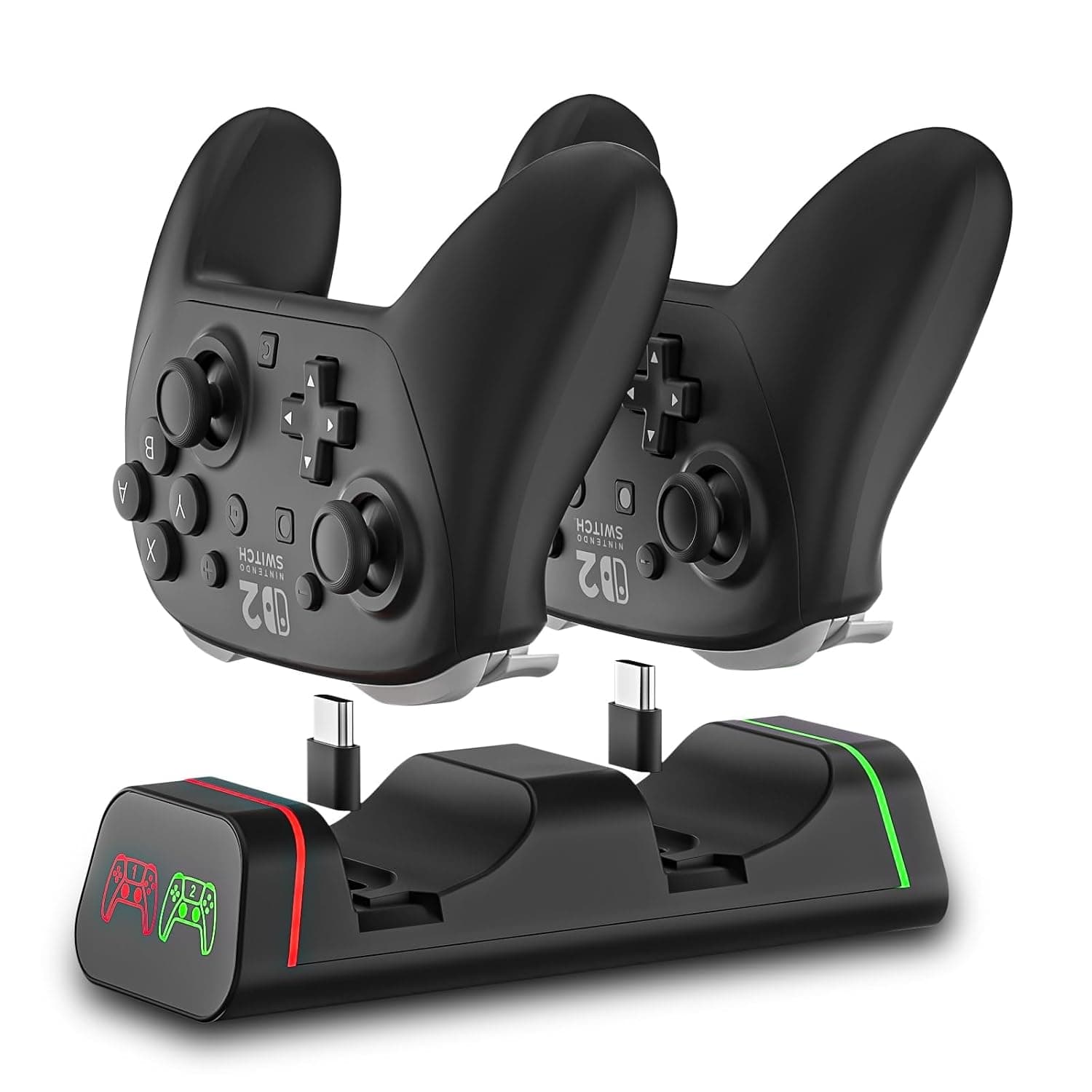
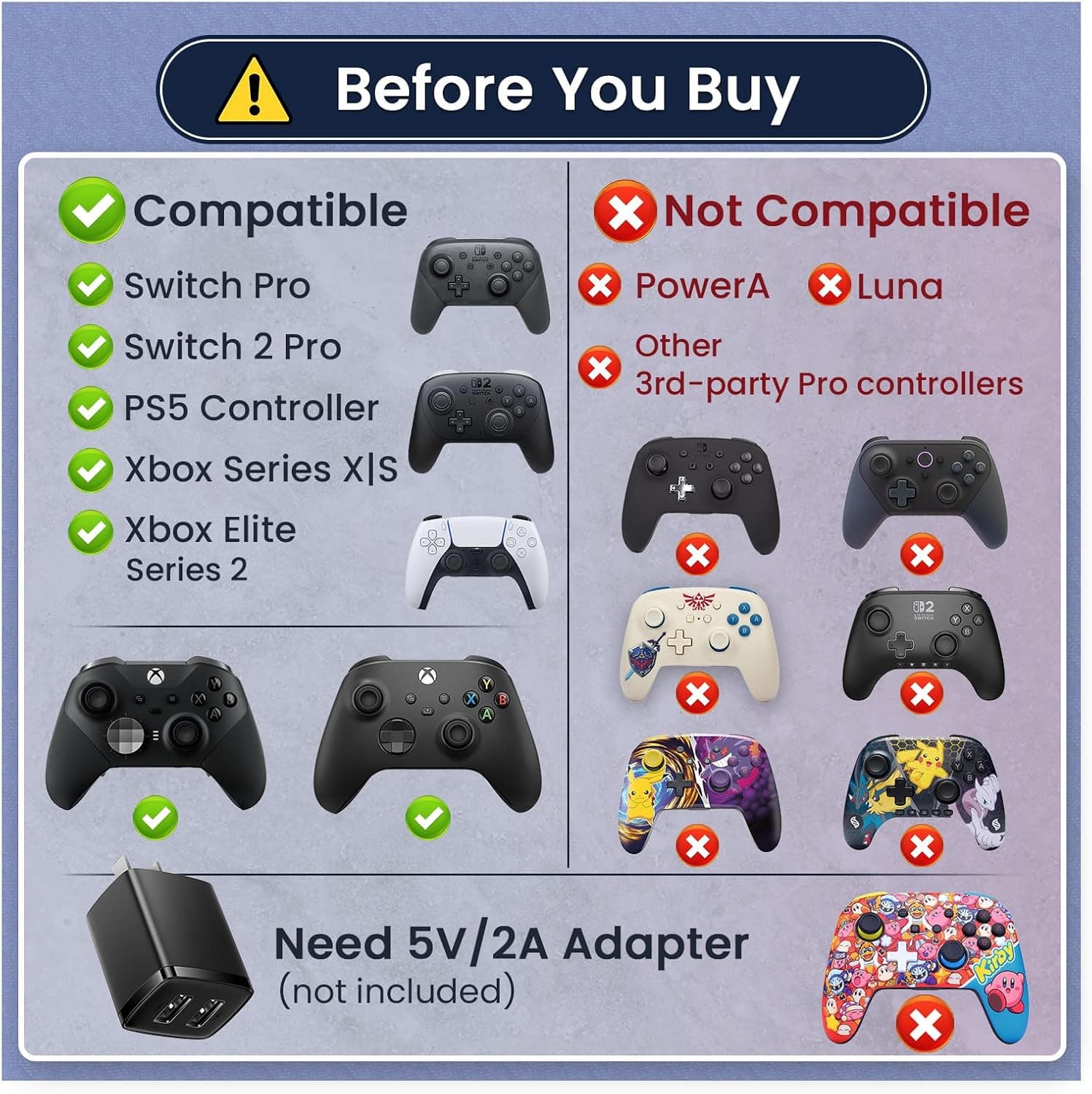 New
New2-Port Controller Charging Dock, USB-C for Switch Pro/Switch 2 Pro, PS5, Xbox Series X/S & Elite 2 (Not for PowerA/3rd-Party), 5V2A USB Adaptor Recommended
HEATFUN
£18.99
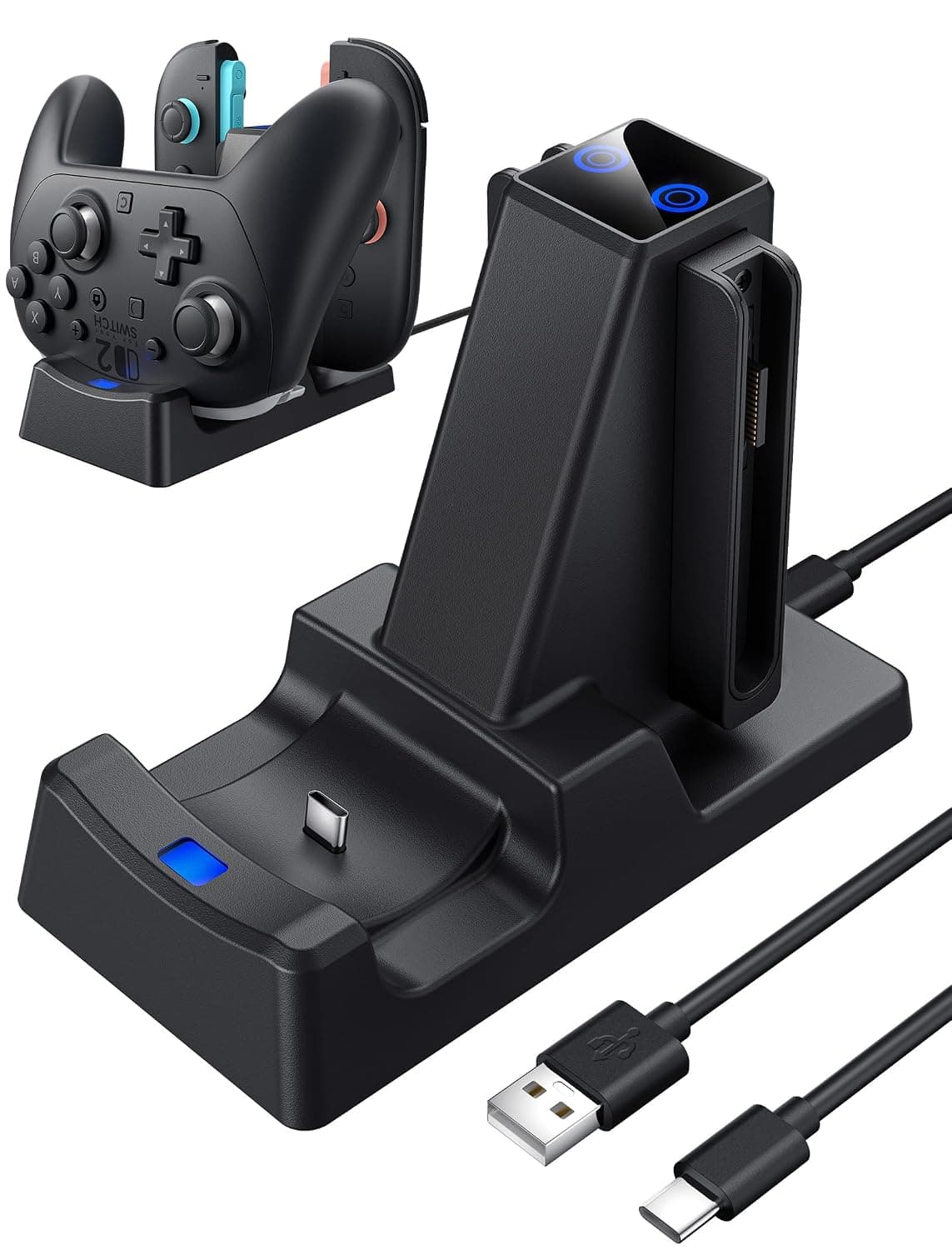
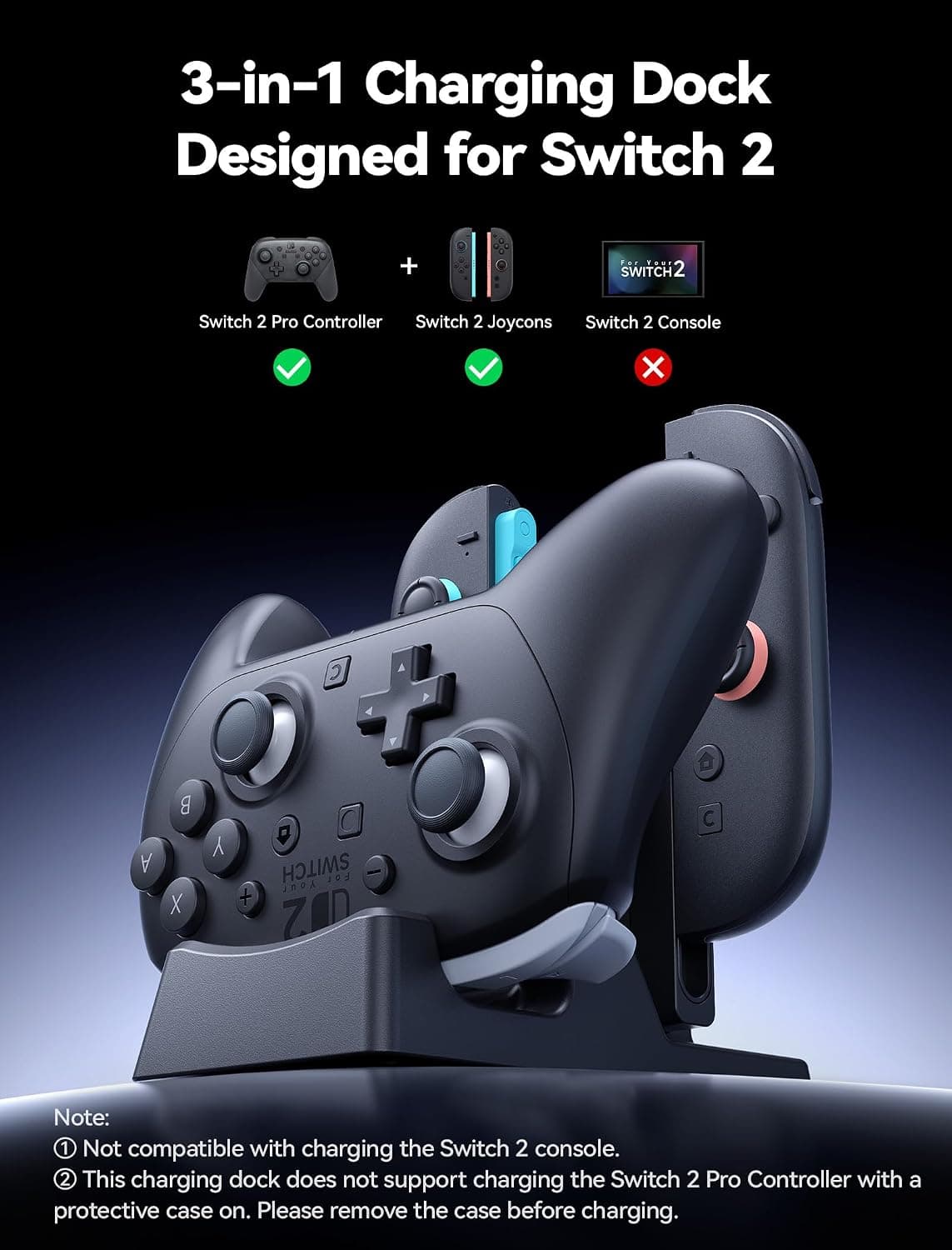 New
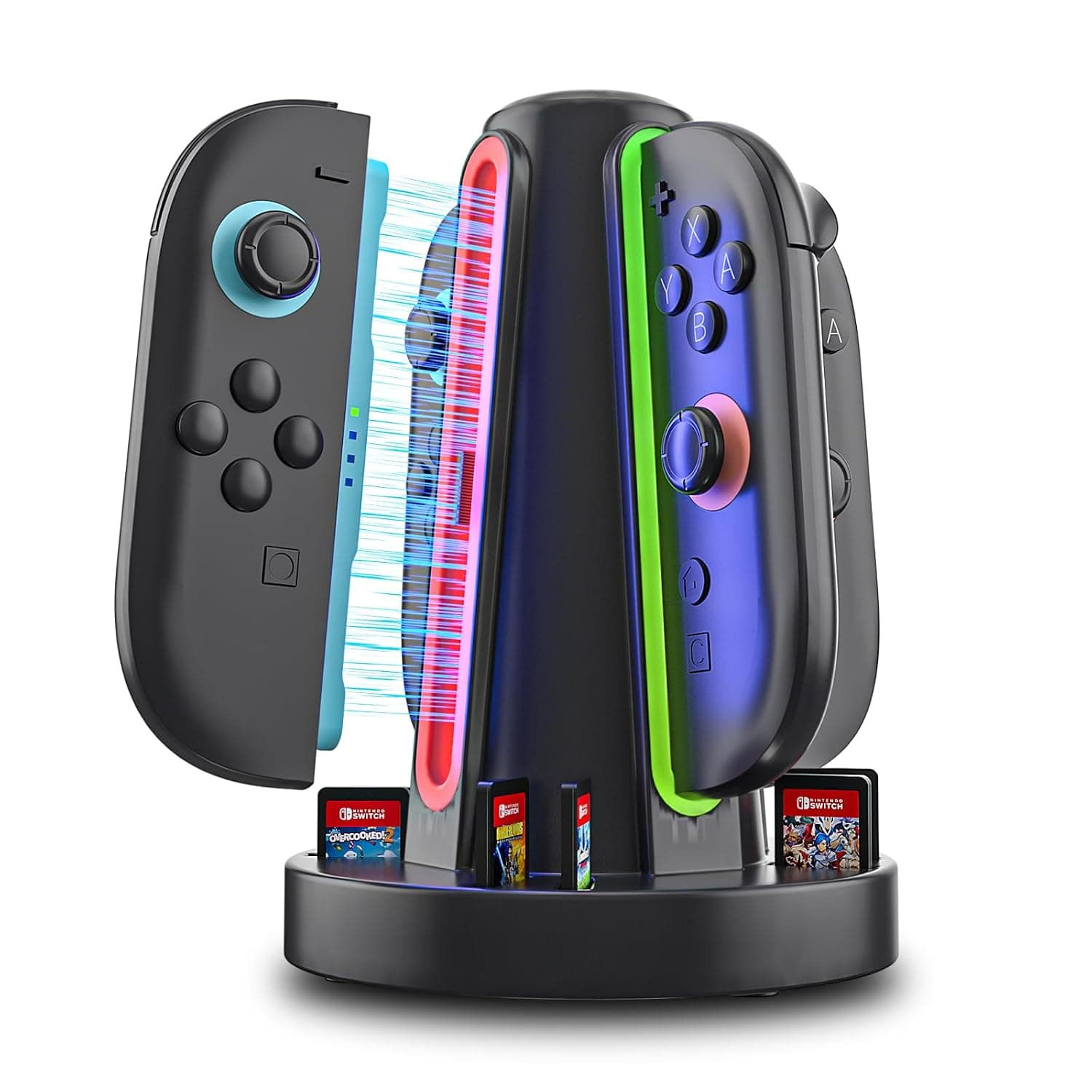
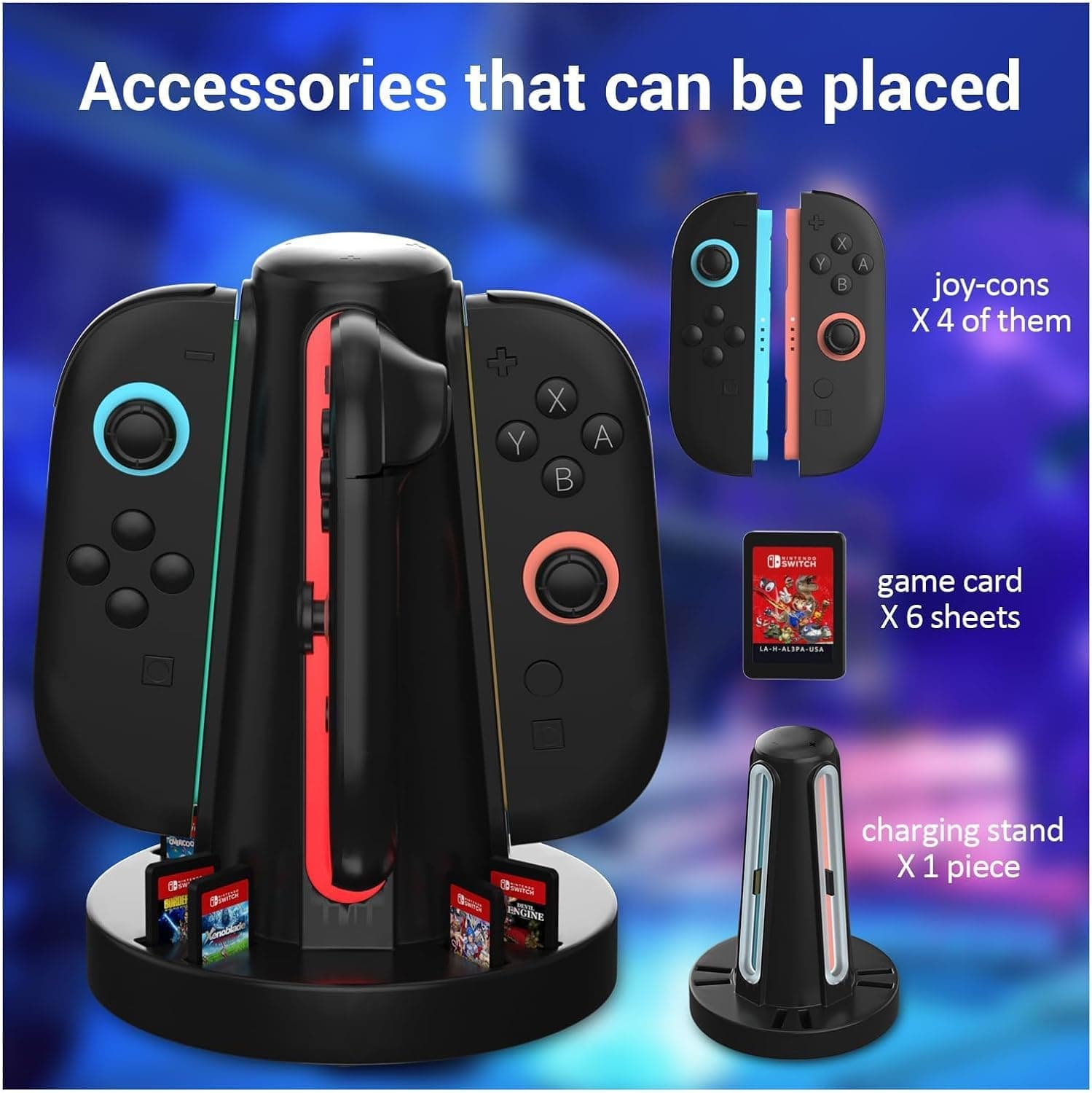
New3 in 1 Charging Dock for Nintendo Switch 2 JoyCon and Pro Controller, WEOTOO Controller Charger with LED Indicator Space-Saving Storage Stand Accessories for Switch2 (2025)
£25.99
 New
New4-Port Switch 2 Controller Charger Dock, 6-Card Storage & LED Indicators | Switch 2 controller charger powers four controllers in 2.5 hours, with 6 card slots, LED status bars and magnetic snap-in fit
HEATFUN
£9.99
 New
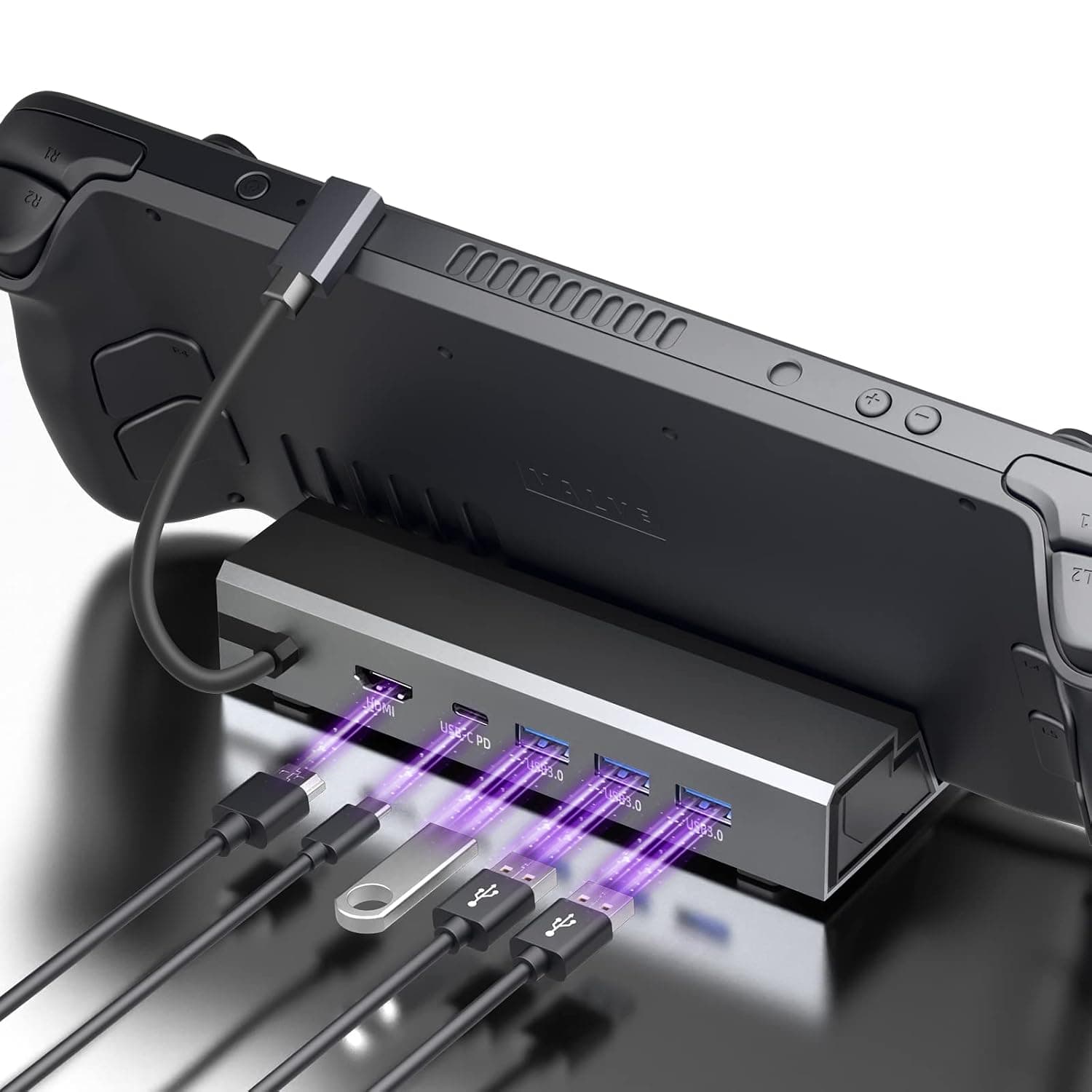
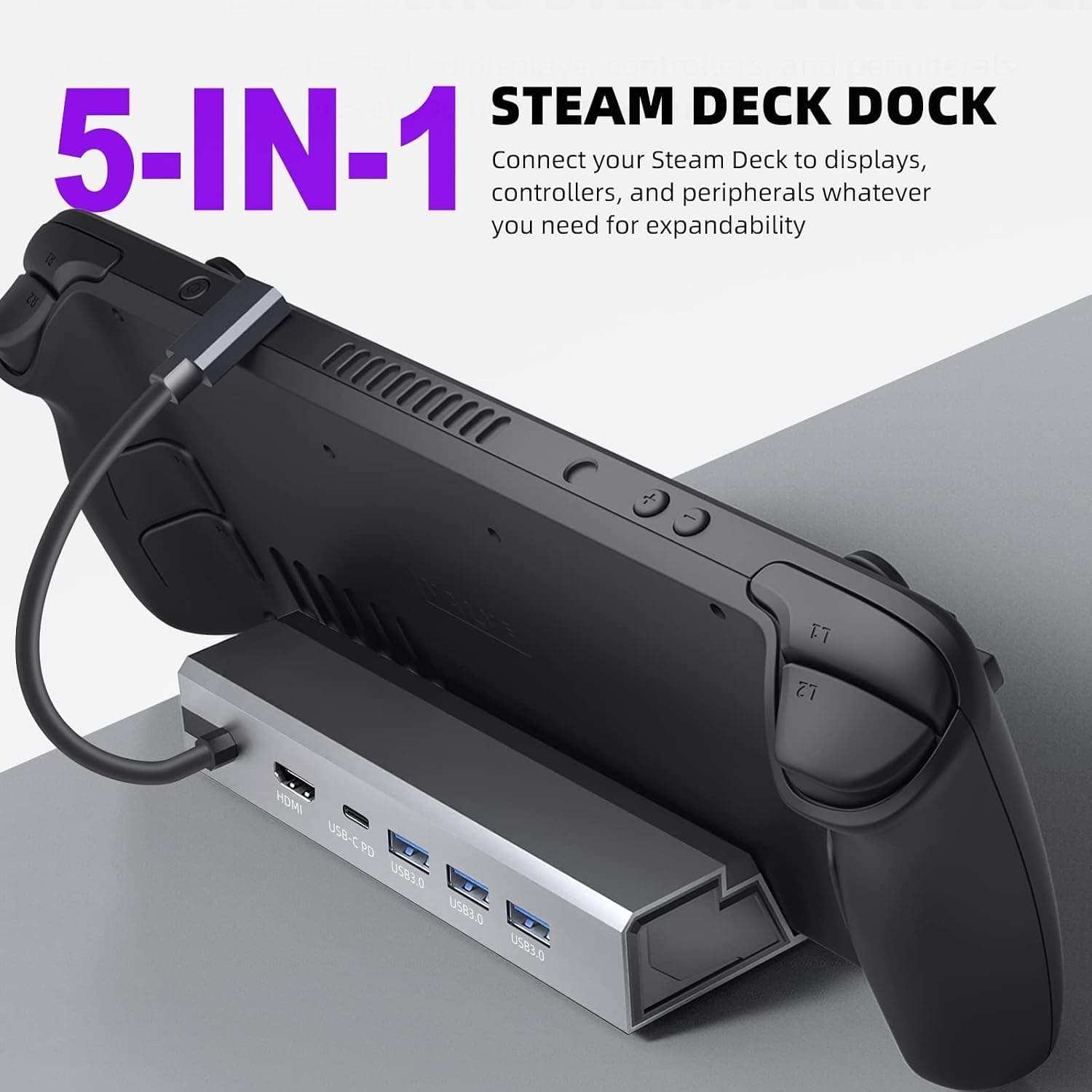
New5-in-1 Steam Deck Dock - Your Ultimate Gaming Hub for Steam Deck, High-Performance Steam Deck Docking Station with 4K@60Hz HDMI, 100W Type-C PD Fast Charging and 3 USB 3.0 Ports
£33.99