
Focusrite Vocaster One Studio — Podcasting Interface Recording as a Solo Creator, Quality DM1 Mic & HP60v Headphones. Use Auto Gain, Enhance, Mute Easy Podcasting, Black
Brand: Focusrite
About this product
Is there a way to get professional podcasting quality without breaking the bank? The Focusrite Vocaster One Studio offers just that. With its high-quality DM1 dynamic microphone and HP60v studio headphones included in the package, this interface is perfect for solo creators looking to enhance their podcasting experience. The Auto Gain feature ensures your voice levels are spot-on with just a push of a button, while the Enhance button brings out the best in your voice through four preset options or custom settings via the Vocaster Hub software.
Highlights
- Broadcast quality sound – Get studio sound in seconds from Vocaster’s high quality mic input and microphone.
- Over 70dB of gain range – Get the best out of any mic, no booster needed.
- Auto Gain – Set your level in seconds, just push the button, start talking, and let Auto Gain do the rest.
- Enhance – The Enhance button reveals the true quality of your voice. Four podcaster-approved presets bring out the best in any voice or you can customise your own with the included Vocaster Hub software.
- Broadcast mic and headphones – The included Vocaster DM1 dynamic mic features built-in grille and pop filter, and HP60v closed-back studio headphones let you hear your show as the world will.
- Mute – Just hit the button and cut out coughs, sneezes and any other unwanted interruptions.
Is this the right pick for you?
This Focusrite Vocaster One Studio is perfect for solo creators looking to record high-quality podcasts without the need for extensive setup or expensive equipment. The included DM1 microphone and HP60v headphones ensure that you can capture clear audio while also monitoring it in real-time. With its over 70dB of gain range, this interface allows you to get the best out of any microphone, making it ideal for those who might not have a professional mic on hand. The Auto Gain feature simplifies the process of setting your recording levels, and the Enhance button helps refine your voice with four preset options or custom settings via the Vocaster Hub software. In a typical podcasting setup, this interface can be used as a standalone solution for beginners to intermediate creators. It fits seamlessly into home studios or even remote setups where you might not have access to more advanced equipment. However, it may not be suitable for those who require more complex routing options or extensive audio processing capabilities. The Vocaster One Studio is designed with ease of use in mind, making it a great choice for solo creators who want to focus on their content rather than technical difficulties. Before purchasing, consider the setup process and compatibility with your existing equipment. This interface works well with most standard USB connections and can be easily integrated into your current workflow. It’s important to note that while the Vocaster One Studio is durable and designed for everyday use, it requires proper care to maintain its performance over time. Regular cleaning of both the microphone and headphones will help ensure optimal sound quality during recordings.
Frequently asked questions
Is the Focusrite Vocaster One Studio suitable for podcasting?
Absolutely! The Vocaster One Studio is designed specifically for solo creators and podcasters. Its high-quality mic input ensures broadcast quality sound, making it easy to capture clear and professional-sounding recordings right from your setup.
Can I use this with my existing computer or do I need a specific type of device?
This interface works seamlessly with most computers that have USB ports. It’s compatible with both Windows and Mac operating systems, so you can connect it to any desktop or laptop without needing special hardware.
What kind of microphone is included in the package?
The Vocaster One Studio comes with a high-quality DM1 dynamic mic. This mic features built-in grille and pop filter, which helps reduce unwanted sounds like popping and hissing during recording sessions.
You might also like
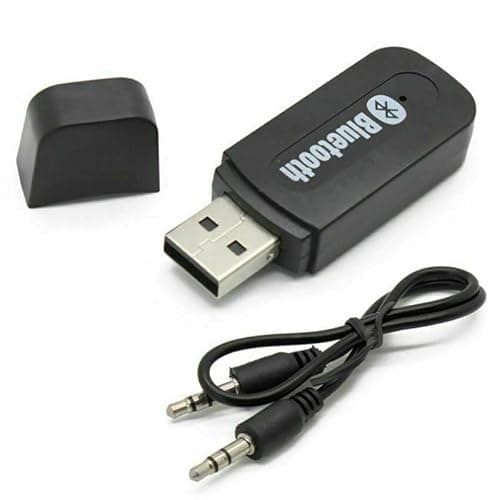
3.5mm to USB Bluetooth Receiver Adapter for Seamless Audio Streaming - USB Bluetooth Wireless Receiver AUX Audio Stereo Music Adapter Car Kit, Enhance Your Devices with Bluetooth audio transmitter
Generic
£0.99
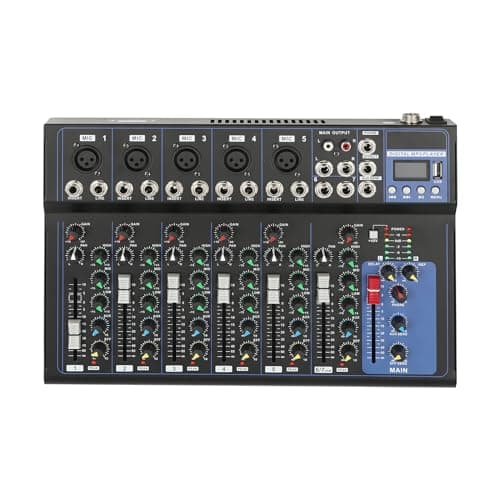
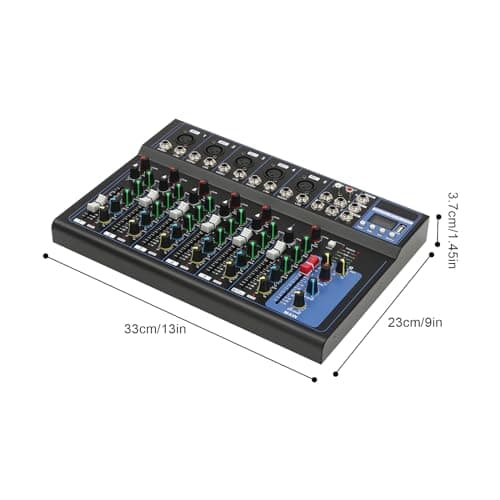
7-Channel Audio Mixer with Bluetooth 48V Phantom Sound Modes XLR Inputs
GANYUNG
£42.00
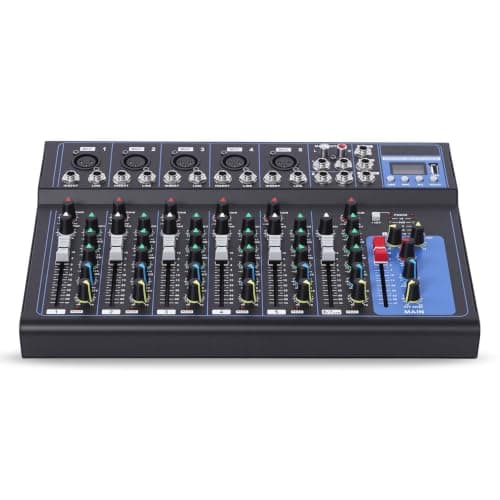
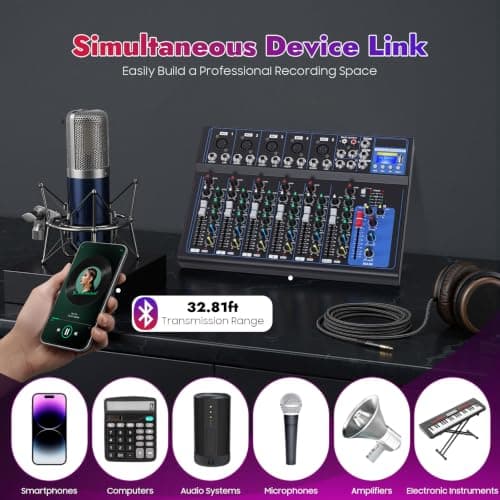
7 Channel Digital Audio Mixer with USB Bluetooth for Live Streaming, Black
Tyvotrend
£28.00
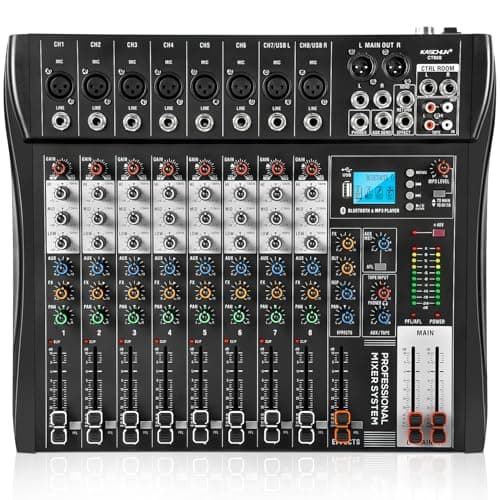
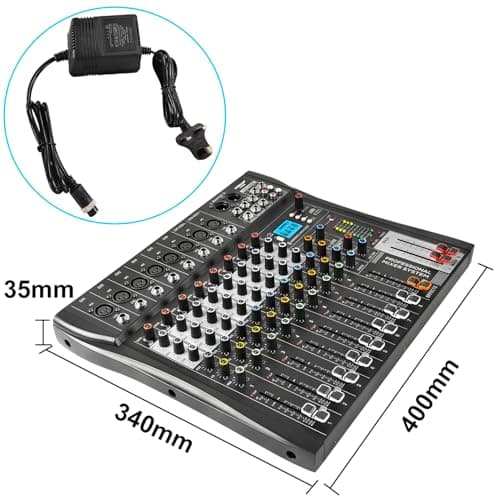
8 Channel Audio Mixer with Bluetooth, Professional Mixing Desk with 48V Phantom Power, USB Audio Interface & MP3 Player, Sound Mixing Console for Podcast Music Stage Live Streaming & Recording
Kaschun
£89.99
