
Razer Kiyo V2 X Webcam for Streaming and Meetings, 1440p 60 FPS, Black | AI Powered Auto-Framing, Built-in Microphone, Ultrawide Angle Lens, Privacy Cover, Works with OBS, Discord, Zoom, Teams
Brand: Razer
About this product
Webcams are a crucial part of any setup for streaming or virtual meetings, offering clear visuals that enhance the user experience. Among these, the Razer Kiyo V2 X stands out with its QHD 1440p 60FPS resolution, ensuring smooth and natural movement in your videos. This webcam is perfect for both gaming enthusiasts and content creators who need high-quality visuals for their streams or meetings. Equipped with a wide-angle lens, the Razer Kiyo V2 X offers flexibility in framing, allowing you to capture more of your setup or zoom in on specific areas as needed. Its built-in microphone ensures clear audio, making it an all-in-one solution for professional video and audio performance. With compatibility across major platforms like OBS, Discord, Zoom, and Teams, this webcam is versatile and easy to integrate into any workflow.
Highlights
- 1440P 60 FPS VIDEO — From intense gaming sessions to casual chats, be set to impress with smooth, natural movement and clarity that will wow everyone watching
- FAST, ACCURATE AUTO FOCUS — Always stay in the moment and look sharp whether it’s a clutch play or an exciting unboxing
- QUICK, EASY SOFTWARE CUSTOMIZATION — Kickstart any stream with intuitive presets or fine-tune every detail with precise color and lighting adjustments using Razer Synapse
- WIDE ANGLE LENSE — Whether zooming out to show off a full setup or getting up close and personal with viewers, a wide-angle lens offers ultimate flexibility
- BUILT-IN MIC — With crystal-clear audio and sharp, smooth video, have everything needed to start creating or streaming in one convenient package
- INTEGRATED PRIVACY SHUTTER — Whether wrapping up a stream or stepping away for a short break, conveniently cover the lens with a quick twist to ensure instant privacy
Is this the right pick for you?
The Razer Kiyo V2 X Webcam is ideal for those who frequently engage in streaming or video meetings and require a reliable setup. Its 1440p 60 FPS resolution ensures that your movements are captured with clarity and smoothness, making it perfect for both gaming and content creation. The AI-powered auto-framing feature keeps you centered and sharp during broadcasts, ensuring that viewers always get the best view of you. Additionally, the built-in microphone provides clear audio, which is crucial for maintaining a professional appearance in your streams or meetings. However, if you are looking for a webcam primarily for video calls with friends and family where high resolution isn't as critical, this might be overkill. The wide-angle lens offers flexibility, allowing you to capture more of your setup or get closer to the camera. This feature is particularly useful for content creators who want to show their workspace or interact closely with viewers during live streams. Before purchasing, it's important to consider that setting up and customizing the Razer Kiyo V2 X involves using the Razer Synapse software. While this provides a lot of flexibility, you'll need some time to get familiar with the interface and find the settings that work best for your needs. The webcam also comes with an integrated privacy shutter, which is a handy feature to ensure your camera remains secure when not in use. This can be particularly useful if you are concerned about privacy or security during calls.
Frequently asked questions
Is the Razer Kiyo V2 X compatible with OBS and Discord?
Yes, the Razer Kiyo V2 X is designed to work seamlessly with OBS (Open Broadcaster Software) and Discord. It supports popular streaming and communication platforms, making it a versatile choice for both professional streamers and casual users.
Can I use this webcam on my laptop or desktop?
Absolutely! The Razer Kiyo V2 X is compatible with both laptops and desktops via USB connection. Its plug-and-play setup ensures quick and easy integration into your current setup, whether you're using a Windows or macOS device.
How does the AI-powered auto-framing work on this webcam?
The AI-powered auto-framing feature automatically adjusts the camera to keep you in frame during dynamic movements, ensuring that you stay sharp and clear throughout your stream or meeting. This feature is particularly useful for gaming sessions where quick actions can cause you to move out of the camera's view.
You might also like
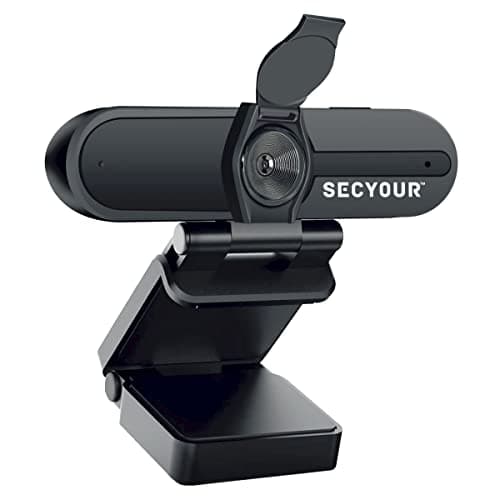
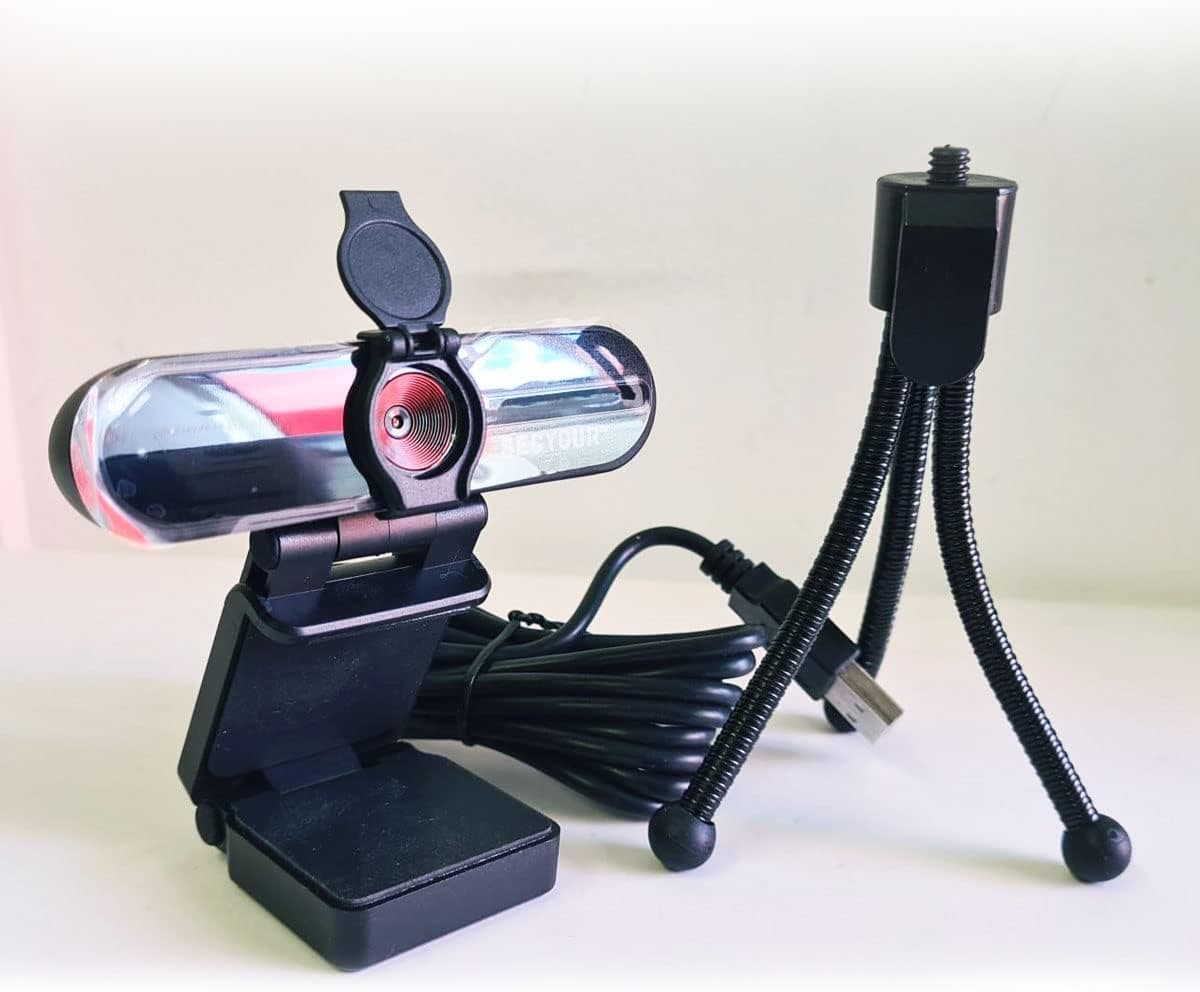
1080p HD USB Webcam Camera with Microphone for PC, Desktop, Laptop, Macbook, Live Streaming, Gaming, YouTube, Video Call Conference Web cam - Noise cancellation 30FPS with mini Tripod
SECYOUR
£8.50
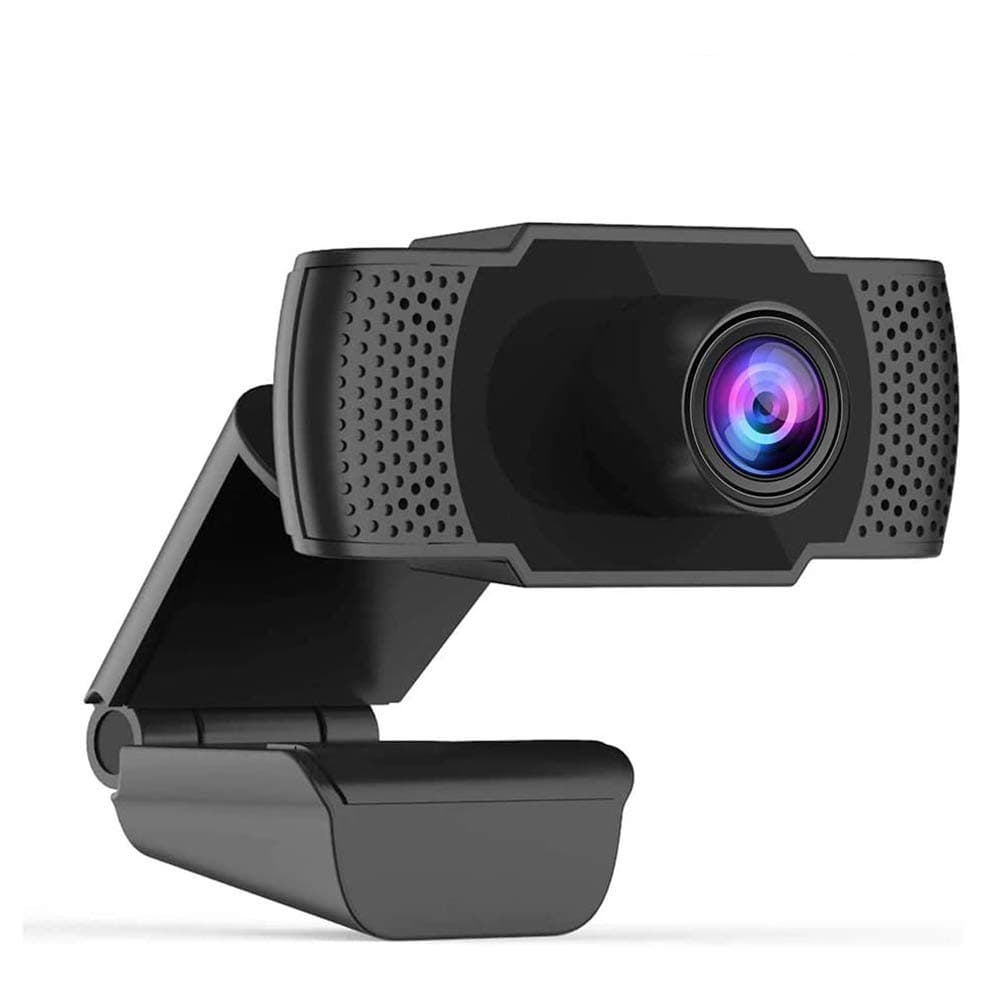
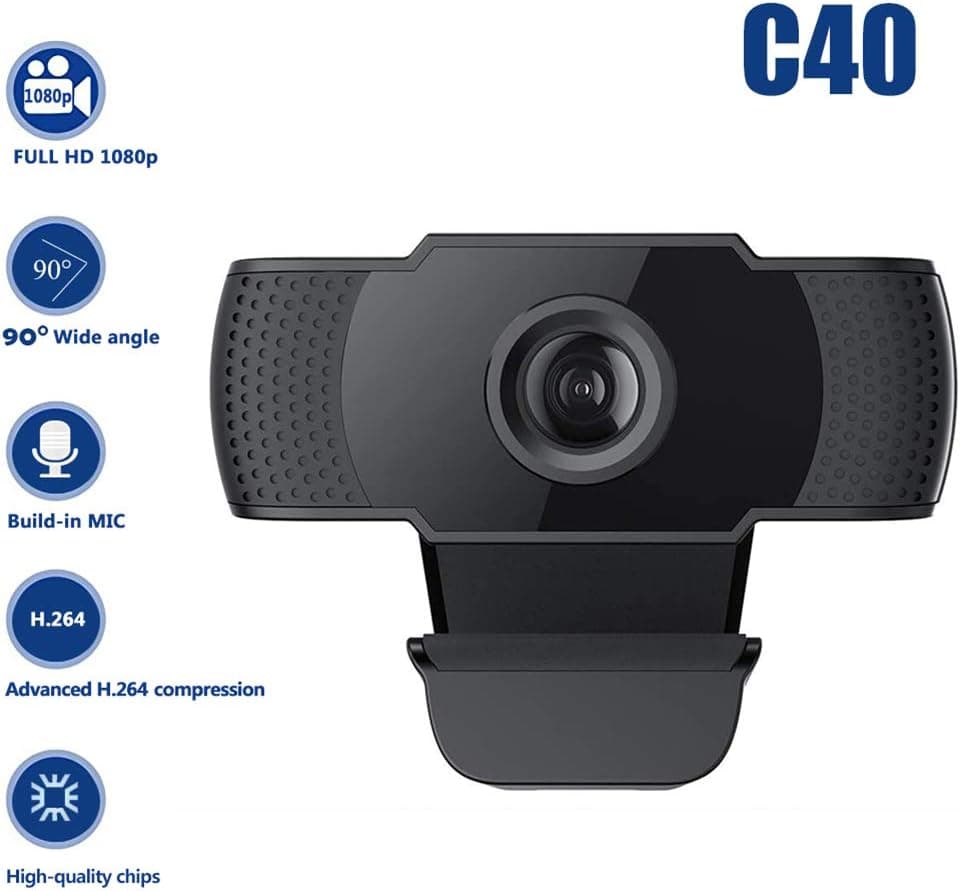
1080P HD Webcam USB Plug and Play Widescreen Built-in MIC Web Camera for PC
Aoewise
£79.99
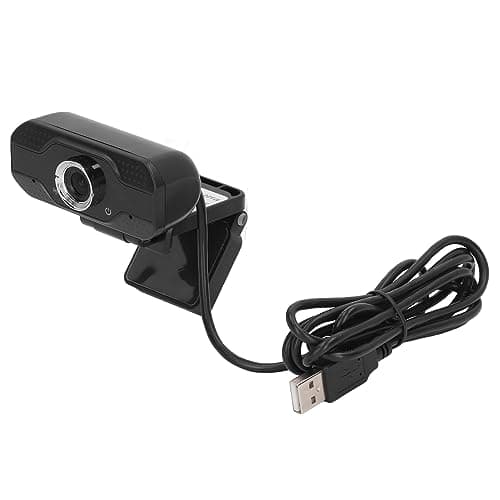
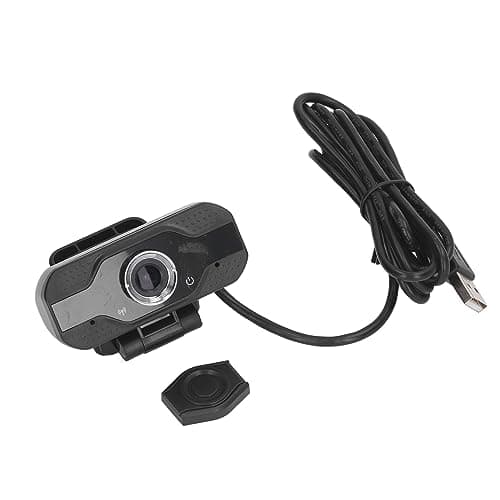
1080P HD Webcam with Dual Noise Canceling Microphone, Auto Light Color Correction, Wide Viewing Angle Plug and Play USB Camera for Video Calling, Recording
ciciglow
£6.33
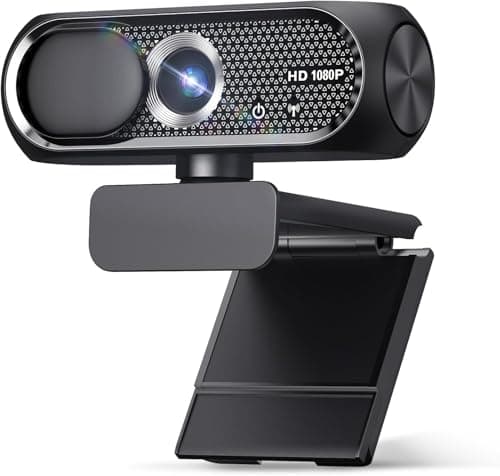
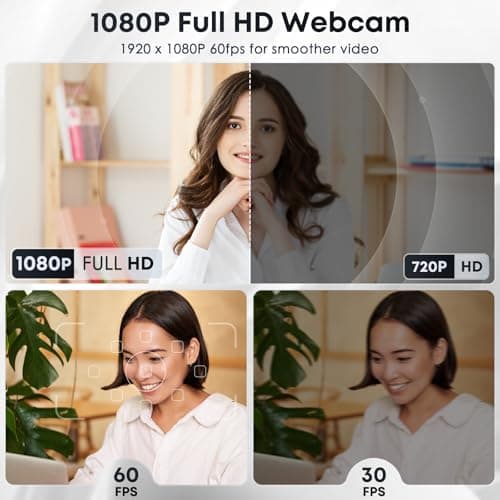
1080P HD Webcam with Microphone, Noise Cancellation, Privacy Cover, Wide-Angle Lens, Auto Light Correction, Plug & Play USB Web Camera for Laptop, Desktop, PC, Mac, Zoom, Skype, Streaming (Black)
Shcngqio
£19.99
