
Capture Card, Video Capture Card 4K 1080P 60FPS, HDMI Capture Card Switch, Game Capture Card USB 3.0 for Live Streaming Video Recording, Screen Capture Device Work with PS4/PC/OBS/DSLR/Camera
Brand: Lyrat
- Weight
- 200 g
- Pack size
- 1
- Colour
- Capture Card for Switch-black
- Amazon Bestseller Rank
- #422,788
About this product
Ideal for live streamers and gamers, the 4K 60FPS capture card seamlessly records and streams your gameplay or PS4 sessions to platforms like Twitch. This USB 3.0 compatible device ensures smooth video recording at high resolutions, making it perfect for those who demand top-notch quality in their broadcasts. This capture card also doubles as a versatile screen capture tool, supporting a wide range of devices including PCs, OBS software, DSLR cameras, and more. Whether you're looking to record your gaming sessions or live stream from your console, this reliable and efficient device fits perfectly into any setup aiming for professional-grade video recording capabilities.
Specifications
- Weight
- 200 g
- Pack size
- 1
- Colour
- Capture Card for Switch-black
- Amazon Bestseller Rank
- #422,788
Is this the right pick for you?
This capture card is ideal for gamers and content creators who need to record high-quality video from their gaming sessions or live streams. Whether you're capturing gameplay from your PS4 console, recording videos on a PC using OBS (Open Broadcaster Software), or even capturing footage from a DSLR camera, this device handles it all with ease. The 1080P at 60FPS and 4K resolution support ensure that every detail is captured in stunning clarity, making it perfect for those who want to share their content on platforms like YouTube or Twitch. However, this capture card might not be the best fit if you're looking for a more advanced feature set. While it supports multiple devices such as PS4, PC, and DSLR cameras, it does not come with additional features like built-in audio recording or support for multiple HDMI inputs simultaneously. For users who need these extra functionalities, there are other capture cards available that offer more comprehensive solutions. Setting up this capture card is straightforward but requires a basic understanding of hardware connections. You'll need to connect the HDMI cable from your source device (like your PS4) to the capture card and then plug the USB 3.0 cable into your computer or gaming console. Ensure you have enough USB 3.0 ports available on your system, as this will be crucial for smooth video recording without any lag. Regularly check that all connections are secure and keep an eye on the power supply of your devices to avoid any unexpected disconnections during recordings. In terms of care, it's important to handle the capture card with care due to its sensitive electronics. Avoid exposing it to extreme temperatures or moisture, as this can damage the device. Regularly clean the HDMI input with a soft cloth to keep the connection clear and prevent any interference in signal quality.
Frequently asked questions
Can this capture card be used with both PS4 and PC?
Yes, it is compatible with both PS4 and PC. This means you can use it for live streaming or recording gameplay from either console or a PC setup, making it versatile for different gaming environments.
What types of devices can I connect to this capture card?
You can connect various devices such as PS4, PC, DSLR cameras, and other video sources via HDMI. It supports a wide range of input devices, allowing you to capture content from multiple sources like live streams or recorded footage.
Is this capture card suitable for 4K streaming?
Absolutely, it supports 4K resolution at 60FPS, which is ideal for high-definition live streaming and recording. This ensures that your video content looks sharp and clear on both broadcast platforms and local playback.
You might also like
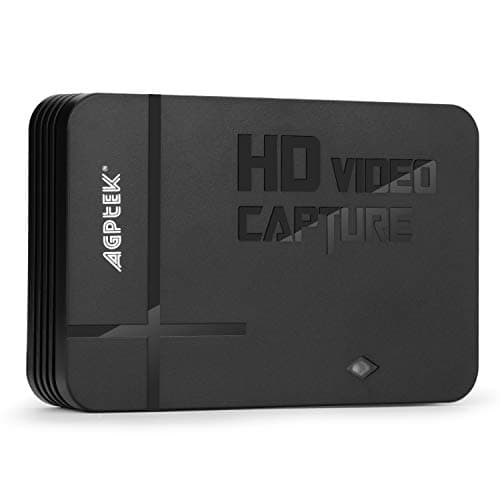
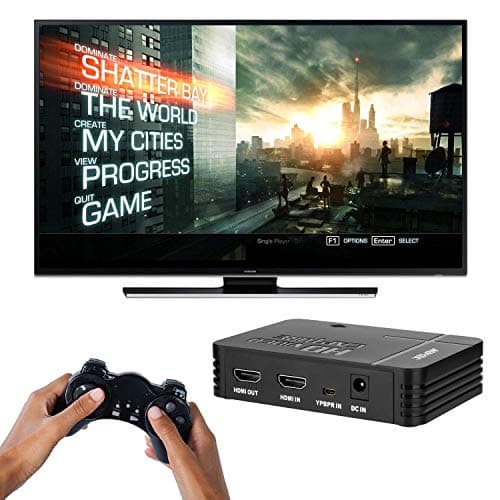
1080P Game Video Capture Card with HDMI and YpbPr Input, Mic-in Video Recorder Compatible with Xbox 360/One/ PS3 /PS4 etc
AGPTEK
£64.18
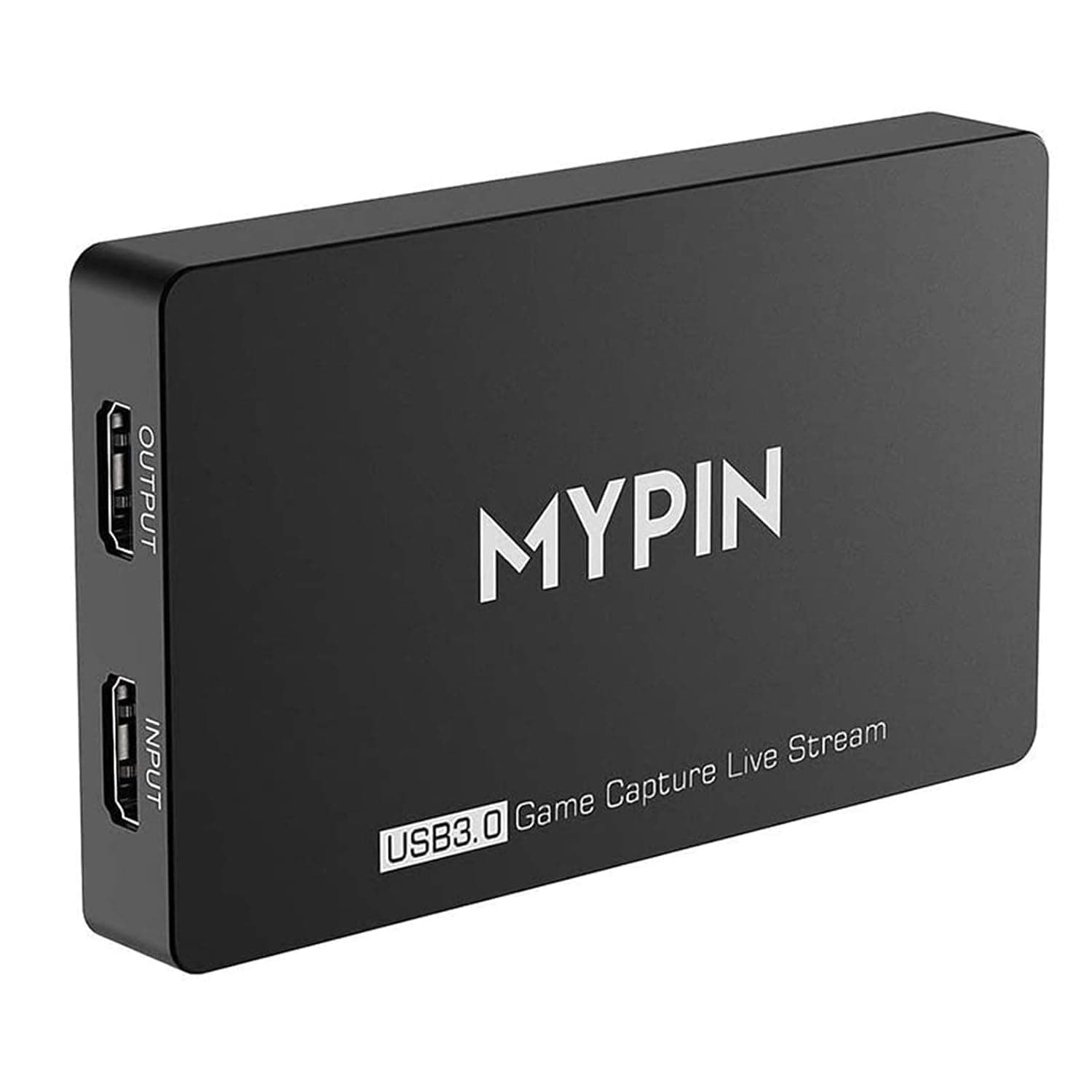
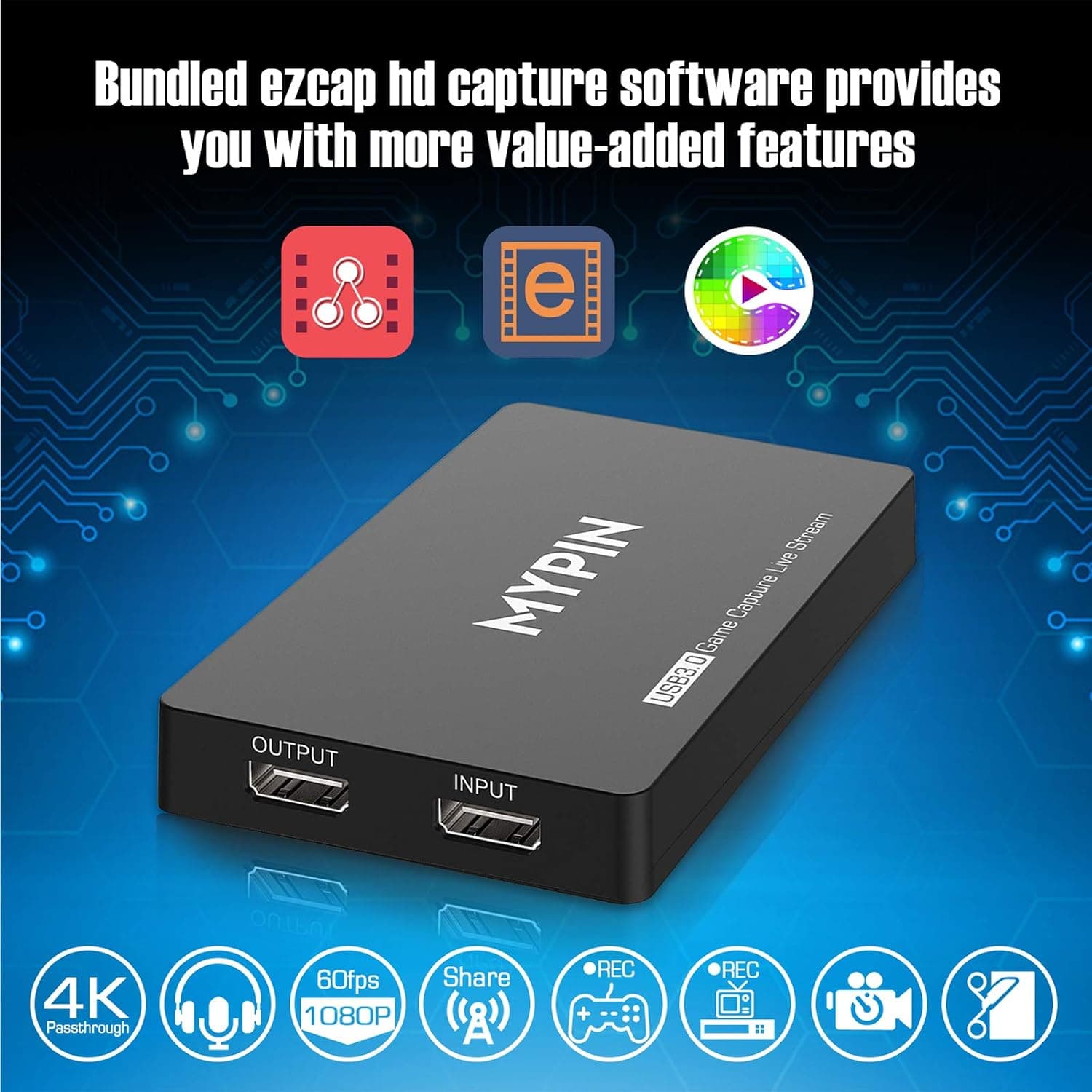
4K Capture Card for Live Streaming, MYPIN USB3.0 HDR Capture 1080P@60fps Support Microphone and Gamepad Party Chat for Nintendo Switch/ PS4 /Xbox One 360 /Wii U/Action Camera/DSLR Camcorder
MYPIN
£19.99
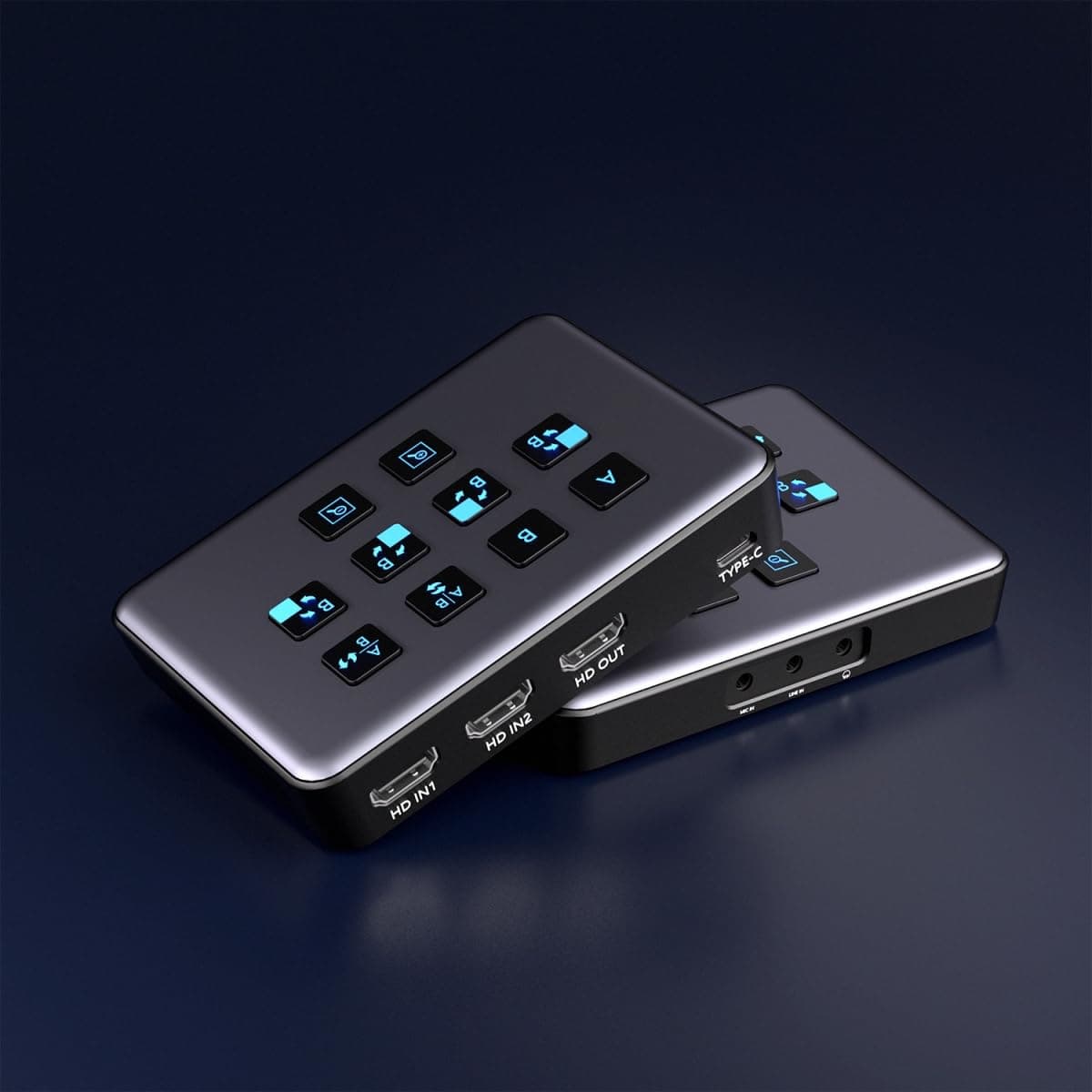
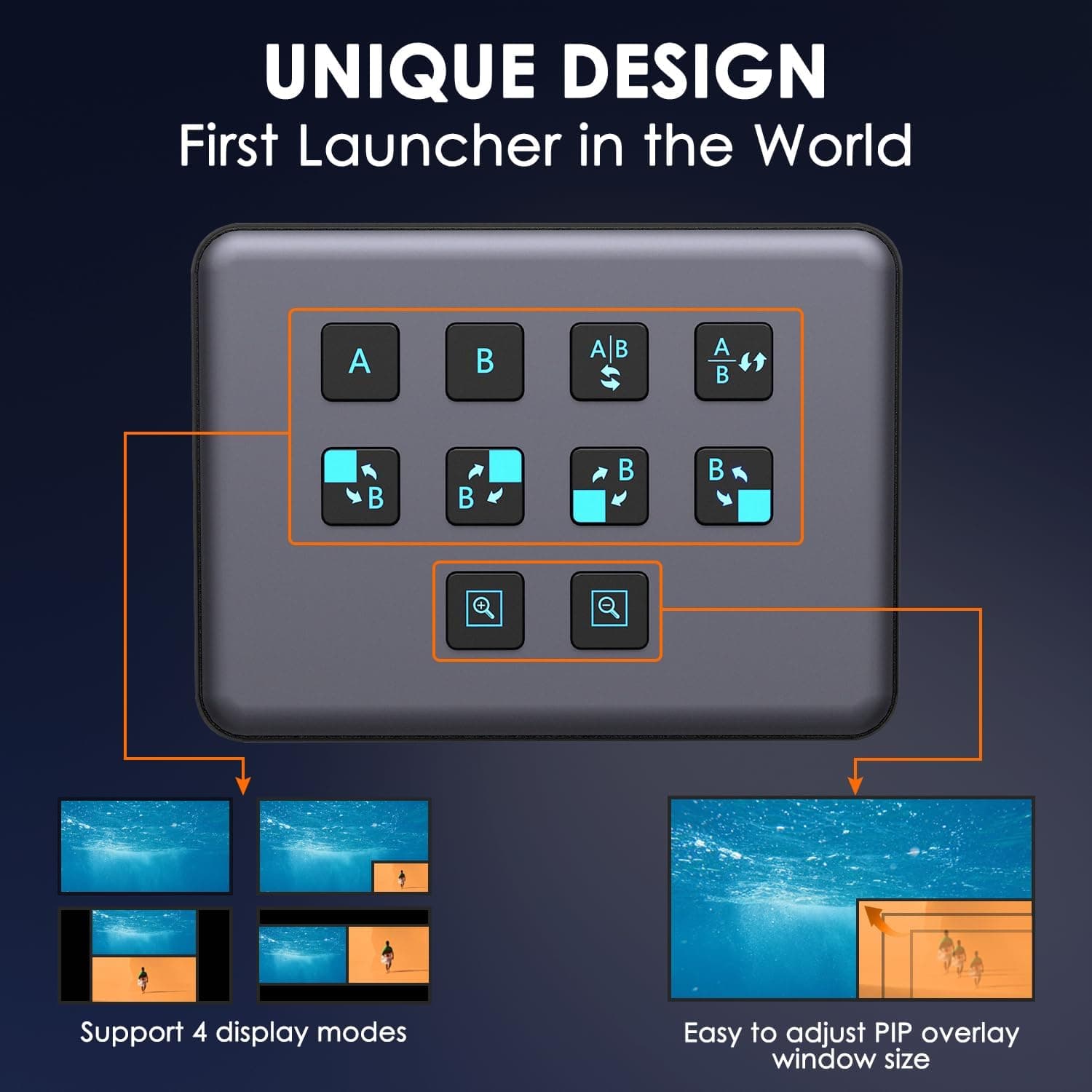
4K Dual HDMI Audio Video Capture Card, USB3.0 1080P 60FPS Equipment for Live Streaming,Capture Card with Loop Camera Link to Type-C Recording Game Video Mixer,Passthrough for Xbox PS5 PS4 Etc
EDISTEC
£25.99
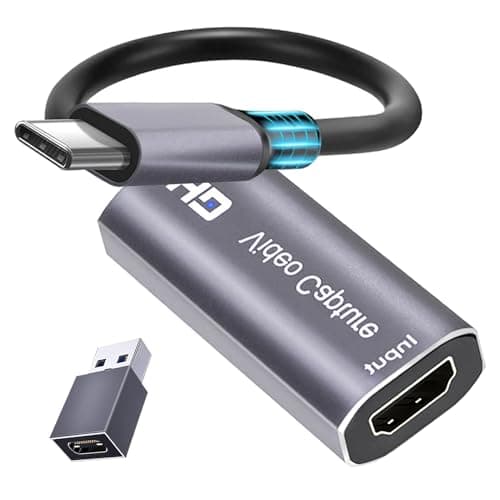
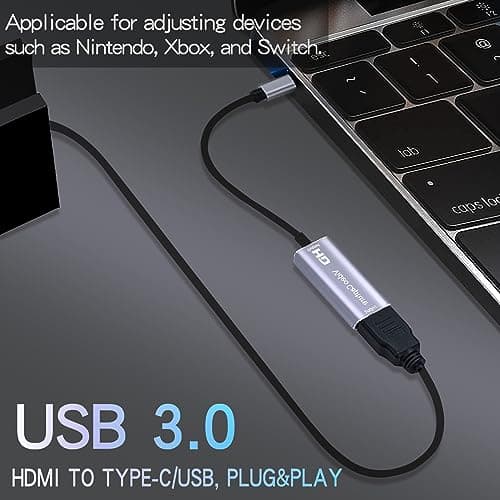
4K HDMI Capture Card, Cam Link Video Capture Card HDMI to 1080P Type-C for Windows Mac OS System for Streaming Gaming Meeting with USB C Adapter to Adjust PS3 4, Switch, Xbox
Extenuating Threads
£12.99
