
WanNing Flight Joystick for PC Game PXN-2119II USB Interface with Vibration Simulation Controller
Brand: WanNing
About this product
For pilots and gamers who want to experience the thrill of flight simulations without leaving their seats, the WanNing Flight Joystick for PC Game PXN-2119II USB Interface with Vibration Simulation Controller is a must-have. This joystick offers an immersive gaming experience with its 7-axis control, allowing you to simulate every aspect of flying from steering to throttle management. The vibration simulation via two motors adds a layer of realism that enhances the gameplay. The WanNing Flight Joystick comes in two units: the rocker unit and the throttle unit, each designed for precise control. With 16 independent motion control buttons expandable through DRIVER software, you can customize your gaming experience to perfection. Whether you're flying a plane or controlling a vehicle, this joystick provides the depth of interaction needed for an engaging game session.
Highlights
- Combine superior engineering design to provide a true flight interactive experience.
- It consists of a rocker unit and a throttle unit. It has 7-axis, 2 8-direction key caps and 16 independent motion control buttons. It can expand 16*3 key functions through DRIVER.
- The joystick unit can be used independently, with 4-axis, 8-direction key cap and 12 independent motion control buttons
- Built-in vibration double motor, making the joystick reproduce the realistic feeling of the game, with motor switch control.
- Players can set the keyboard mapping function by driving freely editable.
Is this the right pick for you?
This WanNing Flight Joystick is a perfect choice for enthusiasts who are deeply invested in flight simulation games and want to enhance their gaming experience. It offers an impressive array of features that cater to the needs of serious gamers and pilots alike. The 7-axis control with 16 independent motion buttons allows for precise and detailed maneuvers, making it ideal for complex flight scenarios where accuracy is key. However, if you're looking for a more casual or simpler joystick setup, this might be overkill; its complexity requires some time to get used to, especially for those not deeply involved in flight simulation. In a typical gaming setup, the WanNing Flight Joystick can be integrated with other peripherals such as a mouse and keyboard to create a comprehensive HOTAS (Heads-Up Throttle-and-Stick) system. This integration allows for seamless control during gameplay, reducing the need to take your hands off the joystick or throttle unit to interact with the computer interface. The vibration simulation feature adds an extra layer of realism, enhancing the immersive experience by providing tactile feedback that mimics real-world sensations. Before making a purchase, it's important to consider the setup process and compatibility. The joystick comes with a detailed manual and driver disc for Windows XP/Vista/7/8/10, ensuring smooth operation once installed. However, users should ensure their system meets the minimum requirements, particularly in terms of USB ports and operating system support. Additionally, proper care is necessary to maintain the longevity of this high-end device; avoid exposing it to extreme temperatures or moisture, and handle it with care to prevent damage to its sensitive components.
Frequently asked questions
Is this joystick compatible with my PC?
This WanNing Flight Joystick is designed to work on Windows XP/Vista/7/8/10. Ensure your operating system is one of these as it’s crucial for the best performance and functionality.
Can I use just the rocker unit separately?
Yes, the joystick unit can be used independently with 4-axis control and additional features like 8-direction key caps and 12 independent motion control buttons. This flexibility allows you to customize your setup according to your preferences or needs.
How does the vibration feature work?
The joystick has a built-in vibration motor that enhances immersion by simulating realistic sensations during gameplay. You can control the vibration through a switch, allowing for precise adjustments based on the game’s requirements.
You might also like
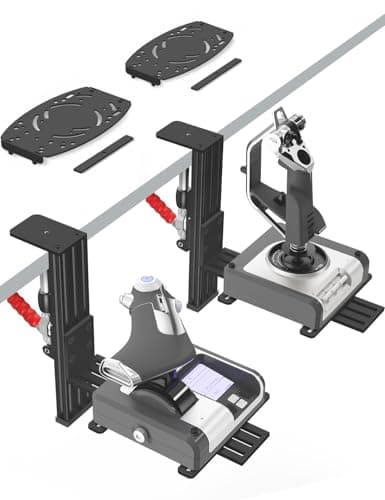
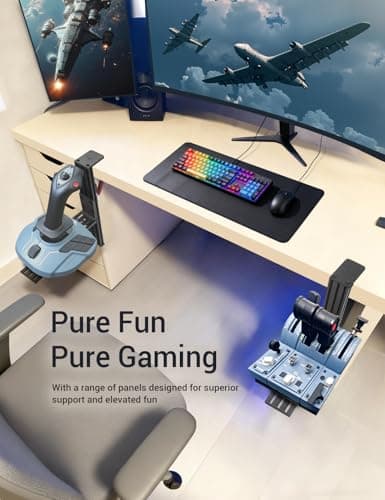
2 Pack Hotas Desk Mount for Flight Sim Hand-Controllers Compatible with Logitech X52 X56 Hotas, Thrustmaster Hotas Warthog, Sol-R2, SimTask Farmstick, T. Flight Hotas, T.16000M, TCA, Winwing,VKB, VPC
VTUIFBT
£64.88
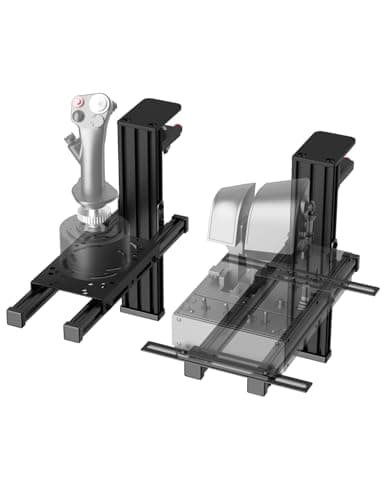
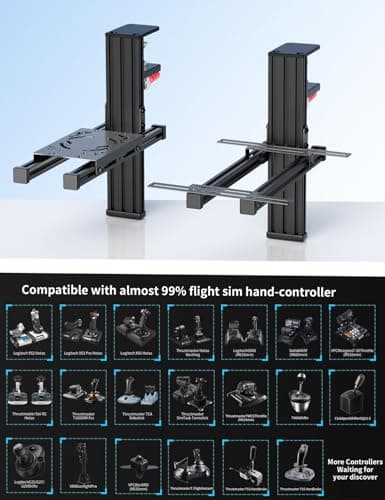
2 Pack Hotas Desk Mount For Flight Sim Joystick Compatible with Logitech X56/X52/X52 Pro, Thrustmaster Hotas Warthog/ T.16000M/ T-Flight Hotas 4/X/ SimTask Farmstick/ Sol-R2, Winwing, VPC, VKB Hotas
VTUIFBT
£59.99
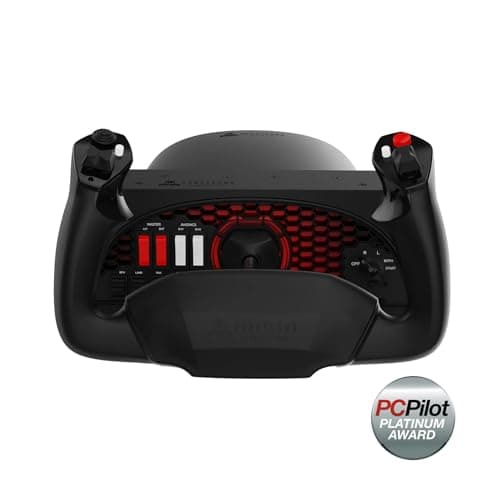
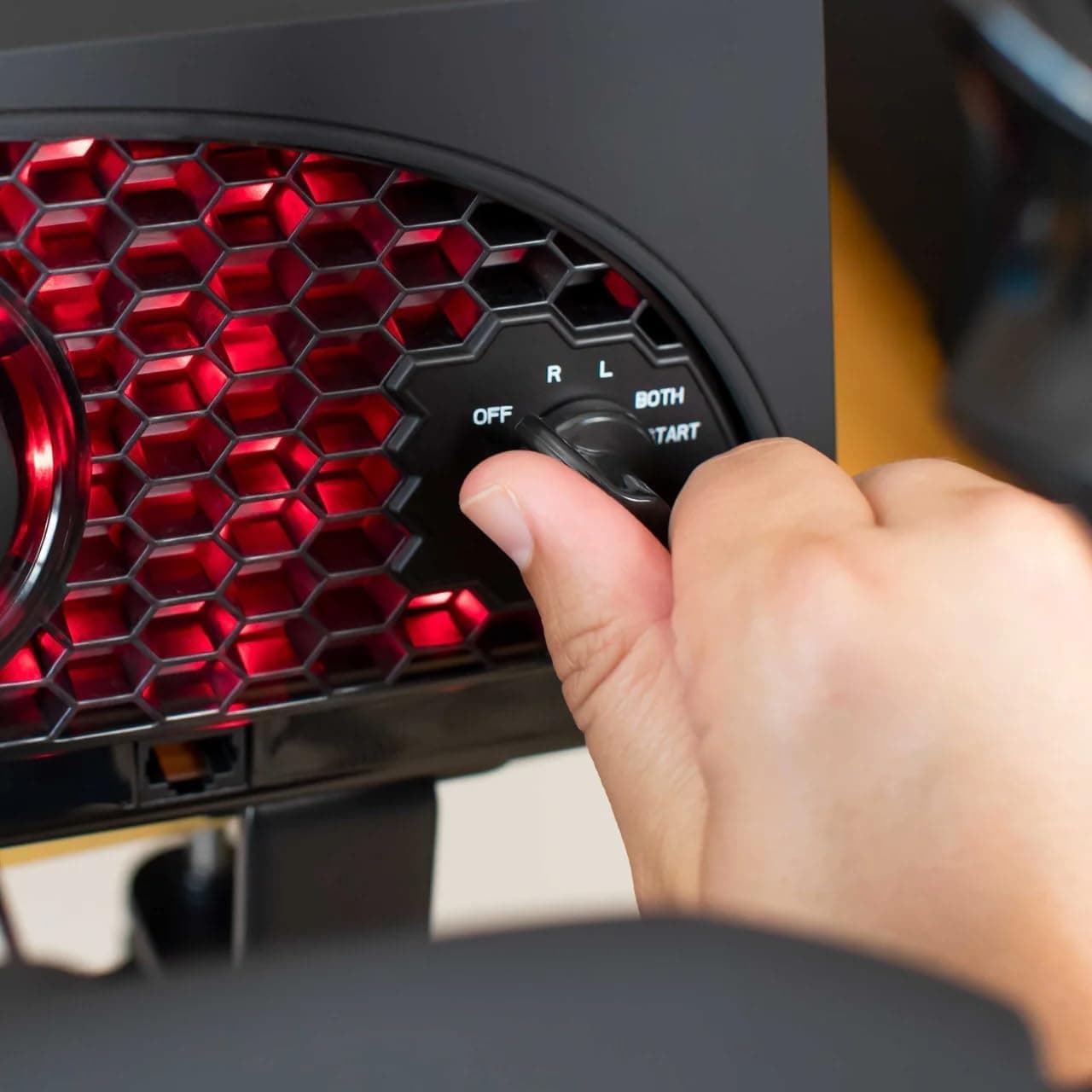
Aerosoft Honeycomb Alpha Flight Controls Flugsimulator-Steuerhorn USB PC black
Honeycomb Aeronautical
£301.16
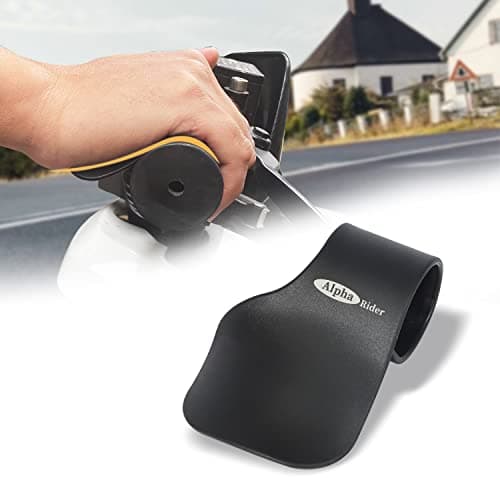
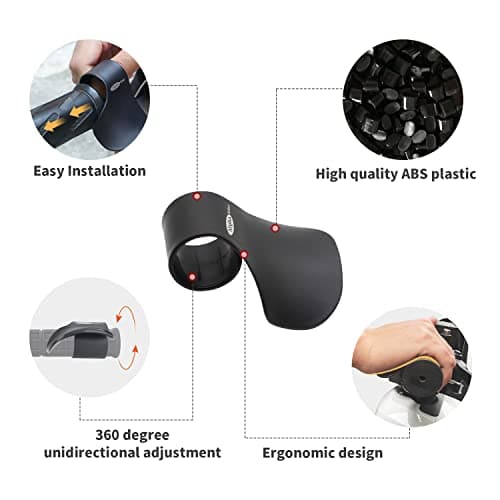
Alpha Rider Universal Motorcycle 22MM Black Throttle Mounted
Alpha Rider
£8.99
