
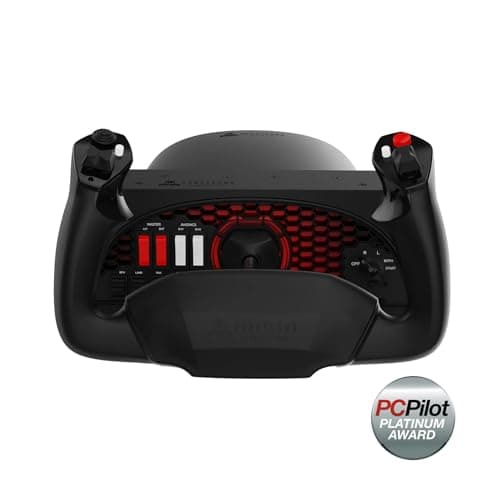
Honeycomb Aeronautical Alpha Flight Controls Yoke with Throttle Quadrant and USB 3.0 Hub Bundle (3 Items)
Brand: Honeycomb
- Product Dimensions
- 65.53 x 49.28 x 31.24 cm; 12.07 kg
- Manufacturer reference
- SB003011_K8
- Guaranteed software updates until
- unknown
About this product
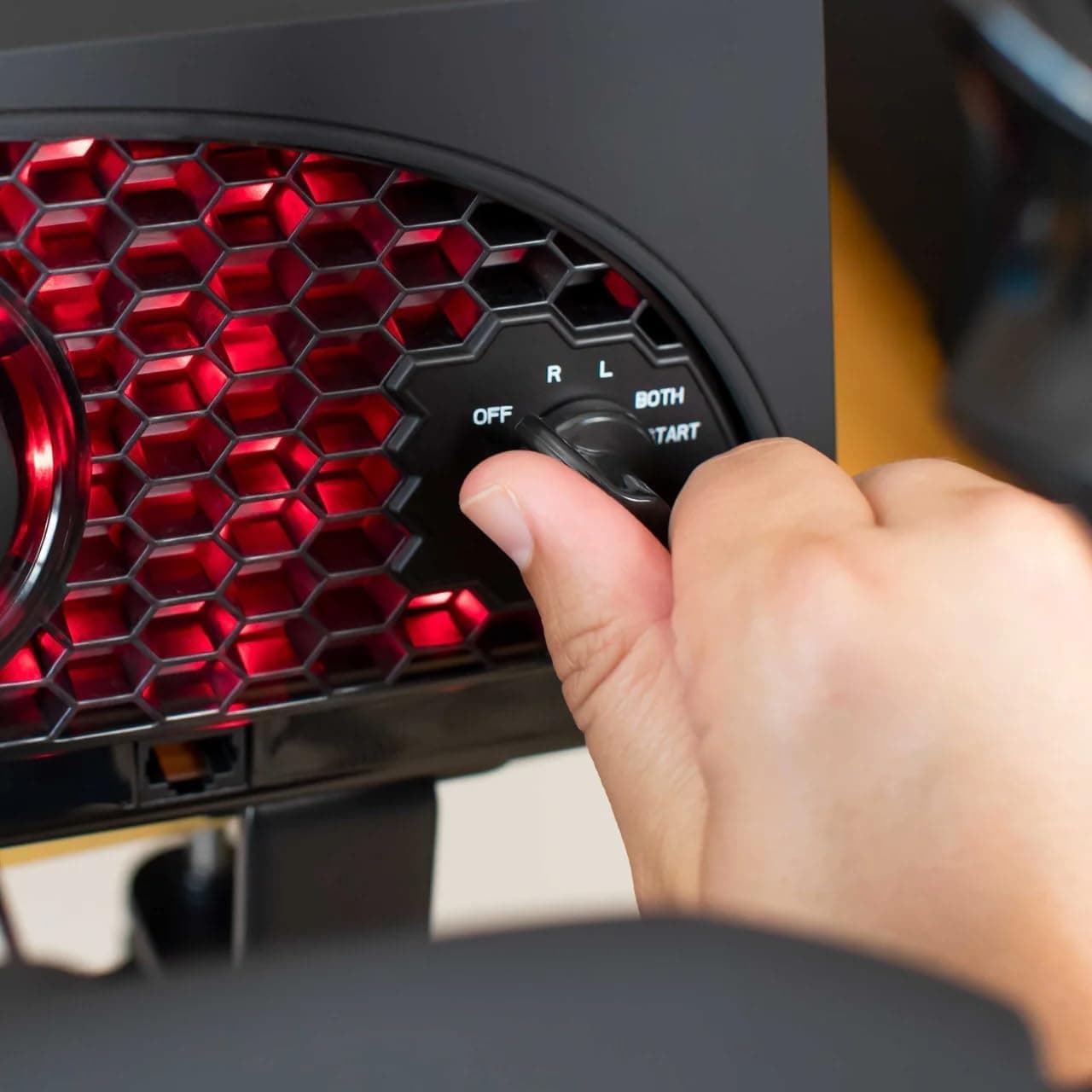
In the world of advanced flight simulators, the Honeycomb Aeronautical Alpha Flight Controls Yoke and Switch Panel stands out as a premium choice for enthusiasts. This yoke offers a full 180-degree rotation with smooth control, ensuring precise maneuvers without any dead zones—a feature that is crucial for realistic flight simulations. The customizable controls include 13 programmable buttons, allowing users to tailor the setup to their specific needs and preferences. Complementing this yoke is the Honeycomb Bravo Throttle Quadrant, which provides a versatile throttle setup suitable for various aircraft types, from single-engine general aviation to four-engine commercial jets. Together, these components offer a comprehensive flight simulation experience that can adapt to different cockpit configurations, making them ideal for both beginners and seasoned pilots looking to enhance their training or enjoyment of flight simulations. In the realm of advanced flight simulators, the Honeycomb Aeronautical Alpha Flight Controls Yoke and Switch Panel stands out as a premium choice for enthusiasts. This yoke offers a full 180-degree rotation with smooth control, ensuring precise…
Highlights
- Advanced Flight Simulation: Designed for flight enthusiasts seeking a realistic experience
- Customizable Controls: Features 13 programmable buttons for optimal setup
- Smooth 180-degree Rotation: Ensures precise control with no dead zone
- Dual Mounting Options: Allows usage with or without clamps on various desks
- USB 3.0 Hub Included: Enables connectivity with multiple devices for enhanced functionality
Specifications
- Product Dimensions
- 65.53 x 49.28 x 31.24 cm; 12.07 kg
- Manufacturer reference
- SB003011_K8
- Guaranteed software updates until
- unknown
Is this the right pick for you?
This product genuinely suits those who are serious about their flight simulations and want a highly customizable setup. The 13 programmable buttons on the yoke allow for precise control over various in-game functions, making it ideal for complex scenarios or custom flight models. For users who prefer not to use clamps, the large 3M Micro-Suction Pad provides an alternative mounting solution that can handle thicker tabletops with ease. However, this product might not be as suitable for beginners or those on a tight budget due to its higher price point and advanced features. In a typical setup, the Honeycomb Aeronautical Alpha Flight Controls Yoke and Switch Panel would complement other flight sticks or HOTAS (Heads-Up Throttle-And-Stick) devices. It can serve as the primary control mechanism for your cockpit simulation, offering smooth 180-degree rotation with no dead zone, which is crucial for realistic flying experiences. The included USB 3.0 Hub adds versatility by allowing you to connect multiple devices such as joysticks or other peripherals, enhancing your overall setup. Setting up this product involves ensuring a stable and secure mounting solution. You can use the heavy-duty steel clamps provided or opt for the suction pad for a clamp-free option. Care should be taken when handling the yoke due to its weight (12.07 kg) and size (65.53 x 49.28 x 31.24 cm). Regularly check the mounting hardware and ensure it is tight to prevent any wobbling during use, which could affect your simulation experience.
Frequently asked questions
Is this product compatible with PC flight simulators?
This yoke is designed for use with PC flight simulators and supports 13 programmable buttons for customization. Check the manufacturer's listing for specific simulator compatibility.
Can I mount this yoke without clamps?
Yes, you can use two heavy-duty steel clamps or a large 3M Micro-Suction Pad that provides 40lbs of tensile strength for mounting options with and without clamps.
How does the smooth 180-degree rotation affect gameplay?
The 180-degree rotation ensures precise control with no dead zone, providing a more realistic and immersive flight experience. This feature is crucial for detailed maneuvers in flight simulations.
You might also like
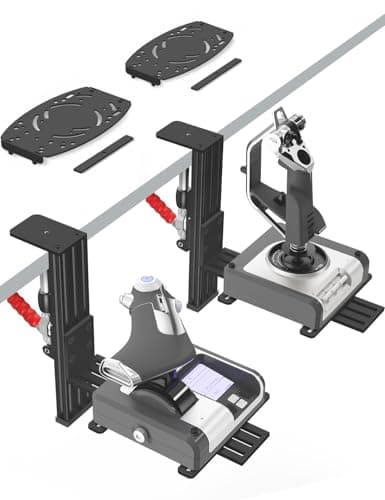
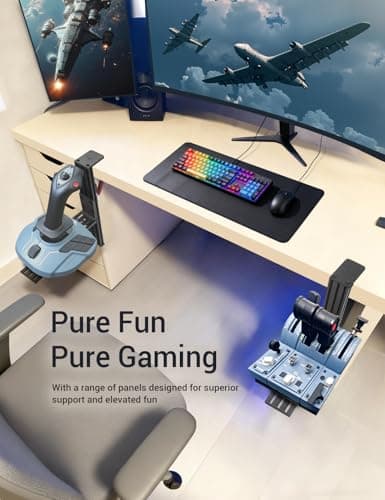
2 Pack Hotas Desk Mount for Flight Sim Hand-Controllers Compatible with Logitech X52 X56 Hotas, Thrustmaster Hotas Warthog, Sol-R2, SimTask Farmstick, T. Flight Hotas, T.16000M, TCA, Winwing,VKB, VPC
VTUIFBT
£64.88
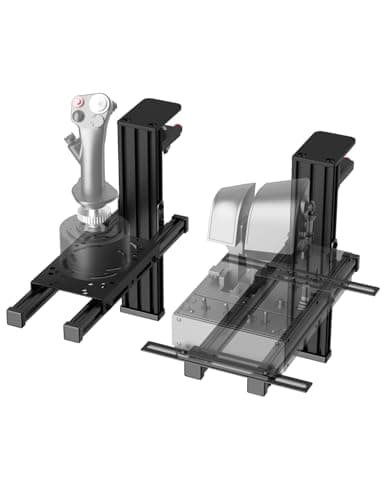
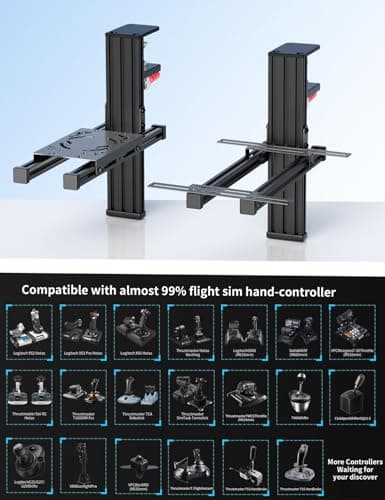
2 Pack Hotas Desk Mount For Flight Sim Joystick Compatible with Logitech X56/X52/X52 Pro, Thrustmaster Hotas Warthog/ T.16000M/ T-Flight Hotas 4/X/ SimTask Farmstick/ Sol-R2, Winwing, VPC, VKB Hotas
VTUIFBT
£59.99
Aerosoft Honeycomb Alpha Flight Controls Flugsimulator-Steuerhorn USB PC black
Honeycomb Aeronautical
£301.16
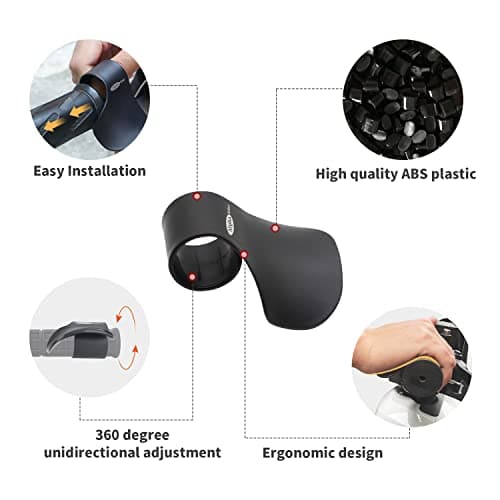
Alpha Rider Universal Motorcycle 22MM Black Throttle Mounted
Alpha Rider
£8.99
