
Logitech Brio Stream Webcam - Ultra 4K HD Video Calling | Noise-Cancelling Mic, HD Light Correction, Wide Angle, Teams/Zoom/Meet, PC/Mac - Black
Brand: Logitech
About this product
Ideal for professionals and enthusiasts who demand top-tier video quality, the Logitech Brio Stream Webcam offers ultra 4K HD resolution, making it perfect for high-definition video calling. With its advanced noise-cancelling mic and wide-angle lens, this webcam ensures clear audio and a broad field of view, ideal for meetings with multiple participants. Equipped for versatile use on both PC and Mac platforms, the Brio Stream Webcam is a must-have for anyone looking to enhance their online communication experience. Its ultra 4K HD resolution stands out by providing four times the detail compared to standard HD webcams, ensuring every facial expression and background element is captured with precision.
Highlights
- Ultra 4K HD resolution: 4 times the resolution of a typical HD webcam;
Is this the right pick for you?
The Logitech Brio Stream Webcam is ideal for professionals and content creators who demand top-tier video quality. Its ultra 4K HD resolution ensures that every detail in your face or the background is captured with clarity, making it perfect for remote meetings, live streaming, and video calls where you want to look your best. The noise-cancelling mic effectively filters out ambient sounds, ensuring clear audio even in noisy environments. This makes it a great choice for those who frequently participate in virtual meetings using platforms like Teams, Zoom, or Meet. However, the Brio Stream Webcam may not be as suitable for casual users who primarily need basic video calling functionality and don't require ultra-high resolution. For gamers, while the wide-angle lens offers a broader view of your surroundings, it might not provide the same level of detail as the 4K resolution, which is more important in professional settings. When setting up the Brio Stream Webcam, you can easily connect it to both PC and Mac devices via USB. The webcam comes with all necessary drivers for seamless integration. It’s also worth noting that while the light correction feature enhances your appearance under different lighting conditions, it might not be as effective if you have very poor lighting or highly reflective surfaces in your setup. Care for the Brio Stream Webcam is straightforward but important. Regularly clean the lens to avoid smudges and ensure optimal image quality. The webcam should be stored in a cool, dry place when not in use, and it’s best to keep it away from direct sunlight to prevent damage to its components.
Frequently asked questions
Is this webcam compatible with both PC and Mac?
Yes, the Logitech Brio Stream Webcam is designed to work seamlessly on both Windows PCs and macOS systems. This makes it a versatile choice for users across different operating environments.
Can I use this webcam with popular video conferencing platforms like Teams or Zoom?
Absolutely, the Logitech Brio Stream Webcam supports multiple video conferencing applications including Microsoft Teams, Zoom, and Meet. Its high-resolution capabilities ensure clear and detailed video calls on these platforms.
What about noise cancellation? Is it effective for audio quality during video calls?
The webcam features a noise-cancelling microphone that significantly improves the clarity of your voice during video calls. This is particularly useful in noisy environments, ensuring that your audio is crisp and intelligible to others on the call.
You might also like
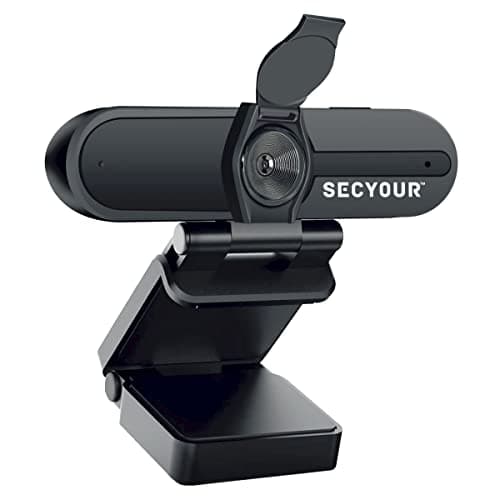
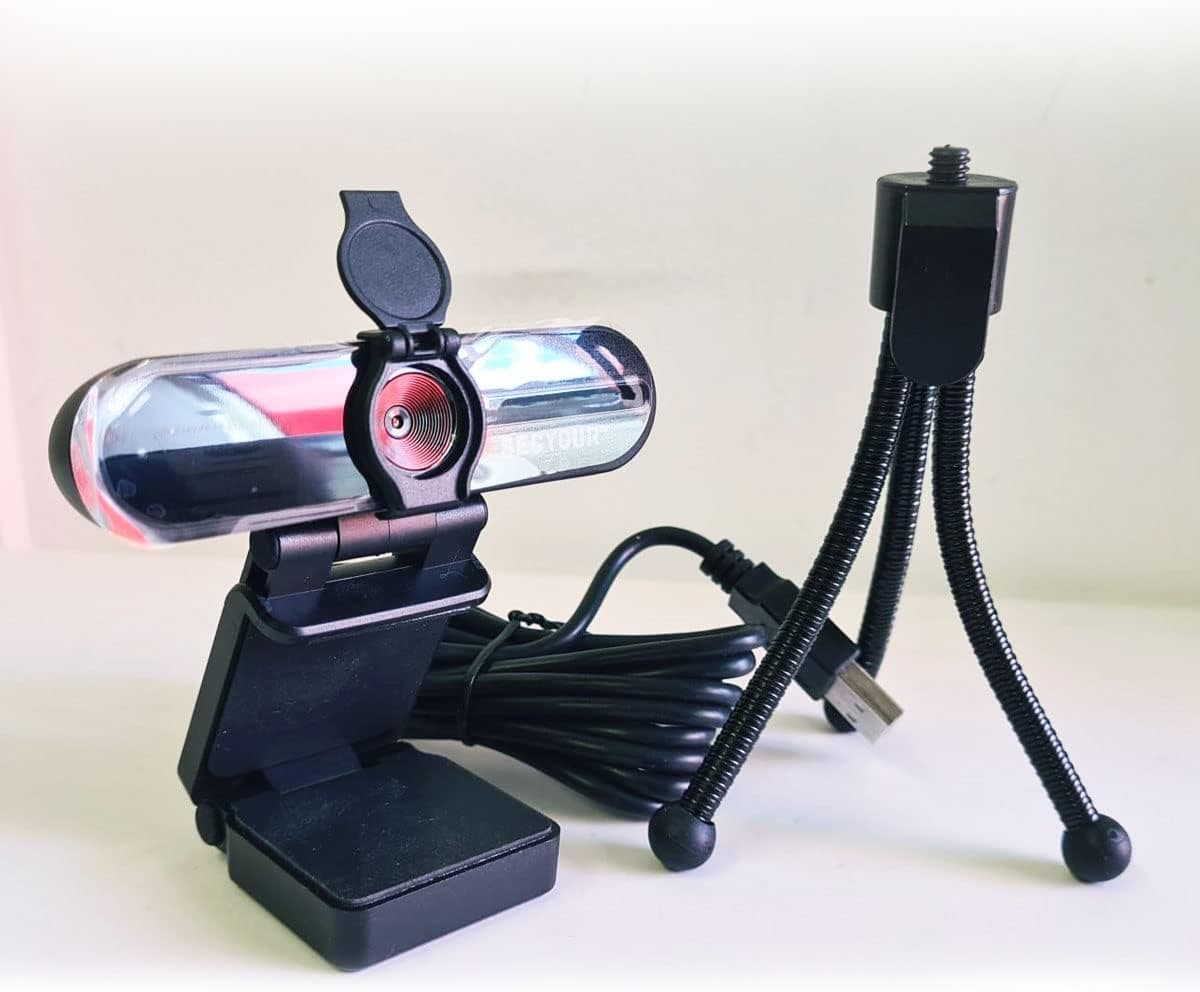
1080p HD USB Webcam Camera with Microphone for PC, Desktop, Laptop, Macbook, Live Streaming, Gaming, YouTube, Video Call Conference Web cam - Noise cancellation 30FPS with mini Tripod
SECYOUR
£8.50
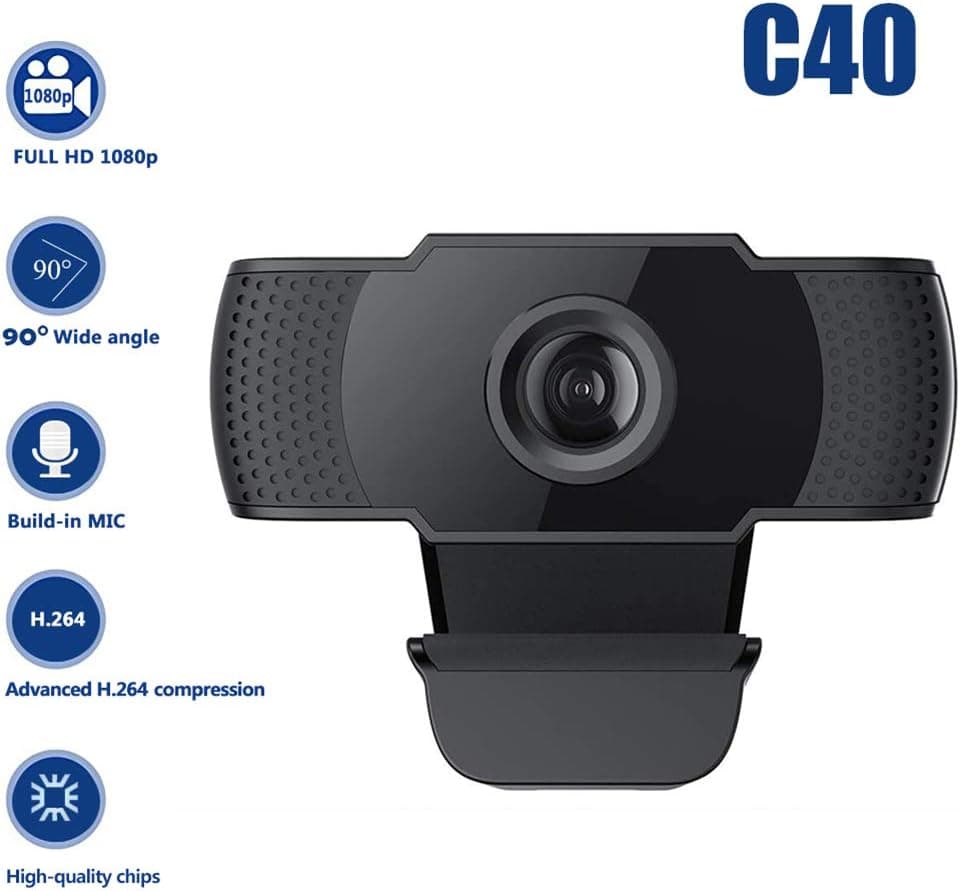
1080P HD Webcam USB Plug and Play Widescreen Built-in MIC Web Camera for PC
Aoewise
£79.99
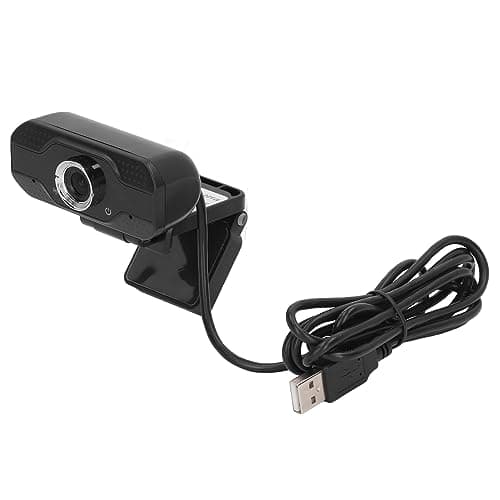
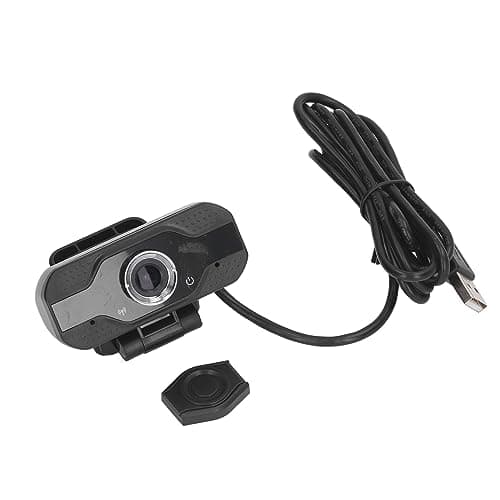
1080P HD Webcam with Dual Noise Canceling Microphone, Auto Light Color Correction, Wide Viewing Angle Plug and Play USB Camera for Video Calling, Recording
ciciglow
£6.33
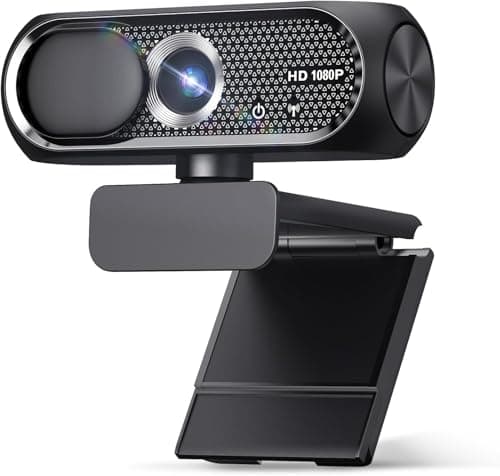
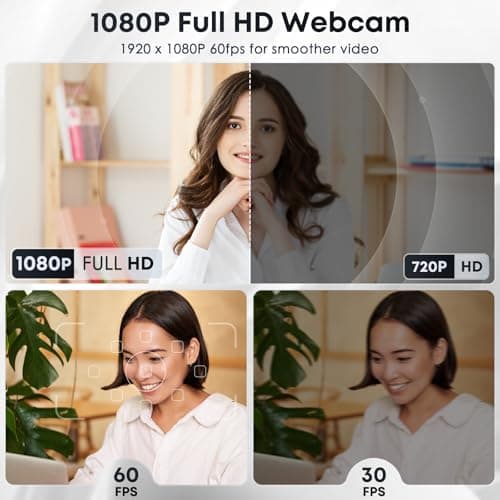
1080P HD Webcam with Microphone, Noise Cancellation, Privacy Cover, Wide-Angle Lens, Auto Light Correction, Plug & Play USB Web Camera for Laptop, Desktop, PC, Mac, Zoom, Skype, Streaming (Black)
Shcngqio
£19.99
