
IrahdBowen Montreal Joystick PXN-2113 Flight Stick – Flight Simulator Game Flight Joystick with Vibration, Simulation Flying Controller Joystick
Brand: IrahdBowen
About this product
Designed for enthusiasts of flight simulation games and pilots-in-training, the IrahdBowen Montreal Joystick PXN-2113 Flight Stick transforms your gaming experience into a realistic cockpit. With its four axes, steering keys, and 12 independent motion control buttons, it offers precise control and a wide range of functions. The durable suction cups ensure a secure grip, while the arc-shaped button design enhances ease of use. Experience enhanced realism with the built-in dual vibration motor that simulates the feel of flying. This flight stick is not just for gaming; it’s also an excellent tool for those looking to practice their piloting skills in a virtual environment. Compatible with Windows XP through 10, it seamlessly integrates into your existing setup without needing additional hardware. Perfectly sized at approximately 18.5 x 18.5 x 22.5 cm (7.28 x 7.28 x 8.86 inches), it fits comfortably on any desk or simulator station.
Highlights
- It has four axes, steering keys and 12 independent motion control buttons.
- Four large and durable suction cups make it safe and easy to handle.
- Arc type button design for easy use.
- The built-in dual vibration motor allows the joystick to reproduce the realistic feel of the game, with the control of the motor switch.
- Gamers can freely choose any key as launch application button, no longer need to click the mouse for Apps start.
Is this the right pick for you?
This flight stick is a great fit for enthusiasts who are serious about their flight simulation experience and require a versatile controller that can handle complex maneuvers. The four axes, steering keys, and 12 independent motion control buttons make it ideal for pilots looking to enhance the realism of their flying simulations. Whether you're practicing takeoffs, landings, or navigating through challenging weather conditions, this joystick provides precise control and feedback, making your simulation experience more immersive. On the other hand, if you are just starting out with flight simulators or prefer simpler controls, this might be overkill for your needs. The advanced features and larger size can make it a bit cumbersome to use on smaller desks or for those who don't require such detailed control in their gaming sessions. Setting up the IrahdBowen Montreal Joystick is straightforward; you simply plug it into your USB port and follow the manual's instructions to install the necessary drivers. It's compatible with Windows XP through 10, ensuring broad compatibility across different systems. However, ensure that your computer has enough USB ports available as the joystick requires a dedicated connection. Additionally, take care when using the suction cups; they are designed for secure attachment but can be easily damaged if not handled properly. In terms of maintenance and care, it's important to keep the buttons clean and free from dust or debris to maintain their responsiveness. The joystick is durable, thanks to its robust design, but avoid exposing it to extreme temperatures or moisture to prevent any damage. Regularly inspect the suction cups for wear and replace them if necessary to ensure a secure grip during your flights.
Frequently asked questions
What are the main features of this flight joystick?
This flight joystick boasts four axes for precise control, steering keys for directional input, and 12 independent motion control buttons. The arc-shaped button design enhances usability, while the built-in dual vibration motor provides a realistic gaming experience by simulating various in-game sensations.
Is it compatible with my computer?
Yes, this joystick is compatible with Windows XP / Vista / 7/8/10 operating systems and connects via USB. Ensure your system meets these requirements to enjoy the full functionality of the product without any issues.
How many suction cups are included, and what are they for?
The joystick comes with four large and durable suction cups that help secure it in place during intense gaming sessions. These ensure the controller remains stable on your desk or table, reducing the risk of accidental movement that could affect gameplay.
You might also like
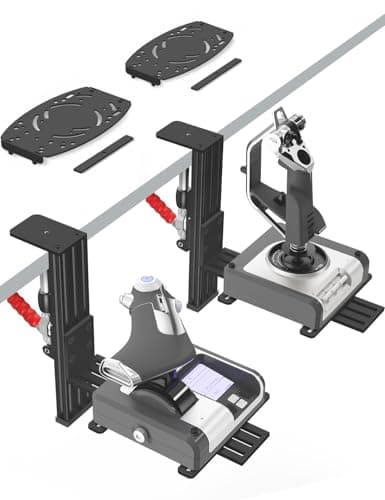
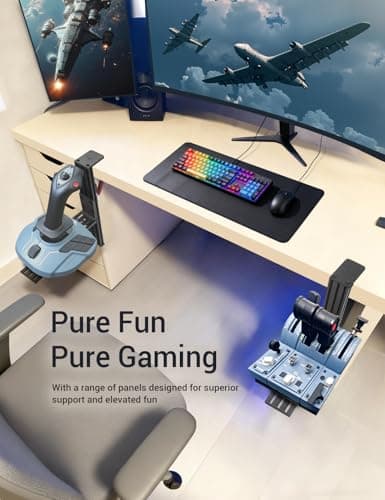
2 Pack Hotas Desk Mount for Flight Sim Hand-Controllers Compatible with Logitech X52 X56 Hotas, Thrustmaster Hotas Warthog, Sol-R2, SimTask Farmstick, T. Flight Hotas, T.16000M, TCA, Winwing,VKB, VPC
VTUIFBT
£64.88
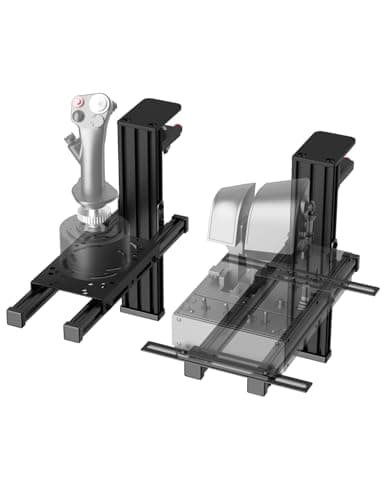
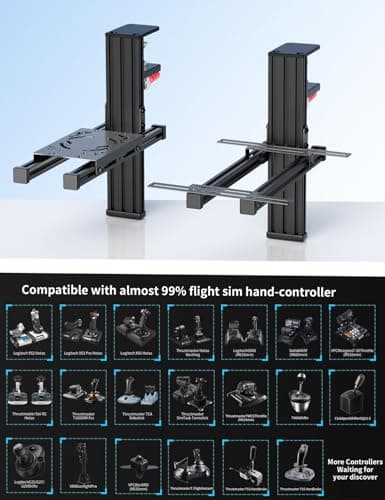
2 Pack Hotas Desk Mount For Flight Sim Joystick Compatible with Logitech X56/X52/X52 Pro, Thrustmaster Hotas Warthog/ T.16000M/ T-Flight Hotas 4/X/ SimTask Farmstick/ Sol-R2, Winwing, VPC, VKB Hotas
VTUIFBT
£59.99
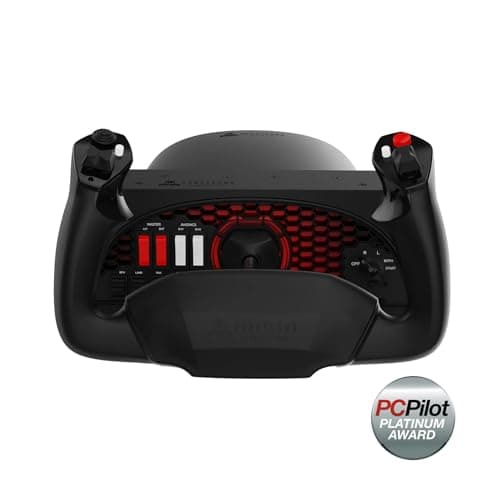
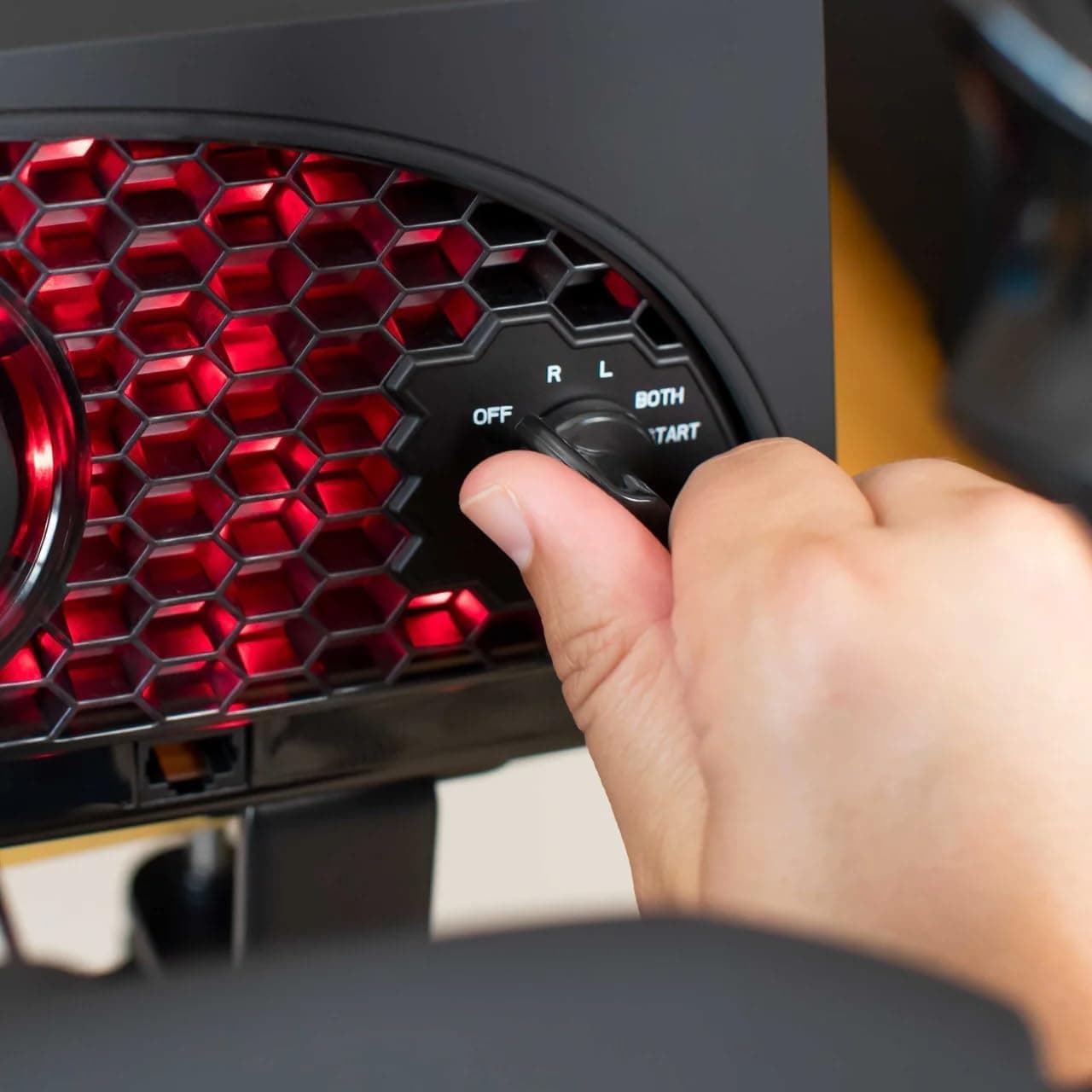
Aerosoft Honeycomb Alpha Flight Controls Flugsimulator-Steuerhorn USB PC black
Honeycomb Aeronautical
£301.16
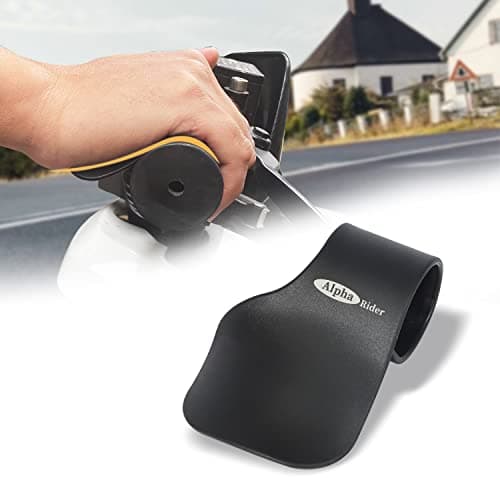
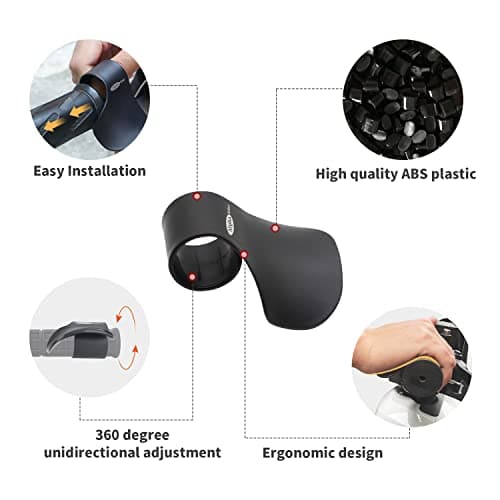
Alpha Rider Universal Motorcycle 22MM Black Throttle Mounted
Alpha Rider
£8.99
