
Elgato Game Capture HD60 Pro - Stream and record in 1080p60, superior low latency technology, H.264 hardware encoding, PCIe
Brand: Elgato
About this product
Perfect for gamers looking to share their gaming adventures on platforms like Twitch and YouTube, the Elgato Game Capture HD60 Pro allows you to stream and record your gameplay in stunning 1080p at 60 fps. With its superior low latency technology, Stream Command features, and Master Copy function, it ensures smooth streaming experiences while also allowing for simultaneous high-quality recordings. Whether you're an Xbox, PlayStation, or Nintendo enthusiast, this capture card fits seamlessly into your setup, enabling you to instantly share your gaming moments with the world. Its built-in live streaming capabilities to popular platforms make it a must-have for any content creator looking to enhance their streaming and recording experience without compromising on quality.
Highlights
- <ul>
- <li>Stream and record your Xbox, PlayStation, or Nintendo gameplay</li>
- <li>Stunning 1080p quality with 60 fps and built-in live streaming to Twitch, YouTube & more</li>
- <li>Instant Gameview: stream with superior low latency technology</li>
- <li>Stream Command: add webcam, overlays, and more</li>
- <li>Master Copy: simultaneous 1080p60 H.264 recording while streaming</li>
Is this the right pick for you?
This Elgato Game Capture HD60 Pro is an excellent choice for gamers who want to stream and record their gameplay in high definition. It supports 1080p60 resolution with 60 fps, ensuring that your streams are smooth and of the highest quality. The built-in live streaming capabilities make it easy to share your gaming moments on platforms like Twitch or YouTube right from your PC. For those who want a more immersive experience, the Instant Gameview feature allows you to stream with superior low latency technology, making it feel as if you're playing in real time. The Stream Command feature adds versatility by letting you incorporate elements such as webcam footage and overlays into your streams, enhancing both the content and engagement of your audience. Additionally, the Master Copy function enables simultaneous 1080p60 H.264 recording while streaming, giving you a backup copy that can be used for editing or archiving later. Before purchasing, consider that this capture card is a PCIe device, which means it requires a compatible motherboard with an available PCIe slot. Ensure your system meets the necessary requirements to avoid any compatibility issues. Proper installation and setup are straightforward but require following the manufacturer’s instructions carefully to ensure optimal performance. Regularly check for updates or firmware upgrades from Elgato to keep your capture card running smoothly and efficiently.
Frequently asked questions
Can I use the Elgato Game Capture HD60 Pro with my Xbox?
Yes, you can use it to stream and record your Xbox gameplay. The capture card is compatible with multiple platforms including Xbox, PlayStation, and Nintendo systems, allowing for versatile streaming needs.
How does the 1080p60 quality compare to other capture cards in this category?
The Elgato Game Capture HD60 Pro offers high-quality video at 1080p60, which is excellent for detailed and smooth gameplay. This resolution ensures that your streams or recordings are clear and professional-looking, setting it apart from lower-resolution options.
What does the "Instant Gameview" feature do?
The Instant Gameview feature provides superior low latency streaming by allowing you to stream with minimal delay between when you play and when viewers see it. This is particularly important for competitive gaming or fast-paced games where timing is crucial.
You might also like
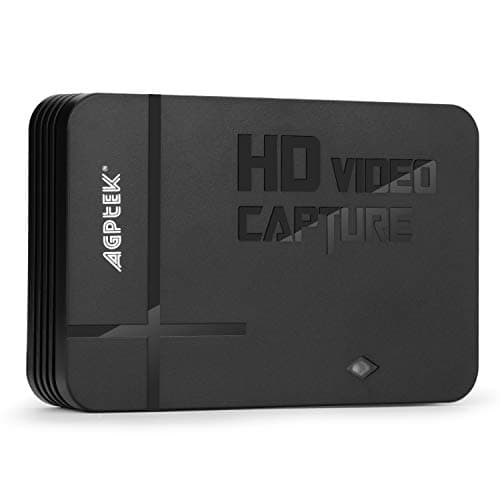
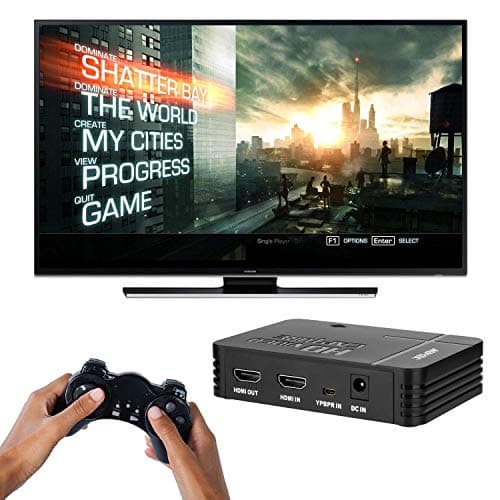
1080P Game Video Capture Card with HDMI and YpbPr Input, Mic-in Video Recorder Compatible with Xbox 360/One/ PS3 /PS4 etc
AGPTEK
£64.18
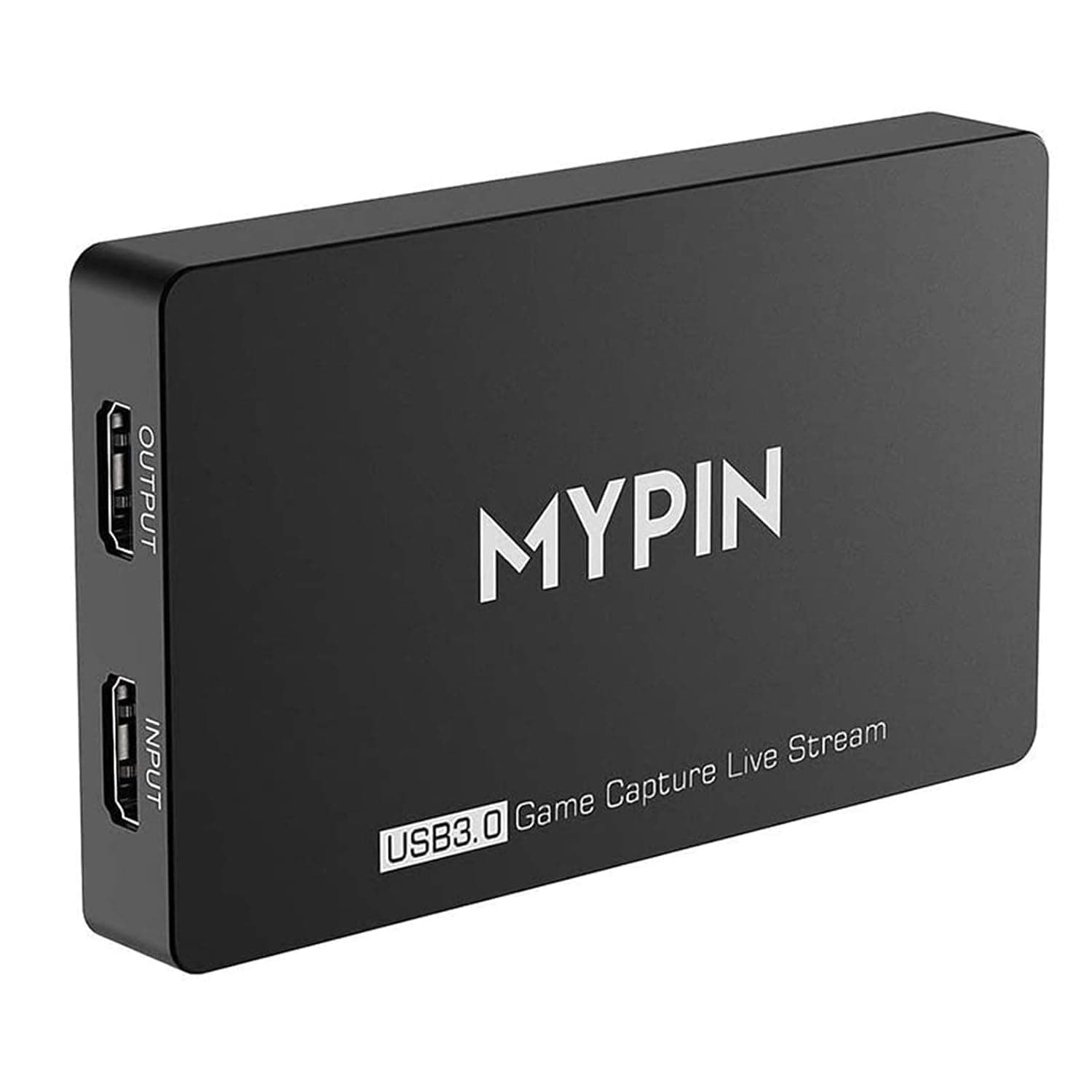
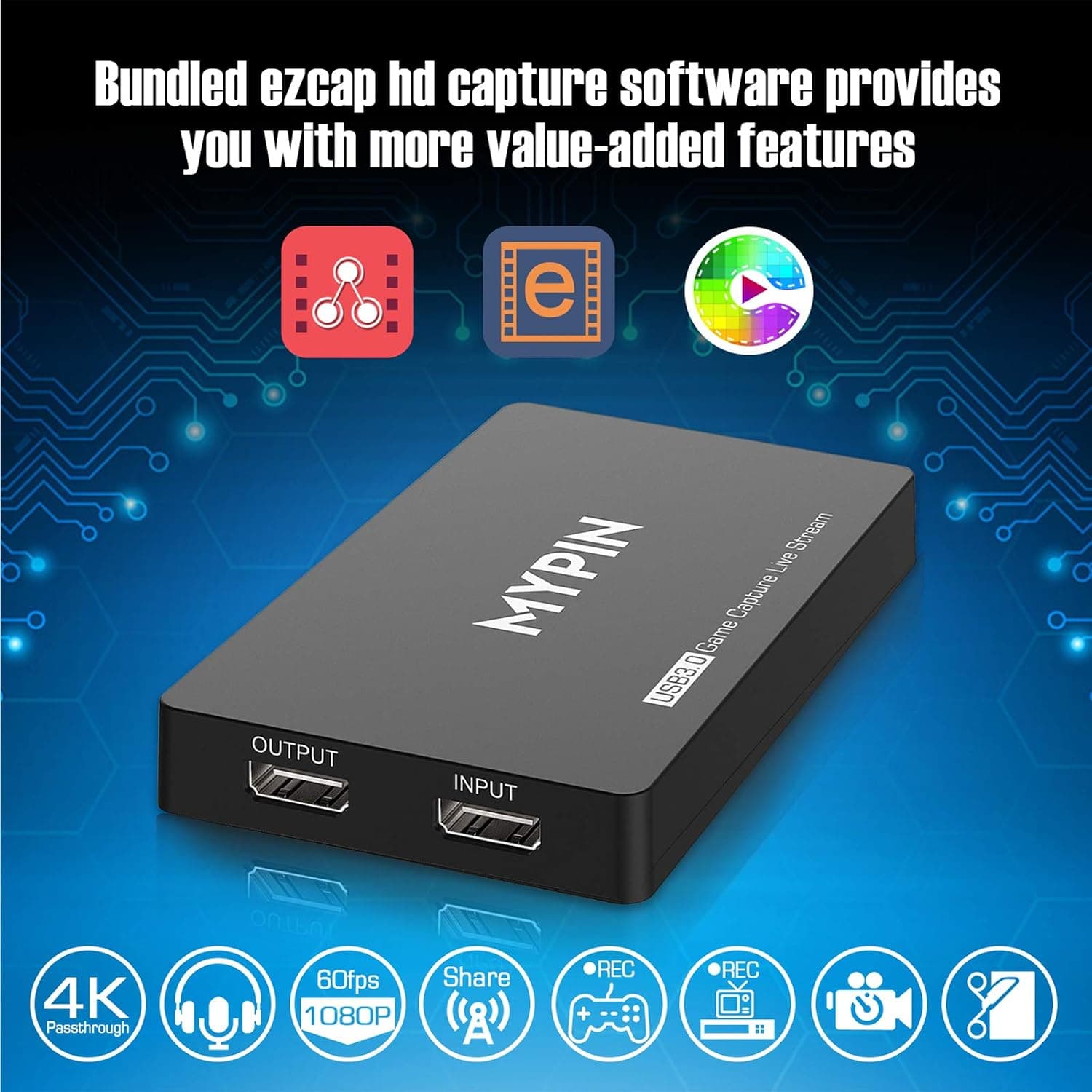
4K Capture Card for Live Streaming, MYPIN USB3.0 HDR Capture 1080P@60fps Support Microphone and Gamepad Party Chat for Nintendo Switch/ PS4 /Xbox One 360 /Wii U/Action Camera/DSLR Camcorder
MYPIN
£19.99
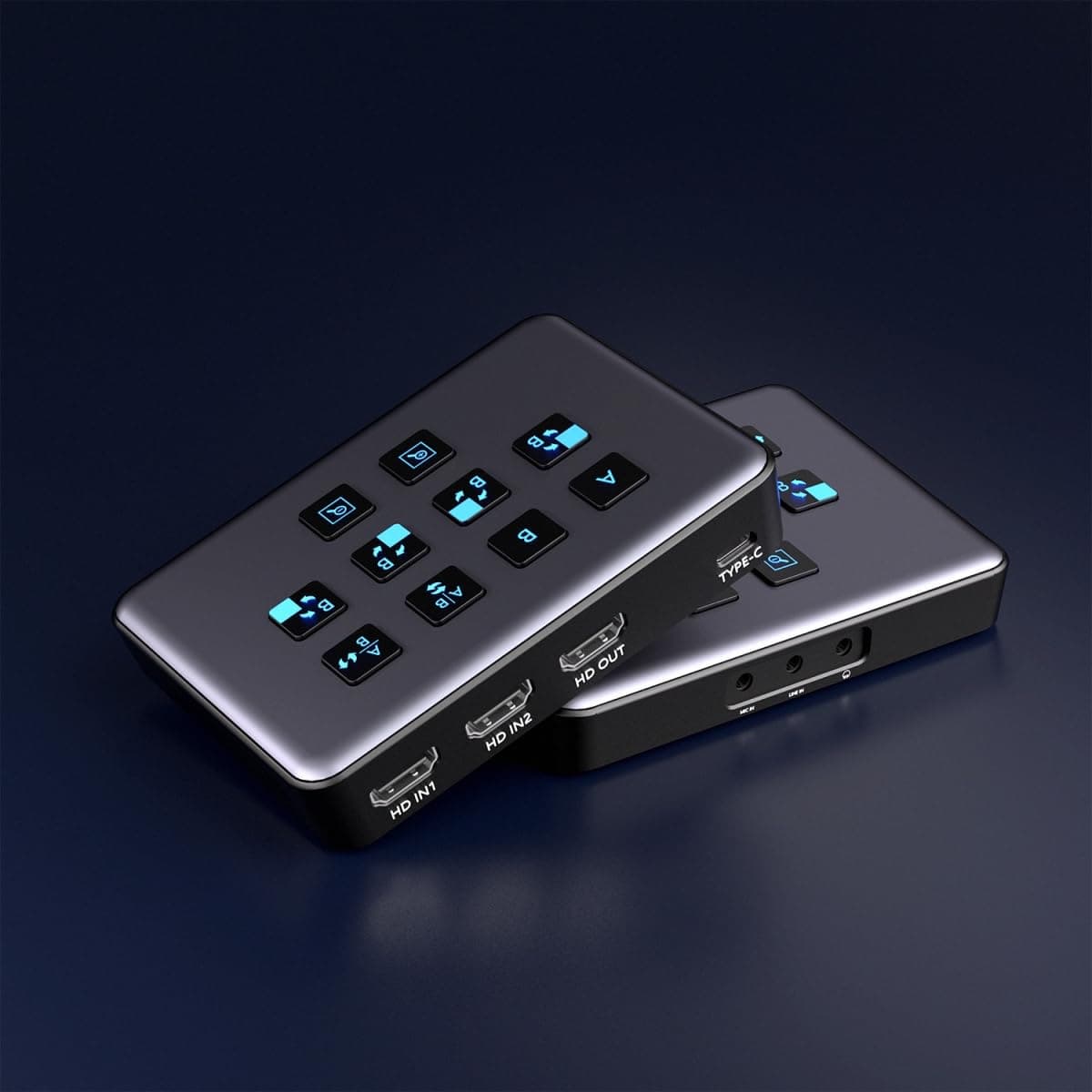
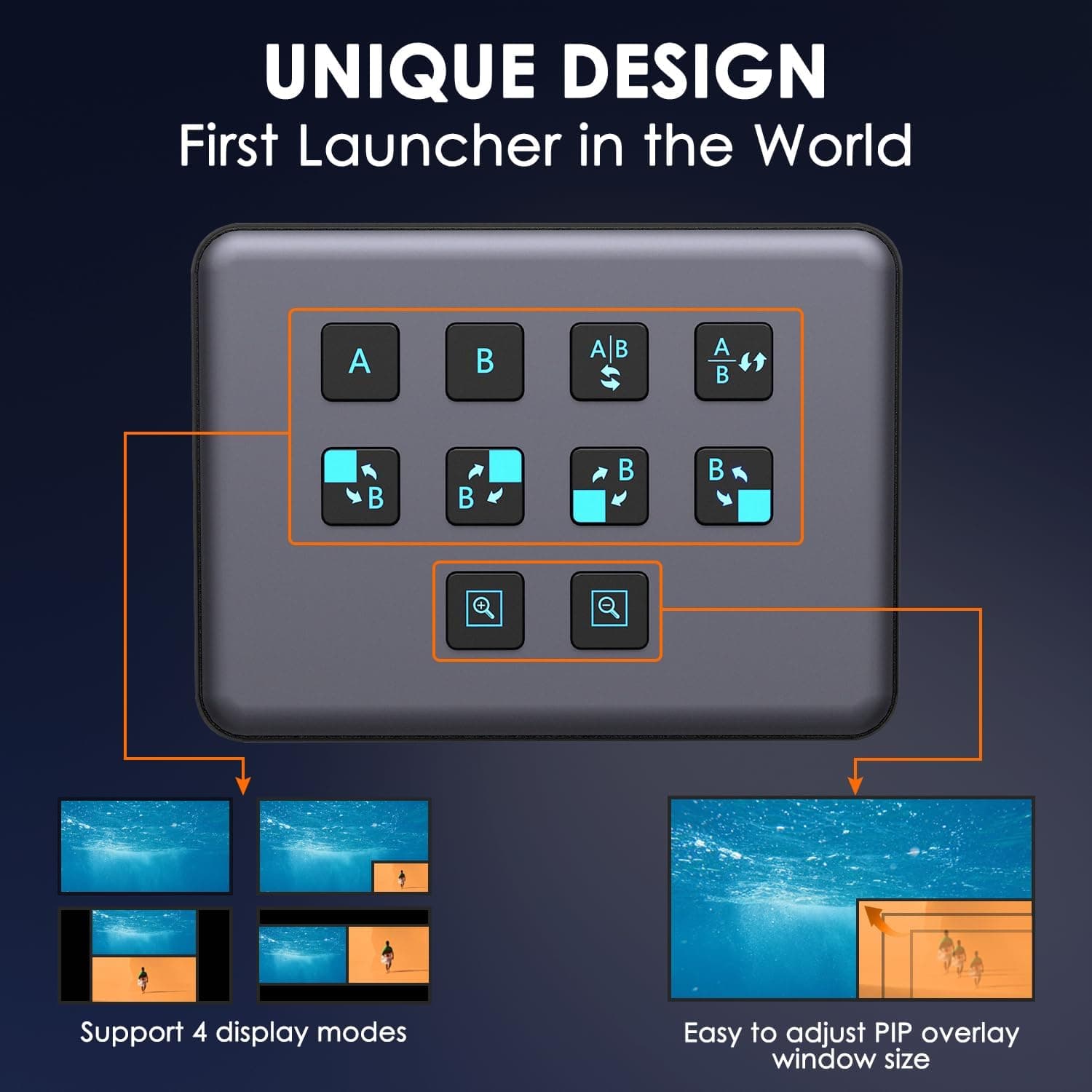
4K Dual HDMI Audio Video Capture Card, USB3.0 1080P 60FPS Equipment for Live Streaming,Capture Card with Loop Camera Link to Type-C Recording Game Video Mixer,Passthrough for Xbox PS5 PS4 Etc
EDISTEC
£25.99
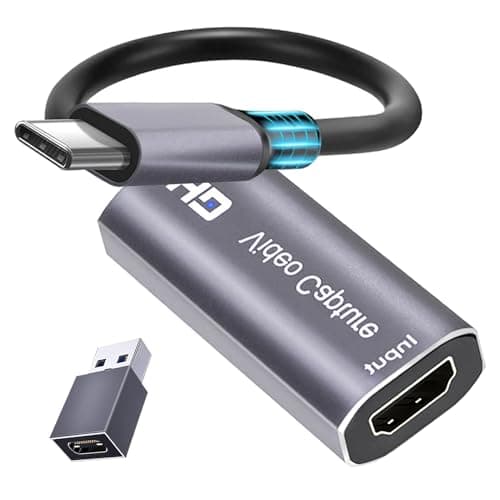
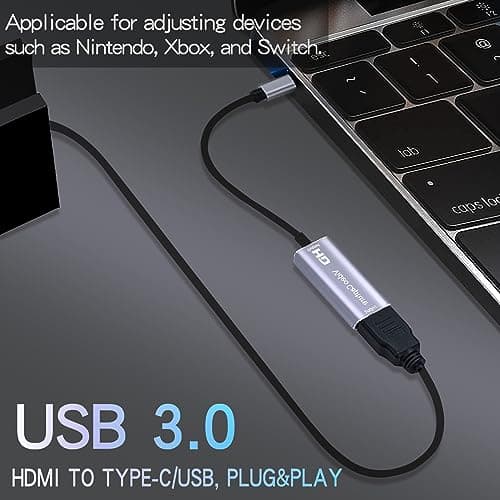
4K HDMI Capture Card, Cam Link Video Capture Card HDMI to 1080P Type-C for Windows Mac OS System for Streaming Gaming Meeting with USB C Adapter to Adjust PS3 4, Switch, Xbox
Extenuating Threads
£12.99
