
Elgato Game Capture HD - Xbox and PlayStation High Definition Game Recorder for Mac and PC, Full HD 1080p
Brand: Elgato
About this product
If you're a gamer looking to capture your gameplay for streaming or recording, the Elgato Game Capture HD stands out as an excellent choice. This capture card supports both Xbox and PlayStation gaming on Mac and PC, making it versatile for cross-platform gamers. With its Full HD 1080p capability, you can record high-quality footage effortlessly. The built-in live streaming feature to platforms like YouTube and Twitch adds convenience, allowing you to share your content directly without extra steps. Plus, the Flashback Recording feature lets you capture moments after they've passed, ensuring no gameplay goes unrecorded.
Highlights
- Record your Xbox, PlayStation or Wii U gameplay to a Mac or PC
- Built-in live streaming to YouTube and Twitch
- Unlimited Full HD 1080p capture
- Flashback Recording feature to record retroactively
- Immediate access and full control of your captures
- One-click sharing to YouTube, Facebook and Twitter
Is this the right pick for you?
This Elgato Game Capture HD is a solid choice if you're looking for high-quality recording capabilities without breaking the bank. It's ideal for gamers who want to capture their gameplay sessions in Full HD 1080p resolution and share them live or on-demand via platforms like YouTube and Twitch. The built-in Flashback Recording feature allows you to record past sessions, which is particularly useful for those who might miss a moment of excitement during a game session. However, this product may not be the best fit if you need advanced features such as multiple input ports or support for additional gaming consoles beyond Xbox and PlayStation. It's designed primarily for Mac and PC users, so it won't work with Windows 7 systems without an update. Additionally, while the immediate access to your captures is convenient, ensure that your computer has enough storage space to accommodate large video files. Setting up the Elgato Game Capture HD is straightforward; you just need to connect it to your gaming console and computer using HDMI cables. It comes with everything you need for a basic setup. Remember to check compatibility with your specific game and software before recording, as some games may have restrictions on external recording devices. Regularly updating your operating system and drivers will help ensure smooth performance and access to the latest features.
Frequently asked questions
Can I use this capture card with both Xbox and PlayStation consoles?
Yes, the Elgato Game Capture HD is compatible with both Xbox and PlayStation consoles. This makes it a versatile choice for gamers who want to record their gameplay from multiple systems directly onto their Mac or PC.
Is this capture card suitable for recording Full HD 1080p videos?
Absolutely, the Elgato Game Capture HD supports unlimited Full HD 1080p video recording. This means you can enjoy high-quality recordings without any limitations on resolution, making it perfect for detailed gameplay sessions.
How does the built-in live streaming feature work with YouTube and Twitch?
The capture card allows you to stream your gameplay directly to platforms like YouTube and Twitch with just one click. You simply need to connect the card to your console and PC, set up your streaming preferences, and start broadcasting right away.
You might also like
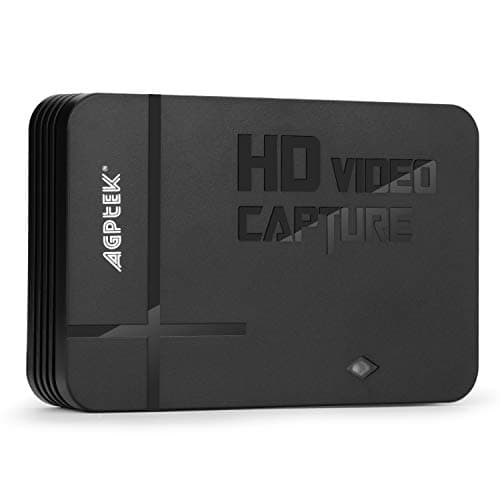
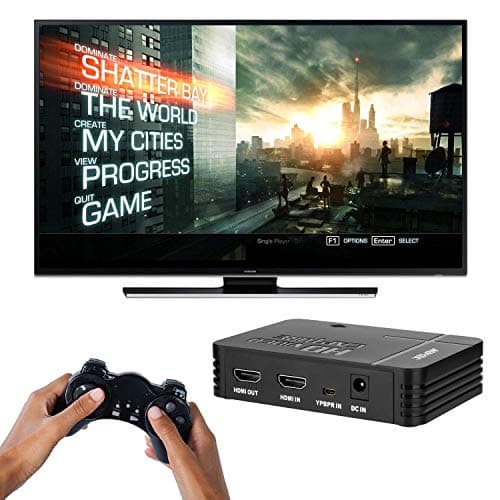
1080P Game Video Capture Card with HDMI and YpbPr Input, Mic-in Video Recorder Compatible with Xbox 360/One/ PS3 /PS4 etc
AGPTEK
£64.18
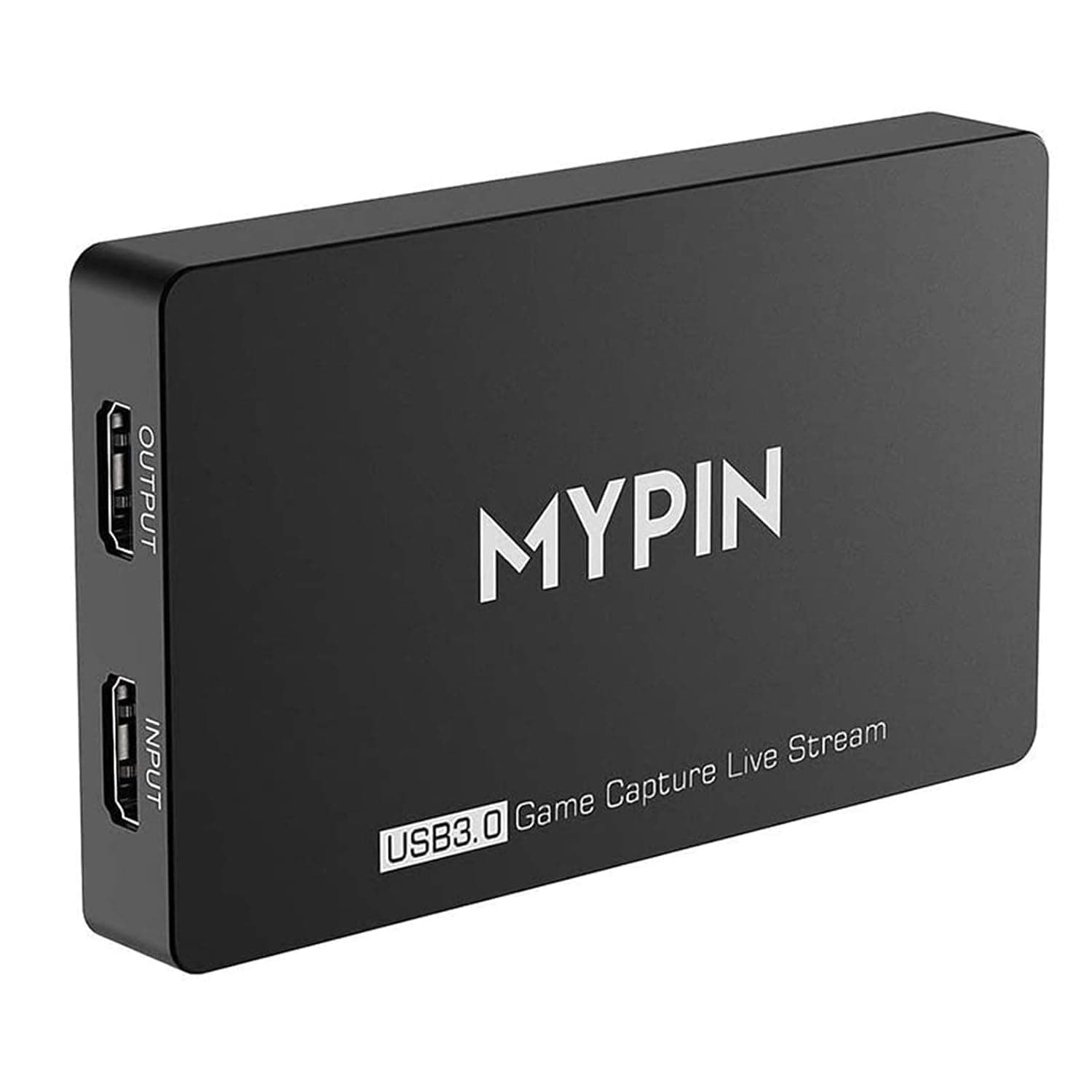
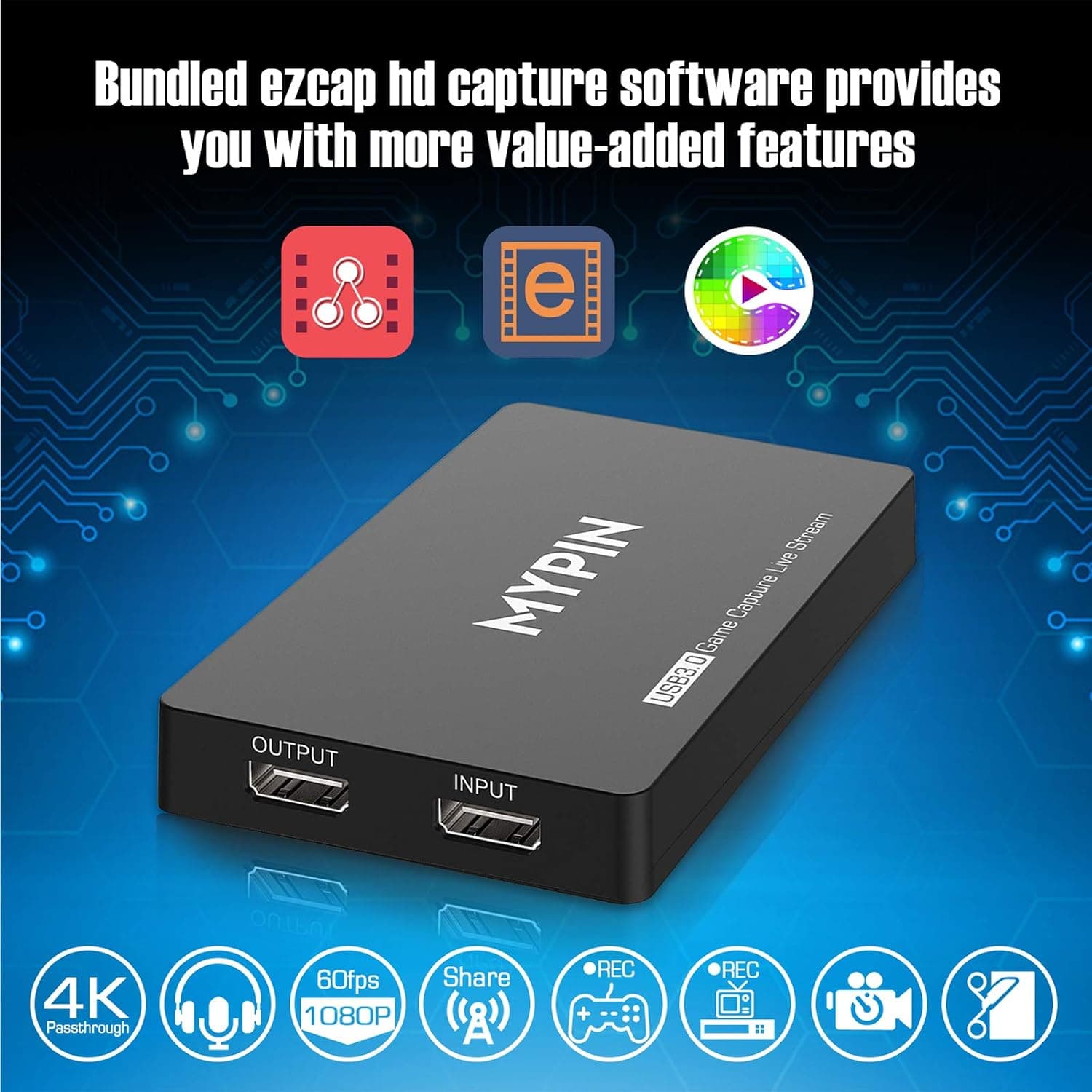
4K Capture Card for Live Streaming, MYPIN USB3.0 HDR Capture 1080P@60fps Support Microphone and Gamepad Party Chat for Nintendo Switch/ PS4 /Xbox One 360 /Wii U/Action Camera/DSLR Camcorder
MYPIN
£19.99
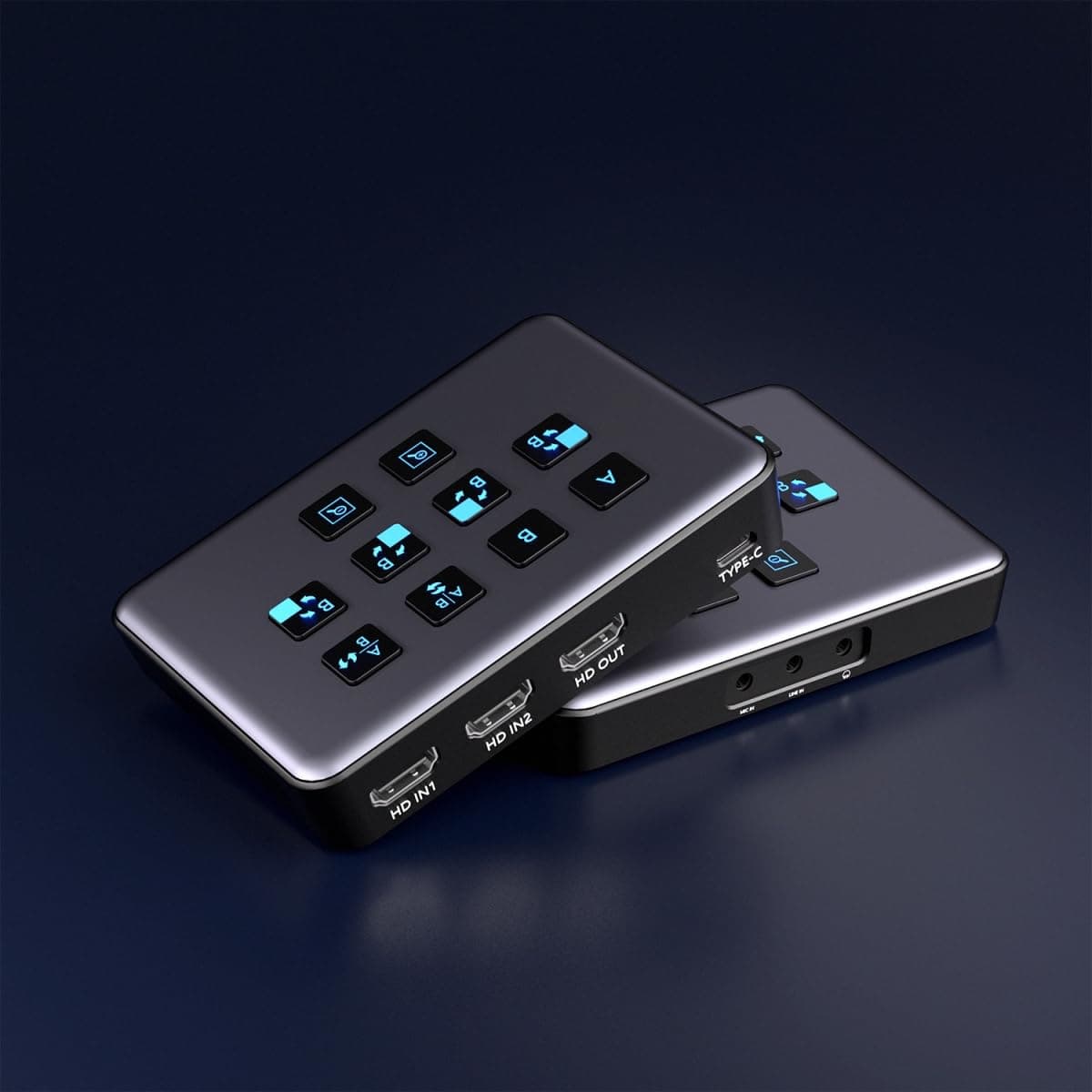
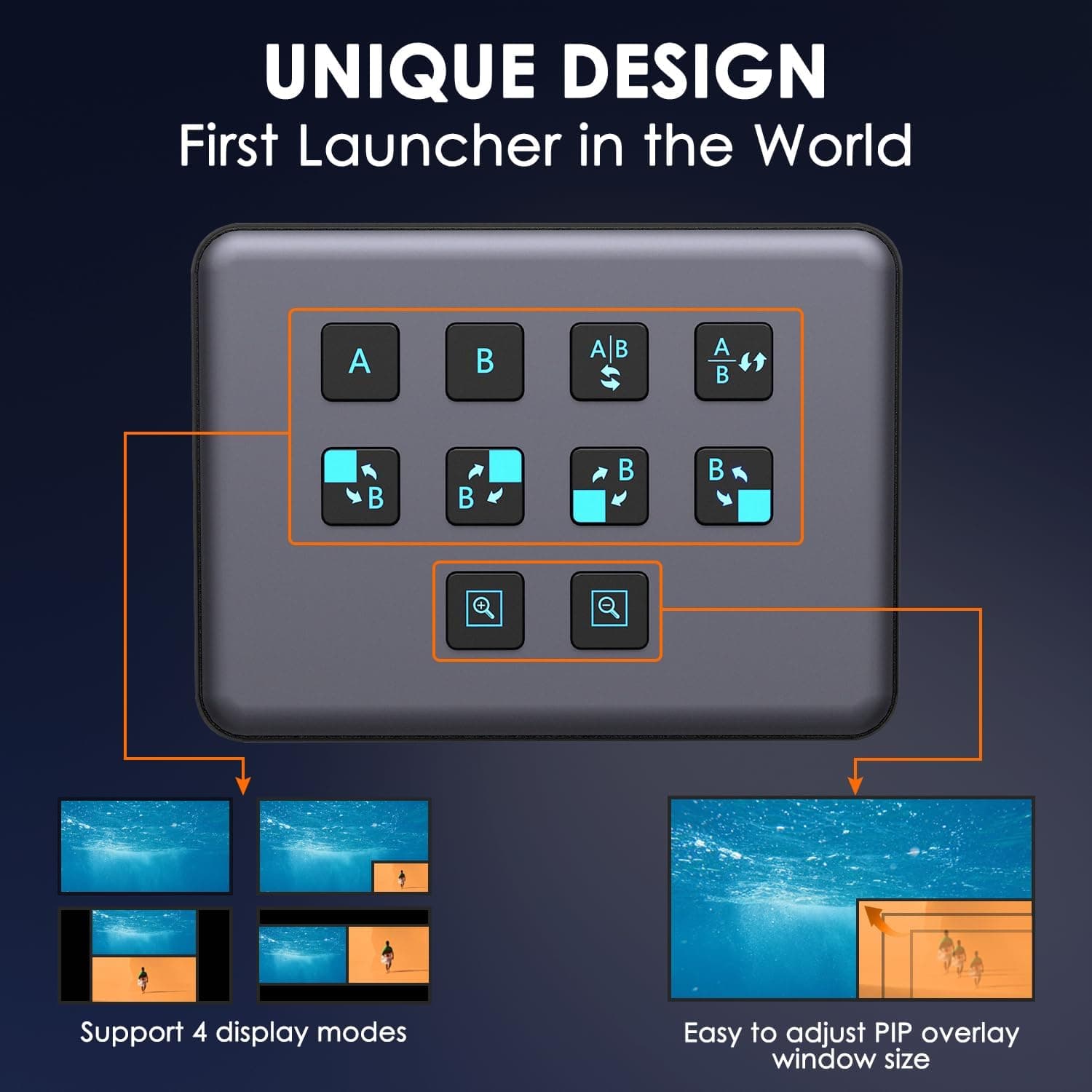
4K Dual HDMI Audio Video Capture Card, USB3.0 1080P 60FPS Equipment for Live Streaming,Capture Card with Loop Camera Link to Type-C Recording Game Video Mixer,Passthrough for Xbox PS5 PS4 Etc
EDISTEC
£25.99
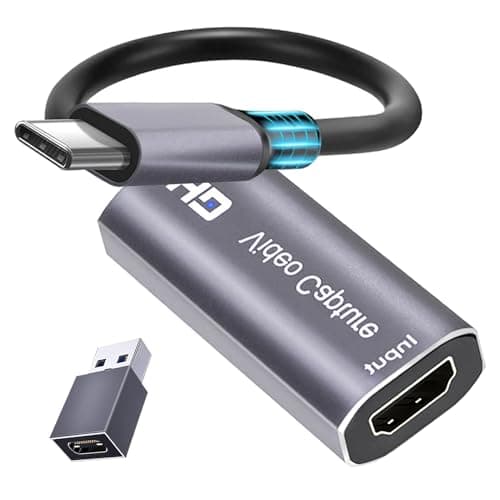
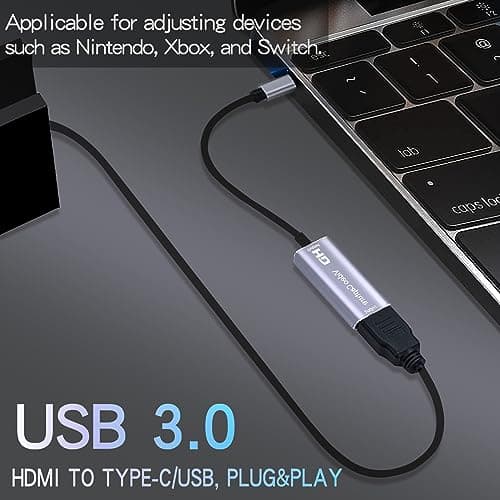
4K HDMI Capture Card, Cam Link Video Capture Card HDMI to 1080P Type-C for Windows Mac OS System for Streaming Gaming Meeting with USB C Adapter to Adjust PS3 4, Switch, Xbox
Extenuating Threads
£12.99
