
USB Game Capture Card 3.0 HD Game Capture Card Full HD 1080P 60FPS Live Streaming Video Recorder Converter Box for Windows 10, Linux, OS X System on Xbox 360&One/ PS3 PS4
Brand: AGPTEK
About this product
Ideal for gamers and streamers looking to capture high-quality gameplay, the AGPTEK USB Game Capture Card 3.0 is a must-have tool. This card supports 1080p 60FPS recording with ease, making it perfect for live streaming on platforms like YouTube or Facebook. It’s plug-and-play compatible with Windows 10, Linux, and OS X systems, ensuring seamless integration with your gaming setup. PERFECT FOR THOSE INTO GAMES AND LIVESTREAMING - This capture card not only records your gameplay but also converts audio formats to a standard 48KHz PCM stereo. Compatible with popular streaming software like OBS Studio and VLC, it ensures smooth recording and sharing of your content across various platforms.
Highlights
- 1080P 60FPS HD quality: thanks to the high-speed USB 3.0 technology, an HDMI 1080p 60fps input and output signal can be recorded - compatible with Windows, Linux and Mac OS X
- No driver required and really PnP. Low latency for gaming, meetings and live streaming. Share on YouTube, Facebook and Twitter.
- ✓ PERFECT FOR VIDEO GAMES & STREAMING - Audio & video recording capabilities from external devices via HDMI port, easy to save & share files via computer.
- Records up to 1920x1080 resolution (1080p) at 60Hz with hardware-accelerated up/down scaling. Automatically converts audio formats to 48KHz PCM stereo audio.
- Compatible with popular streaming programs and services: OBS Studio, VLC, etc. Compatible with all HDMI sources
Is this the right pick for you?
This USB Game Capture Card is ideally suited for gamers who want to stream their gameplay or record high-quality videos without the hassle of additional hardware. It’s perfect for those looking to set up a simple and efficient streaming station on their Windows 10, Linux, or macOS system, whether they’re using Xbox 360/One, PS3, or PS4 consoles. The card’s compatibility with multiple operating systems and gaming platforms ensures that it can be easily integrated into various setups without needing to switch between different devices. The capture card supports full HD 1080P at 60FPS, which is ideal for smooth streaming and recording. It automatically converts audio formats to 48KHz PCM stereo audio, making it easy to use with popular streaming software like OBS Studio or VLC. However, if you’re looking for a solution that can handle more advanced features such as multi-channel audio support or higher resolutions, this card might not be the best fit. Before purchasing, consider your setup and needs. The capture card requires no additional drivers and is Plug-and-Play (PnP), which means it should work seamlessly with your system right out of the box. It’s important to ensure that your computer has a USB 3.0 port available, as this will provide the necessary speed for high-quality recording. Additionally, while the card supports multiple operating systems, make sure your streaming software is compatible and configured correctly to take full advantage of its features.
Frequently asked questions
Is this capture card compatible with all major gaming consoles and operating systems?
Yes, the AGPTEK USB Game Capture Card supports Xbox 360 & One/PS3 & PS4 as well as Windows 10, Linux, and OS X. This wide compatibility ensures you can use it across different platforms for recording your gameplay or live streaming.
Can I record audio along with video using this capture card?
Absolutely, the capture card records both high-quality video from HDMI sources at 1080p 60FPS and converts audio formats to 48KHz PCM stereo audio. This allows for clear and crisp recordings of your gameplay or live streams.
How easy is it to set up this capture card?
The setup process is straightforward, thanks to plug-and-play functionality. After connecting the USB Game Capture Card to your computer via USB 3.0, you can start recording right away without needing additional drivers. This makes it perfect for quick and hassle-free use.
You might also like
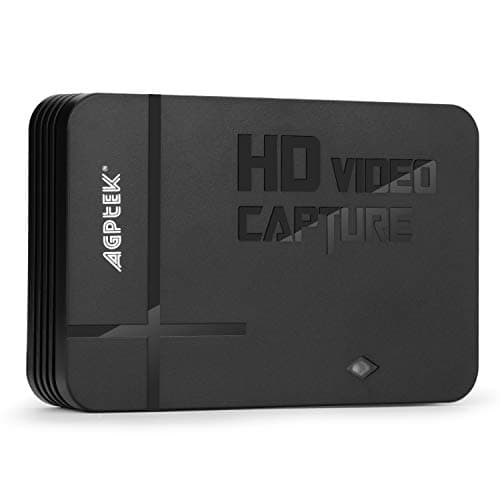
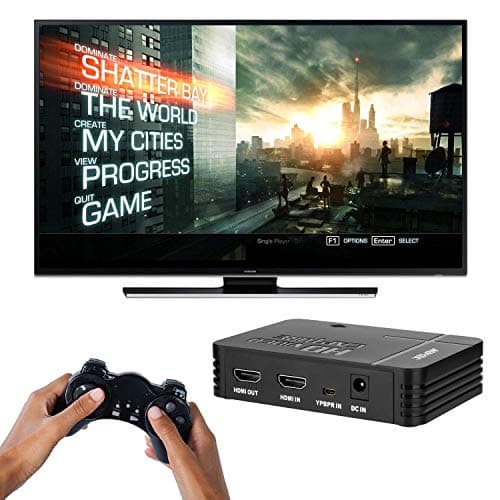
1080P Game Video Capture Card with HDMI and YpbPr Input, Mic-in Video Recorder Compatible with Xbox 360/One/ PS3 /PS4 etc
AGPTEK
£64.18
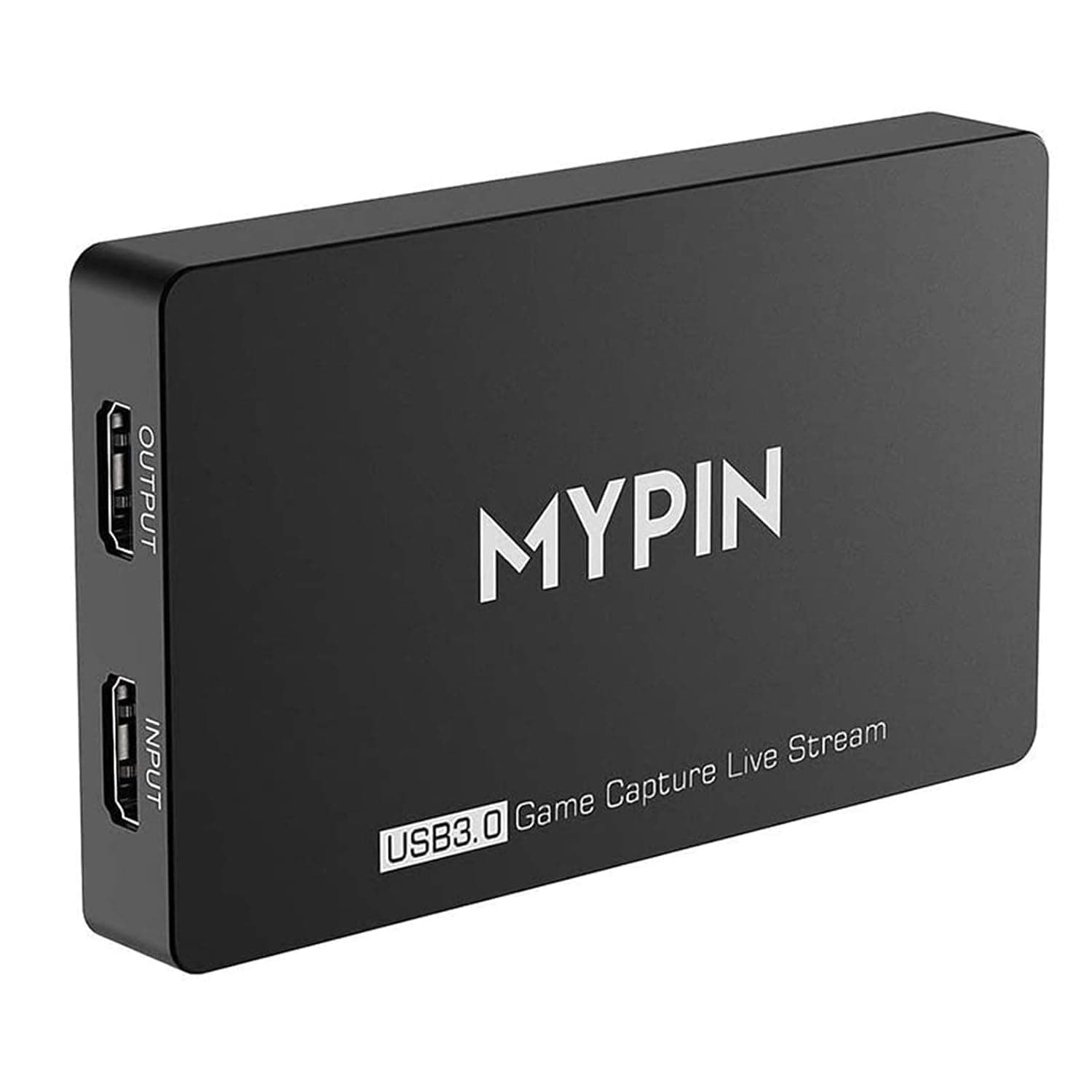
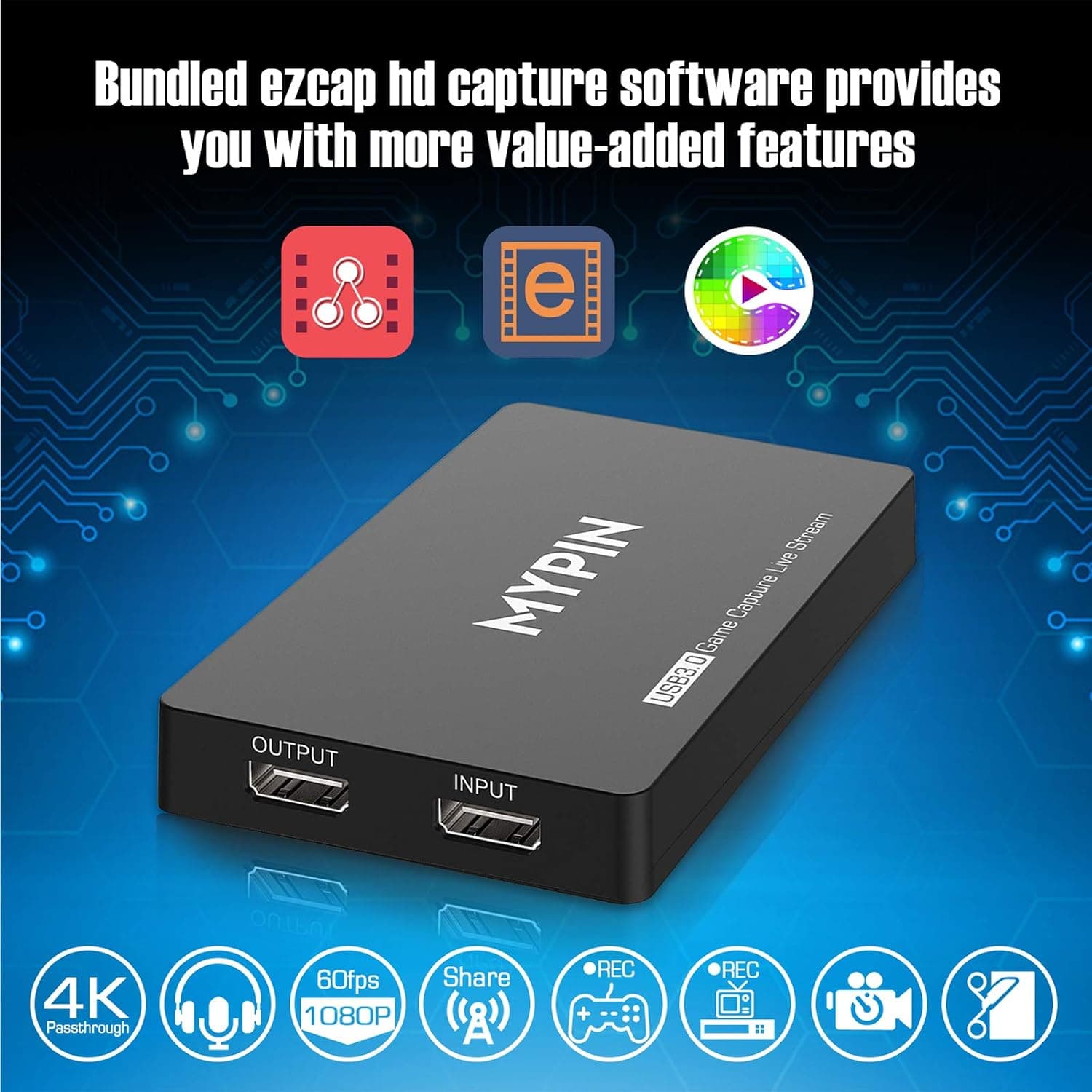
4K Capture Card for Live Streaming, MYPIN USB3.0 HDR Capture 1080P@60fps Support Microphone and Gamepad Party Chat for Nintendo Switch/ PS4 /Xbox One 360 /Wii U/Action Camera/DSLR Camcorder
MYPIN
£19.99
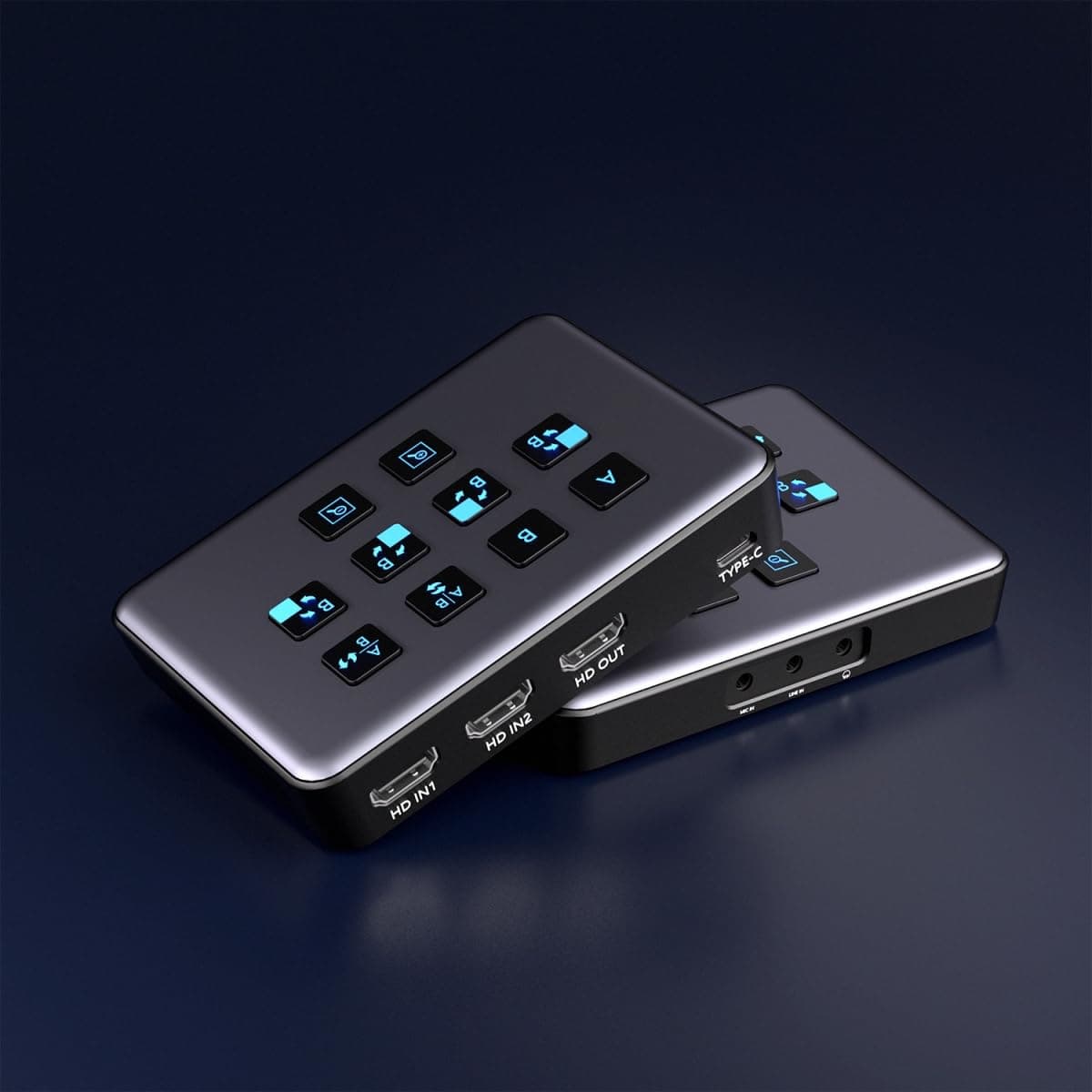
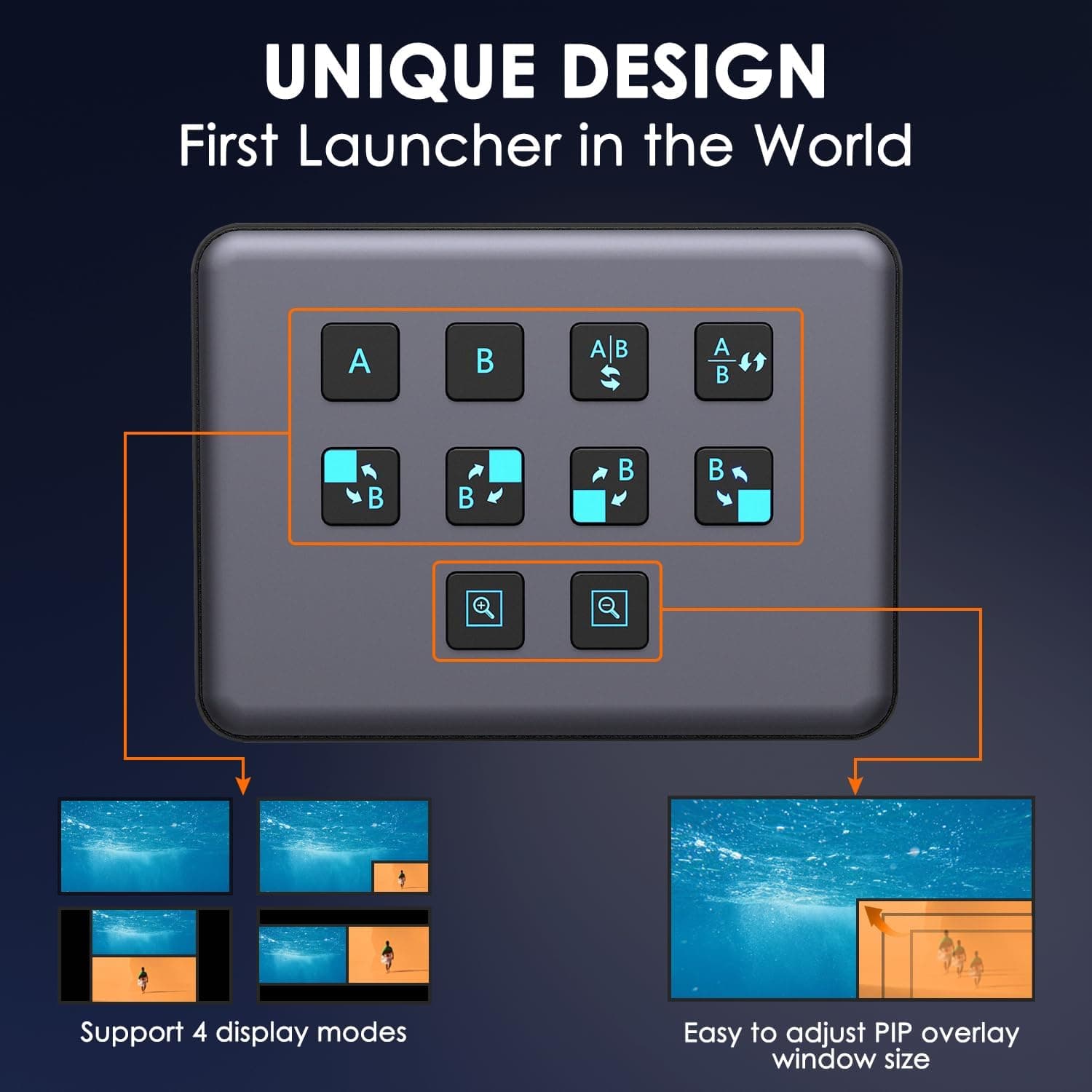
4K Dual HDMI Audio Video Capture Card, USB3.0 1080P 60FPS Equipment for Live Streaming,Capture Card with Loop Camera Link to Type-C Recording Game Video Mixer,Passthrough for Xbox PS5 PS4 Etc
EDISTEC
£25.99
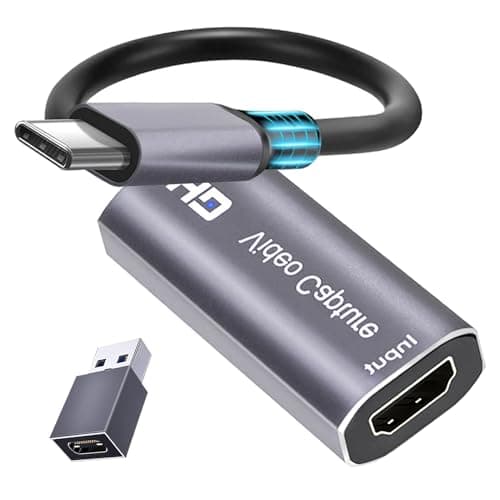
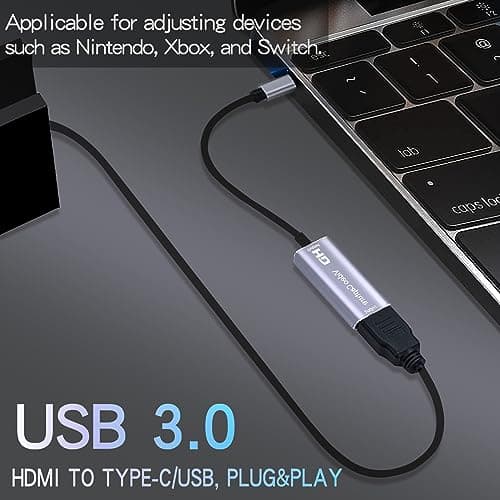
4K HDMI Capture Card, Cam Link Video Capture Card HDMI to 1080P Type-C for Windows Mac OS System for Streaming Gaming Meeting with USB C Adapter to Adjust PS3 4, Switch, Xbox
Extenuating Threads
£12.99
