
Audio Video Capture Cards, HDMI Video Capture Card Streaming HDMI to USB2.0 Record via DSLR Camcorder Action Cam comes,Plug and Play
Brand: MICROWARE
High Definition Video Capture: Support Maximum Input Resolution 3840 X 2160 30Hz Support Maximum Output Resolution 1920 X 1080 30Hz Support 8 10 12Bit Deep Color.
- Height
- 12 cm
- Length
- 8 cm
- Width
- 3 cm
- Weight
- 60 g
About this product
Capture Cards are essential for anyone looking to record high-quality video content from their HDMI devices. The Audio Video Capture Card stands out due to its ability to support maximum input resolution up to 3840 x 2160 at 30Hz, making it perfect for capturing ultra-high-definition footage from your PS4, Wii U, or even a DSLR camcorder. This card is incredibly user-friendly and comes with no installation hassles; simply plug it into any USB 2.0 port, and you're ready to start recording without needing additional drivers. With its compact design and straightforward setup, this capture card is ideal for those who want to share presentations or content in online meetings, teaching sessions, or seminars. Its compatibility with most HDMI output devices ensures seamless integration with a wide range of equipment, from gaming consoles to action cameras. The plug-and-play convenience makes it an excellent choice for anyone looking to enhance their video recording capabilities without the complexity of additional hardware or software.
Specifications
- Height
- 12 cm
- Length
- 8 cm
- Width
- 3 cm
- Weight
- 60 g
- Colour
- Black
- Amazon Bestseller Rank
- #387,484
Is this the right pick for you?
This HDMI video capture card is ideal for gamers and content creators looking to record high-quality gameplay footage or share presentations without the hassle of additional software. It supports a wide range of devices with HDMI outputs, including gaming consoles like PS4, Wii U, and Nintendo Switch, making it perfect for capturing your gaming sessions in stunning detail. For those who use DSLR cameras or action cameras for recording, this card allows you to stream directly from these devices to your computer without needing any extra cables or power sources—simply plug it into a USB 2.0 port and start recording. The 'Plug and Play' feature makes setup incredibly simple; there’s no need to install drivers or worry about compatibility issues with most operating systems, including Windows and Mac OS X. This card is particularly useful for live streaming, video editing, and sharing content in online meetings, teaching sessions, or seminars. However, it might not be the best choice if you require ultra-high-resolution support beyond 1920 x 1080 at 30Hz, as its maximum input resolution is capped at 3840 x 2160 at 30Hz. Before making your purchase, consider that while this card supports HDMI capture for a variety of devices, it may not be suitable for all types of video inputs. It’s important to ensure that the device you plan to use with it has an HDMI output and is compatible with the resolution and color depth supported by the card. Additionally, since no external power source is required, make sure your computer's USB 2.0 port can handle the data transfer without any issues for smooth performance during recording sessions.
Frequently asked questions
What types of devices can I use with this HDMI video capture card?
This capture card is compatible with most HDMI output devices such as DSLR camcorders or action cameras. It supports a wide range of systems including PS4, Wii U, and Switch for capturing gameplay footage. Check the manufacturer's listing for exact compatibility to ensure it works with your specific device.
Can I use this capture card with my laptop or desktop?
Yes, you can connect any device with an HDMI output to this capture card via its HDMI port. Whether you're using a laptop or desktop, simply plug the card into one of your USB 2.0 ports to start capturing high-definition video without needing additional drivers.
How do I set up the capture card for screen sharing?
Setting up is straightforward; just connect your tablet or laptop via HDMI and start sharing presentations immediately. This makes it easy to share content in online meetings, teaching sessions, or seminars without installing any software. The plug-and-play design ensures a hassle-free experience.
You might also like
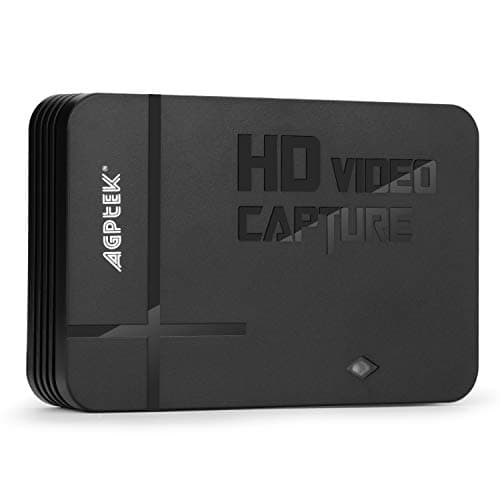
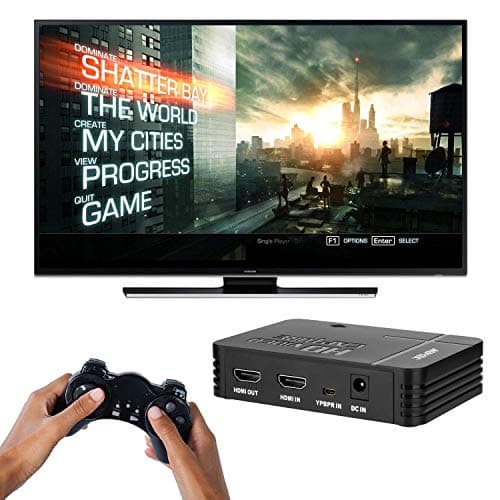
1080P Game Video Capture Card with HDMI and YpbPr Input, Mic-in Video Recorder Compatible with Xbox 360/One/ PS3 /PS4 etc
AGPTEK
£64.18
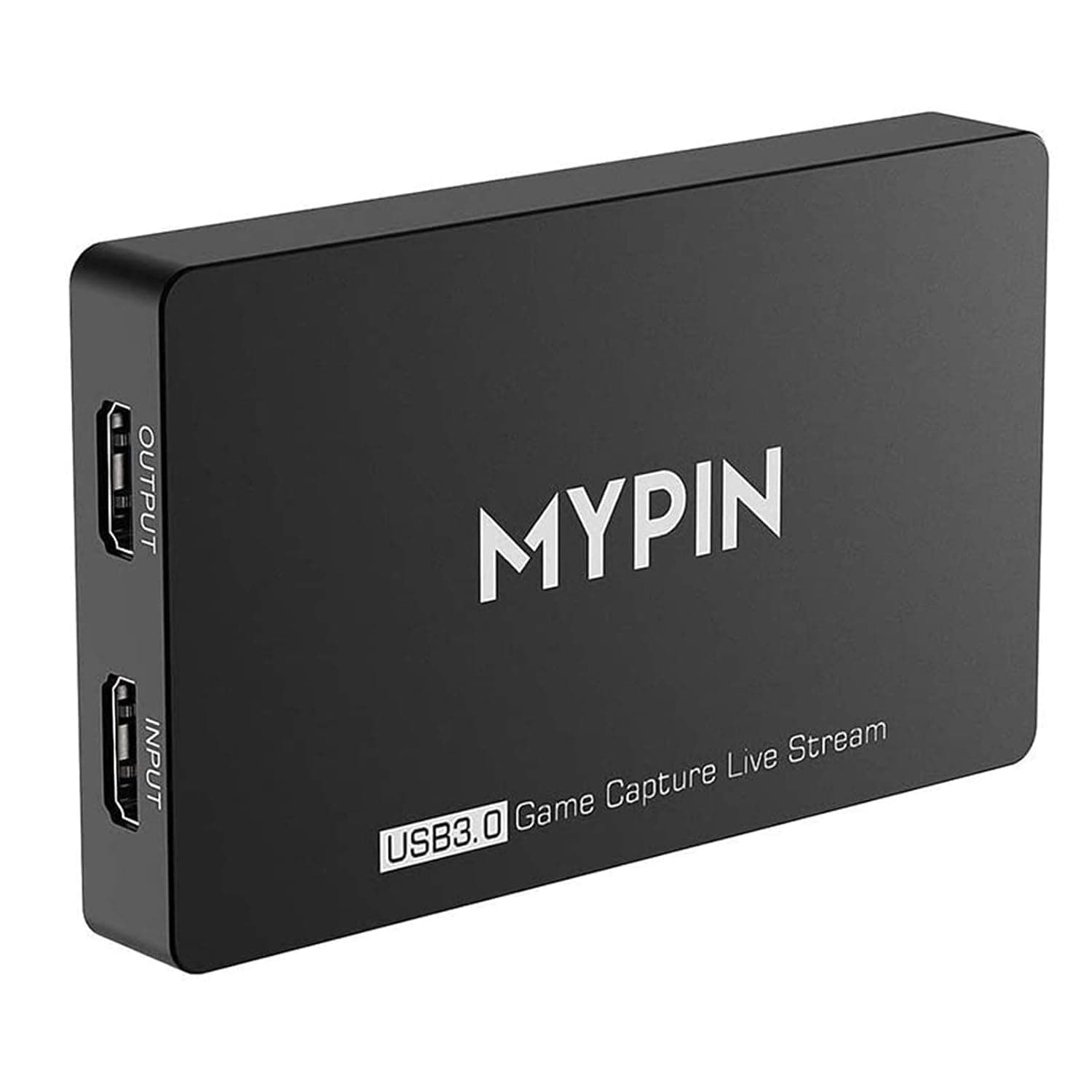
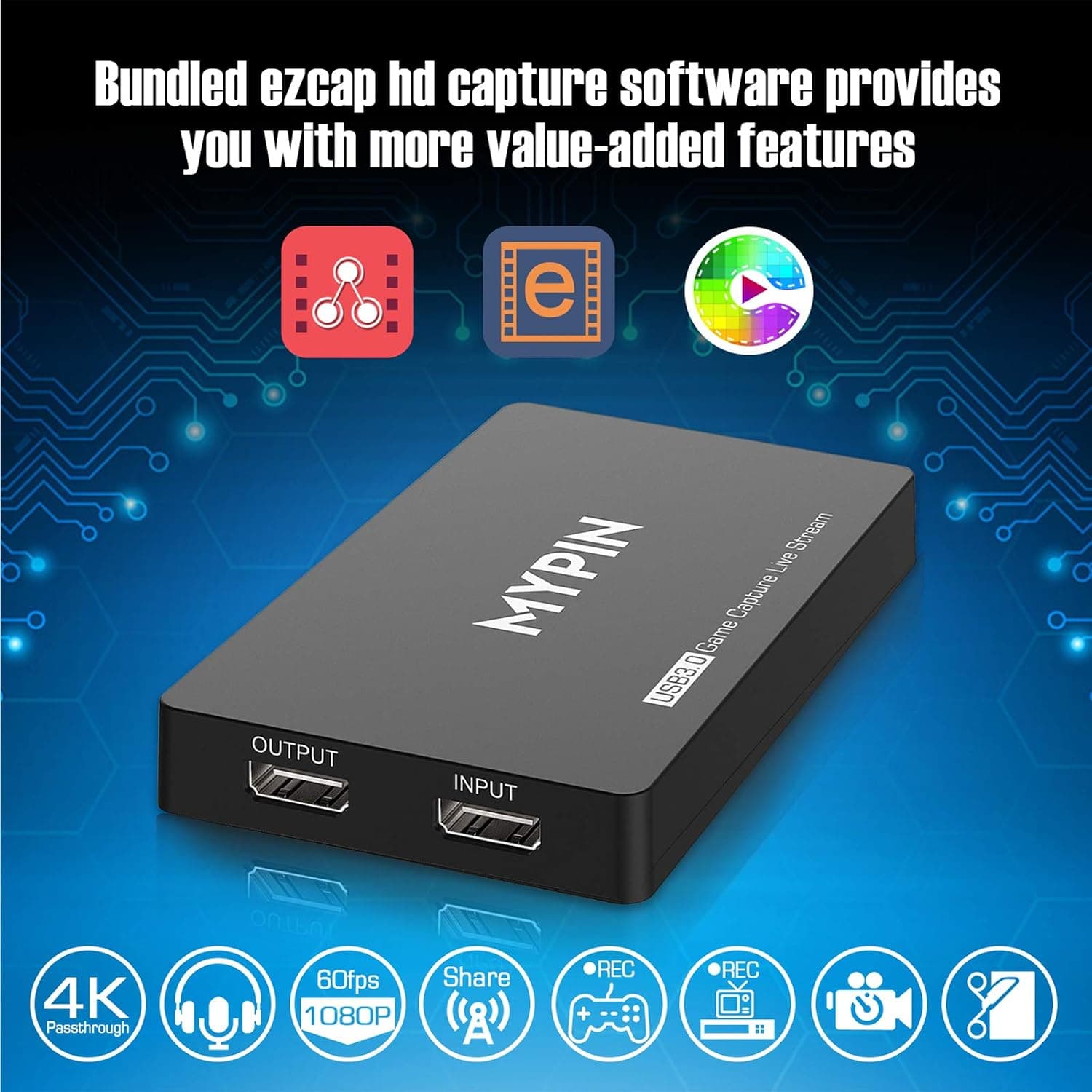
4K Capture Card for Live Streaming, MYPIN USB3.0 HDR Capture 1080P@60fps Support Microphone and Gamepad Party Chat for Nintendo Switch/ PS4 /Xbox One 360 /Wii U/Action Camera/DSLR Camcorder
MYPIN
£19.99
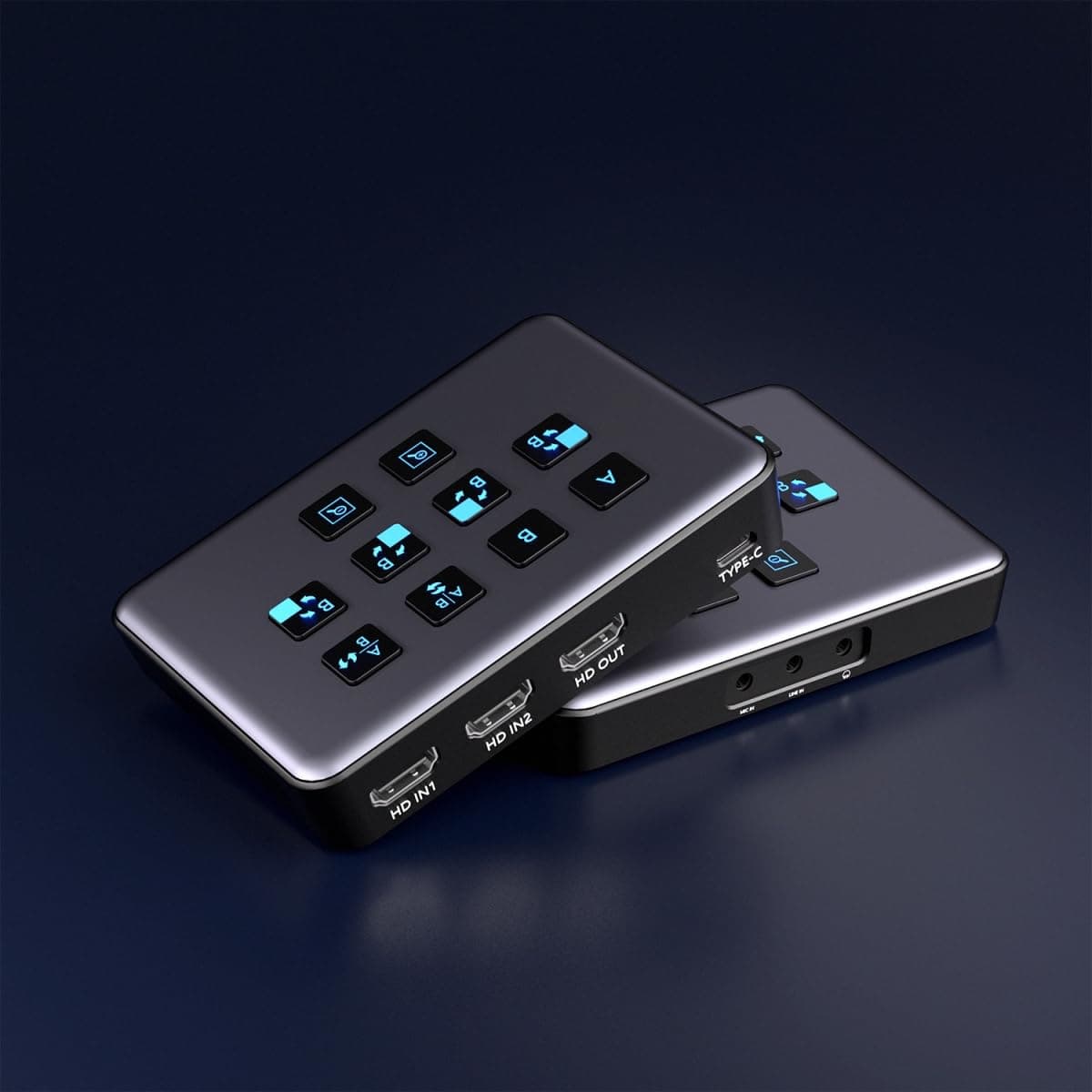
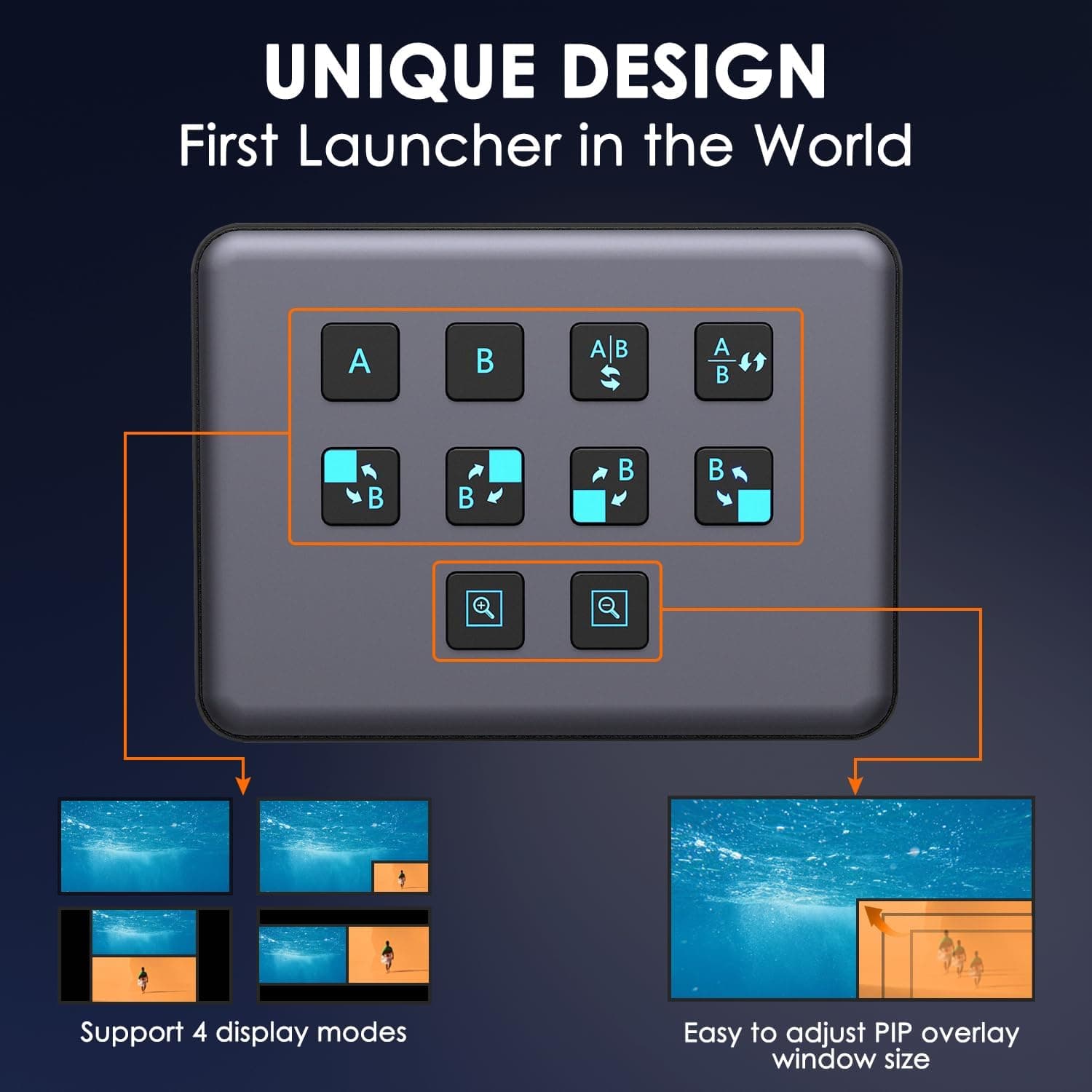
4K Dual HDMI Audio Video Capture Card, USB3.0 1080P 60FPS Equipment for Live Streaming,Capture Card with Loop Camera Link to Type-C Recording Game Video Mixer,Passthrough for Xbox PS5 PS4 Etc
EDISTEC
£25.99
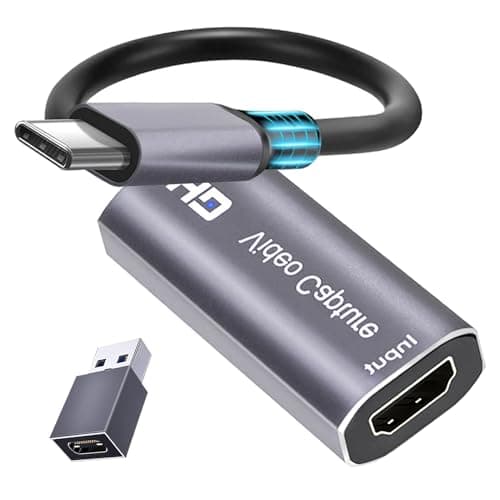
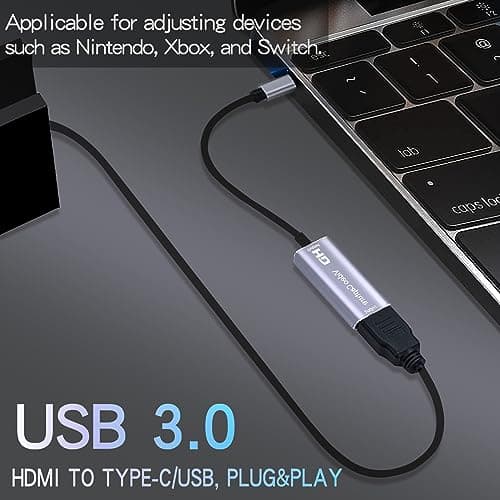
4K HDMI Capture Card, Cam Link Video Capture Card HDMI to 1080P Type-C for Windows Mac OS System for Streaming Gaming Meeting with USB C Adapter to Adjust PS3 4, Switch, Xbox
Extenuating Threads
£12.99
