
NEWZEROL Gaming Earbuds eSports-Grade Low Latency, 2.4G USB-C Dongle BT 5.2 Dual Connection, compatible with Quest 3/2/1 Pico PS5 Steam deck PC Switch IOS Android Devices
Brand: NEWZEROL
About this product
Designed for gamers and e-sports enthusiasts, the NEWZEROL Gaming Earbuds offer an immersive audio experience paired with low latency. These earbuds are perfect for competitive play, ensuring a smooth gaming experience with their customized chipset and LC3 codec that achieve a minimal 30ms latency. ENJOY UNINTERRUPTED GAMING AND INTELLIGENT TOUCH CONTROL: The 10mm driver speakers deliver rich, detailed audio, making it ideal for both gaming and music. The earbuds feature intelligent touch controls, allowing you to adjust volume, skip tracks, or pause with a simple tap, enhancing your overall gaming experience without breaking concentration.
Highlights
- ✅eSports-Grade Low Latency: Customized chipset and LC3 codec ensure high-speed data transmission between the 2.4G dongle and earbuds, achieving a gaming-grade low latency of just 30ms for a smooth and uninterrupted gaming experience.
- ✅ Immersive Audio Experience and Intelligent Touch Control: Immerse yourself in a world of gaming and music with the 10mm driver speakers that deliver immersive sound. Enjoy the convenience of intelligent touch controls, each touch corresponds to a specific operation.
Is this the right pick for you?
This NEWZEROL Gaming Earbuds model is particularly well-suited for gamers who require an ultra-low latency experience, especially those playing on high-end devices like the Quest series or PS5. The 2.4G USB-C dongle paired with BT 5.2 technology ensures a connection that's virtually unnoticeable in terms of lag, making it ideal for competitive play where every millisecond counts. However, if you're more into casual gaming on less demanding devices like mobile phones or budget consoles, this might be overkill; instead, consider models with simpler Bluetooth connections. In a typical setup, these earbuds fit seamlessly into the ecosystem of high-performance gaming hardware. They are compatible with a wide range of devices including PC, PS5, Nintendo Switch, and even VR headsets like Pico or Quest series. The dual connection feature allows for simultaneous use on two different devices without interruption, which can be incredibly useful if you're streaming gameplay while also using your PC for other tasks. For those who frequently switch between devices, this earbud's versatility is a significant advantage. Setting up the NEWZEROL Gaming Earbuds is straightforward. Once you have the USB-C dongle connected to your device via USB-C port, simply pair the earbuds with your Bluetooth-enabled device following the on-screen instructions. The intelligent touch controls are intuitive and easy to use; each touch corresponds to a specific operation such as play/pause or volume control. To maintain optimal performance, ensure that both the 2.4G dongle and the earbuds are kept free from interference by other electronic devices. Regular cleaning with a soft, dry cloth will keep them looking new and functioning at their best.
Frequently asked questions
Are these earbuds compatible with my PS5?
Yes, the NEWZEROL Gaming Earbuds are specifically highlighted as being compatible with a wide range of devices including the PS5. However, always check the manufacturer's listing for exact compatibility details to ensure they work seamlessly with your console.
Can I use these earbuds on my Android phone?
Absolutely, the NEWZEROL Gaming Earbuds support Bluetooth 5.2 technology and are compatible with a variety of devices including Android phones. This means you can easily connect them to your mobile device for gaming or listening to music.
How do I set up these earbuds?
Setting up the NEWZEROL Gaming Earbuds is straightforward. First, charge the earbuds and the 2.4G USB-C dongle using a compatible charger. Then, pair them with your device via Bluetooth following the on-screen instructions or through your device's settings menu.
You might also like
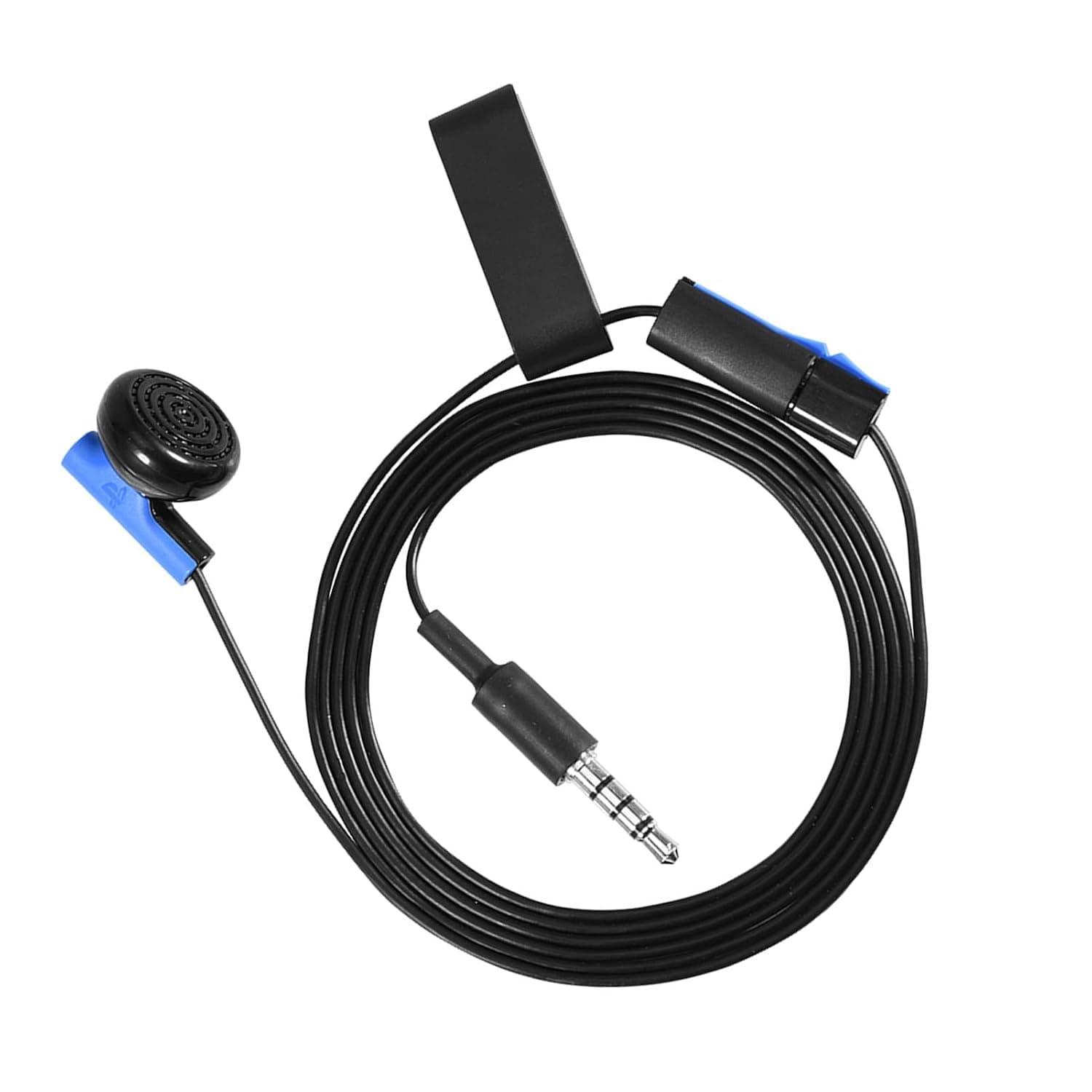
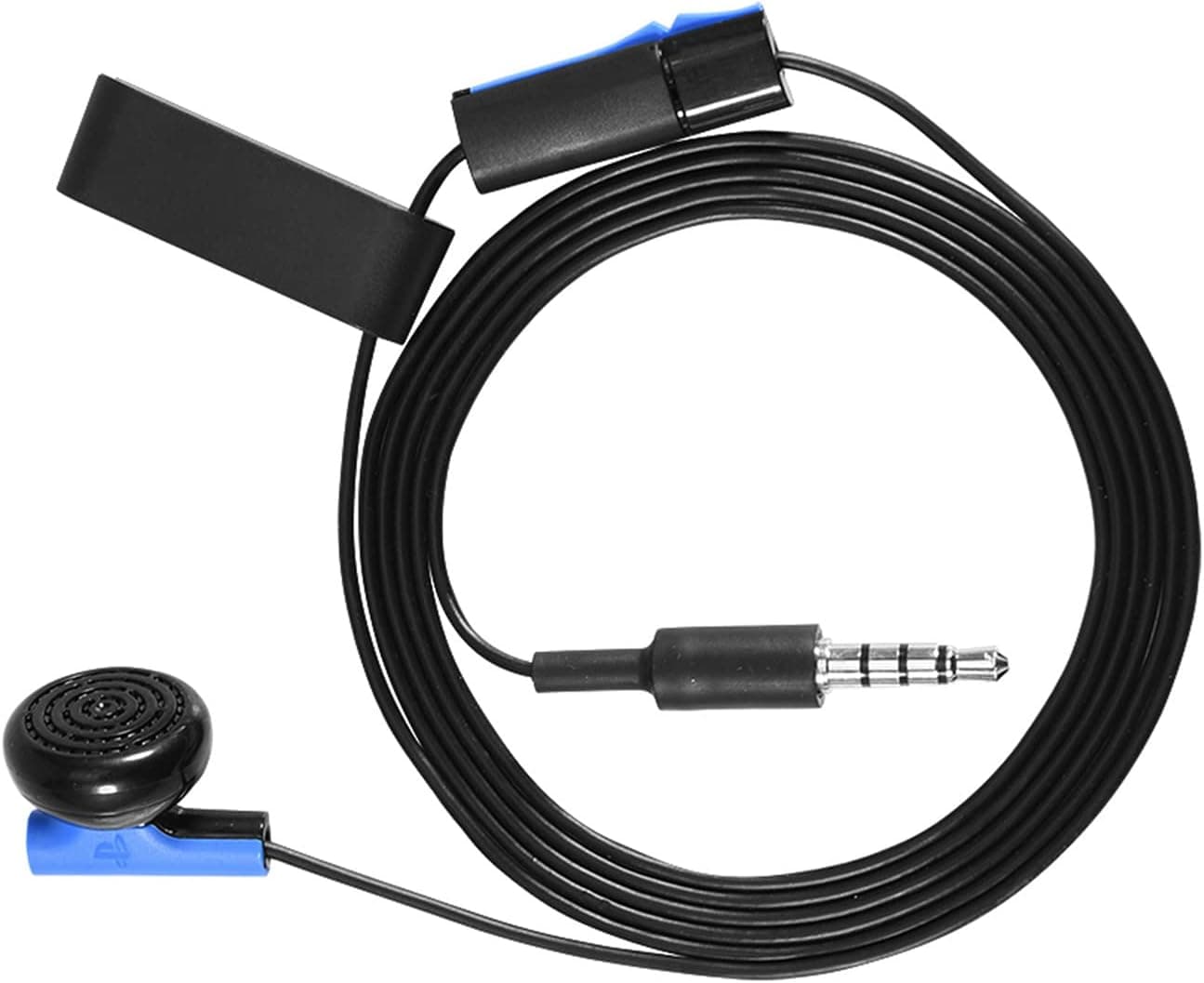
143 Earpiece with Mic,3.5mm Gaming Earphone Headphone Headset Micro Sound Technology with a Clip,for 4 Controller
143
£8.04
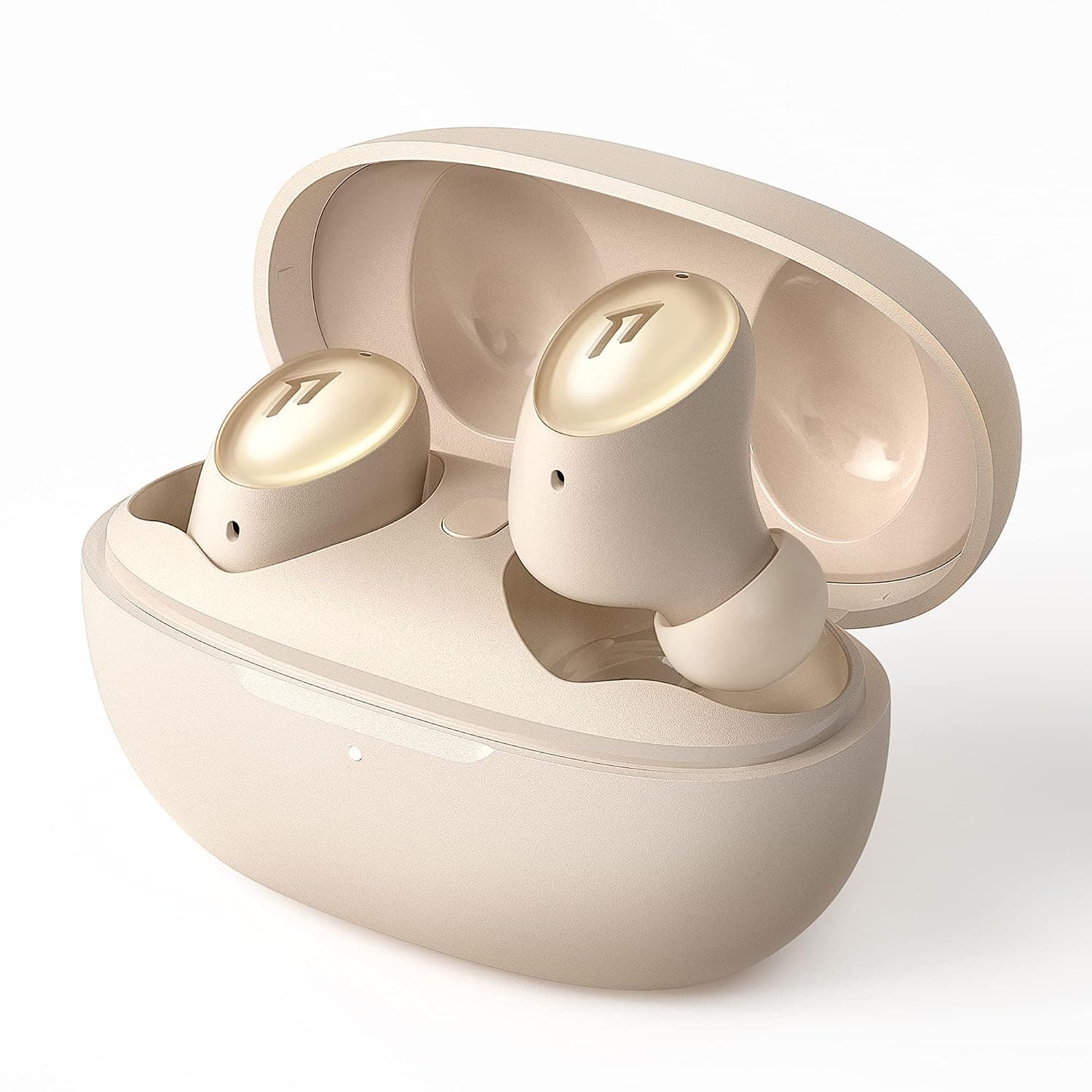
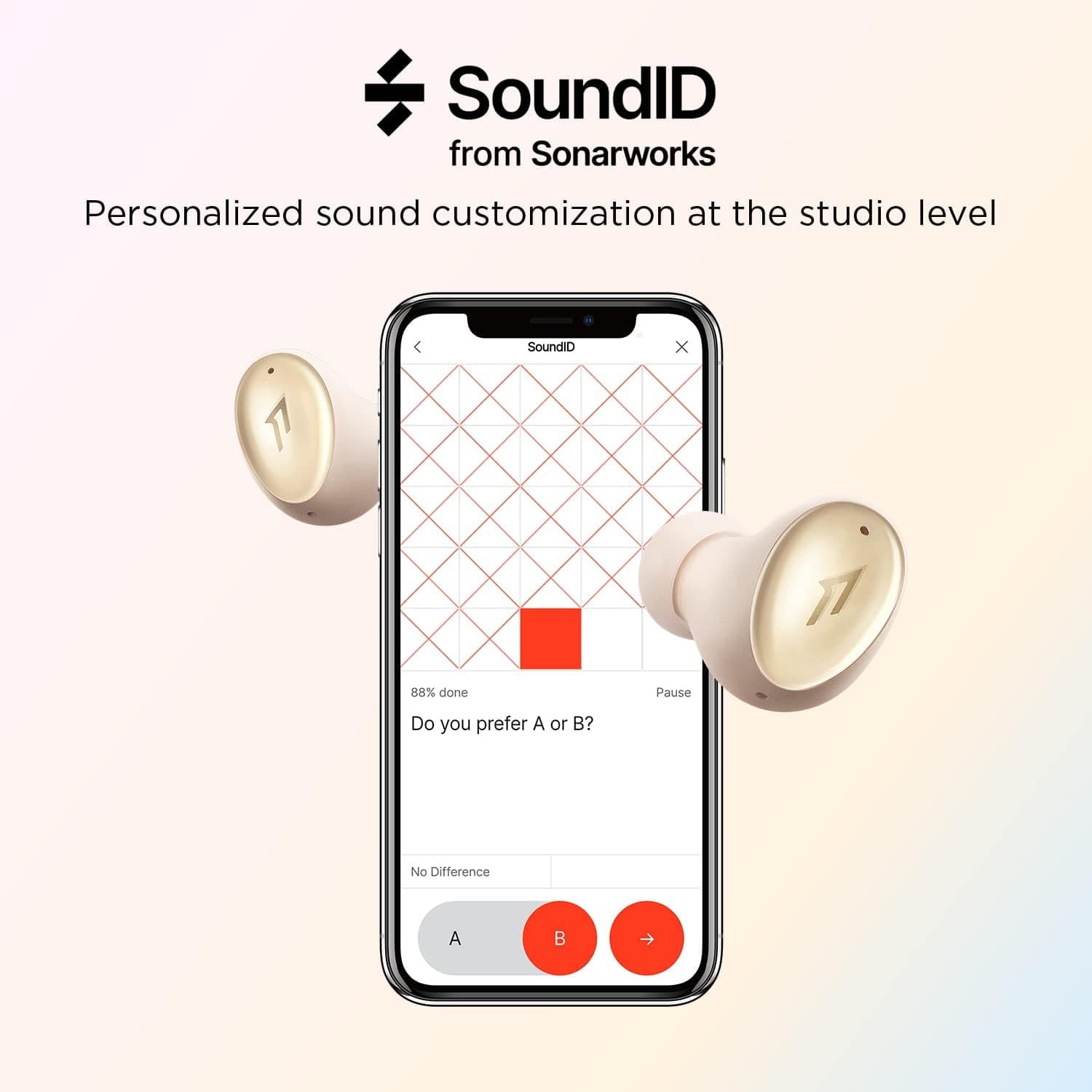
1MORE ColorBuds 2 Bluetooth Headphones, Active Noise Cancellation, Bluetooth 5.2 Wireless Earphones, cVc 8.0 Mic, Personalized SoundID, Wireless Fast Charging, 24 Hours Playback, IPX5, Gold
1MORE
£56.50
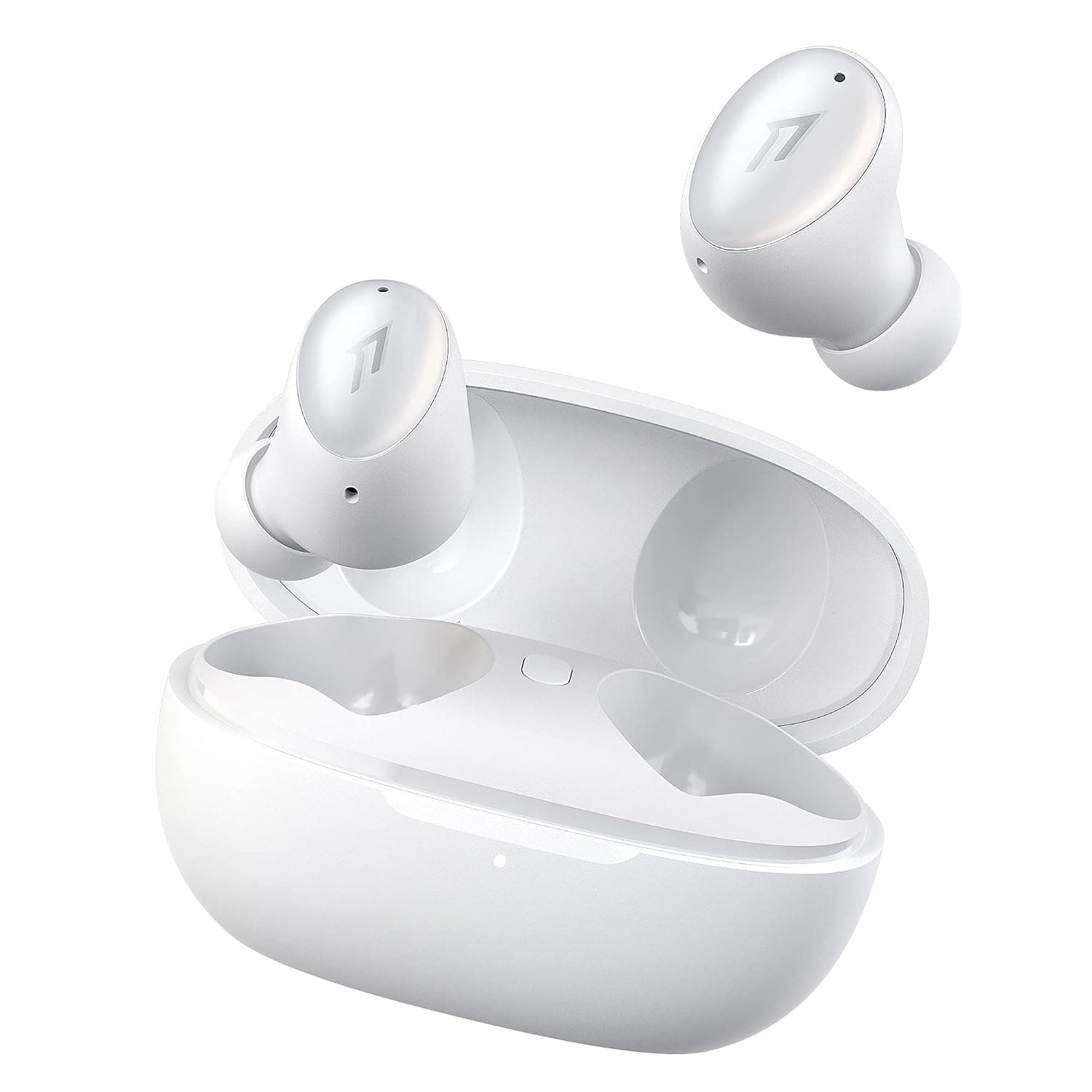
1MORE ColorBuds2 Wireless Earbuds, Active Noise Cancelling, Bluetooth 5.2, cVc8.0 Noise Reduction Mic, Personalized Sound ID, 24H Play Time, Fast Wireless Charging, IPX5 Waterproof Earphones, White
1MORE
£63.98
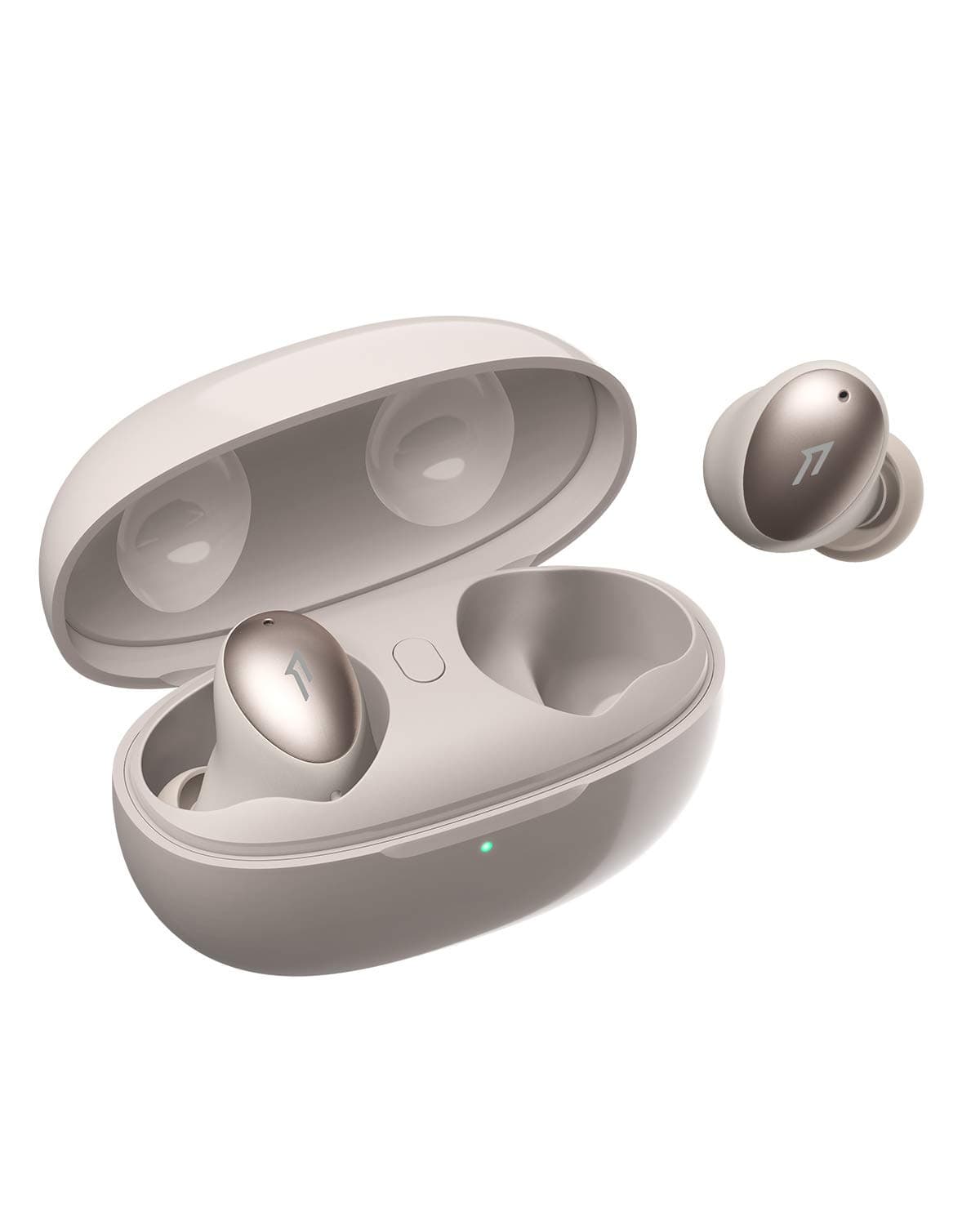
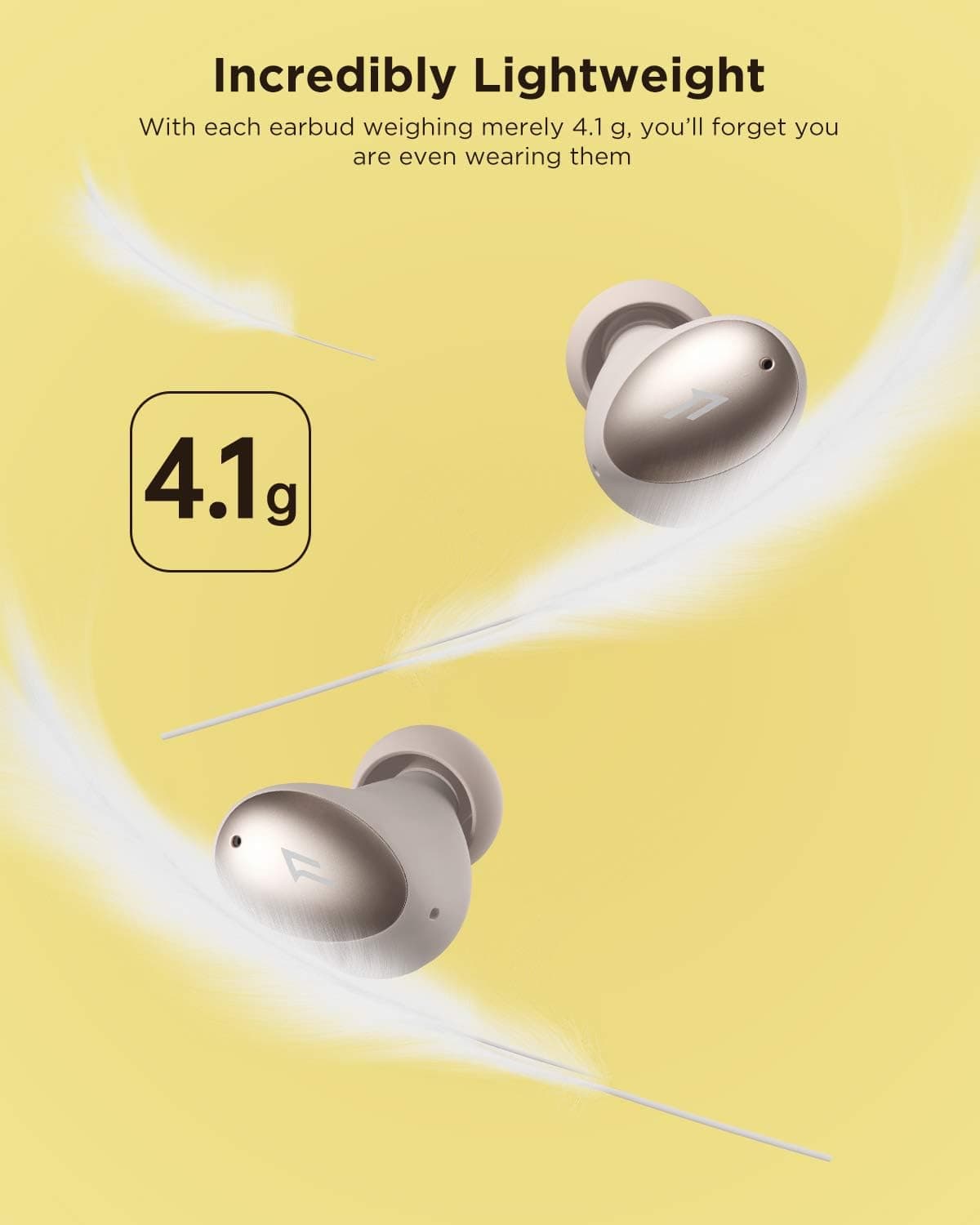
1MORE ColourBuds True Wireless Earbuds, Premium Bluetooth Earphones with Super Light-Weight Design, IPX5 Water Resistant, 22H Playtime, and Dual ENC Mic, for Workout, Sports, Home Office, Gold
1MORE
£17.98
