
Amazon Basics Aluminum Uni-Directional USB-C (Source) to DisplayPort (Display) Adapter (4K@60Hz), Thunderbolt 3 Compatible, Grey
Brand: Amazon Basics
USB Type-C to DisplayPort adapter (without Redriver) for connecting a laptop or other USB-C-enabled device to a DisplayPort-enabled monitor
- Height
- 10 mm
- Length
- 22 cm
- Width
- 2.2 cm
- Weight
- 23 g
About this product
If you're looking to connect your USB-C laptop or device directly to a DisplayPort monitor without the need for additional cables, this Amazon Basics adapter is perfect. It allows you to easily transfer video and data from your USB-C source to a compatible DisplayPort display at up to 4K@60Hz resolution, making it ideal for those who want a simple, efficient setup. This grey adapter fits seamlessly into your cable management needs while providing Thunderbolt 3 compatibility, offering flexibility in connecting to various devices. Whether you're working on graphics-intensive projects or simply need a reliable connection for presentations, this adapter ensures you have the right tool for the job.
Specifications
- Height
- 10 mm
- Length
- 22 cm
- Width
- 2.2 cm
- Weight
- 23 g
- Pack size
- 1
- Colour
- grey
- Amazon Bestseller Rank
- #17,797
Is this the right pick for you?
This adapter is ideal for users who need to connect their USB-C laptops or tablets to a DisplayPort monitor without the hassle of using an intermediary device. It's particularly useful in scenarios where you want to avoid the complexity of Thunderbolt 3 cables and instead opt for a straightforward, single-cable solution that doesn't require additional hardware like hubs or docks. In a typical setup, this adapter fits well into environments such as home offices, classrooms, or small meeting spaces where you might need to connect your portable device directly to a monitor. It's also handy for travelers who want a simple way to extend their display without carrying extra cables and adapters. However, it may not be the best choice if you require Thunderbolt 3 functionality, such as data transfer or charging capabilities, which this adapter does not support. Before purchasing, consider that setup is straightforward—simply plug one end into your USB-C device and the other into your DisplayPort monitor. Ensure both devices are powered on and properly configured to recognize the connection. It's important to note that while the adapter supports 4K@60Hz resolution for video output, it does not support audio or data transfer over the DisplayPort connection. Additionally, handle the adapter with care as it is made of aluminum, which can be prone to scratches.
Frequently asked questions
Is this adapter compatible with my Thunderbolt 3 port?
This adapter is Thunderbolt 3 compatible, meaning it can be used to connect a USB-C device to a DisplayPort-compatible monitor. However, ensure your Thunderbolt 3 port supports both USB-C and DisplayPort Alternate Mode; check the manufacturer's listing for exact compatibility details.
Can I use this with my 4K display?
Yes, this adapter supports 4K@60Hz resolution, allowing you to connect a compatible 4K monitor. It’s ideal for gaming or professional work that requires high-resolution visuals. Make sure your system can handle the 4K resolution and refresh rate.
What types of devices can I use with this adapter?
This adapter is designed to be used as a USB-C (Source) to DisplayPort (Display) connector, suitable for connecting compatible laptops or desktops with a USB-C port to a DisplayPort monitor. It’s not intended for charging or data transfer between devices.
You might also like
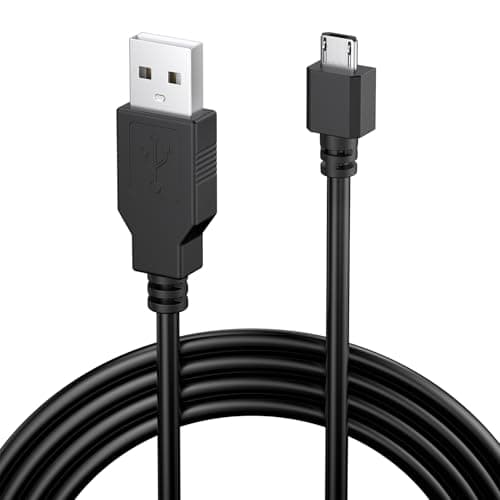
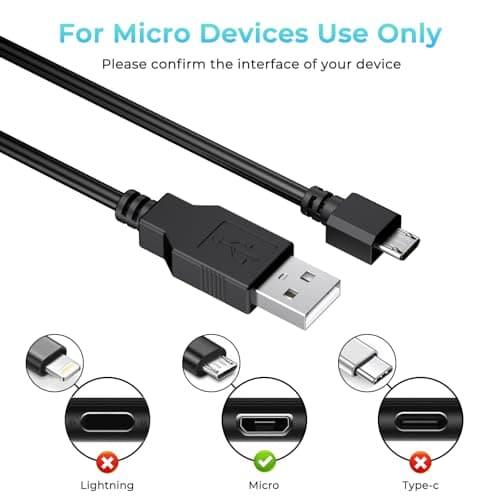
1.8M Charger for PS4 Controller Charger Cable, 5.9FT Micro USB Cable Charging Sync Cord for Sony PlayStation 4/ Dualshock 4/ PS4/ Slim/Pro, Microsoft Xbox One/One S/One X
Yisica
£4.49
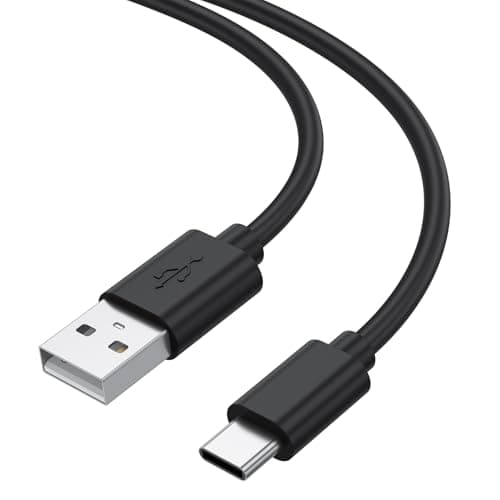
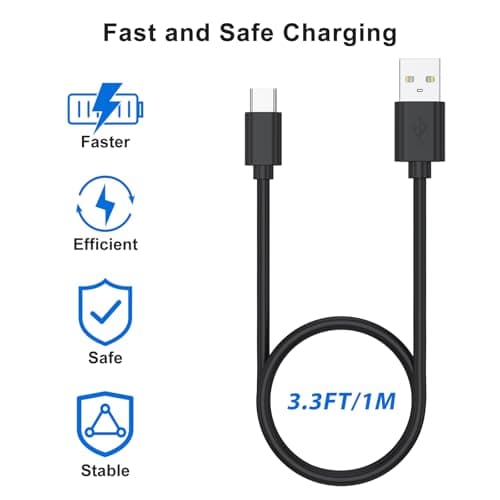
1Meter USB-C Charging Cable Fit for Sony PS5 DualSense Controller, Xbox Series X/S, Switch – Extra Long, Fast Charging Type-C Cord for Gaming, 1/3M Durable Wire (1m)
Zoye
£3.99
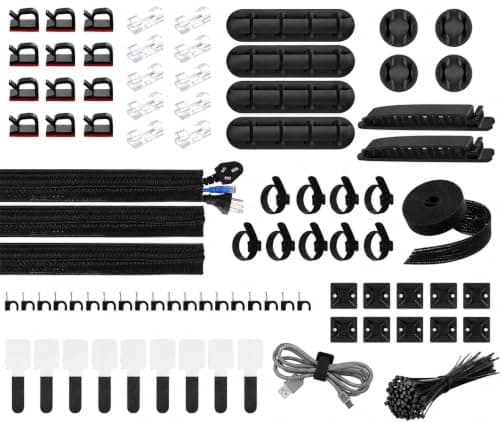
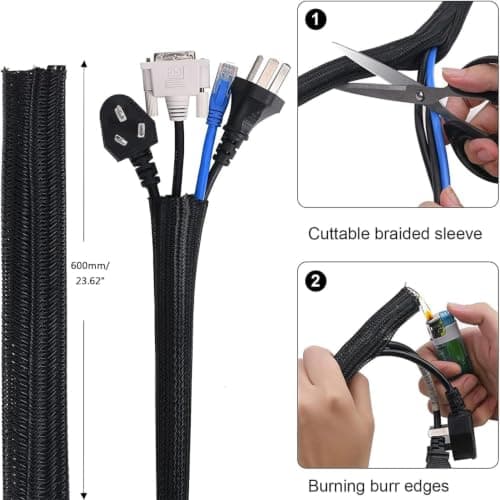
200 PCS Cable Management Kit,4 Wire Organizer Sleeve,7 Cable Holders,10 Zip Tie Mounts,37 Cable Clips,20 Cable Clip Nails,100 Cable Fastening Ties,20+2 Roll Cable Straps for Cable Management
wyevee
£7.99
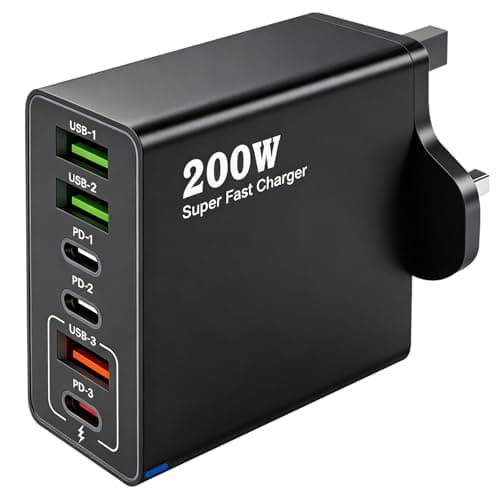
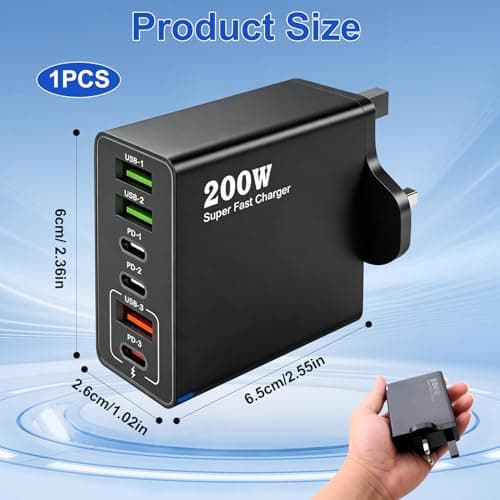
200W USB C Charging Station 6 Port Fast Charger Hub with PD GaN III
ZestEcho
£8.59
