
Oculus Quest 128GB VR Headset
Brand: Oculus
- Batteries
- 2 AA batteries required. (included)
- Rated
- Not PEGI rated
- Package Dimensions
- 37.39 x 22.83 x 13.15 cm; 2.07 kg
- Release date
- 21 May 2019
About this product
If you're looking to dive into the world of virtual reality without the hassle of wires or a PC, the Oculus Quest 128GB VR Headset is your perfect fit. Simply set up with the Oculus mobile app and you’re ready to explore an immersive gaming experience right out of the box. The Oculus Insight tracking system ensures that every move you make translates seamlessly into the virtual world, making it feel as if you're truly there. Step into a new realm where your hands are perfectly recreated by the intuitive Touch controllers. Feel the rumble and precision of each interaction, bringing games to life in ways you've never experienced before. Whether you’re playing standing up or sitting down, Oculus Quest adapts to your environment, making it versatile enough for any space.
Highlights
- All-in-one VR: Simply set up the device with your Oculus mobile app and Oculus Quest has everything you need to explore VR, right out of the box.
- Insight tracking: Oculus Insight tracking system instantly reflects your movements in VR without the need for any external accessories.
- Touch controllers: Oculus Touch controllers precisely recreate your hands, their gestures and interactions, so every game is real enough to reach out and touch.
- Beyond room-scale: Oculus Quest works with your environment, so you can play standing or sitting, in spaces big or small.
Specifications
- Batteries
- 2 AA batteries required. (included)
- Rated
- Not PEGI rated
- Package Dimensions
- 37.39 x 22.83 x 13.15 cm; 2.07 kg
- Release date
- 21 May 2019
- Item model number
- 301-00173-01
- Guaranteed software updates until
- unknown
Is this the right pick for you?
The Oculus Quest 128GB VR Headset is perfect for users who want a seamless and portable VR experience. With its all-in-one design, you can set it up quickly with just your mobile app, making it ideal for those who value convenience and don't want to deal with additional hardware like base stations or sensors. The headset's Insight tracking system allows you to move freely within your space without any external accessories, which is a significant advantage if you're limited on desk space or prefer not to clutter up your room. For users looking to explore VR games and applications, the Oculus Quest offers a rich experience with its touch controllers that precisely recreate hand movements. This means every interaction in VR feels natural, enhancing immersion. However, it's worth noting that while the headset is designed for beyond-room-scale experiences, the actual space you need can vary depending on how you arrange your environment. For small spaces or those who prefer not to move around much, this might be less of a concern. Before purchasing, consider that the Oculus Quest requires 2 AA batteries (included), which will need to be replaced over time. Additionally, since it's not PEGI rated, parents and guardians should take extra care to ensure appropriate content is accessed by minors. Lastly, while the manufacturer guarantees software updates until an unknown date, users should monitor for updates that might affect compatibility with new games or features.
Frequently asked questions
Is the Oculus Quest 128GB VR Headset compatible with my smartphone?
The Oculus Quest is designed to work with select Android smartphones that meet certain requirements. Check the manufacturer's listing for exact compatibility and ensure your device has a recent enough Android version, as well as sufficient processing power and memory.
Can I use this headset without a PC or external sensors?
Yes, the Oculus Quest 128GB is an all-in-one VR system that doesn't require a PC or any additional external sensors. You can set it up with your smartphone using the Oculus mobile app, making it very convenient for gaming and exploring VR from almost anywhere.
How do I set up my Oculus Quest?
Setting up the Oculus Quest is straightforward. Simply download the Oculus mobile app on your compatible Android device, connect the headset to your phone via Bluetooth, and follow the instructions within the app to complete the setup process. The system will guide you through configuring the headset and setting up your environment for VR.
You might also like
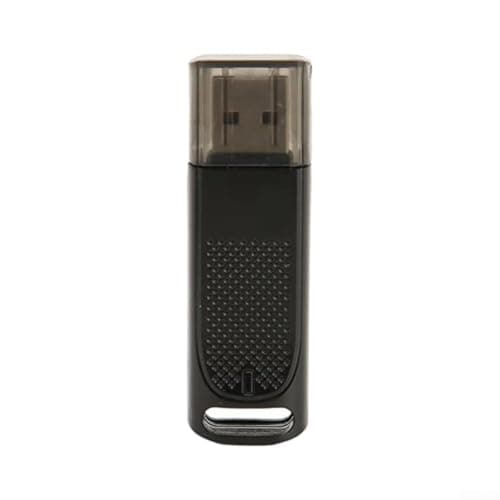
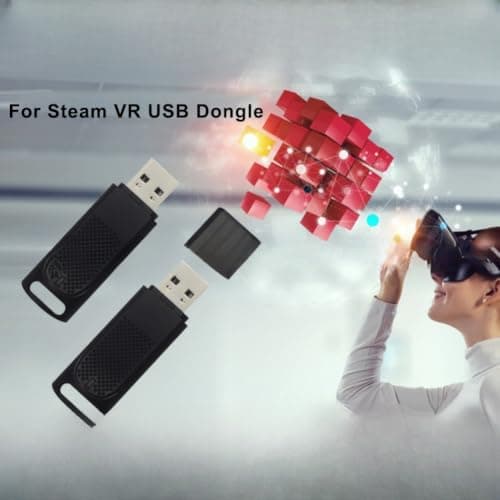
1/2Pcs USB Dongle Receiver for Valve Index Controllers Wireless Adapter for Steam for vr PC for vr Headsets Low Latency Gaming Accessory 2.36×0.63×0.39 inches(1pcs)
ZYWUOY
£35.69
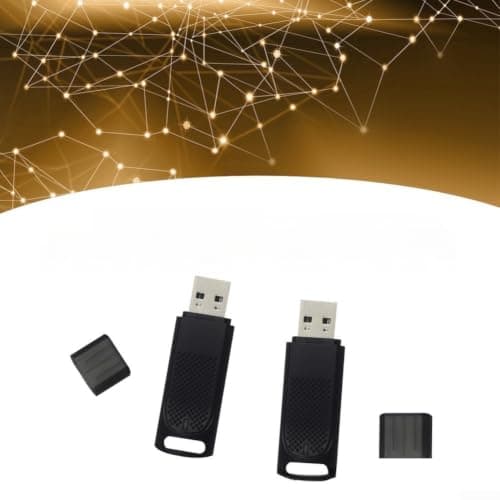
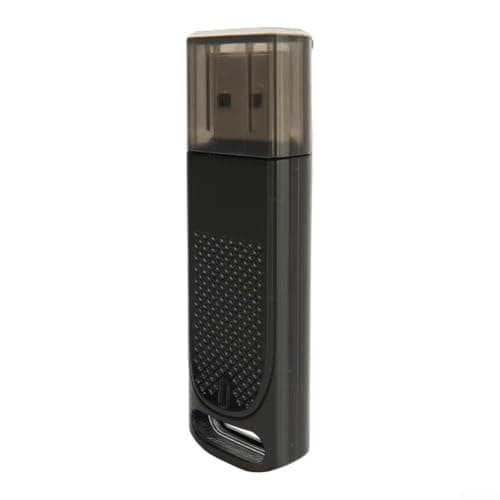
1/2Pcs USB Dongle Receiver for Valve Index Controllers Wireless Adapter for Steam for vr PC for vr Headsets Low Latency Gaming Accessory 2.36×0.63×0.39 inches(2-pack)
ZYWUOY
£62.79
![[2025 New] RayNeo Air 3s XR Glasses - AR Glasses 201" 120Hz FHD HueView Eye-Care Video Display, Smart Gaming Glasses for iPhone 16,15/Android/Mac/Switch/PS5/SteamDeck.](/_next/image?url=https%3A%2F%2Fm.media-amazon.com%2Fimages%2FI%2F51hTDO8E0aL._SL1500_.jpg&w=3840&q=75)
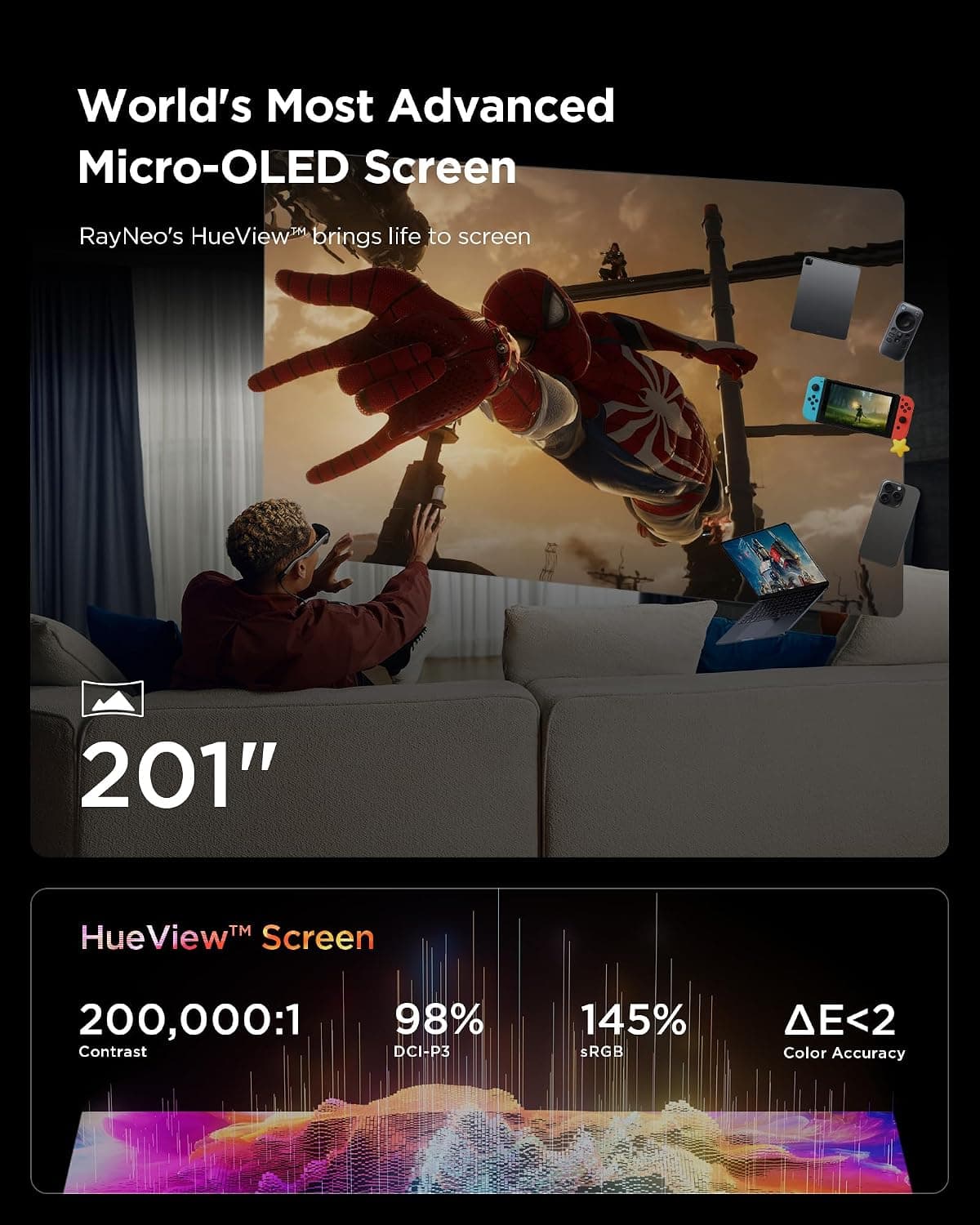
[2025 New] RayNeo Air 3s XR Glasses - AR Glasses 201" 120Hz FHD HueView Eye-Care Video Display, Smart Gaming Glasses for iPhone 16,15/Android/Mac/Switch/PS5/SteamDeck.
RayNeo
£248.99
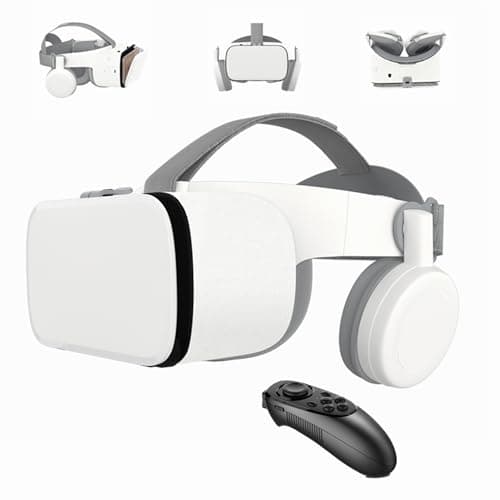
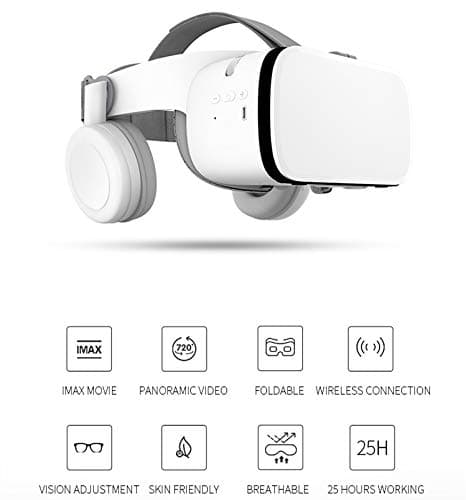
3D VR Headset for Phone, Wireless Bluetooth VR Headset VR Goggles, Compatible for Android Phones and iPhone 16 16e15 15 Pro 14 13 12 11 etc. Nice Gift (White)
LONGLU
£106.03
