
OfficeGear OGHDCAP Budget-Friendly HDMI to USB 2.0 Video Capture Card for Streaming, Live Broadcasting, Video Conference,Teaching,Gaming–Cam Link Card 4K HDMI Input 1080p Output, Game Capture Adapter
Brand: officegear
About this product
Capture Cards are essential for converting video signals from sources like HDMI devices into digital formats that can be streamed or recorded. The OfficeGear OGHDCAP stands out in this category as a budget-friendly option suitable for various uses such as streaming, live broadcasting, and gaming. This capture card supports 4K HDMI input and 1080p output, ensuring high-quality visuals for your content. Equipped with game audio capture capabilities, the OGHDCAP enhances both streaming and gaming experiences by providing clear sound quality. Its compact design and plug-and-play functionality make it easy to set up without complicating your workflow. Whether you're a content creator or an educator looking to connect with students remotely, this card offers reliable performance at an affordable price point.
Highlights
- 【IMPORTANT】 This device is not for adding HDMI output to the USB output of laptops or computers without HDMI out.
- 【Your Satisfaction】Experience real-time streaming and gaming fun with friends thanks to low latency technology.
Is this the right pick for you?
This capture card from OfficeGear OGHDCAP is ideal for individuals who are looking to upgrade their streaming or gaming setup without breaking the bank. It’s particularly suited for content creators and educators who need a reliable way to broadcast live sessions, conduct video conferences, or teach remotely. The 4K HDMI input and 1080p output ensure that your visuals remain sharp and clear, making it perfect for presentations and gameplay recordings. For gamers, the low latency technology means you can share your experiences with friends in real time, enhancing the interactive nature of online gaming communities. On the other hand, this capture card is not designed for users who need HDMI output functionality on laptops or computers that lack an HDMI port. It’s a one-way adapter from HDMI to USB, so it won’t be useful if you're looking to extend your display output. Additionally, while it supports various devices and offers plug-and-play convenience, ensure that your computer has the necessary USB 2.0 ports and compatible software like Open Broadcaster Software (OBS) for optimal performance. Setting up the OGHDCAP is straightforward; simply connect one end of the card to your HDMI source (like a gaming console or media player) and the other end to an available USB 2.0 port on your computer. However, keep in mind that its USB 2.0 interface may limit data transfer speeds compared to newer USB standards like 3.0 or 3.1. Regularly check for software updates and ensure you have the latest drivers installed to maintain the best performance from this capture card.
Frequently asked questions
Can this capture card be used for gaming?
Yes, the OfficeGear OGHDCAP is designed specifically for gaming. It captures your gameplay in high quality with 4K HDMI input and game audio capture adapter, allowing you to stream or record your sessions without any lag.
Is it compatible with all types of laptops?
The device works best with computers that have an HDMI port but does not support adding HDMI output to USB. Check the manufacturer's listing for exact compatibility details before purchasing.
What software is needed to use this capture card?
To operate this capture card, you will need compatible software such as Open Broadcaster Software (OBS), which is free and widely used for streaming and recording. Ensure your computer meets the system requirements for OBS to function properly with the OGHDCAP.
You might also like
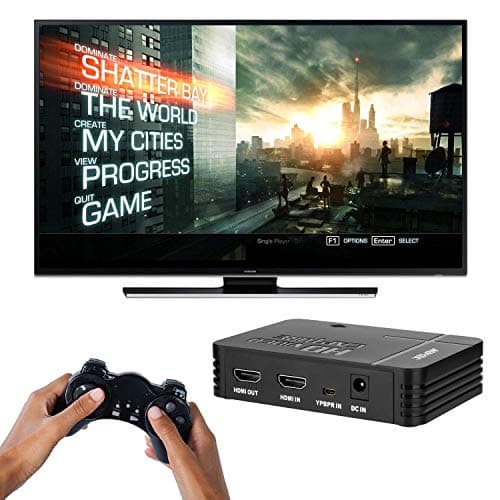
1080P Game Video Capture Card with HDMI and YpbPr Input, Mic-in Video Recorder Compatible with Xbox 360/One/ PS3 /PS4 etc
AGPTEK
£64.18
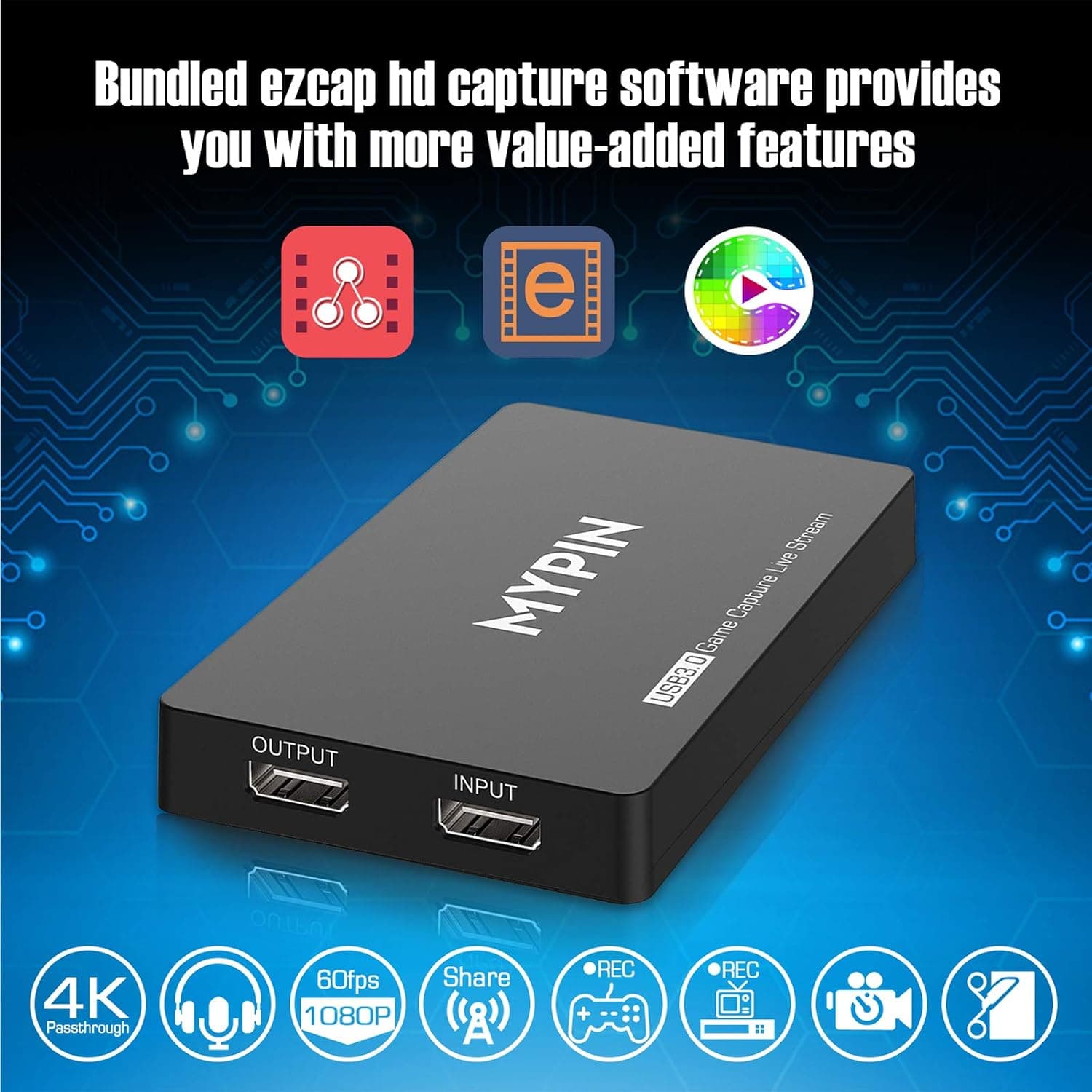
4K Capture Card for Live Streaming, MYPIN USB3.0 HDR Capture 1080P@60fps Support Microphone and Gamepad Party Chat for Nintendo Switch/ PS4 /Xbox One 360 /Wii U/Action Camera/DSLR Camcorder
MYPIN
£19.99
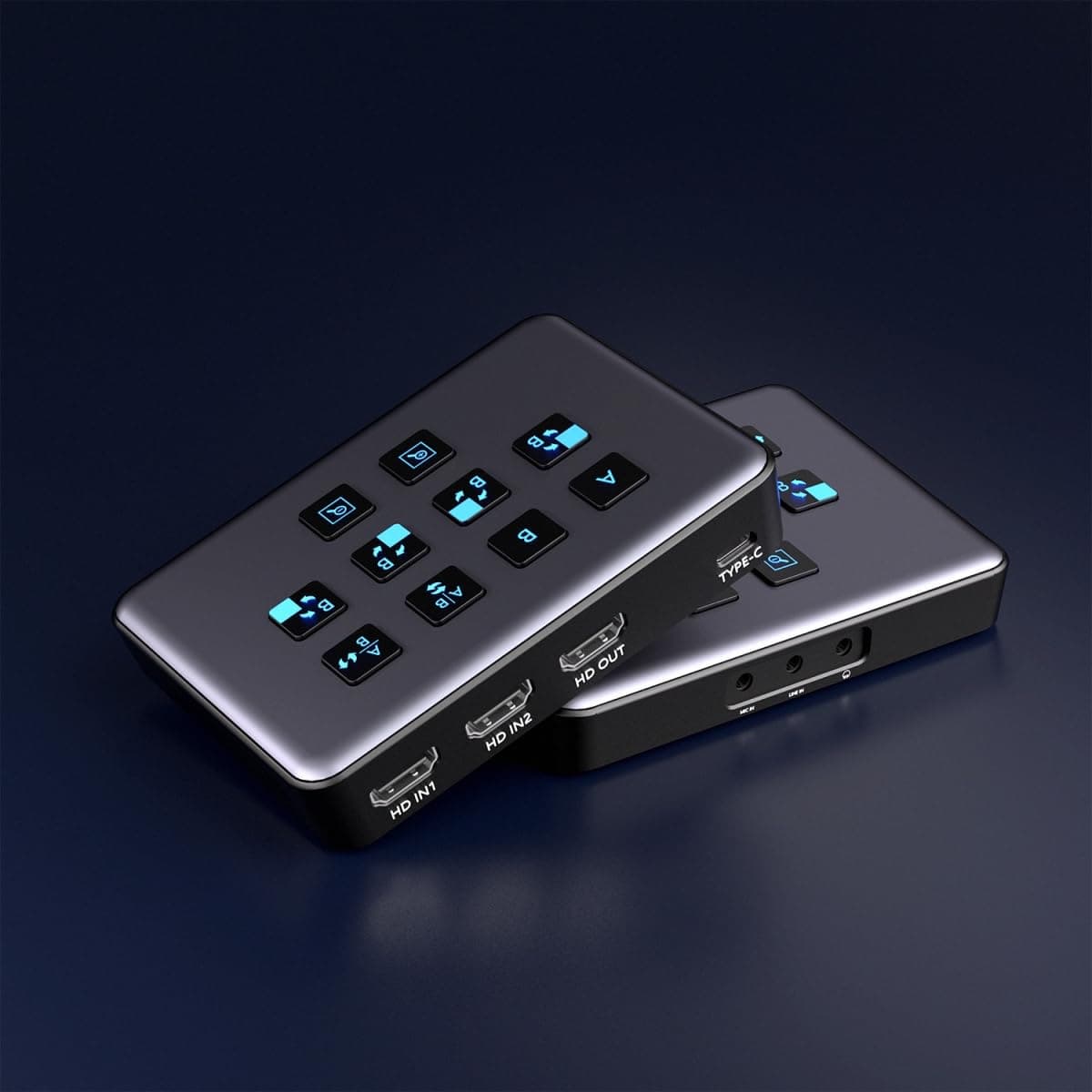
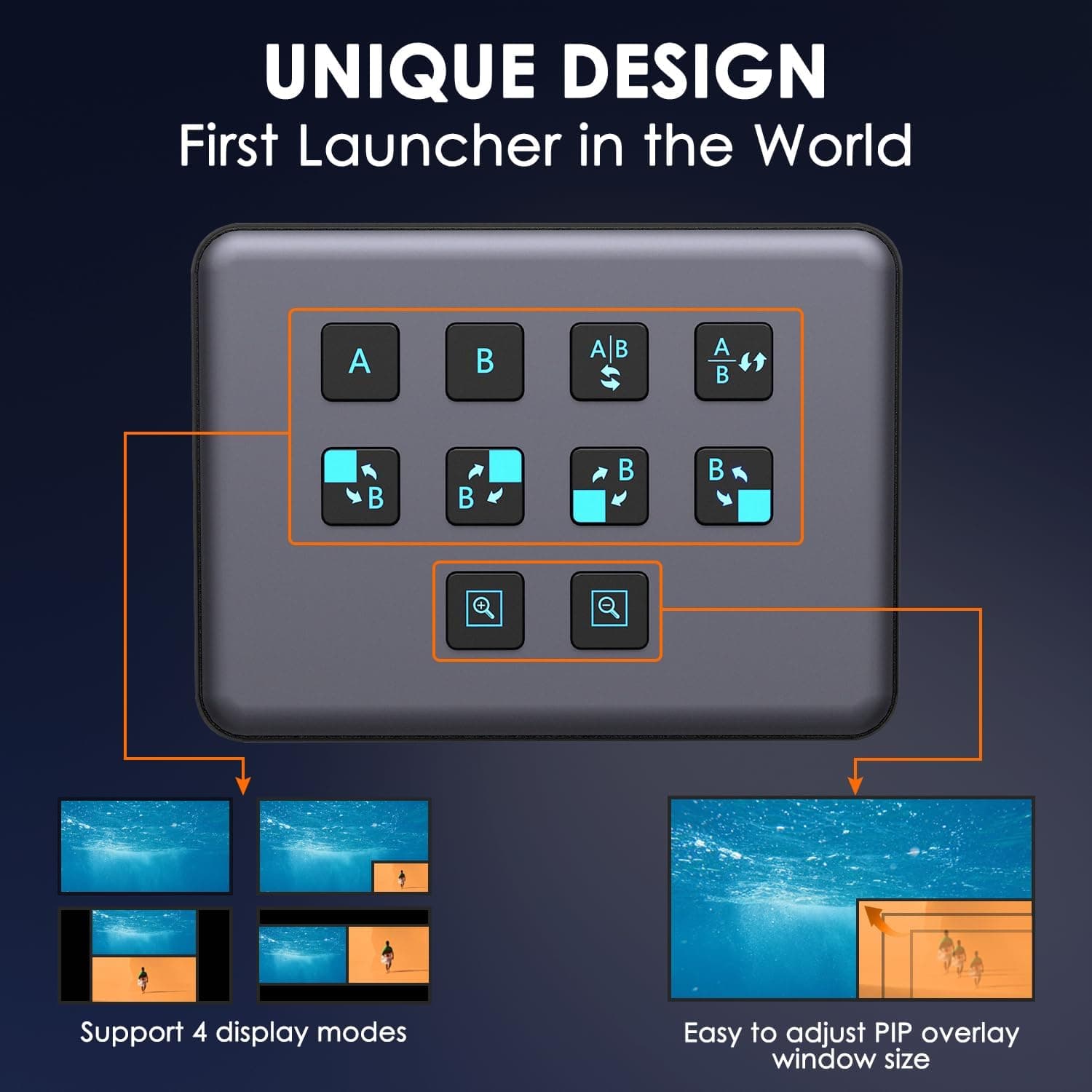
4K Dual HDMI Audio Video Capture Card, USB3.0 1080P 60FPS Equipment for Live Streaming,Capture Card with Loop Camera Link to Type-C Recording Game Video Mixer,Passthrough for Xbox PS5 PS4 Etc
EDISTEC
£25.99
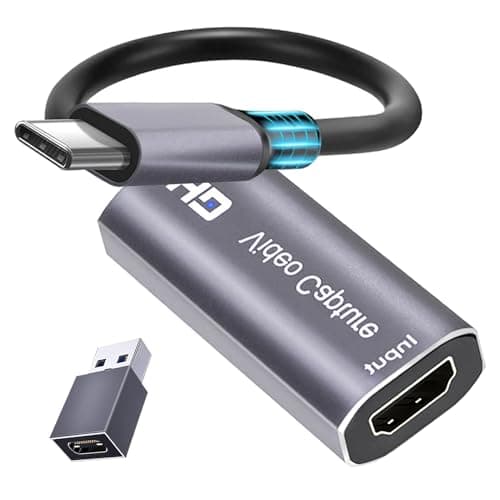
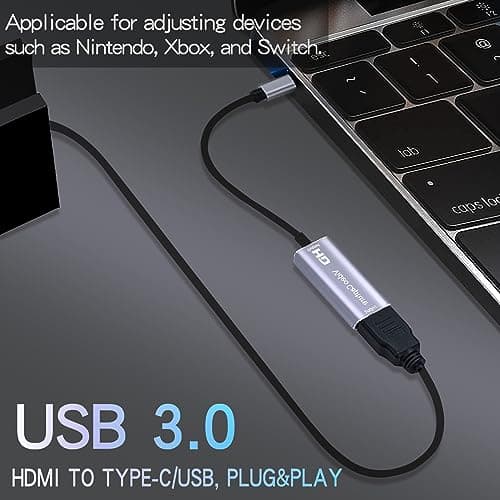
4K HDMI Capture Card, Cam Link Video Capture Card HDMI to 1080P Type-C for Windows Mac OS System for Streaming Gaming Meeting with USB C Adapter to Adjust PS3 4, Switch, Xbox
Extenuating Threads
£12.99
