
Z-Edge 34 Inch Ultrawide Curved Gaming Monitor 165Hz 3440x1440 1ms DP HDMI | 21:9 IPS UWQHD 1500R, 96% DCI-P3, 1.07B Colors, 10Bit, 120% sRGB, Adaptive Sync, PIP PBP, DP (165Hz) HDMI (100Hz), White
Brand: Z Z-Edge
About this product
For gamers seeking a truly immersive experience, the Z-Edge 34 Inch Ultrawide Curved Gaming Monitor is an excellent choice. With its UWQHD 3440x1440 resolution and 165Hz refresh rate, this monitor ensures that every action in your games is fluid and responsive, reducing ghosting and motion blur for a more engaging gameplay. The curved IPS panel offers a 178° wide viewing angle, delivering consistently vibrant colors from all angles. The 1500R curvature enhances immersion, making it perfect for both gaming and movie-watching.
Highlights
- With UWQHD 3440x1440 resolution, up to 1.07 billion display colors and 10-bit color depth, this monitor delivers consistently accurate and vibrant colors. Immerse yourself in extraordinary image precision. The RGB light on the back creates the ambience for the ultimate gaming experience.
- Curved IPS Panel: With the advanced IPS panel, the monitor offers a 178° wide viewing angle, ensuring consistently accurate and vibrant colors from all angles. The 1500R curvature provides a deep sense of immersion when playing games or watching movies.
- 165Hz & 1ms: This gaming monitor delivers rapid MPRT 1ms response time and 165Hz refresh rate (DP), ghosting and motion blur will be dramatically reduce, bringing unprecedented smoothness and fluidity to your games and action movies. DP ports support up to 165Hz, HDMI ports support up to 100Hz.
Is this the right pick for you?
This Z-Edge 34 Inch Ultrawide Curved Gaming Monitor is ideal for gamers who demand the absolute best in visual fidelity and responsiveness. The UWQHD 3440x1440 resolution ensures that every detail in your games or movies is crisp and clear, making it perfect for those who play at high settings with intricate textures and vibrant colors. The 165Hz refresh rate and 1ms response time significantly reduce motion blur and ghosting, providing a fluid gaming experience that enhances both action and strategy gameplay. This monitor also supports Adaptive Sync, which helps to eliminate screen tearing and stuttering, ensuring smoother performance during fast-paced scenes. For those who prefer a more traditional setup or are looking for a balance between features and cost, this monitor might not be the best fit. While it offers excellent image quality and gaming performance, its premium price point may not align with every budget. Additionally, while the 21:9 aspect ratio is fantastic for immersive gaming experiences, it might not be as versatile for general use like watching standard movies or using productivity software. Setting up this monitor involves connecting via either DisplayPort (for 165Hz) or HDMI (for up to 100Hz), ensuring compatibility with most modern gaming systems and computers. The IPS panel offers a wide viewing angle, making it great for multi-monitor setups where multiple players might be sharing the screen. However, proper care is essential—avoid placing heavy objects on top of the monitor, as its design is not built to support additional weight. Regularly cleaning the screen with a soft cloth and avoiding exposure to direct sunlight will help maintain its vibrant colors and clarity over time.
Frequently asked questions
How does the 21:9 aspect ratio of this monitor benefit gaming?
The 21:9 aspect ratio provides a wider field of view compared to standard 16:9 monitors, which is particularly beneficial for games that support widescreen resolutions. This allows you to see more action on screen at once, enhancing your peripheral vision and situational awareness during fast-paced gameplay.
Is this monitor compatible with my current gaming PC?
Check the manufacturer's listing for exact compatibility details. Generally, ensure your graphics card supports DisplayPort (DP) or HDMI inputs, as this monitor uses both to deliver high refresh rates. If you're unsure, consult your PC’s specifications or contact the retailer.
Can I use multiple monitors with my setup?
Yes, you can connect additional monitors using either the DP or HDMI ports on this Z-Edge 34-inch monitor. This allows for a multi-monitor setup that can enhance productivity and gaming experience by providing more screen real estate for applications or games.
You might also like
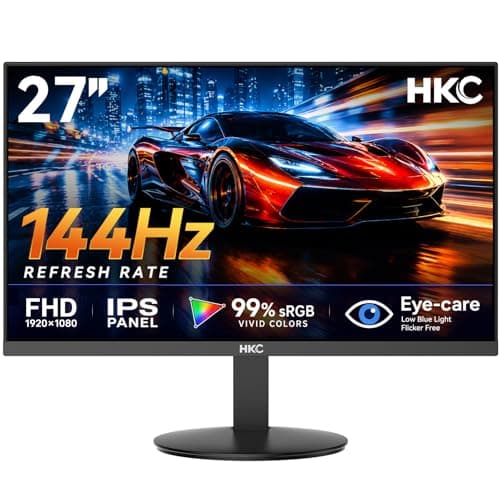
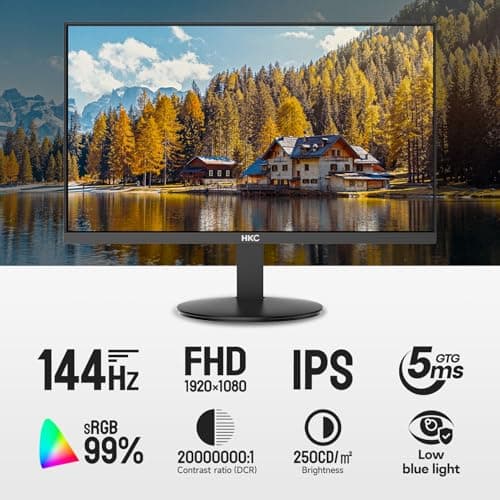
27 inch Gaming Monitor 144Hz, FHD 1080P IPS Display with 99% sRGB, FreeSync, Tilt Adjustable, lowblue mode, HDMI/VGA Ports for Home Office and computer monitor V2718S
HKC
£84.98
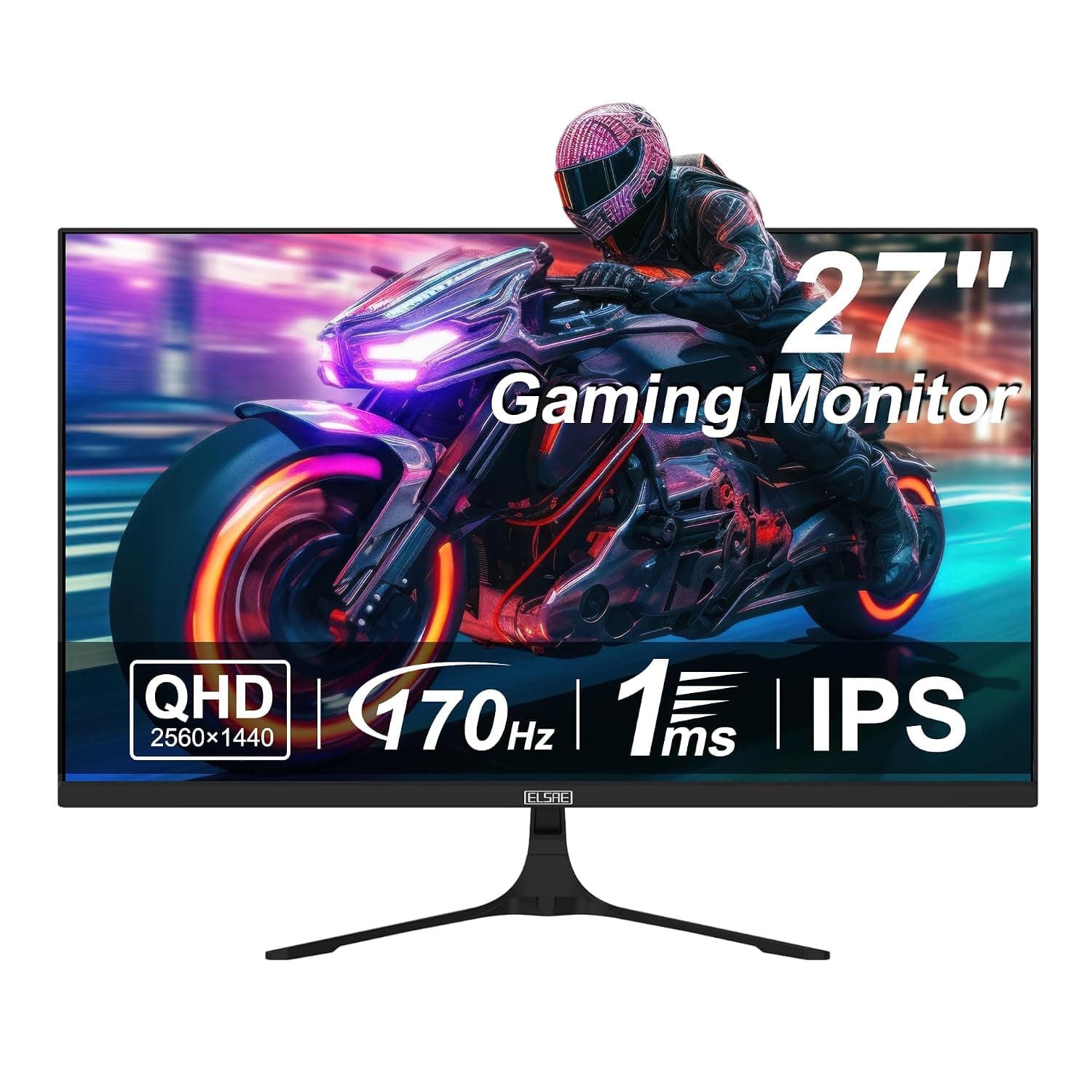
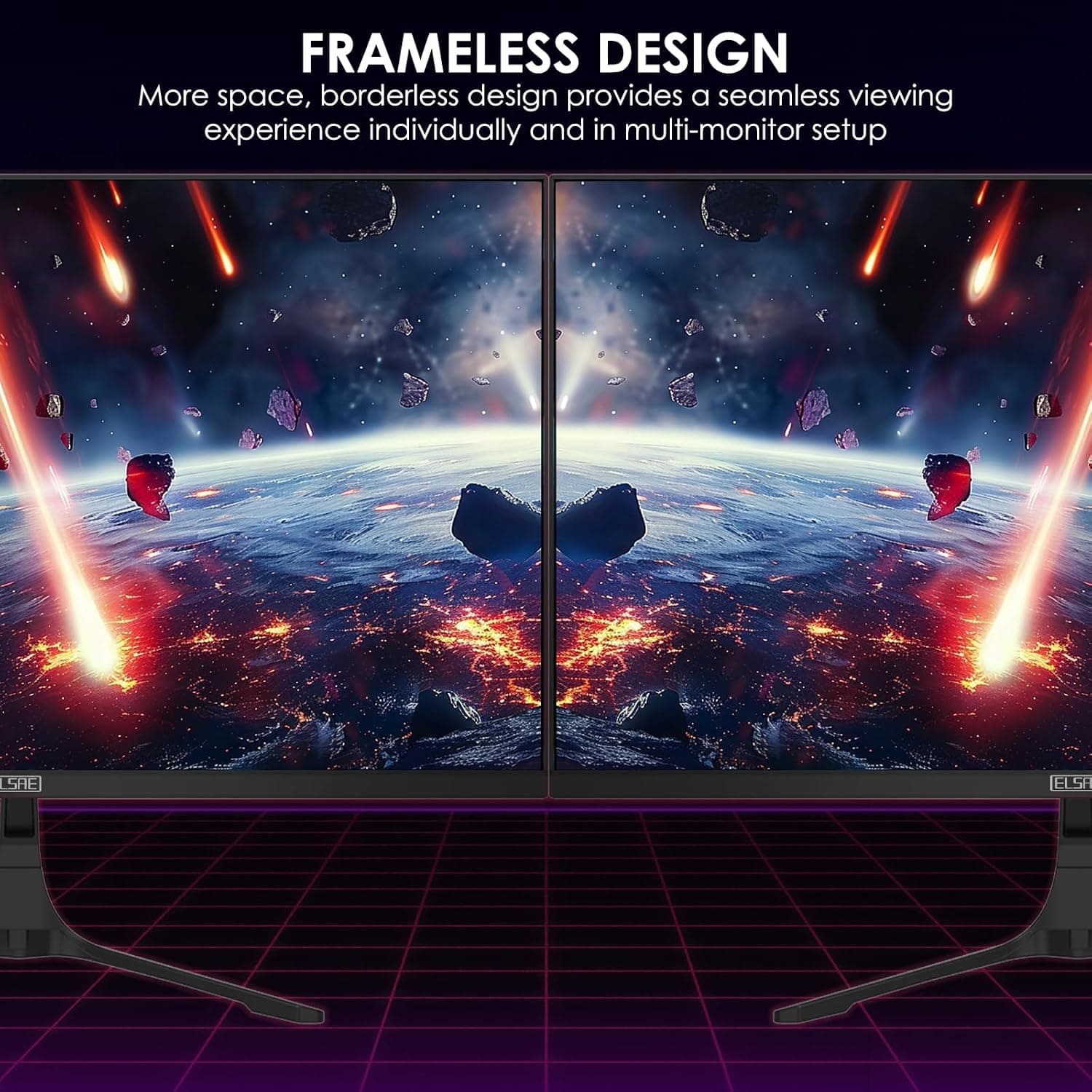
27 Inch QHD 1440P Gaming Monitor, 170Hz 144Hz IPS Computer Monitor, FreeSync, HDR 113% sRGB, Low Blue Light, HDMI & Display Port x2, VESA Mountable
ELSAE
£415.70
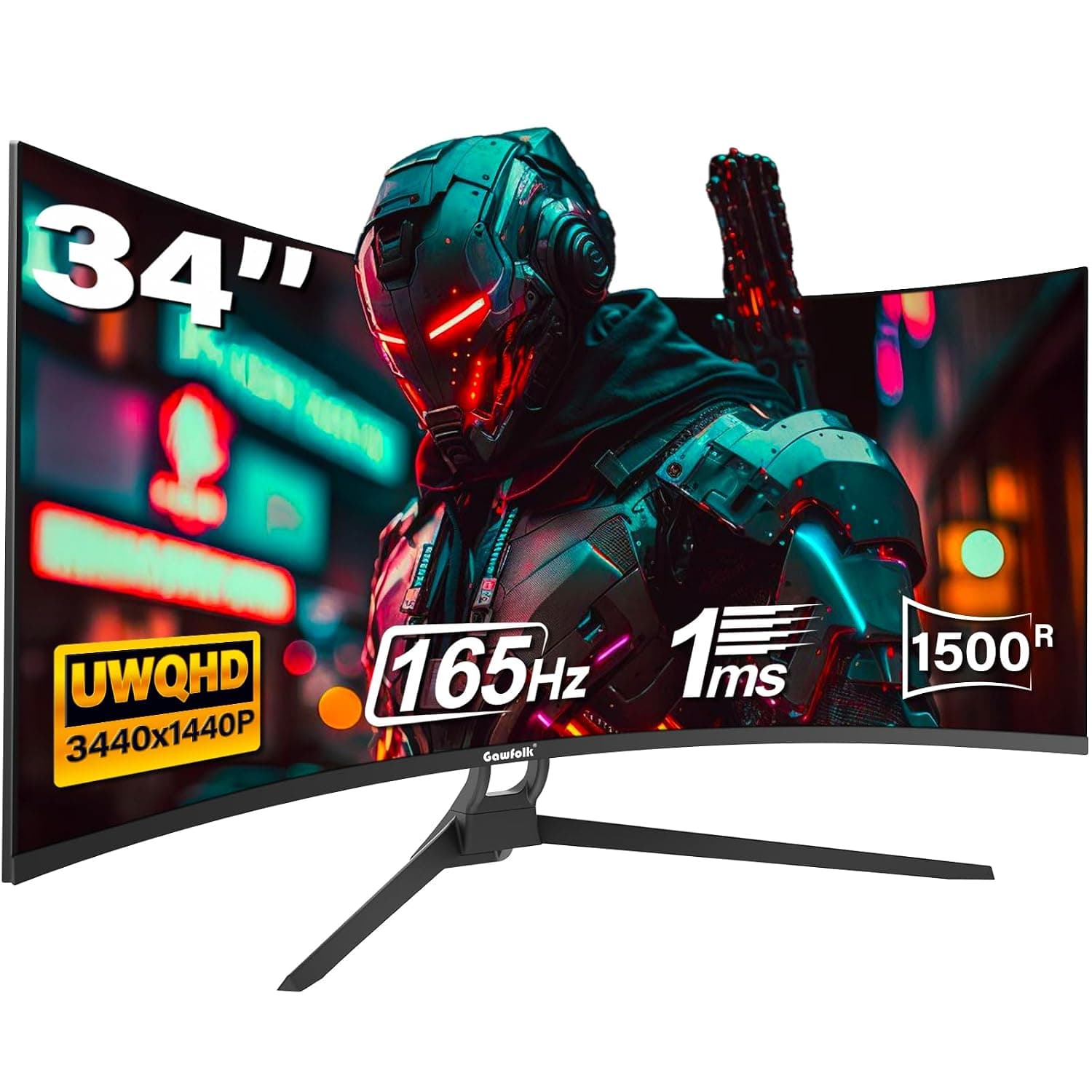
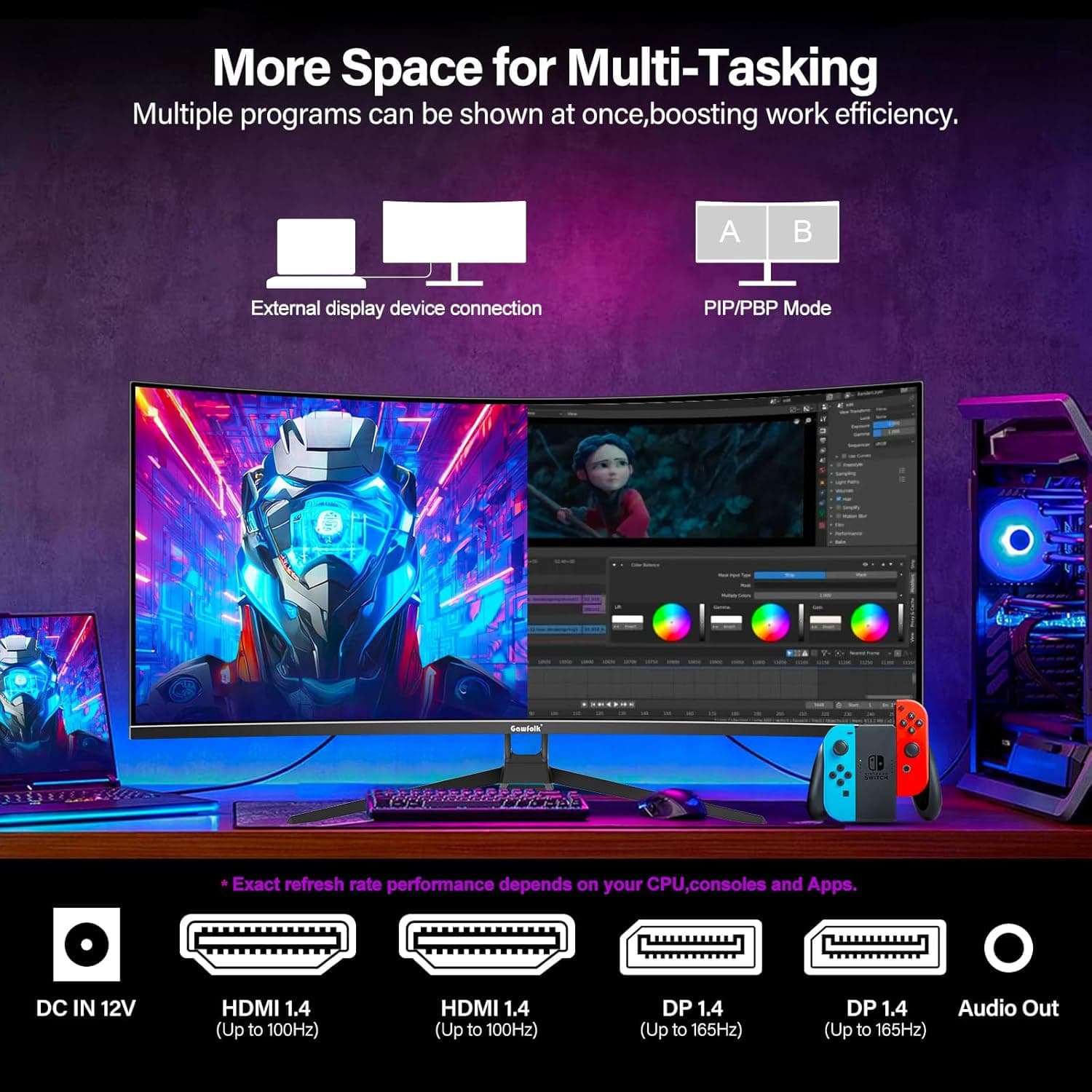
34 Inch Ultrawide Curved Gaming Monitor, 1500R PC Screen 165hz WQHD 3440x1440p Monitor, Curved Computer Display with FreeSync & Eye-Care Technology, DP, HDMI
Gawfolk
£189.99
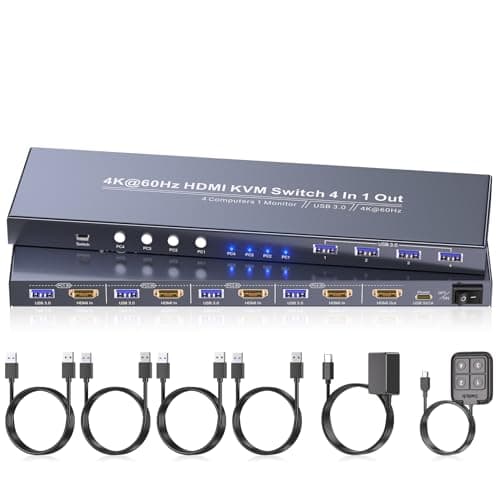
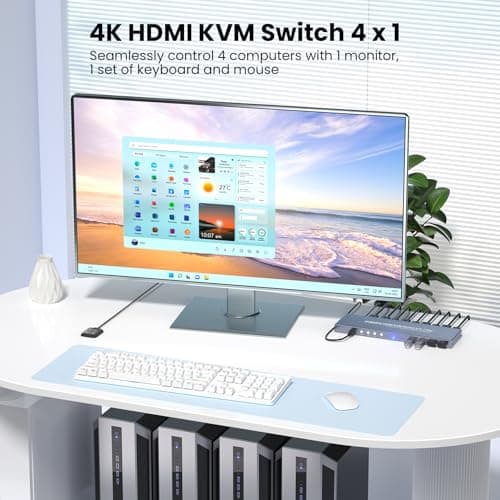
4K60Hz HDMI KVM Switch 1 Monitor 4 Computers, 4 Port KVM Switch for 4 PCs Share 1 Monitor and 1 Set of Keyboard Mouse, 4 Port USB 3.0 Hub Integrated, Dual Switching Methods
Generic
£42.49
