
Thrustmaster T.Flight Stick X, Joystick with Rudder Control, Reprogrammable Buttons and Axes, Rotating Handle, PC/USB Compatible (Windows 8)
Brand: Thrustmaster
- Is discontinued by manufacturer
- No
- Product Dimensions
- 22 x 23.8 x 25.3 cm; 1.26 kg
- Manufacturer
- THRUSTMASTER
- Item model number
- 2960694
About this product
Is there a way to enhance your flight simulation experience without breaking the bank? Enter the Thrustmaster T.Flight Stick X. This joystick is designed for pilots and enthusiasts who want realistic control in their PC flight simulators. With reprogrammable buttons and axes, you can tailor every aspect of your controls to match your preferences or specific needs in different games. The rotating handle adds an extra layer of realism, making your flights feel more immersive than ever before. This joystick stands out for its versatility and durability. Whether you're a beginner looking to get into flight simulations or a seasoned pro seeking precise control, the T.Flight Stick X is up to the task. Its compact yet sturdy design ensures it can handle long gaming sessions without any issues, making it a reliable companion in your quest for perfect flight simulation experiences.
Specifications
- Is discontinued by manufacturer
- No
- Product Dimensions
- 22 x 23.8 x 25.3 cm; 1.26 kg
- Manufacturer
- THRUSTMASTER
- Item model number
- 2960694
- Label
- THRUSTMASTER
Is this the right pick for you?
The Thrustmaster T.Flight Stick X is a top choice for pilots and flight enthusiasts who demand precision and control in their simulations. Its reprogrammable buttons and axes allow you to tailor the controls to your specific needs, making it highly customizable for both beginners and experienced users. The rotating handle offers an authentic feel that can enhance your immersion during flights, providing a more realistic experience as you maneuver through different scenarios. However, this joystick may not be ideal for casual gamers who are looking for something simpler or those who primarily use their PC for non-flight simulation games. Its specialized features and higher price point make it best suited for those deeply involved in flight simulators where every detail can mean the difference between success and failure. When setting up your T.Flight Stick X, ensure you have a USB port available on your computer as this joystick is exclusively compatible with PC via USB. The installation process is straightforward but requires some basic knowledge of connecting peripherals to your system. Regular use will involve cleaning the stick occasionally to maintain its performance, especially if it gets dusty or dirty during intense sessions. Given its size (22 x 23.8 x 25.3 cm; 1.26 kg), you'll want a desk with enough space for it and your monitor setup to avoid clutter. With proper care and attention to detail in its setup, the T.Flight Stick X can provide years of reliable service, enhancing your flight simulation experience significantly.
Frequently asked questions
Is the Thrustmaster T.Flight Stick X compatible with Windows 8?
Yes, the Thrustmaster T.Flight Stick X is compatible with Windows 8. However, it's important to check if your specific version of Windows 8 supports USB devices as some older versions might have limitations.
Can I use this joystick for both flight simulations and other PC games?
Absolutely, the Thrustmaster T.Flight Stick X is versatile enough to be used not only in flight simulators but also in various PC games that require a joystick. Its reprogrammable buttons and axes make it highly customizable to fit different gaming needs.
What features does the rotating handle offer?
The rotating handle on the T.Flight Stick X provides an enhanced control experience, allowing you to adjust pitch more accurately during flight simulations. This feature is particularly useful for pilots who need precise control over their aircraft’s orientation.
You might also like
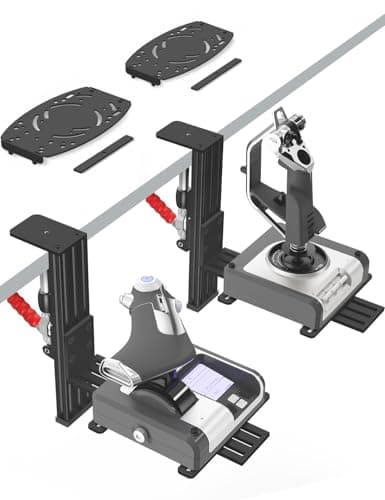
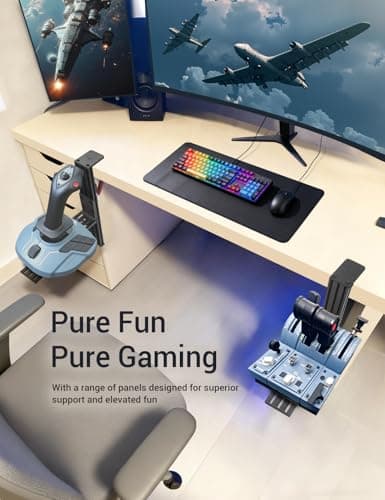
2 Pack Hotas Desk Mount for Flight Sim Hand-Controllers Compatible with Logitech X52 X56 Hotas, Thrustmaster Hotas Warthog, Sol-R2, SimTask Farmstick, T. Flight Hotas, T.16000M, TCA, Winwing,VKB, VPC
VTUIFBT
£64.88
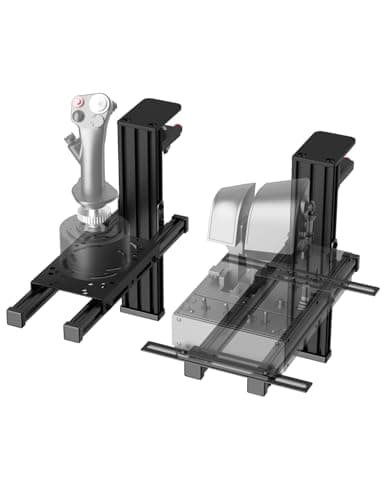
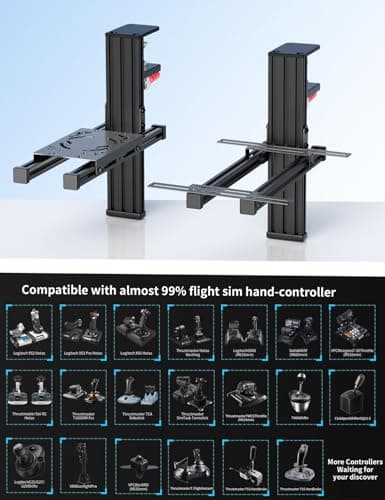
2 Pack Hotas Desk Mount For Flight Sim Joystick Compatible with Logitech X56/X52/X52 Pro, Thrustmaster Hotas Warthog/ T.16000M/ T-Flight Hotas 4/X/ SimTask Farmstick/ Sol-R2, Winwing, VPC, VKB Hotas
VTUIFBT
£59.99
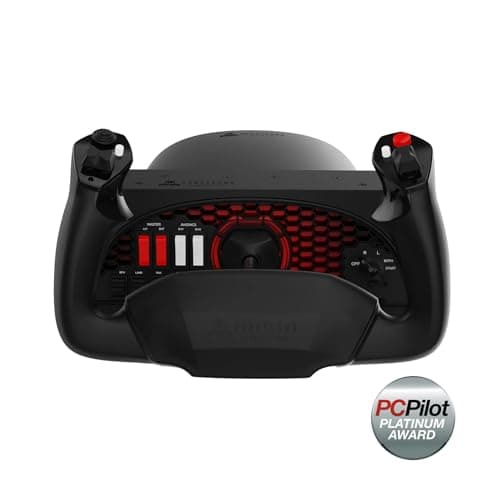
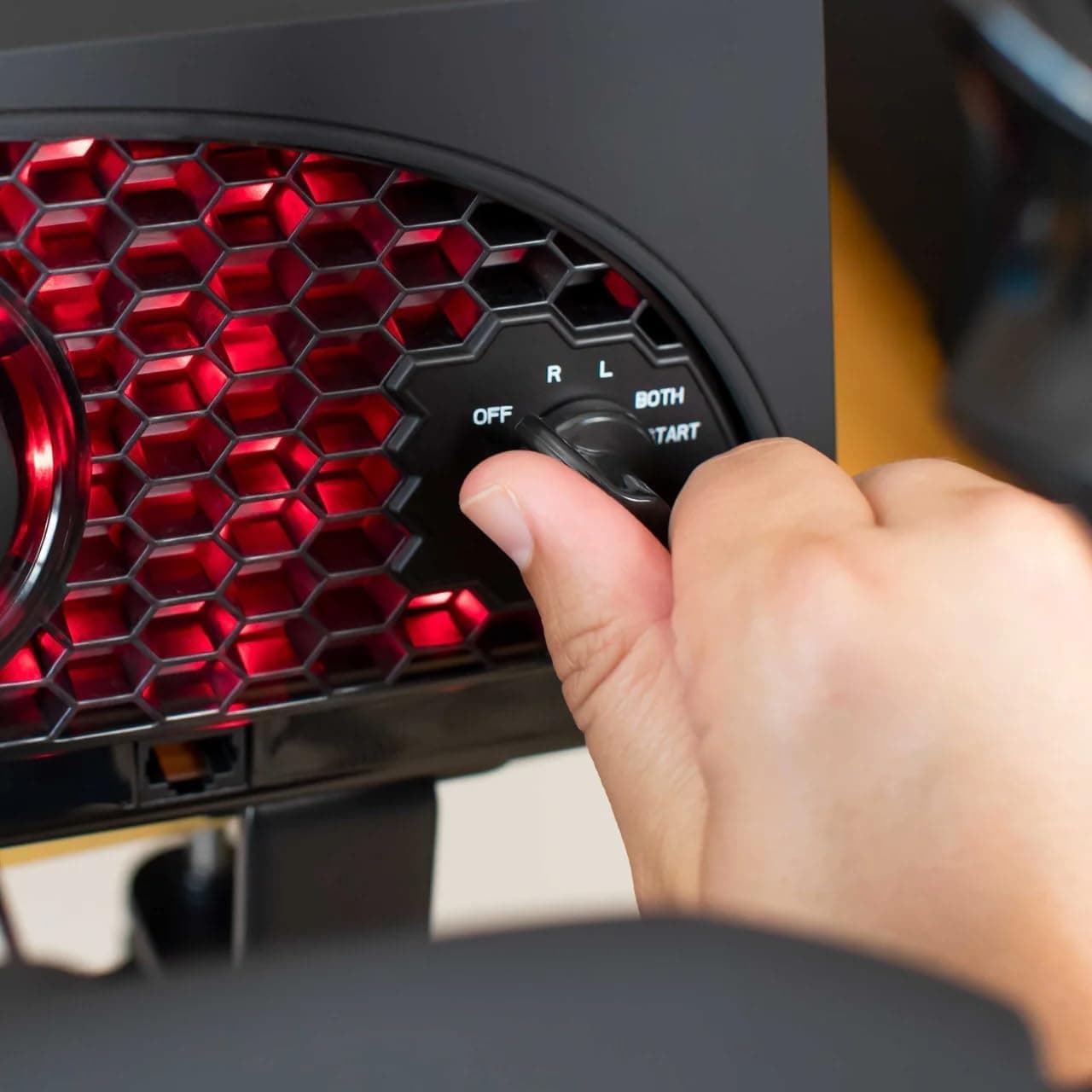
Aerosoft Honeycomb Alpha Flight Controls Flugsimulator-Steuerhorn USB PC black
Honeycomb Aeronautical
£301.16
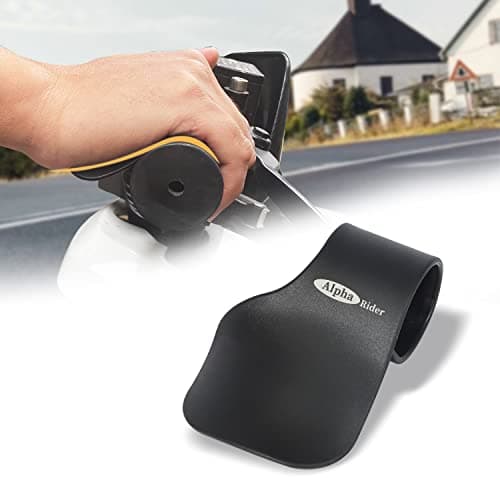
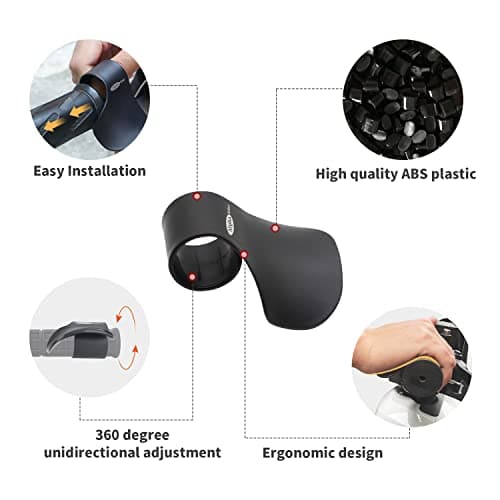
Alpha Rider Universal Motorcycle 22MM Black Throttle Mounted
Alpha Rider
£8.99
