
TP-Link ARCHER C9 AC1900 Wireless Dual Band Gigabit Router
Brand: TP-Link
Dual band wireless speed: Combined wireless speeds up to 600 Mbps-over 2.4 GHz and 1300 Mbps-over 5 GHz ; 3 dual band detachable antennas provide maximum omni-directional wireless coverage and reliability ; Supports 802.11ac standard-the next generation of Wi-Fi
- Height
- 24 cm
- Length
- 34 cm
- Width
- 9.9 cm
- Weight
- 1.17 kg
About this product
Ideal for gamers and tech enthusiasts alike, the TP-Link ARCHER C9 AC1900 Wireless Dual Band Gigabit Router ensures a seamless online experience. Whether you're streaming high-definition content or competing in fast-paced multiplayer games, this router guarantees reliable performance by managing bandwidth efficiently and preventing buffer issues, even when multiple devices are active simultaneously. Equipped with Beamforming technology, the Archer C9 focuses its wireless signal precisely where it's needed most, enhancing Wi-Fi range and connectivity. This makes it perfect for large homes or spaces where signals might struggle to reach every corner, ensuring no lag or disconnection during crucial moments in your gaming sessions.
Specifications
- Height
- 24 cm
- Length
- 34 cm
- Width
- 9.9 cm
- Weight
- 1.17 kg
- Pack size
- 1
- Colour
- White
- Amazon Bestseller Rank
- #380,956
Is this the right pick for you?
The TP-Link ARCHER C9 AC1900 Wireless Dual Band Gigabit Router is particularly suited for households where multiple devices are regularly connected to the internet simultaneously. Whether you're a gamer looking to avoid lag and disconnection issues, or someone who relies on streaming 4K content without interruptions, this router offers robust performance that can handle these demands effectively. The dual-band Wi-Fi capability ensures that both your gaming needs and other bandwidth-intensive activities like video streaming are supported seamlessly. However, if you have a small home with just one or two devices, the Archer C9 might be overkill; simpler routers would suffice. In a typical setup, this router integrates well into an existing network infrastructure, providing reliable Wi-Fi coverage across larger homes or apartments. The Beamforming technology enhances its performance by directing wireless signals more precisely to specific areas where they are needed most, which is especially beneficial in multi-story homes with complex layouts. This feature helps maintain consistent speeds and reduces interference from other devices, making it a valuable addition for those experiencing connectivity issues. When considering the purchase of this router, there are several practical aspects to keep in mind. The setup process is straightforward, though TP-Link does offer detailed instructions and support resources online. It’s important to ensure that all necessary cables (Ethernet cables for connecting to your modem or switch) are available before installation. Additionally, while the router supports Gigabit Ethernet ports, you should check if your network infrastructure can handle these speeds. Regular firmware updates from TP-Link are recommended to keep the device running optimally and secure against new threats.
Frequently asked questions
Is this router compatible with gaming consoles?
Yes, the TP-Link ARCHER C9 is fully compatible with most modern gaming consoles. It supports both 2.4GHz and 5GHz bands, ensuring stable and fast connections for online gaming without interruptions or lag.
Can it handle multiple devices simultaneously?
Absolutely. With its powerful 1 GHz dual-core processor, the Archer C9 can efficiently manage multiple connected devices at once, whether they are streaming, downloading, or gaming. This ensures that no single device will slow down your network for others.
Does this router support 4K streaming?
Definitely. The Archer C9 is designed to handle high-speed data transfers, making it perfect for 4K streaming without buffering. Its advanced Wi-Fi technology ensures smooth and uninterrupted video playback even when other devices are using the network.
You might also like
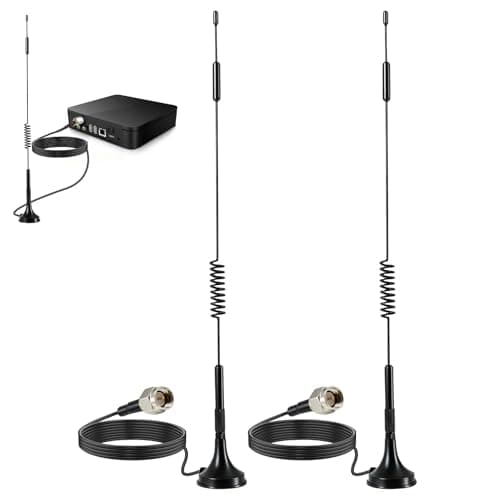
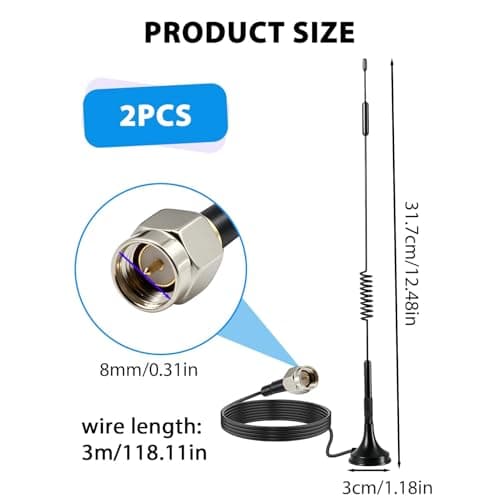
2Pack 4G LTE Antenna 7dBi High Gain SMA Male Aerial with 3m Magnetic Base with SMA Connector Signal Booster for Netgear TP-Link Router Modem Hotspot Wireless Router Hub Indoor Outdoor
Aradoea
£11.49
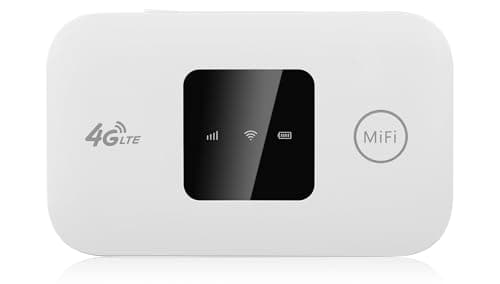
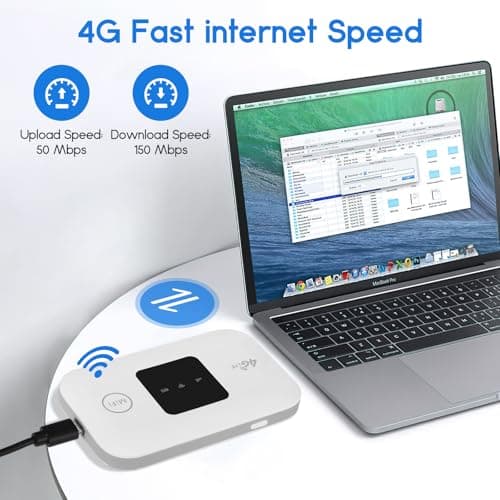
4G/5G MiFi Router,Portable Wifi Travel Router with SIM Card Slot,Pocket 4G LTE Internet Hotspot Up To 10 Users for Travel Phone Computer Laptop
VIHBRAI
£16.99
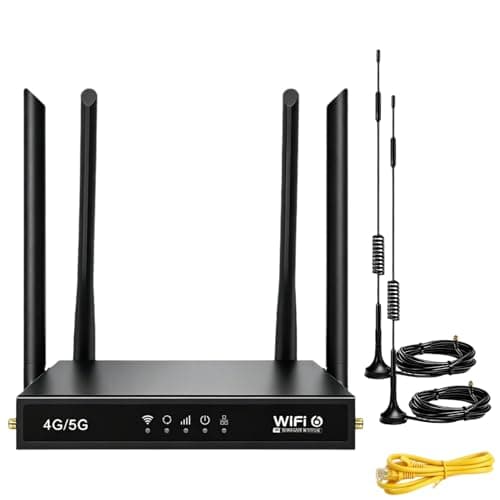
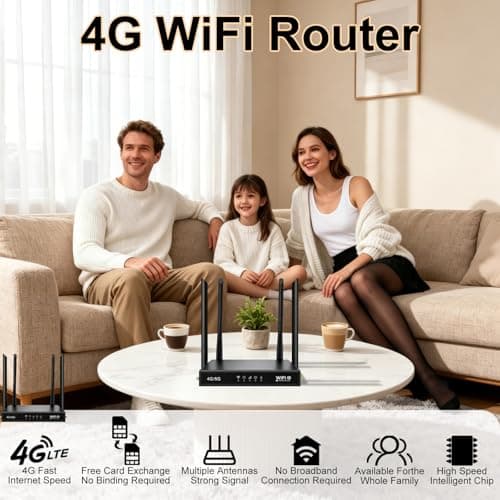
4G Router with SIM Card Slot, 4G LTE WiFi 6 Router 300Mbps, Plug & Play Mobile WiFi Router with 4 LAN/WAN Ports, 6 High Gain Antennas, SIM Card Router for Travel Home Office Caravan CCTV
Pak2iaa
£39.99
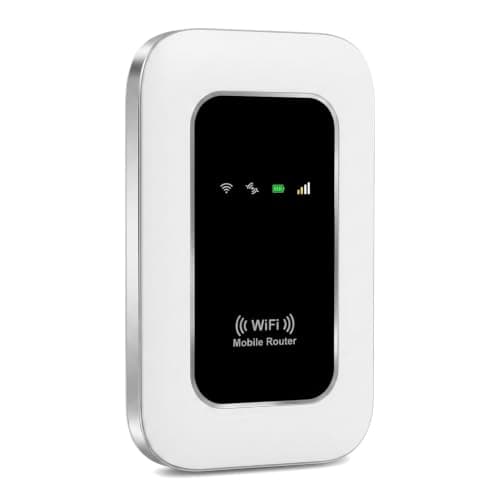
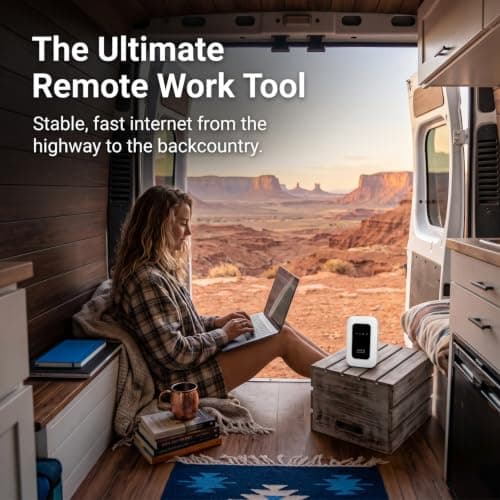
5G Mobile WiFi Hotspot, Unlocked Portable Router with SIM Slot, Ultra-Fast Internet up to 300 Mbps, Pocket-Sized Travel Modem for Remote Work & UK Trips, Connects up to 16 Devices Simultaneously
Generic
£37.99
