
Angetube Webcam with Ring Light for Streaming - 1080P HD Web Camera with Microphone Auto Focus Computer | Laptop | Desktop USB Camera for Xbox PC Gaming Stream & Zoom Meeting & Video Calling & Twitch
Brand: Barobke
About this product
If you're looking to enhance your gaming stream or video call experience, the Angetube Webcam with Ring Light for Streaming is a must-have. This 1080P HD webcam not only ensures crystal-clear visuals but also features built-in dual noise-canceling microphones that capture your voice perfectly from any angle, making it ideal for both streaming on platforms like Twitch and participating in Zoom meetings. With its auto-focus design, this USB camera seamlessly integrates into your setup, whether you're using a computer, laptop, or desktop. The ring light around the lens ensures even lighting, reducing shadows and glare, which is crucial for maintaining a professional appearance during live streams or video calls.
Highlights
- Built-in Dual Noise Canceling Microphones: Integrated wide angle dual-microphone capture your voice from any position. With full stereo noise cancelling technology that are perfect for broadcasting or long-distance video calls, they’ll be able to hear you loud and clear, every time.
Is this the right pick for you?
This Angetube Webcam is an excellent choice for anyone looking to improve their video streaming or online meeting experience. Its 1080P HD resolution ensures clear and detailed visuals, making it perfect for both gaming streams and professional meetings. The built-in dual noise-canceling microphones provide superior audio quality, allowing you to be heard clearly from any position, which is crucial whether you're in a noisy environment or just want to ensure your voice comes through crisp during broadcasts. However, this webcam might not be the best fit for those who need high-end features like advanced autofocus tracking or 4K resolution. It's designed primarily for straightforward needs such as streaming on platforms like Twitch and participating in Zoom meetings, where clear audio and video are key. When setting up your Angetube Webcam, simply plug it into a USB port on your computer, laptop, or desktop. Ensure that the webcam is positioned at an optimal angle to capture you well—typically eye level works best for most users. Regularly cleaning the lens with a soft cloth will help maintain its performance over time. While this webcam is compatible with both Xbox and PC gaming setups, it’s important to note that its primary function remains video streaming and meetings rather than high-intensity gaming scenarios where specialized hardware might be needed.
Frequently asked questions
Is this webcam compatible with both Windows and macOS?
Yes, the Angetube Webcam is designed to work seamlessly with both Windows and macOS operating systems. This makes it a versatile choice for users across different platforms.
Can I use this webcam on my Xbox console?
While primarily intended for desktop or laptop computers, the Angetube Webcam can be used on an Xbox console via USB connection. However, ensure your Xbox supports external webcams and that you have a compatible cable to connect it.
Does the webcam come with any accessories in the box?
The Angetube Webcam typically comes with a USB cable for easy setup and a quick start guide. No additional accessories like stands or tripods are included, so consider purchasing these separately if needed.
You might also like
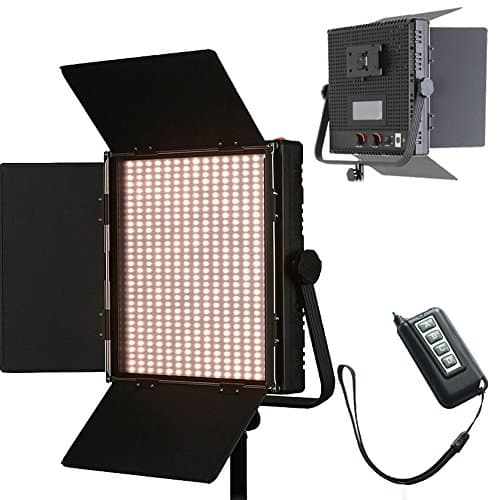
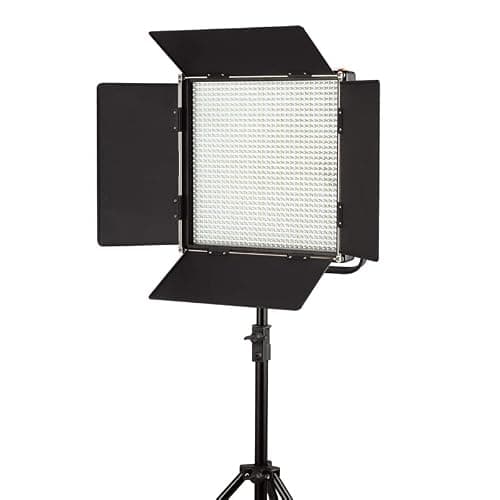
1024 LED Video Light, 61.5W Dimmable Bi-Color 3200-5600K LED Panel Light with LCD Screen, Bracket, Barndoor and Remote Control for Photography Studio
HWAMART
£445.89
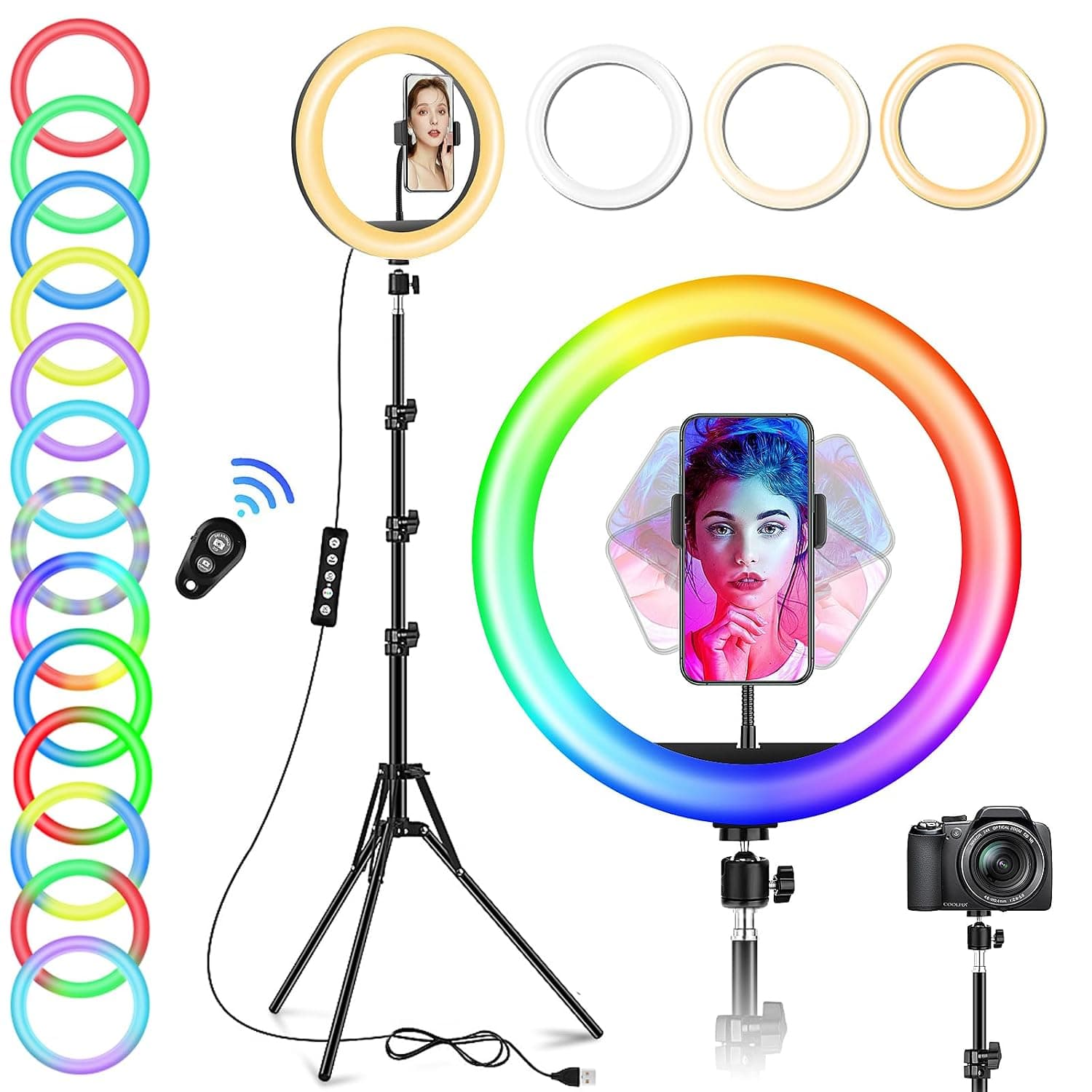
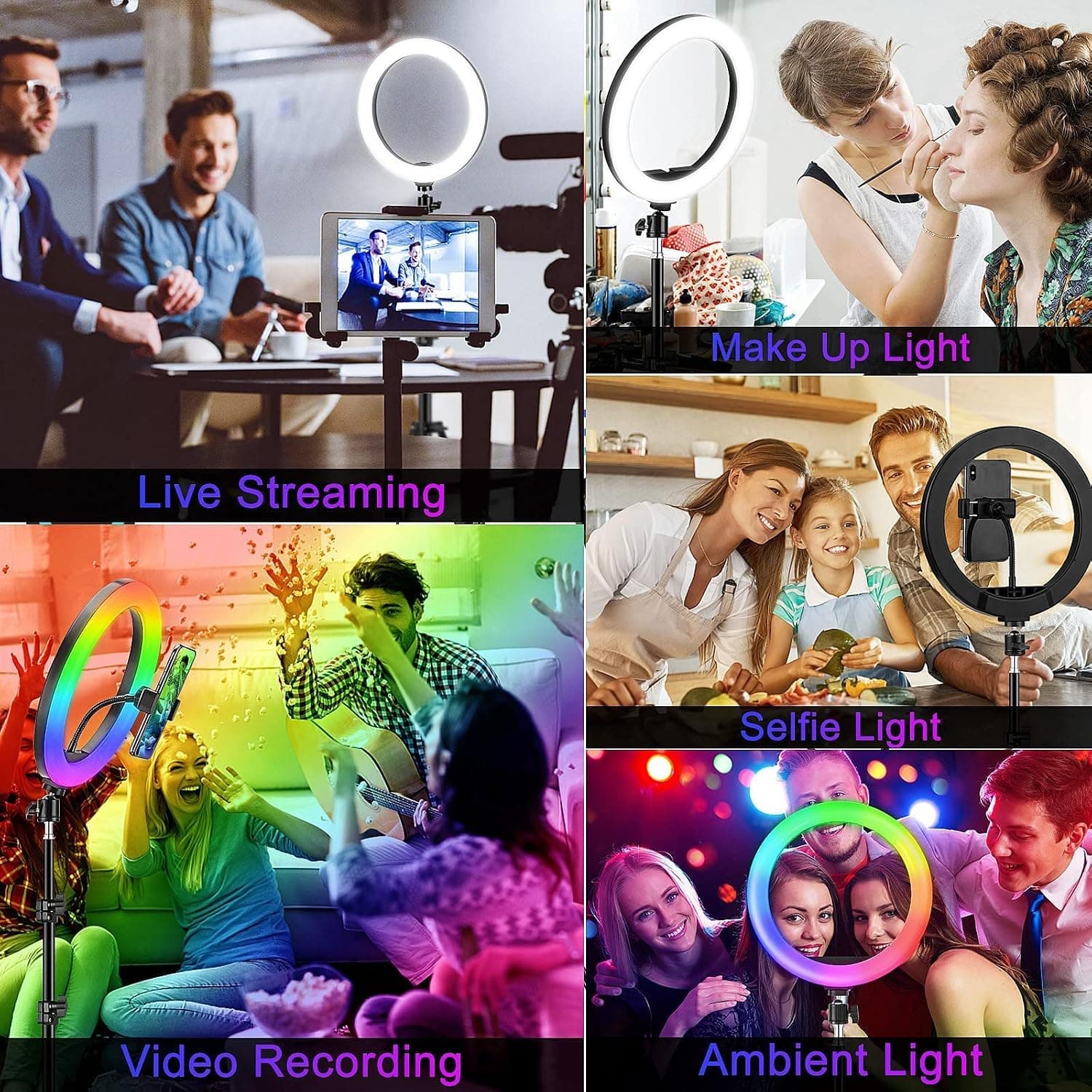
10" Desktop RGB LED Ring Light with Tripod Stand, Dimmable Colour Changing Colorful Lamp Phone Holder Clip Tabletop Selfie Ringlight for Make Up/YouTube Live Streaming Video Kit
GerTong
£21.98
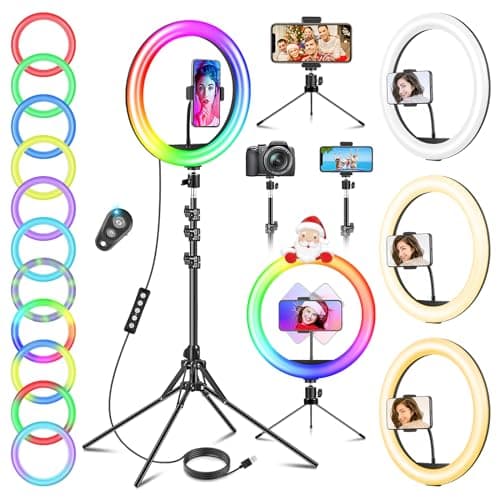

11.5" Ring Light with Tripod & Quadpod Stands for Phone
GerTong
£22.98
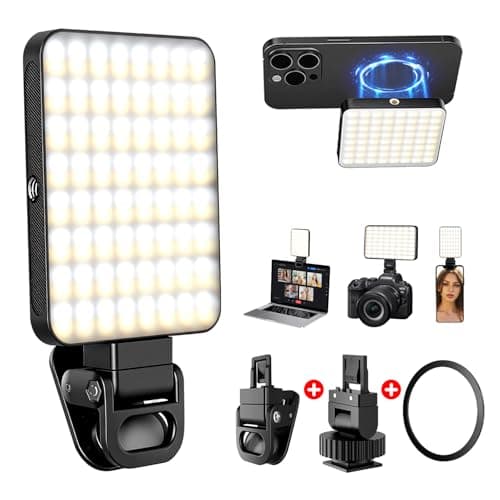
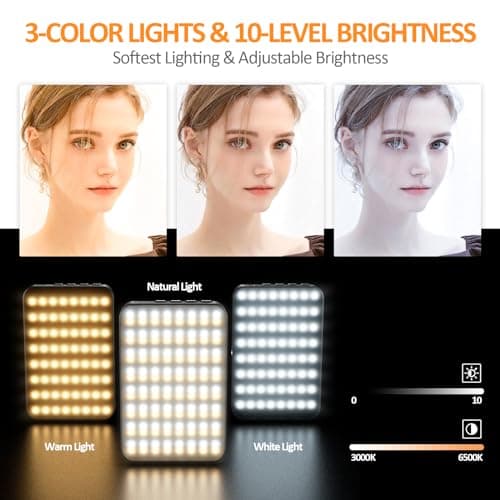
128 LED Rechargeable Portable Selfie Light Video Conference Lighting with Clip and Camera Tripod Adapter, 3 Lighting Modes, for Laptop/Phone, iPhone Camera, Youtube, TikTok, Makeup Vlog
Cyowoyre
£13.99
