
About this product
Ideal for gamers seeking a robust and reliable gaming router, the Synology WRX560 WIFI 6 Mesh Router ensures consistent high-speed connections throughout your home. With up to 3,000 Mbps wireless speeds and comprehensive parental controls via Synology Router Manager, this router not only delivers lightning-fast Wi-Fi but also offers flexible network management for busy households. Designed with gaming in mind, the WRX560 supports a 2.5GbE port for superfast internet plans and features dedicated bandwidth on each Ethernet port to handle high-performance devices efficiently. Its Mesh support allows you to expand coverage easily, eliminating dead zones and ensuring seamless play even when you're far from your router.
Highlights
- Wi-Fi 6 technology combined with high-performance internal antennas bring higher speeds to more devices at greater ranges, all in a compact design - Up to 3,000 Mbps wireless speeds
- Say goodbye to Wi-Fi dead zones with Mesh support - Combine multiple Synology routers (WRX560 or other) for consistent and high-speed whole-home coverage under a single Wi-Fi name.
- Comprehensive parental controls backed by Synology Router Manager (SRM) - Create family user profiles, Understand usage, Limit screen time by device, Advanced web filtering
- Built for busy network environments - Each Ethernet port has dedicated bandwidth for 5.5Gbps of aggregate wired throughput and a 2.5GbE port can be configured as either LAN or WAN interface to support high-performance devices or superfast internet plans.
- Support for 5.9 GHz band - 5.9 GHz band support provides access to an interference-free band for higher potential connection speeds or dedicated wireless backhaul.
Is this the right pick for you?
This Synology WRX560 WIFI 6 Mesh Router is ideal for gamers and tech enthusiasts who require robust network performance to support multiple devices across a large home or office space. Its Wi-Fi 6 technology ensures that you can enjoy high-speed internet without the hassle of dead zones, making it perfect for those with numerous connected devices like gaming consoles, smart TVs, and streaming devices. The Mesh support allows you to expand your coverage area by adding more WRX560 routers, ensuring consistent and fast connectivity throughout your entire home or workspace. For setup, this router is relatively straightforward but does require some planning. You'll need to ensure that all the routers are placed in strategic locations for optimal coverage and performance. The 2.5GbE port can be configured as either LAN or WAN interface, which adds flexibility but also means you should carefully plan your network layout before installation. Additionally, Synology's Router Manager (SRM) provides comprehensive parental controls, allowing you to manage device usage and screen time effectively, making it a great choice for families with children. Before purchasing, consider that this router is designed for busy networks and high-performance devices, meaning it can handle multiple demanding tasks simultaneously without compromising on speed. However, the setup process might be more complex than standard routers, so if you're not comfortable with network configurations or have limited technical expertise, consulting a professional installer could be beneficial. Overall, the WRX560 is an excellent choice for those looking to enhance their gaming and overall home networking experience with reliable and high-speed connectivity.
Frequently asked questions
What devices is the Synology WRX560 WIFI 6 Mesh Router compatible with?
The Synology WRX560 is designed to work with a wide range of devices. It supports Wi-Fi 6 technology, which means it's compatible with modern smartphones, tablets, laptops, and gaming consoles that support this standard. For older devices or those without Wi-Fi 6, the router will still provide connectivity but at potentially lower speeds.
How does the Synology WRX560 compare to other routers in its category?
The Synology WRX560 stands out in gaming routers with its high-performance internal antennas and up to 3,000 Mbps wireless speeds. It also offers Mesh support for seamless coverage throughout your home, making it ideal for larger spaces or areas with dead zones. Additionally, the comprehensive parental controls and dedicated bandwidth for high-performance devices set it apart from more basic models.
What is included in the box when purchasing the Synology WRX560?
The Synology WRX560 comes with all necessary components to get started, including the router itself, antennas, power adapter, Ethernet cables, and a quick start guide. It’s important to check the manufacturer's listing for any specific details or additional accessories that might be included.
You might also like
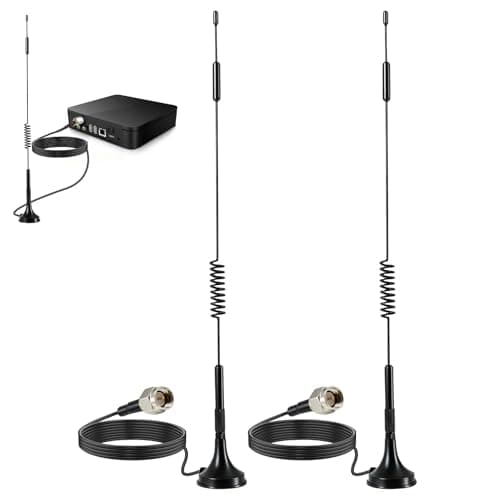
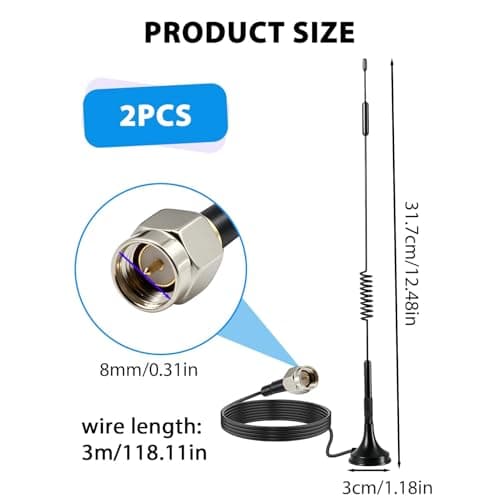
2Pack 4G LTE Antenna 7dBi High Gain SMA Male Aerial with 3m Magnetic Base with SMA Connector Signal Booster for Netgear TP-Link Router Modem Hotspot Wireless Router Hub Indoor Outdoor
Aradoea
£11.49
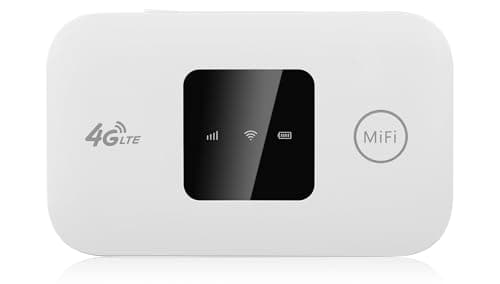
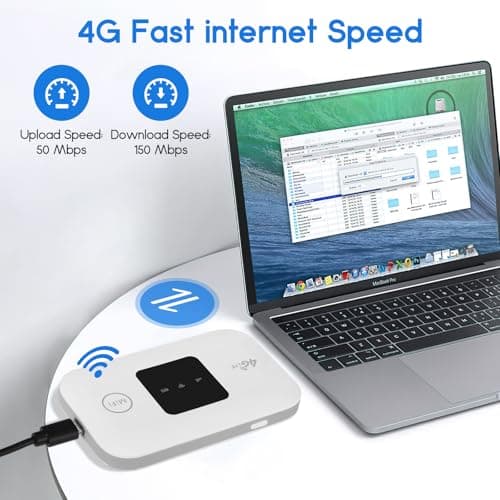
4G/5G MiFi Router,Portable Wifi Travel Router with SIM Card Slot,Pocket 4G LTE Internet Hotspot Up To 10 Users for Travel Phone Computer Laptop
VIHBRAI
£16.99
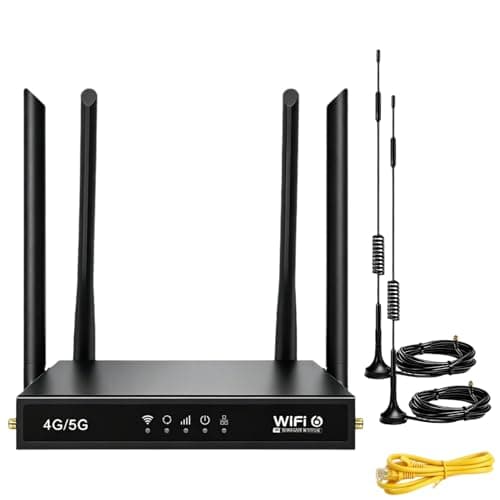
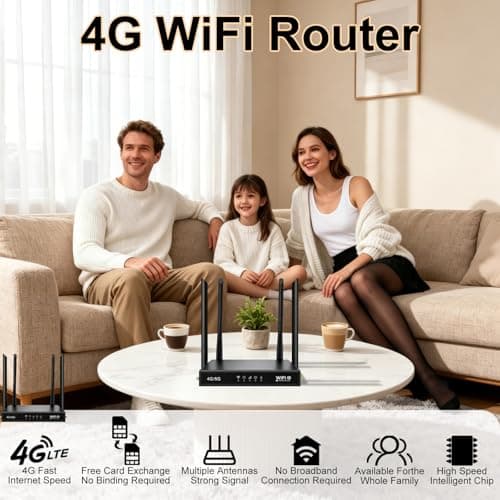
4G Router with SIM Card Slot, 4G LTE WiFi 6 Router 300Mbps, Plug & Play Mobile WiFi Router with 4 LAN/WAN Ports, 6 High Gain Antennas, SIM Card Router for Travel Home Office Caravan CCTV
Pak2iaa
£39.99
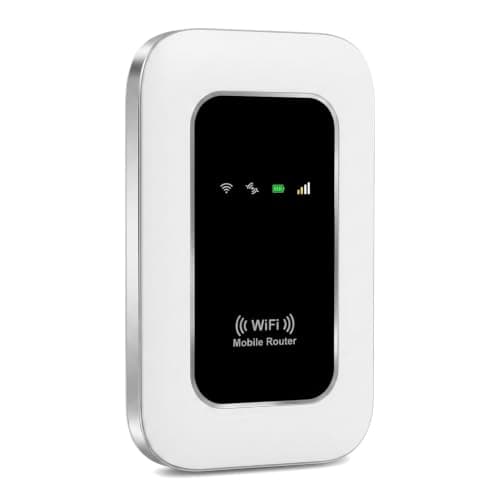
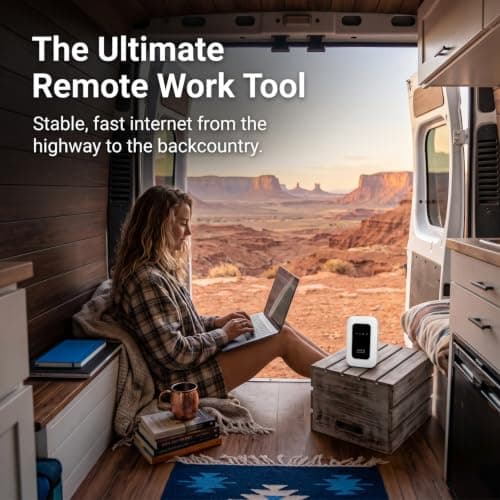
5G Mobile WiFi Hotspot, Unlocked Portable Router with SIM Slot, Ultra-Fast Internet up to 300 Mbps, Pocket-Sized Travel Modem for Remote Work & UK Trips, Connects up to 16 Devices Simultaneously
Generic
£37.99
