
Elgato Cam Link Pro, Internal Camera Capture Card with 4 HDMI inputs, Stream and Record 1080p60 or 4K30 for Video Conferencing, Teaching, Streaming, Broadcasting on OBS, Teams with Multicam, PC, Black
Brand: Elgato
About this product
Capture Cards like the Elgato Cam Link Pro are designed for professionals who need to handle multiple video sources seamlessly. With its four HDMI inputs, it’s perfect for anyone looking to stream or record high-quality content from a variety of devices, including DSLRs and computers. Whether you're conducting live streaming sessions, virtual meetings, or online classes, the Cam Link Pro ensures that every camera feed is captured in stunning 1080p60 Full HD or 4K30 resolution, making it an indispensable tool for live production. The Cam Link Pro’s flexibility extends beyond just capturing; you can control each video source independently within broadcast software like OBS or vMix. This means you can easily switch between different layouts such as Picture in Picture, Side by Side, Triple, or Quad, all with the precision needed for professional multicam productions. Its robust design and ease of use make it a top choice for anyone serious about their streaming or recording needs.
Highlights
- PCIe Card: 4 HDMI inputs
- Multicam Capture: DSLRs, computers, laptops, tablets, etc
- Stunning Quality: stream or record in 1080p60 Full HD or 4K30
- Live Production: independent source control in OBS, vMix, etc
- Video Conferencing: add four cameras to Zoom, Slack, Microsoft Teams
Is this the right pick for you?
This Elgato Cam Link Pro is an ideal choice for those who need to manage multiple video sources in their live streaming or video conferencing setup. Whether you're a teacher looking to broadcast classes with multiple students on screen, a content creator aiming to stream multiple camera angles simultaneously, or a broadcaster needing to include multiple guests or presenters, this capture card provides the flexibility and quality needed for such scenarios. The ability to switch between different layouts like Picture in Picture, Side by Side, Triple, or Quad on the fly is particularly useful for maintaining engagement during live streams. Conversely, if your needs are simpler—such as just recording a single 1080p60 video feed from one camera or computer—the Cam Link Pro might be overkill. It’s designed to handle more complex multicam setups and isn't necessary for basic streaming tasks. However, its versatility makes it perfect for those who want to future-proof their setup by being able to easily add more cameras as needed. Setting up the Elgato Cam Link Pro is straightforward but does require some technical know-how. You'll need a compatible PC with an available PCIe slot and ensure that your operating system supports the necessary drivers. Once installed, configuring it involves connecting your HDMI devices and using the Elgato 4K Capture Utility to set up your multicam layout. Regular maintenance includes keeping your software updated and ensuring all connected devices are functioning correctly. Care for this capture card is relatively simple but important. Ensure that the internal connections remain secure to avoid any signal loss, and keep it dust-free as dust can interfere with performance. Additionally, always power off the device before making any physical adjustments or connecting/disconnecting HDMI cables. With proper care, the Elgato Cam Link Pro should provide reliable service for years.
Frequently asked questions
What devices can I connect to the Elgato Cam Link Pro?
The Cam Link Pro supports a wide range of HDMI output devices including cameras, computers, laptops, and tablets. Just ensure your devices provide a clean HDMI signal for optimal performance.
Can I use this card with my gaming PC for streaming?
Absolutely! If you're looking to stream or record from multiple sources like a camera and your gameplay simultaneously, the Cam Link Pro is an excellent choice. It allows you to capture four separate video inputs, perfect for multicam setups in streaming.
How does the Cam Link Pro handle 4K content?
The Elgato Cam Link Pro can stream or record at both 1080p60 Full HD and 4K30 resolutions. This flexibility makes it suitable for high-quality video conferencing, teaching, and streaming applications where you need to maintain picture clarity.
You might also like
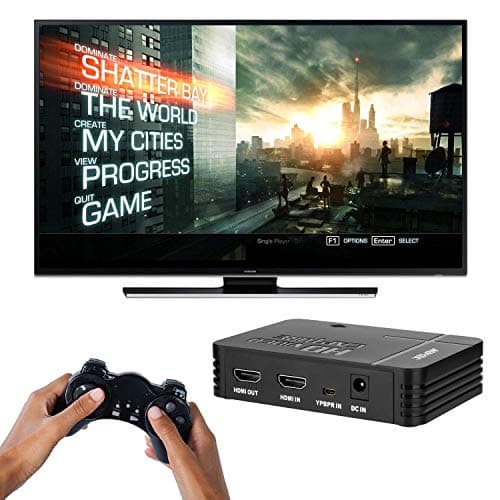
1080P Game Video Capture Card with HDMI and YpbPr Input, Mic-in Video Recorder Compatible with Xbox 360/One/ PS3 /PS4 etc
AGPTEK
£64.18
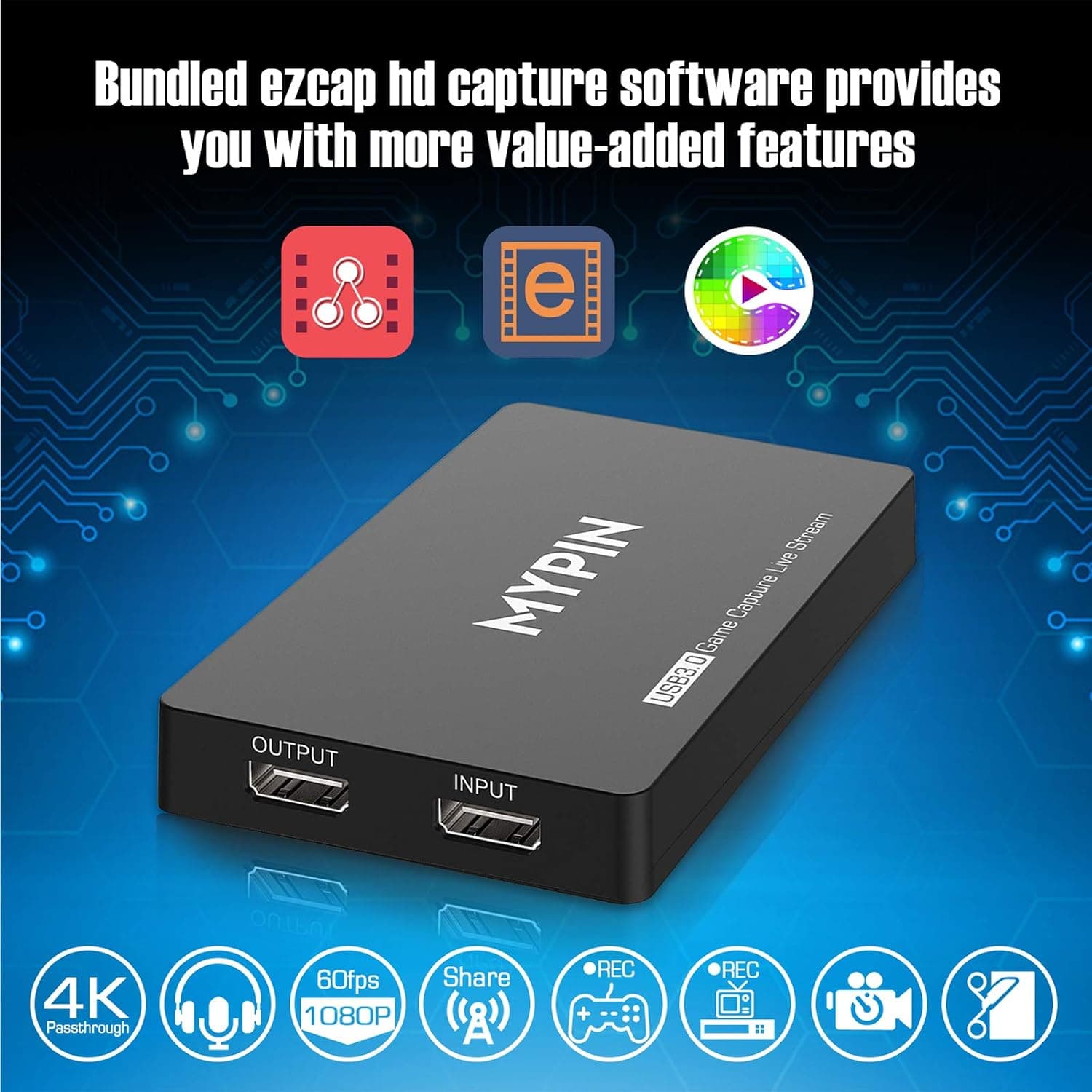
4K Capture Card for Live Streaming, MYPIN USB3.0 HDR Capture 1080P@60fps Support Microphone and Gamepad Party Chat for Nintendo Switch/ PS4 /Xbox One 360 /Wii U/Action Camera/DSLR Camcorder
MYPIN
£19.99
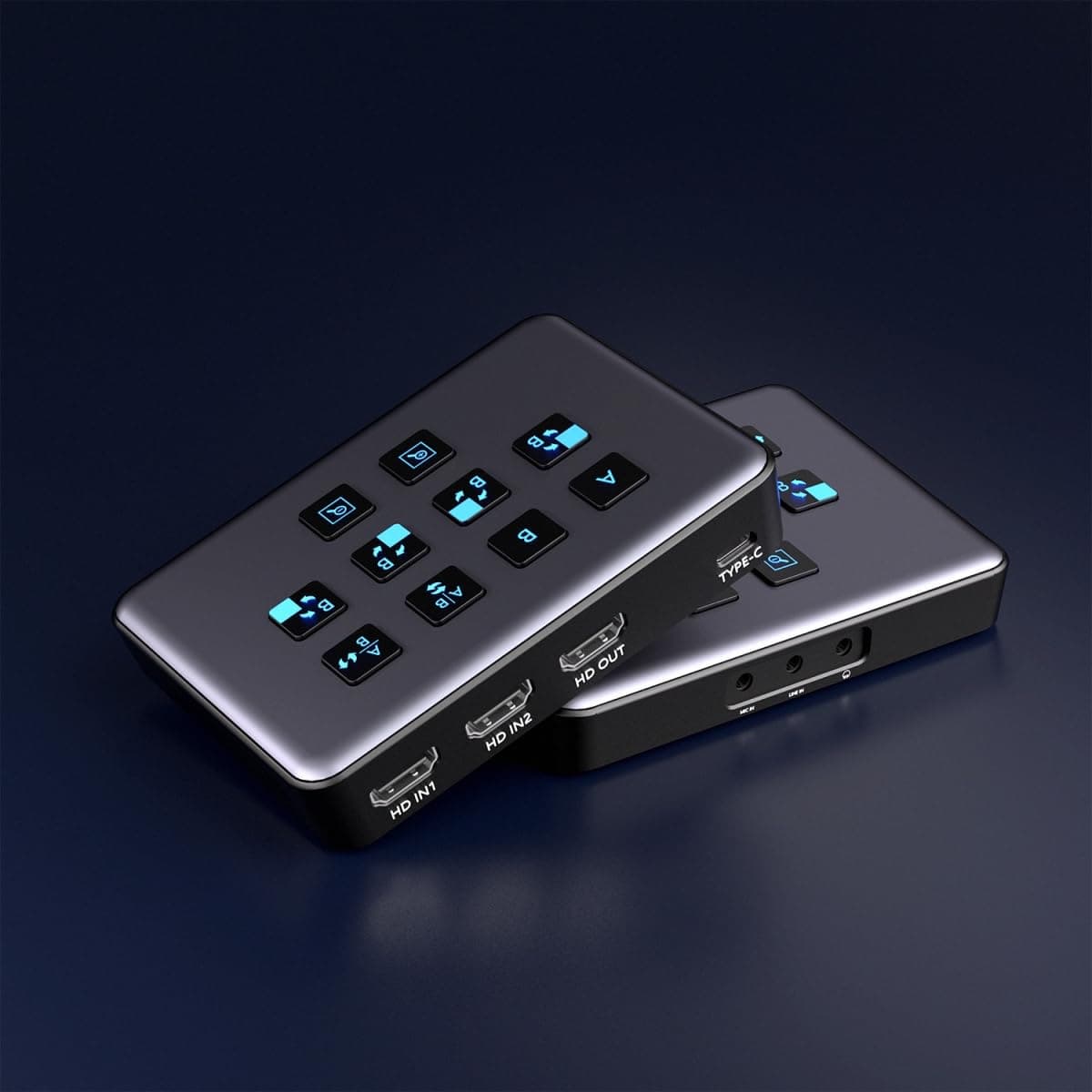
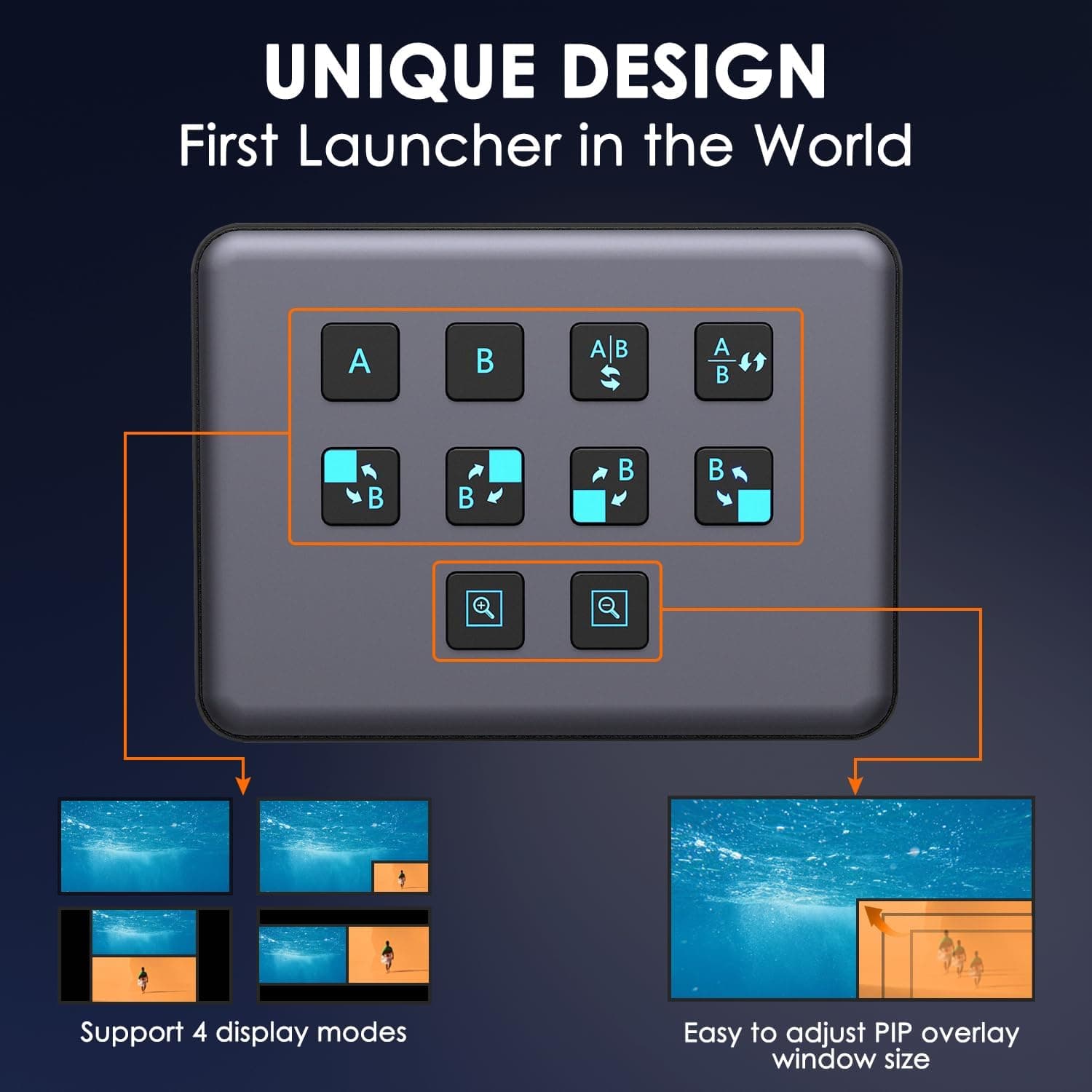
4K Dual HDMI Audio Video Capture Card, USB3.0 1080P 60FPS Equipment for Live Streaming,Capture Card with Loop Camera Link to Type-C Recording Game Video Mixer,Passthrough for Xbox PS5 PS4 Etc
EDISTEC
£25.99
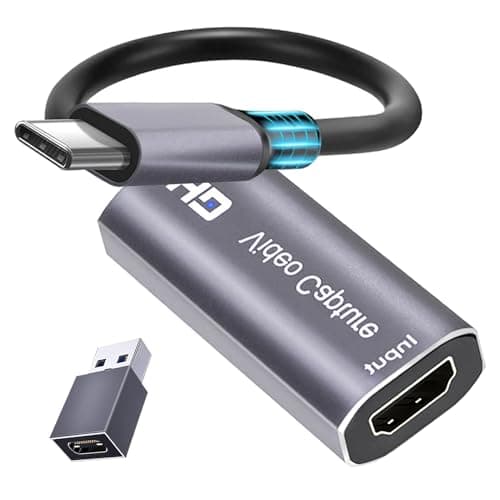
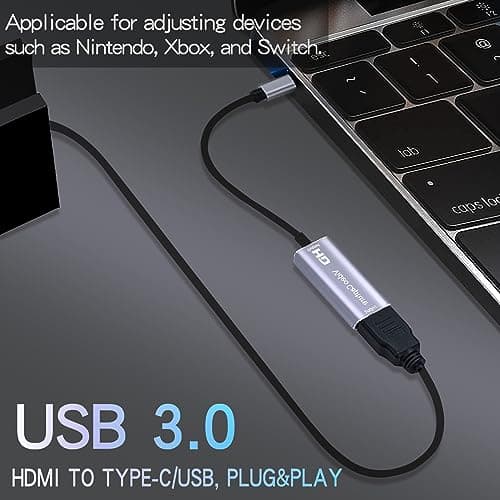
4K HDMI Capture Card, Cam Link Video Capture Card HDMI to 1080P Type-C for Windows Mac OS System for Streaming Gaming Meeting with USB C Adapter to Adjust PS3 4, Switch, Xbox
Extenuating Threads
£12.99
