
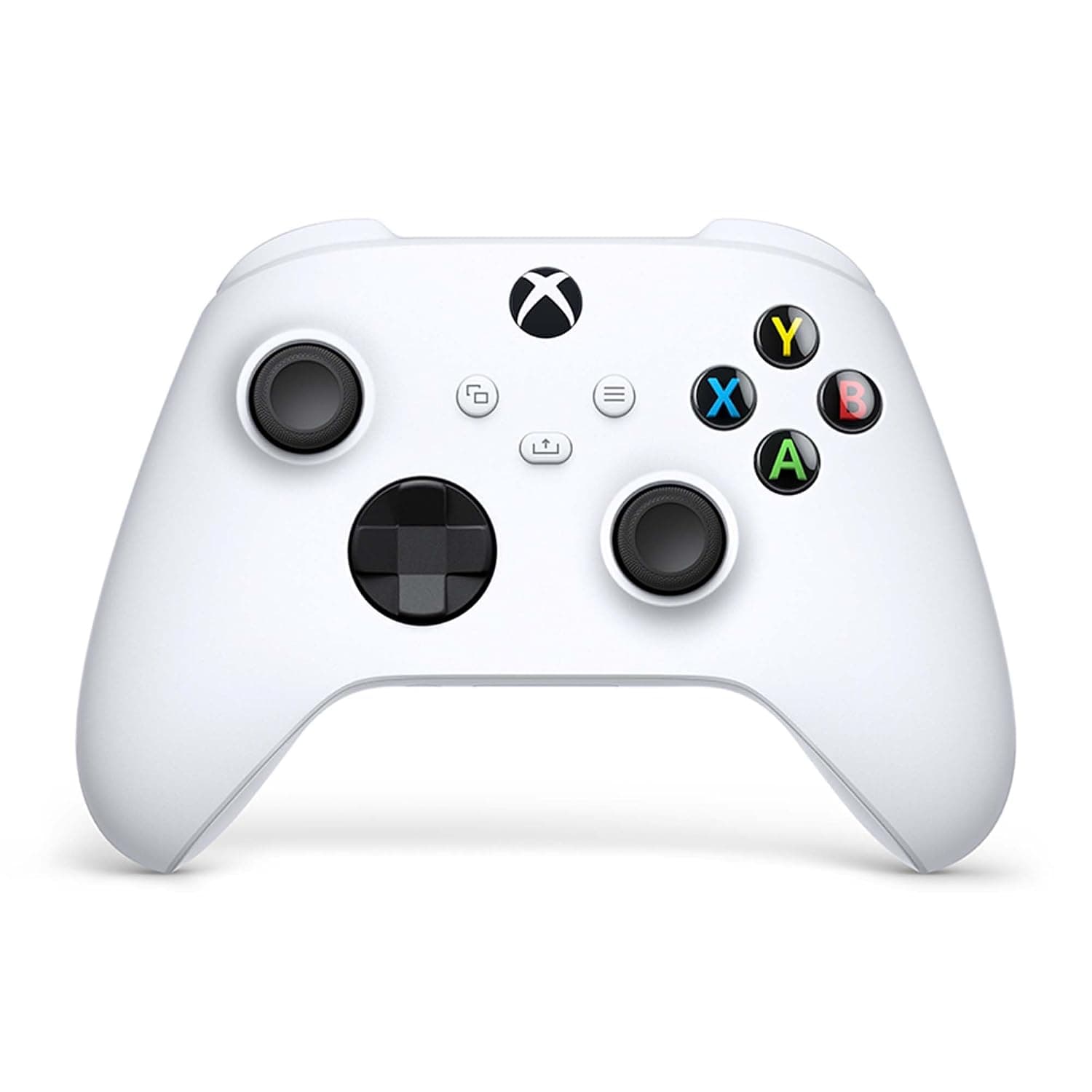
Xbox Wireless Controller - Robot White
Brand: Xbox
- Batteries
- 2 AA batteries required. (included)
- Rated
- Not PEGI rated
- Language
- English, English
- Product Dimensions
- 7 x 17 x 18 cm; 0.48 g
About this product
Is there a controller that offers both modern design and comfort for your gaming needs? The Xbox Wireless Controller - Robot White might just be the one. With its sculpted surfaces and refined geometry, it promises enhanced comfort during long gaming sessions. Its textured grip on key areas ensures you stay on target with precise inputs, making every move count in your favorite games.
Highlights
- Experience the modernised design of the Xbox Wireless Controller in Robot White, featuring sculpted surfaces and refined geometry for enhanced comfort and effortless control during gameplay
- Stay on target with textured grip on the triggers, bumpers, and back case and with a new hybrid D-pad for accurate, yet familiar input
- Make the controller your own by customising button mapping with the Xbox Accessories app
- Plug in any compatible headset with the 3.5mm audio headset jack
- Includes Xbox Wireless and Bluetooth technology for wireless gaming on supported consoles, Windows 10 PCs, Android and iOS phones, and tablets
Specifications
- Batteries
- 2 AA batteries required. (included)
- Rated
- Not PEGI rated
- Language
- English, English
- Product Dimensions
- 7 x 17 x 18 cm; 0.48 g
- Release date
- 10 Nov. 2020
- Item model number
- QAS-00009
- Guaranteed software updates until
- unknown
Is this the right pick for you?
This Xbox Wireless Controller - Robot White is a fantastic choice for players who are looking to enhance their gaming experience with a sleek and comfortable design. The modernised build features sculpted surfaces that provide a perfect fit in your hands, ensuring you can play for extended periods without discomfort. Whether you're using it on an Xbox console or connecting it via Bluetooth to your Windows 10 PC, the controller is versatile enough to suit various gaming setups. However, if you prefer wired controllers or have specific needs not covered by wireless technology, this might not be the best fit. The Robot White controller integrates seamlessly into a typical gaming setup where flexibility and convenience are key. It supports multiple devices including Xbox Series X|S, Xbox One, Windows 10 PCs, Android, and iOS (with future support), making it an excellent choice for cross-platform gamers or those who frequently switch between different devices. The included AA batteries ensure you can use the controller right out of the box without needing to purchase additional accessories, which is convenient but also means you'll need to replace the batteries eventually. Setting up the Xbox Wireless Controller - Robot White is straightforward and user-friendly. To pair it with your console or PC, simply plug in the USB-C cable for a direct connection, or use the controller's built-in Bluetooth capabilities. The 3.5mm audio jack allows you to connect any compatible headset for hands-free communication during gameplay. For more advanced customisation, the Xbox Accessories app lets you remap buttons and create tailored profiles for your favourite games, ensuring that every button feels just right for your playstyle. Just remember to keep an eye on battery levels and replace them as needed to maintain optimal performance.
Frequently asked questions
Is this controller compatible with all Xbox consoles?
This Xbox Wireless Controller is designed to work with a wide range of devices including the Xbox Series X/S, Xbox One, and older Xbox consoles. It also supports Windows 10 PCs, Android phones, and tablets via Bluetooth. Check your console or device's compatibility for specific requirements.
Can I use this controller on my PC?
Yes, you can use this controller on a Windows 10 PC with wireless functionality enabled. For optimal performance, ensure that the Xbox Wireless app is installed to pair the controller and enable Bluetooth support if needed.
How do I set up the controller for the first time?
To set up your new Xbox Wireless Controller, insert two AA batteries into the battery compartment. Press and hold the Xbox button until the LED lights flash, indicating that it’s ready to be paired with a device. Use the Xbox Accessories app on your console or PC to pair the controller.
You might also like
 New
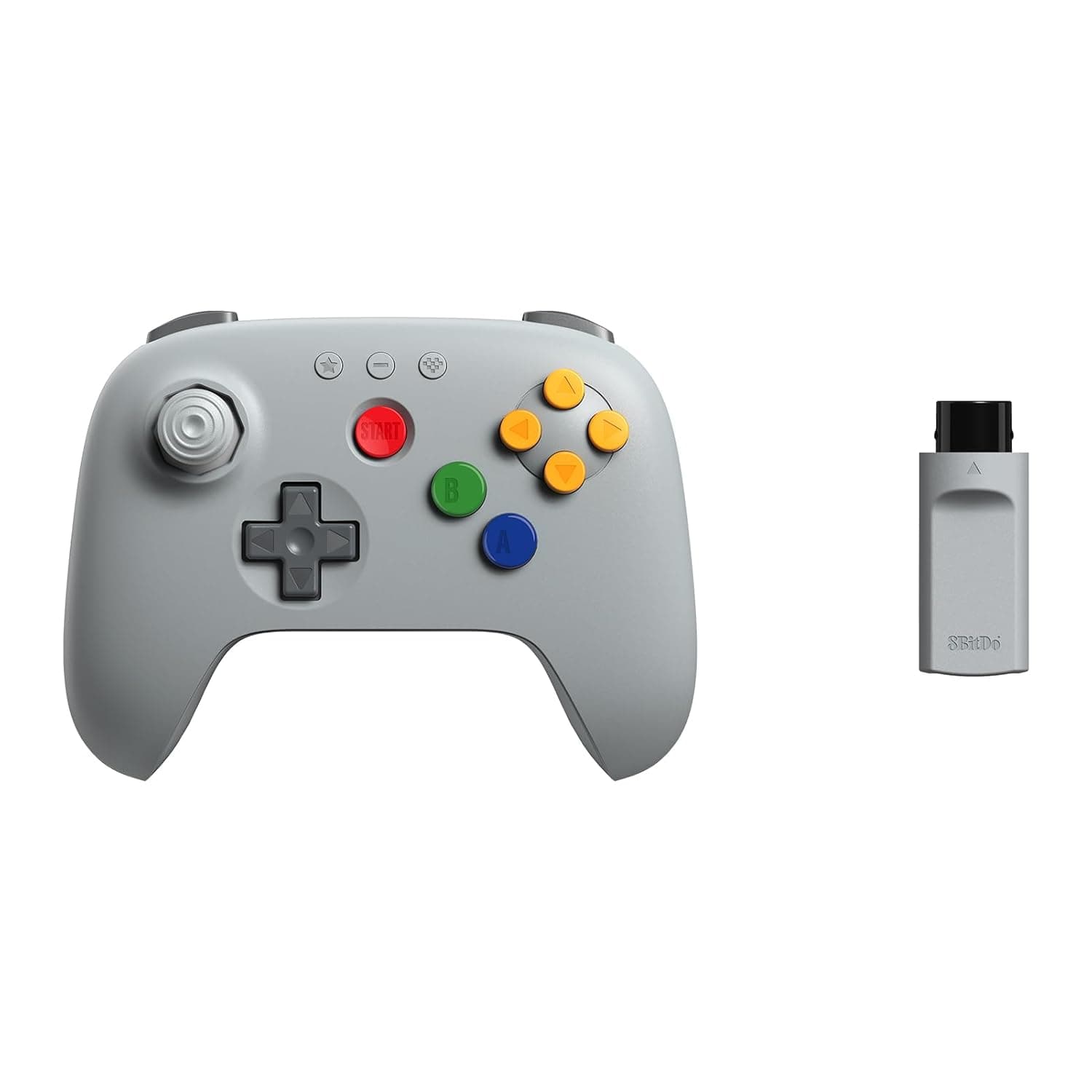
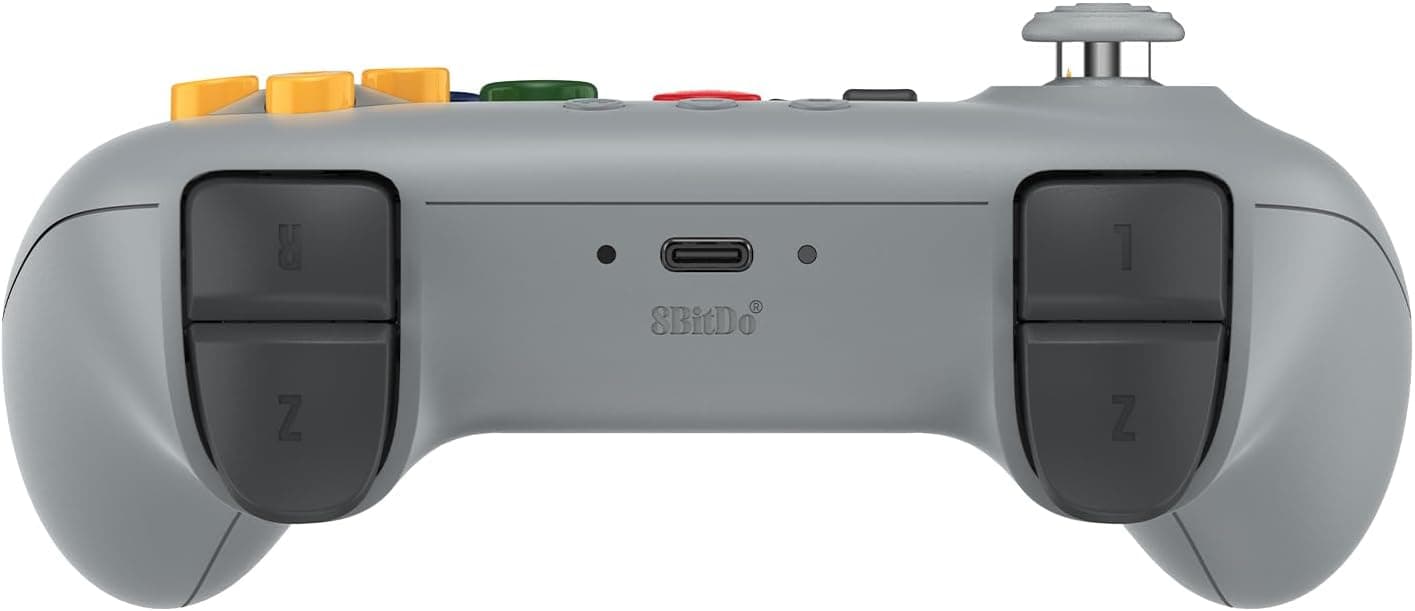
New8BitDo 64 2.4G Wireless Controller for Original N64 Console, Analogue 3D, and Windows (Grey)
8Bitdo
£34.99
 New
New8Bitdo Adapter Switch Controller Adapter 2 USB Wireless for Windows, Mac & Raspberry Pi, Compatible with Xbox Series X & S Controller, Xbox One Bluetooth Controller, PS5/PS4/PS3 Controller
8Bitdo
£13.50
 New
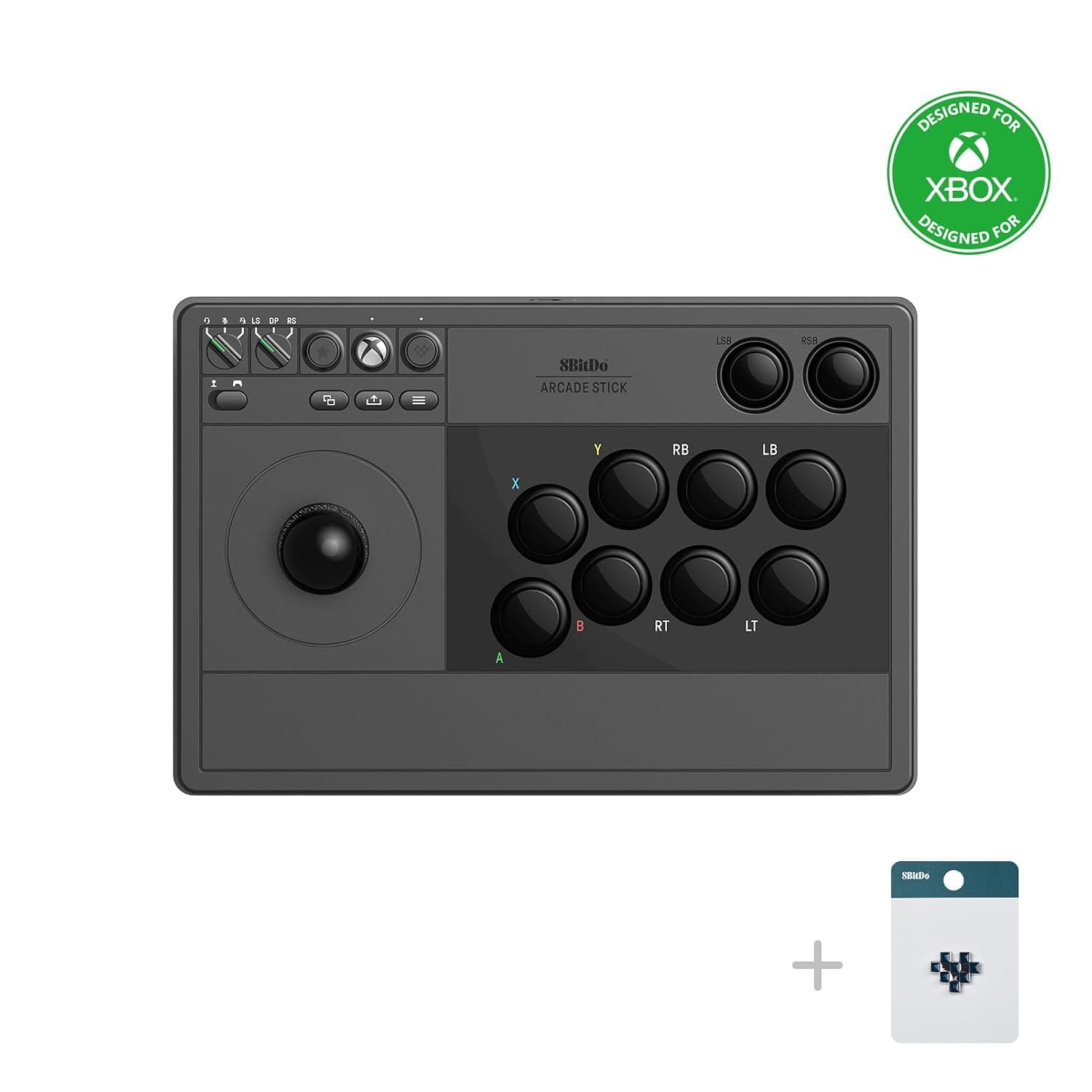
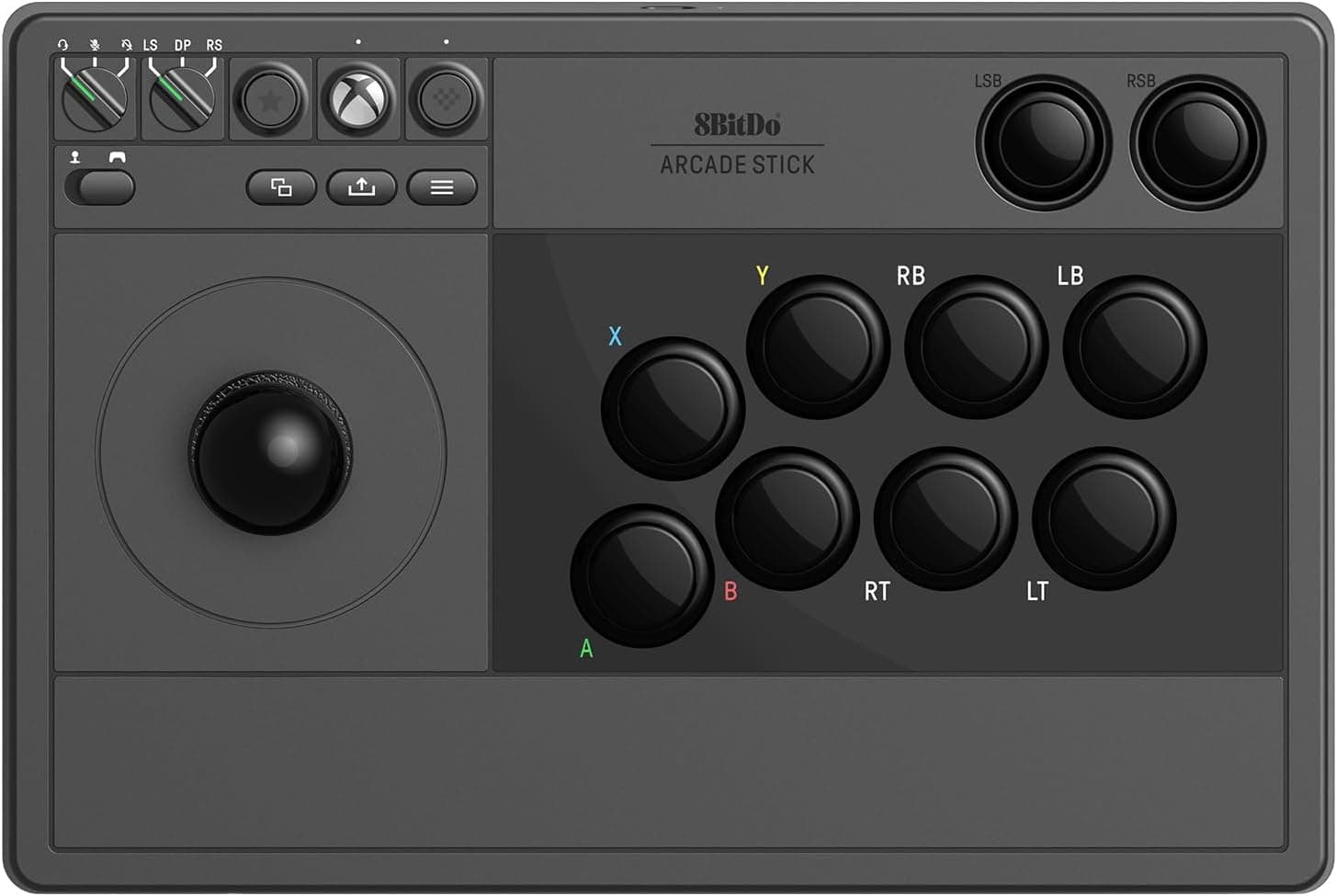
New8BitDo Arcade Stick For Xbox & PC (Windows 10) - Black
8Bitdo
£99.00
 New
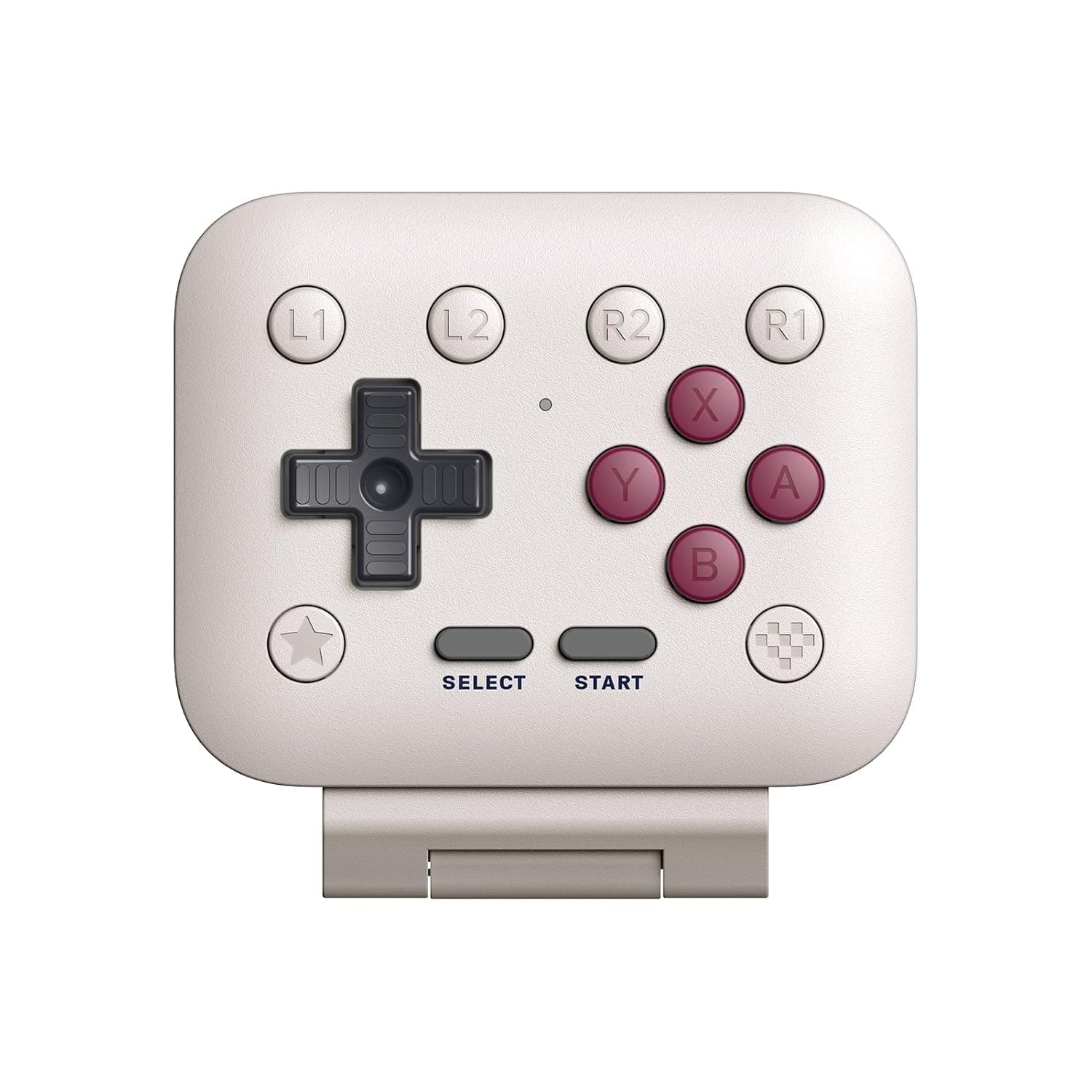
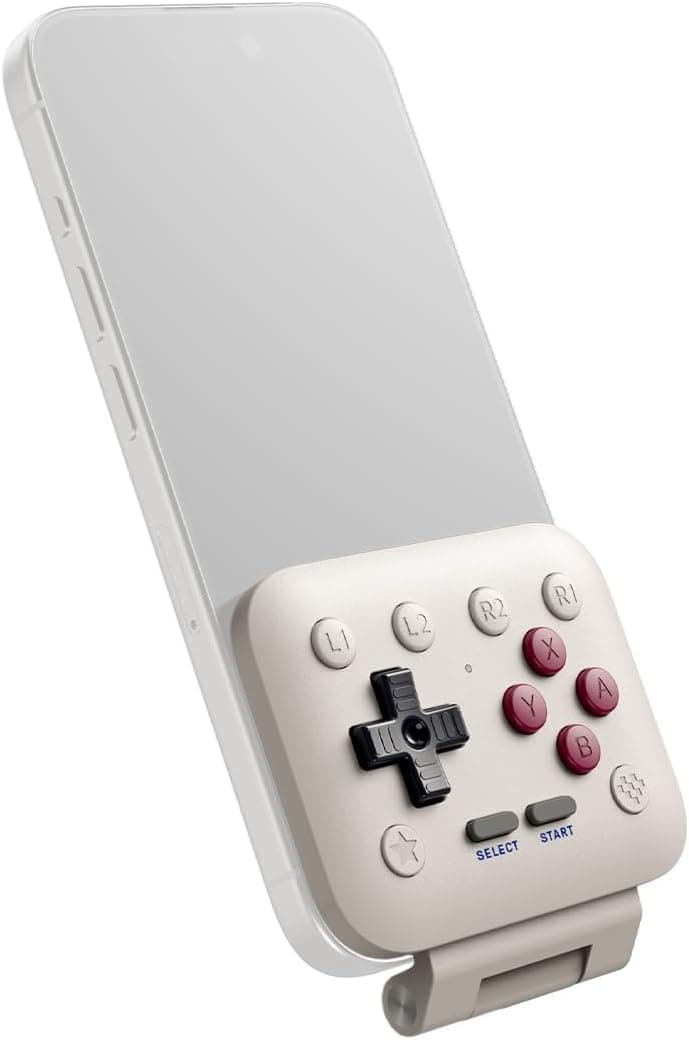
New8BitDo FlipPad Mobile Gaming Controller for iPhone and Android, Flip-Style USB-C Gamepad for Vertical Mobile Gaming, G Classic Edition
8Bitdo
£24.99