
LG UltraGear 4K Gaming Monitor 32GR93U, 31.5 inch, 4K, 144Hz, 1ms GtG, IPS Display, HDR 10, NVIDIA G-Sync & AMD FreeSync compatible, Smart Energy Saving, Displayport, HDMI
Brand: LG
About this product
If you're a gamer who demands the best visual experience and smooth gameplay, the LG UltraGear 4K Gaming Monitor stands out with its 3840 x 2160 pixels resolution and 1ms (GtG) response time. This monitor ensures that every detail in your games is vividly displayed without any blur or ghosting, making it perfect for competitive play. The 144Hz refresh rate guarantees a fluid gaming experience, with each frame appearing almost instantly. Compatible with both NVIDIA G-SYNC and AMD FreeSync Premium technologies, this monitor helps eliminate screen tearing and stuttering, providing a more stable and enjoyable gaming environment.
Highlights
- [32-inch UHD 4K] 3840 x 2160 pixels UltraGear Gaming Monitor display expresses high colour fidelity for reproducing vivid scenes
- [IPS 1ms (GtG)] ensures smoother gameplay, reducing blur and ghosting
- [144 Hz Refresh Rate] allows gamers to see the next frame quickly and makes the image appear smoothly
- [NVIDIA G-SYNC Compatible / AMD FreeSync Premium] reduce screen tearing and stuttering for a smoother gaming experience
- [DCI-P3 95%(Typ.) and VESA DisplayHDR 400] help gamers to see the dramatic colours the game developers intended
- [Gamer-Centric Design] the base can be adjusted to change the tilt, pivot, and height of the monitor to help you play game more comfortably
Is this the right pick for you?
This LG UltraGear 4K Gaming Monitor is tailor-made for gamers who demand the absolute best in visual fidelity and responsiveness. The 32-inch UHD 4K resolution ensures every detail on screen is crisp and clear, making it ideal for those who play games with intricate environments or require high-resolution visuals. With a 1ms GtG response time, you can expect minimal blur and ghosting during fast-paced action sequences, enhancing your gaming experience by providing clearer and more precise images. The monitor's 144Hz refresh rate is perfect for gamers looking to minimize input lag and enjoy smoother gameplay. This feature is particularly beneficial in first-person shooters or racing games where quick reactions are crucial. Additionally, the NVIDIA G-SYNC Compatible and AMD FreeSync Premium technologies help reduce screen tearing and stuttering, ensuring a more stable and fluid gaming experience. While this monitor excels for gaming, it also offers practical features such as smart energy-saving modes that can help save power when not in use. The base supports adjustments for tilt, pivot, and height, allowing you to find the most comfortable viewing angle for extended gaming sessions. However, keep in mind that setting up the monitor might require some effort due to its size and weight, and it's important to ensure your setup has enough ports (DisplayPort and HDMI) to connect all necessary devices. If you're a serious gamer looking for a display that combines stunning visuals with excellent performance, this LG UltraGear 4K Gaming Monitor is an excellent choice. Just be prepared for the investment in both time and resources required for optimal setup and use.
Frequently asked questions
Is this monitor suitable for both NVIDIA and AMD users?
Yes, the LG UltraGear 32GR93U is compatible with both NVIDIA G-Sync and AMD FreeSync technologies. This means it can reduce screen tearing and stuttering, providing a smoother gaming experience regardless of your graphics card brand.
How does the IPS panel affect my gameplay?
The IPS panel on this monitor ensures smooth gameplay by reducing blur and ghosting with its 1ms (GtG) response time. This is crucial for fast-paced games where quick reactions are necessary, as it minimizes input lag and keeps your screen refreshes in sync with your actions.
Can I use this monitor with my current gaming setup?
You can connect this monitor to your PC using DisplayPort or HDMI. Ensure that your graphics card supports the required refresh rate of 144Hz, as some older cards might not be able to handle it. Check the manufacturer's listing for exact compatibility and specifications.
You might also like
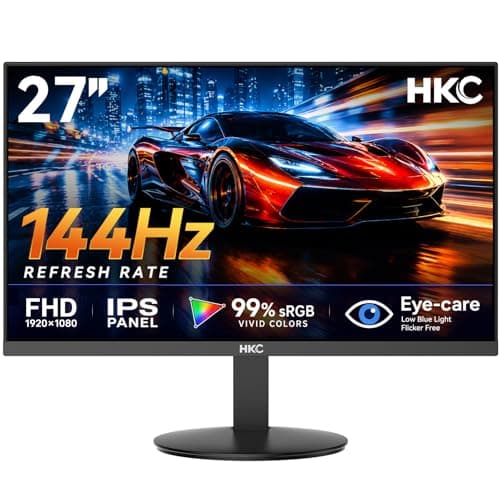
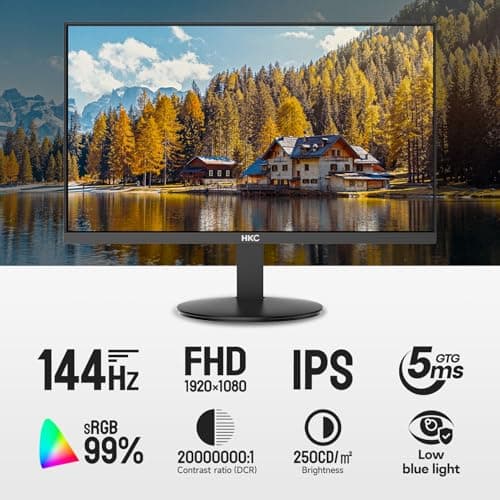
27 inch Gaming Monitor 144Hz, FHD 1080P IPS Display with 99% sRGB, FreeSync, Tilt Adjustable, lowblue mode, HDMI/VGA Ports for Home Office and computer monitor V2718S
HKC
£84.98
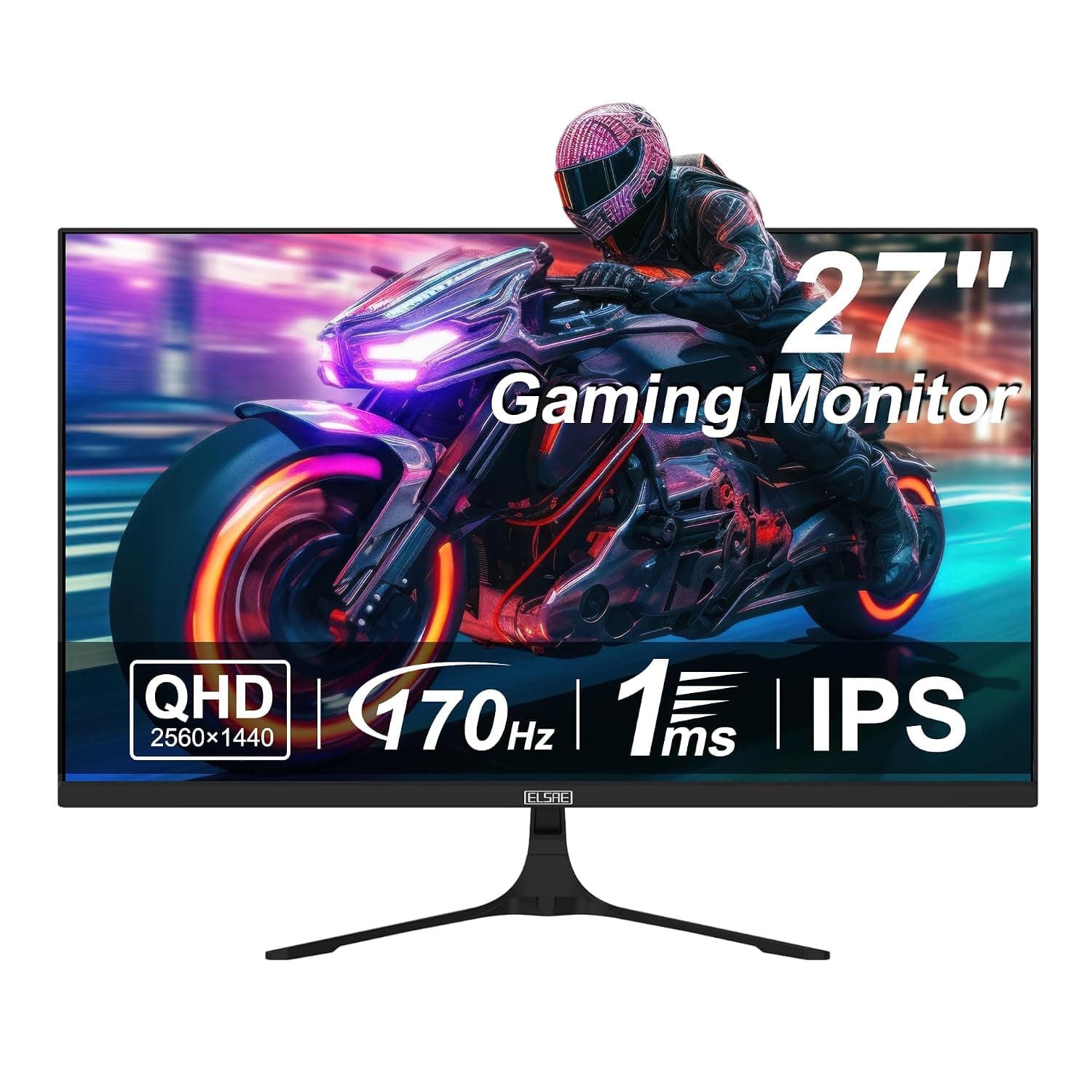
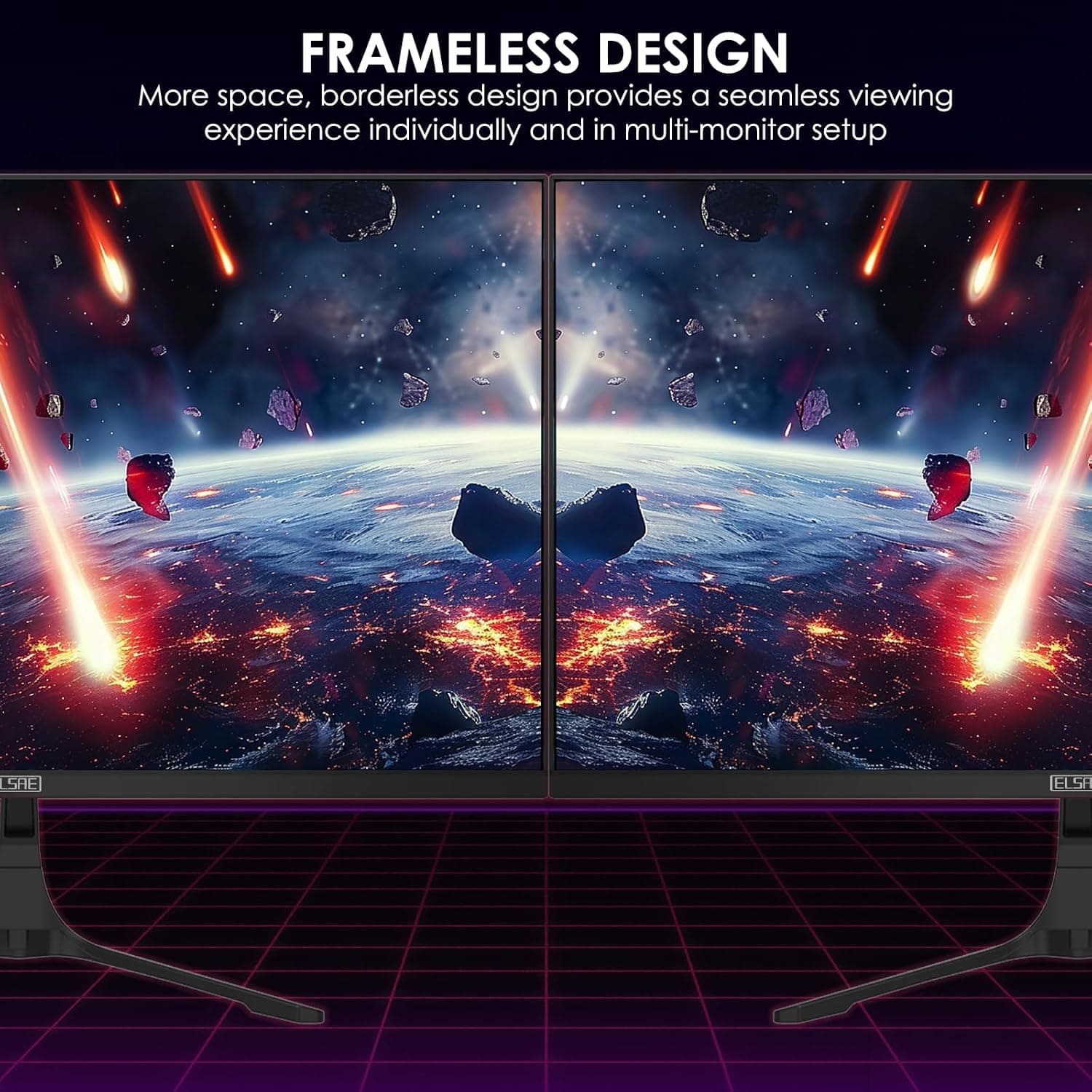
27 Inch QHD 1440P Gaming Monitor, 170Hz 144Hz IPS Computer Monitor, FreeSync, HDR 113% sRGB, Low Blue Light, HDMI & Display Port x2, VESA Mountable
ELSAE
£415.70
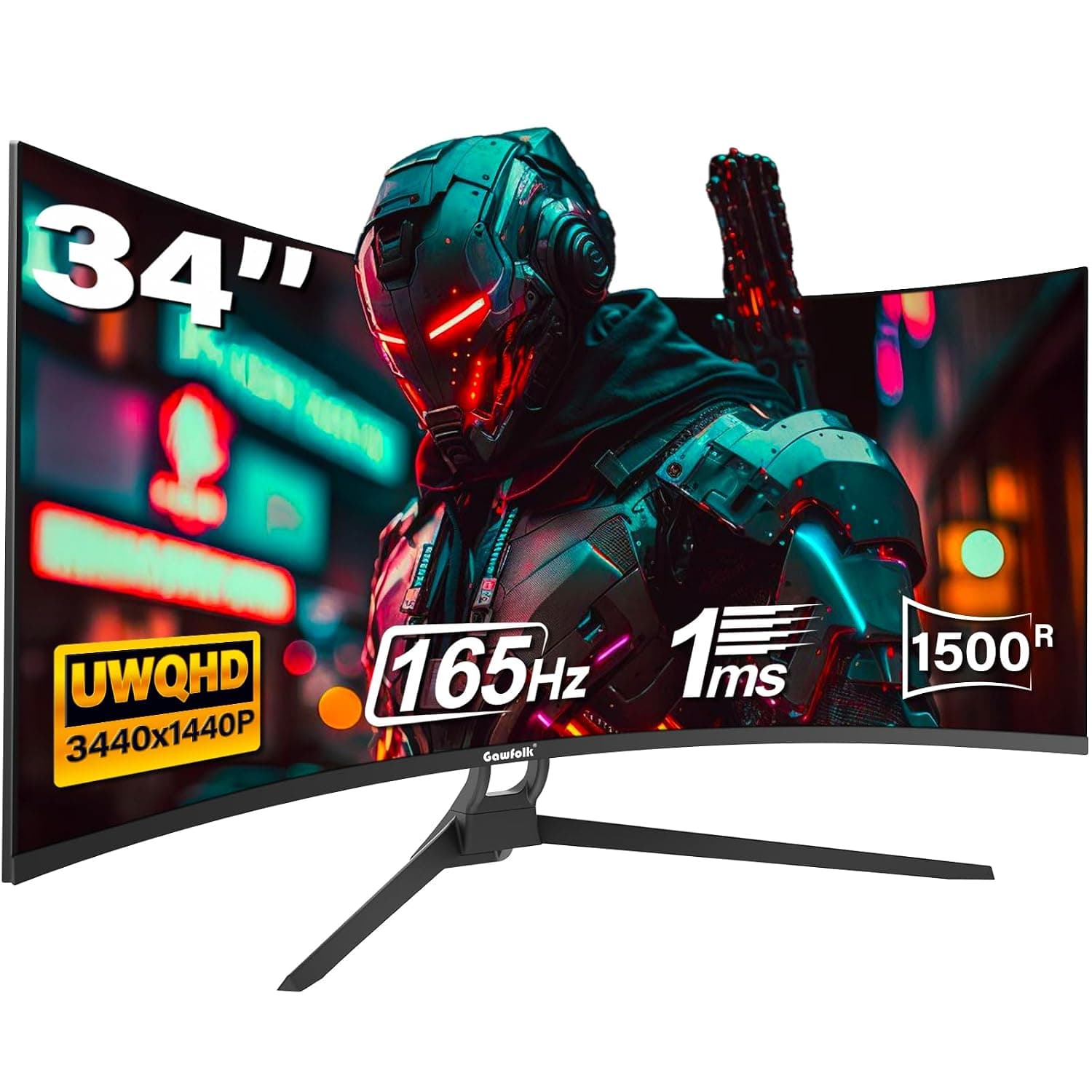
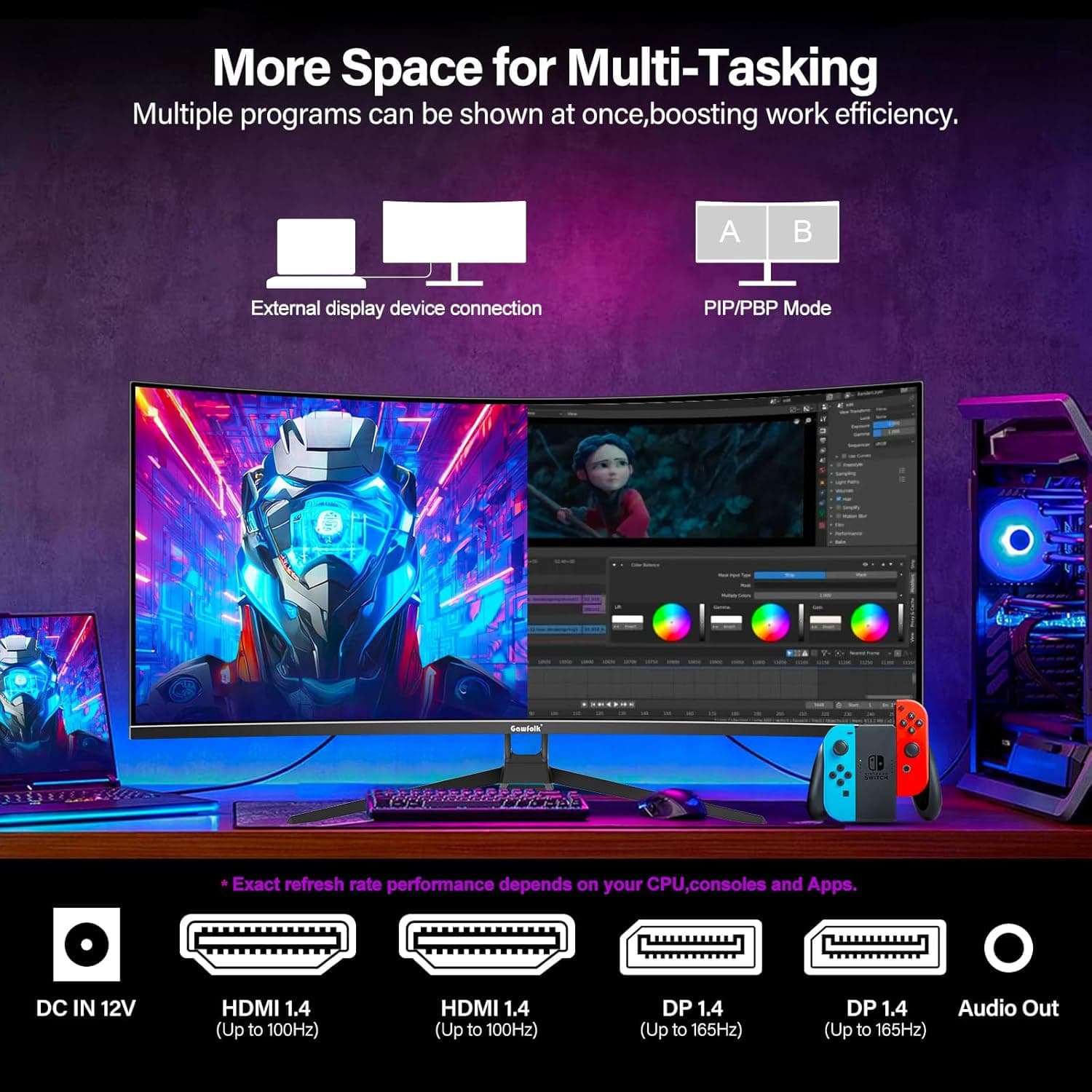
34 Inch Ultrawide Curved Gaming Monitor, 1500R PC Screen 165hz WQHD 3440x1440p Monitor, Curved Computer Display with FreeSync & Eye-Care Technology, DP, HDMI
Gawfolk
£189.99
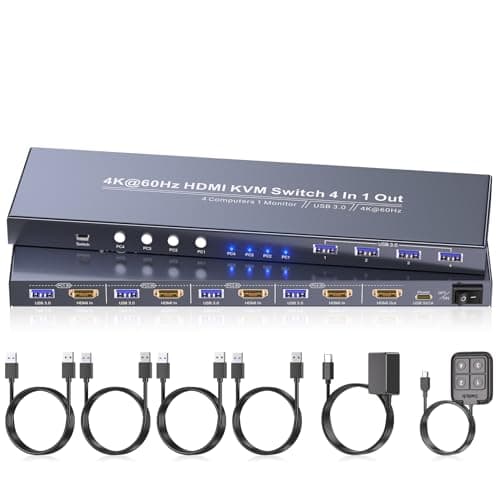
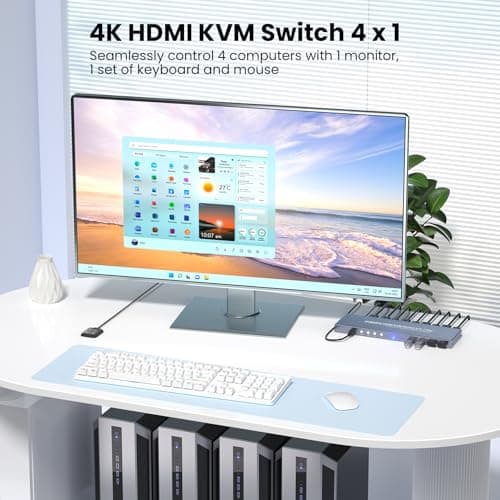
4K60Hz HDMI KVM Switch 1 Monitor 4 Computers, 4 Port KVM Switch for 4 PCs Share 1 Monitor and 1 Set of Keyboard Mouse, 4 Port USB 3.0 Hub Integrated, Dual Switching Methods
Generic
£42.49
