
Human Things GENKI ShadowCast - Easily Connect and Play Game Consoles on The Laptop, Smallest Capture Card with Great Performance
Brand: Human Things
About this product
Easily connect and play game consoles directly on your laptop with the Human Things GENKI ShadowCast, the smallest capture card available. This compact device fits seamlessly into the Nintendo Switch dock, making it perfect for gaming on-the-go without sacrificing portability. Whether you're a casual player or a dedicated streamer, this capture card simplifies setup and enhances your gaming experience by allowing you to display game footage directly on your laptop. Designed with convenience in mind, the GENKI ShadowCast is compatible with multiple consoles such as Nintendo Switch, Sony PlayStation, Xbox Series X, and even the SNES mini. Its plug-and-play functionality ensures a hassle-free setup process, making it easy to launch the GENKI Arcade app, connect via USB-C cable, and enjoy your games right from your desktop or laptop. This versatile capture card opens up new possibilities for gaming and streaming, offering great performance without taking up too much space.
Highlights
- Smallest Capture Card - Capture game footage using this smallest capture card. Fits and plays well with other hardwares and software.
- Easy Setup - Launch GENKI Arcade app on computer, connect USB-C cable to ShadowCast + laptop and Insert ShadowCast into game console.
- Plug & Play - Plug in to any HDMI Source and display it on to the laptop. Designed to hide inside the Nintendo Switch dock. Works great with the GENKI Covert Dock on the go.
- Compatibility - Connects with many game consoles on laptop or any computer including Nintendo Switch, Sony Playstation, Xbox Series X and SNES mini. Software supports any UVC software in MacOS, Windows and Android.
- Professional Webcam - Connect any camera that supports HDMI-out, including DSLR cameras, and open up possibilities for streams and online parties.
Is this the right pick for you?
This capture card by Human Things is a perfect fit for enthusiasts who wish to stream or record their gameplay from various consoles directly onto their laptop. Its compact design makes it particularly appealing for those who are always on the go and need a solution that can easily hide inside devices like the Nintendo Switch dock, ensuring you maintain a clean setup without sacrificing functionality. The ease of use with its plug-and-play feature means you can quickly set up your gaming rig to capture footage or stream live content right from your console. However, this card might not be ideal for users looking for a more advanced solution with extensive features such as high-resolution support or multiple simultaneous outputs. While it supports many popular game consoles including Nintendo Switch, Sony PlayStation, and Xbox Series X, its primary focus is on simplicity and portability rather than offering the highest performance or compatibility with niche devices. When setting up your Genki ShadowCast, ensure you have a compatible USB-C cable to connect it between your laptop and the console. The process of launching the GENKI Arcade app and connecting via HDMI is straightforward but make sure your computer has UVC software support for seamless operation across different operating systems like MacOS, Windows, or Android. Regular maintenance involves keeping an eye on the quality of the video stream and ensuring all connections are secure to avoid any disruptions during gameplay.
Frequently asked questions
What game consoles can I connect with the Human Things GENKI ShadowCast?
The Human Things GENKI ShadowCast is compatible with a variety of game consoles including Nintendo Switch, Sony PlayStation, Xbox Series X, and SNES mini. Always check the manufacturer's listing for exact compatibility to ensure your specific console model is supported.
How does the setup process work for the GENKI ShadowCast?
Setting up the GENKI ShadowCast is straightforward. First, launch the GENKI Arcade app on your computer. Then, connect the USB-C cable from the ShadowCast to both your laptop and game console. Insert the ShadowCast into the game console's HDMI port or dock. This simple process allows you to easily capture and stream your gameplay.
Can I use this with my Nintendo Switch?
Yes, the GENKI ShadowCast is designed to work well with the Nintendo Switch. It can be hidden inside the dock when not in use, making it ideal for on-the-go gaming sessions. Ensure that you have a compatible adapter if your Switch does not support USB-C directly.
You might also like
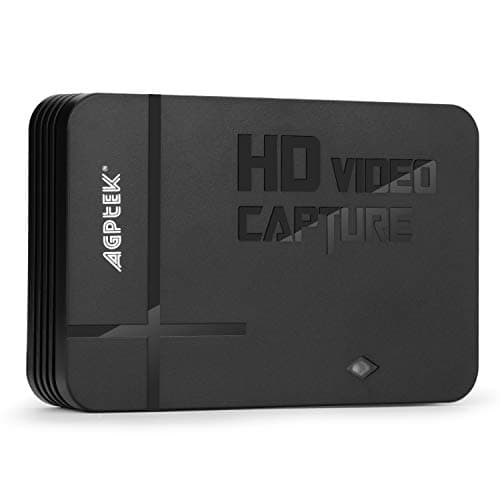
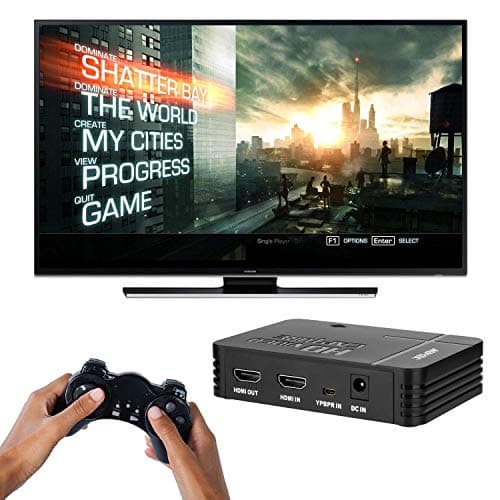
1080P Game Video Capture Card with HDMI and YpbPr Input, Mic-in Video Recorder Compatible with Xbox 360/One/ PS3 /PS4 etc
AGPTEK
£64.18
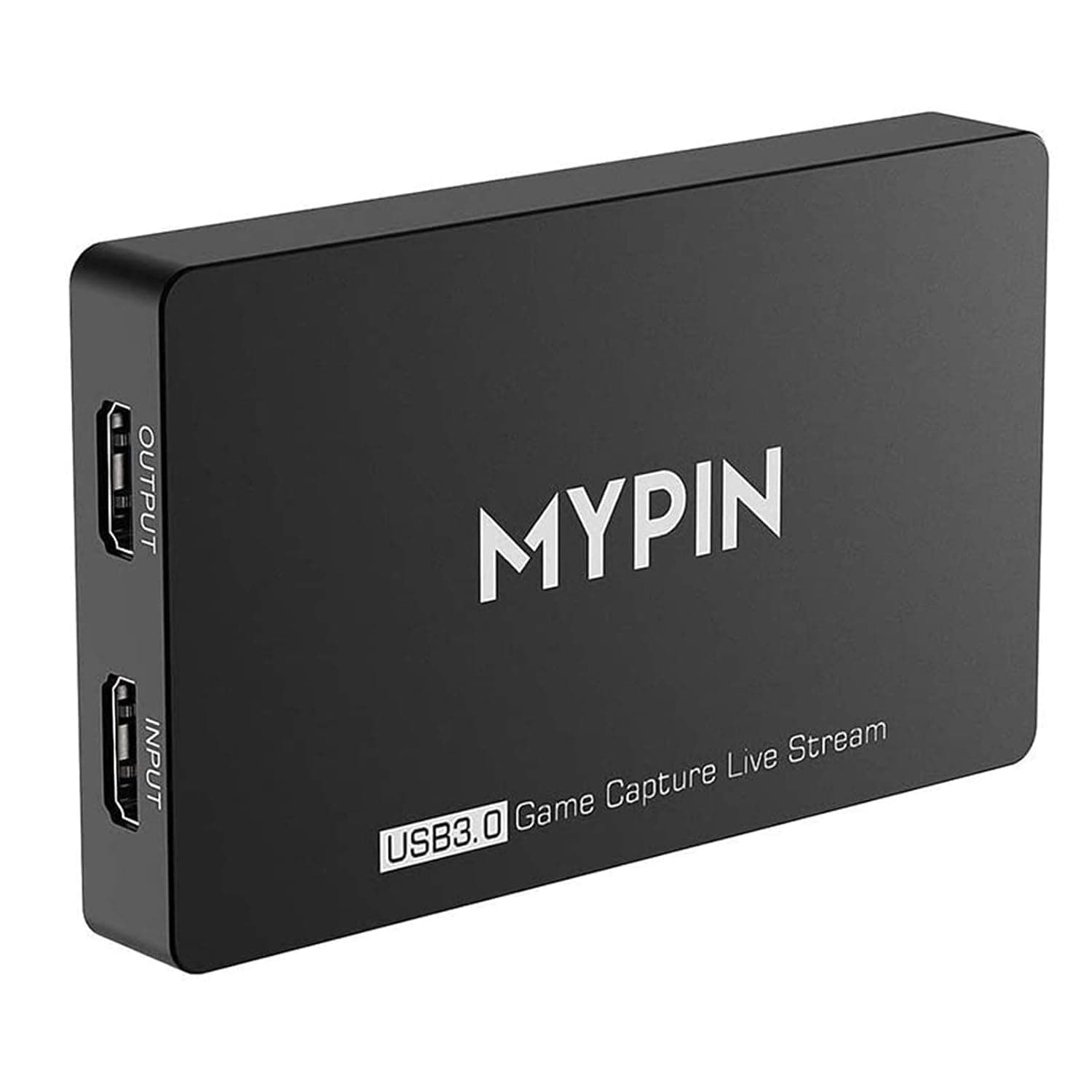
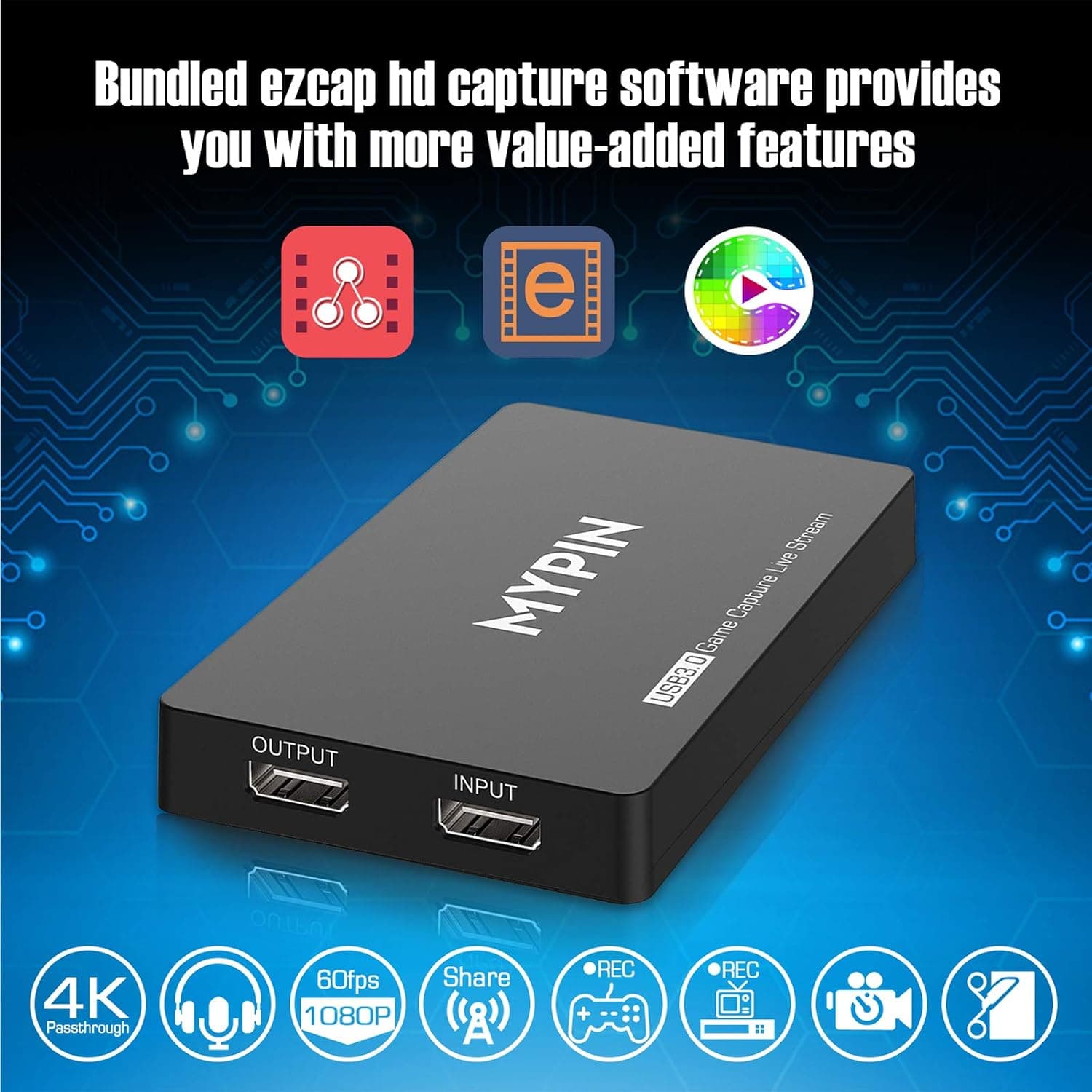
4K Capture Card for Live Streaming, MYPIN USB3.0 HDR Capture 1080P@60fps Support Microphone and Gamepad Party Chat for Nintendo Switch/ PS4 /Xbox One 360 /Wii U/Action Camera/DSLR Camcorder
MYPIN
£19.99
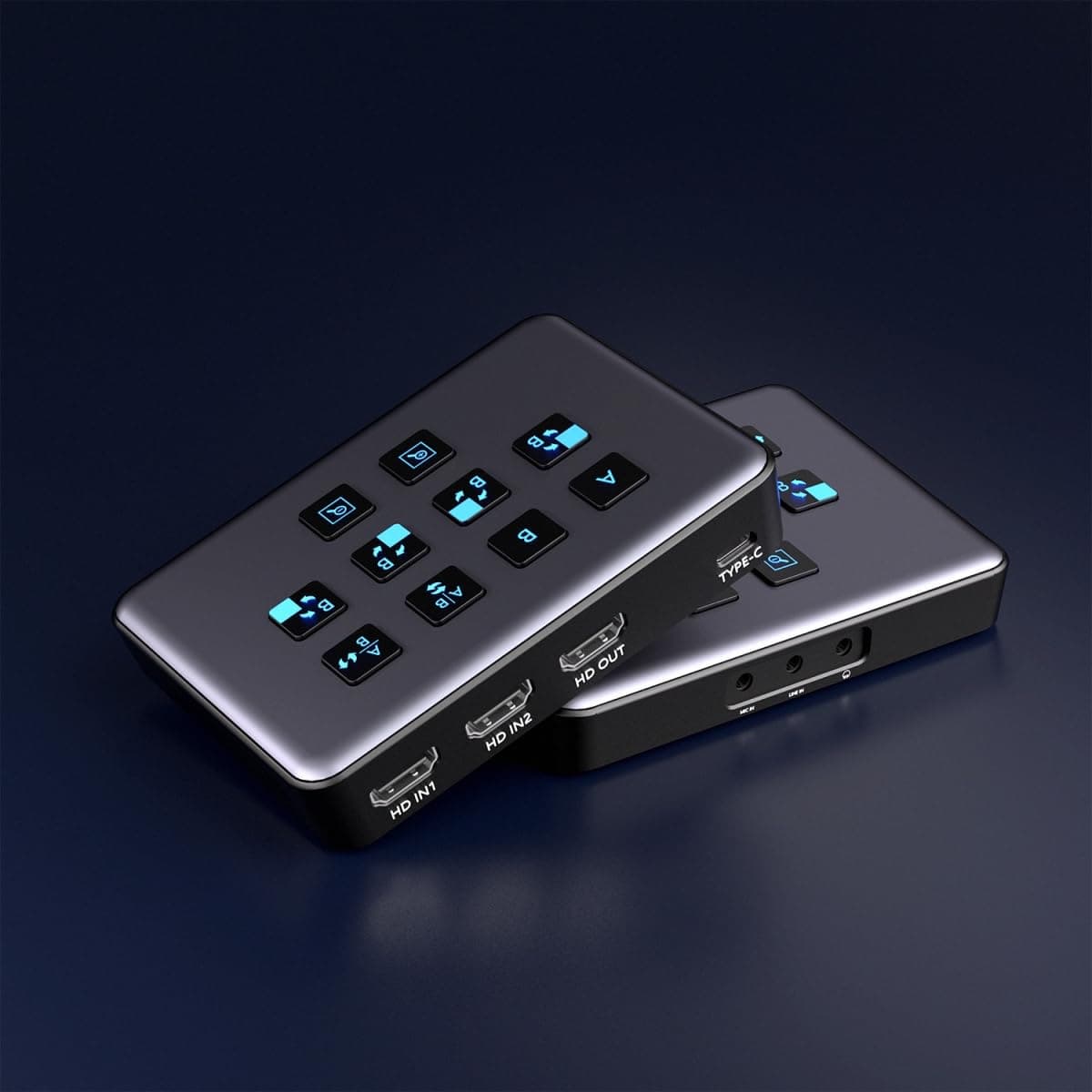
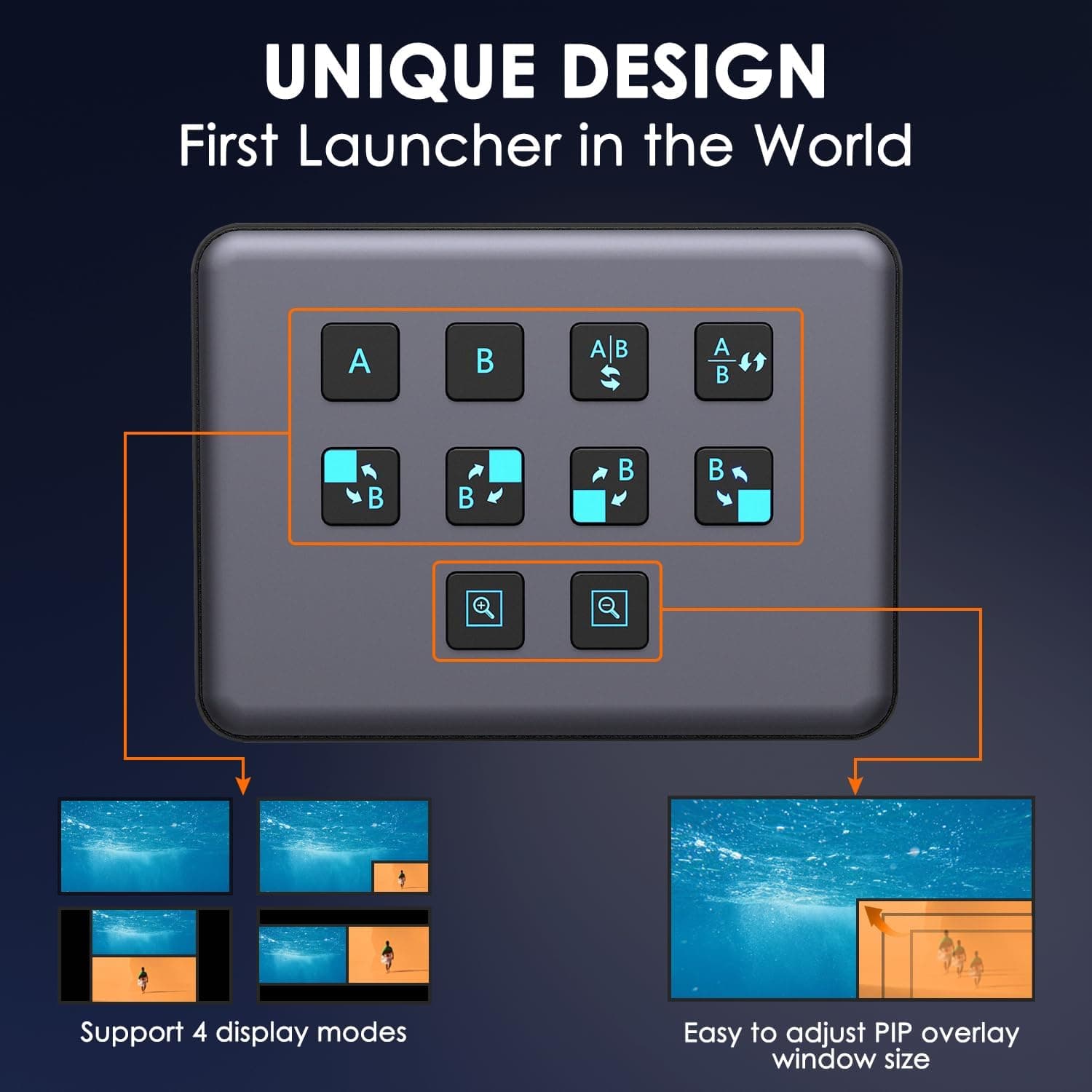
4K Dual HDMI Audio Video Capture Card, USB3.0 1080P 60FPS Equipment for Live Streaming,Capture Card with Loop Camera Link to Type-C Recording Game Video Mixer,Passthrough for Xbox PS5 PS4 Etc
EDISTEC
£25.99
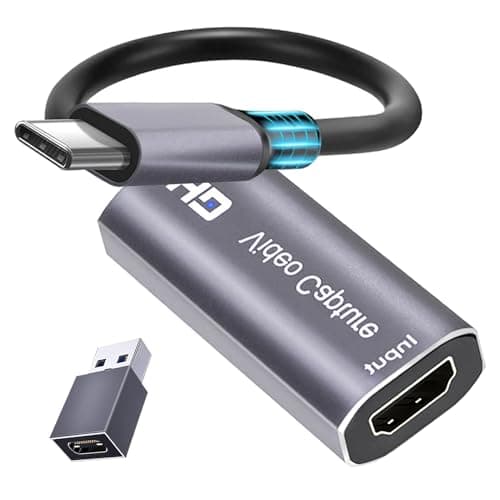
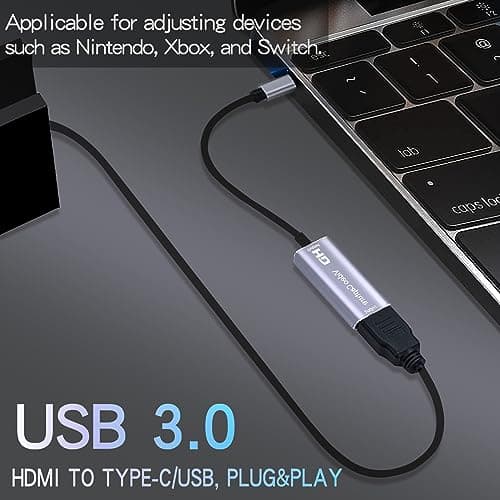
4K HDMI Capture Card, Cam Link Video Capture Card HDMI to 1080P Type-C for Windows Mac OS System for Streaming Gaming Meeting with USB C Adapter to Adjust PS3 4, Switch, Xbox
Extenuating Threads
£12.99
