
Logitech MX Keys S Programmable Wireless Bluetooth Keyboard - Graphite B+ | Low Profile, Fluid Quiet Typing, Programmable, Backlit, Bluetooth, USB C, for Windows, Linux, Chrome, Mac, QWERTY UK
Brand: Logitech
- Height
- 2 cm
- Length
- 43 cm
- Width
- 13 cm
- Weight
- 810 g
About this product
Are you looking for a keyboard that offers both precision and customizability? The Logitech MX Keys S Programmable Wireless Bluetooth Keyboard fits the bill. With its low-profile design and fluid quiet typing experience, it provides a comfortable typing environment while being versatile enough to suit various operating systems like Windows, Linux, Chrome, and Mac. Its programmable features allow you to automate repetitive tasks with just one keystroke, enhancing your productivity. The backlit keyboard adjusts its brightness based on the time of day or when your hands approach it, ensuring visibility without draining the battery too quickly.
Specifications
- Height
- 2 cm
- Length
- 43 cm
- Width
- 13 cm
- Weight
- 810 g
- Pack size
- 1
- Colour
- Graphite
- Amazon Bestseller Rank
- #216
Is this the right pick for you?
The Logitech MX Keys S is a top choice for users who value precision and customization in their typing experience. Its low-profile design ensures a comfortable fit on any desk setup, making it ideal for both professional and casual use. The programmable Smart Actions feature allows you to automate repetitive tasks with just one keystroke, enhancing productivity and efficiency. This keyboard also excels in its backlit functionality, which not only provides excellent visibility but also adjusts automatically based on the time of day, ensuring optimal lighting conditions without manual adjustments. However, it’s important to note that while the MX Keys S supports a wide range of operating systems including Windows, Linux, Chrome OS, and macOS, setting up the keyboard might require some initial configuration. The Logi Options+ app is necessary for customizing features such as Smart Actions, adjusting backlighting settings, and checking battery life. This app can be downloaded from both the App Store and Google Play, but ensure you have it installed before your first use to avoid any complications. When it comes to care and maintenance, the MX Keys S has a rechargeable Li-Po battery that lasts up to 18 months on a single charge under normal usage conditions. However, it’s crucial to keep an eye on the battery level to prevent unexpected shutdowns during work sessions. Additionally, while the keyboard is compatible with various systems, users should be aware of potential issues such as FileVault activation on macOS, which could interfere with Bluetooth connectivity. In such cases, using a Logi Bolt USB Receiver is recommended for seamless operation.
Frequently asked questions
Is this keyboard compatible with my Windows PC?
Yes, the Logitech MX Keys S is fully compatible with Windows PCs. It supports Bluetooth and USB-C connections, allowing you to easily connect it without needing an additional receiver.
Can I use this keyboard on a Mac?
Absolutely, the MX Keys S works seamlessly with macOS. You can pair it via Bluetooth or through a USB-C connection, making it versatile for both professional and personal use.
Does this keyboard work with Linux systems?
Yes, the MX Keys S is compatible with Linux operating systems. While basic functions are supported without additional software, you might need to install drivers for full functionality.
You might also like

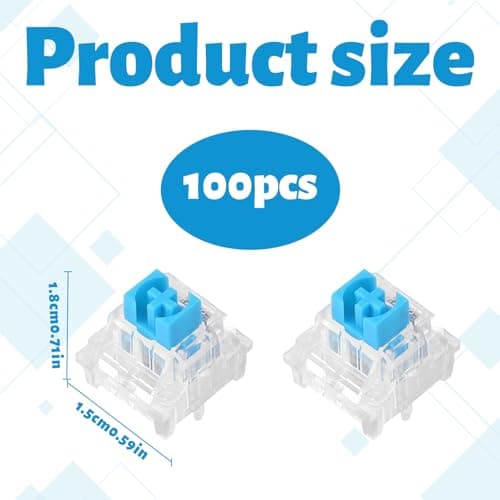
100 Mechanical Keyboard Switches,Blue Switches with 3-Pin Transparent Caps,Dustproof and Waterproof,Kkeyboard Keys Suitable for DIY Kits,LED Keyboards,Gaming Keyboards,Etc
Othrion
£8.95
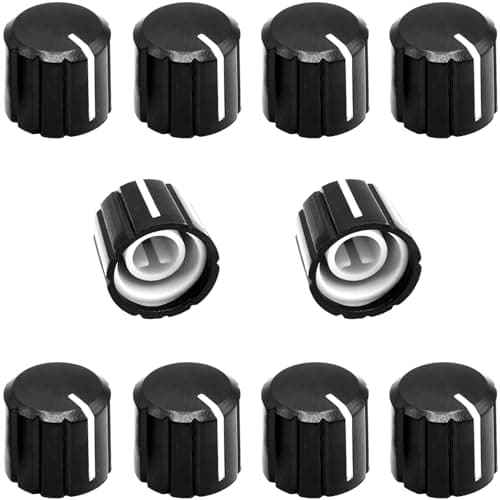
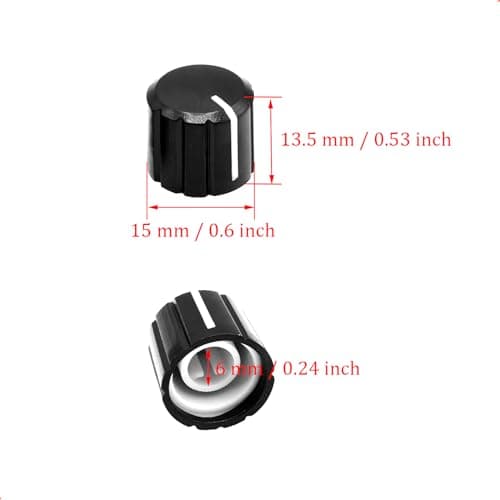
10Pcs 6mm D Type Potentiometer Control Knobs, Plastic Volume Audio Mixer Bass Tone Rotary Knob,for Encoder Electric Guitar Speaker Board DJ Controller Console Control Knob Replacement,Black 15x13.5mm
ZXUEZHENG
£3.99
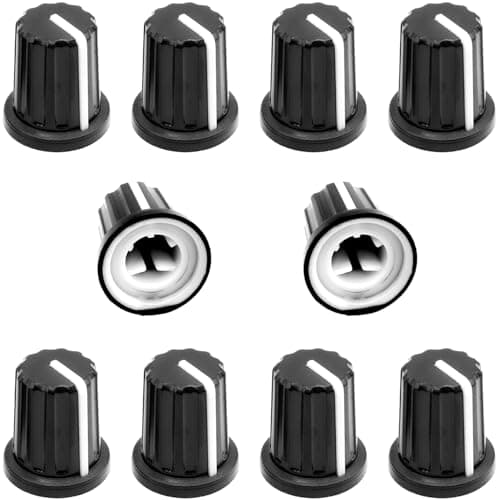
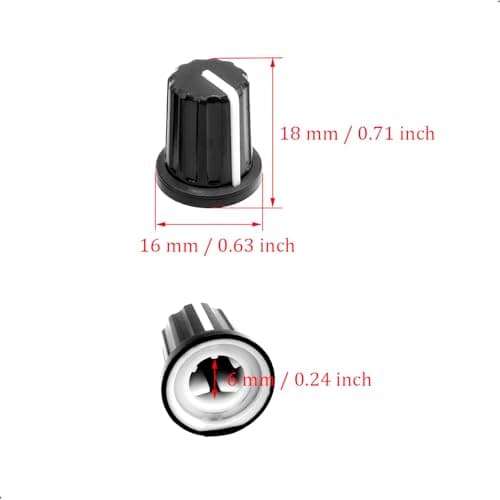
10Pcs 6mm D Type Potentiometer Control Knobs, Plastic Volume Audio Mixer Bass Tone Rotary Knob, for Encoder Electric Guitar Speaker Board DJ Controller Console Control Knob Replacement,Black,16 x 18mm
ZXUEZHENG
£3.99
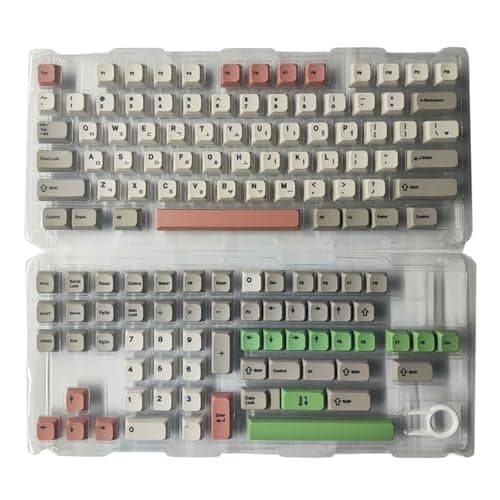
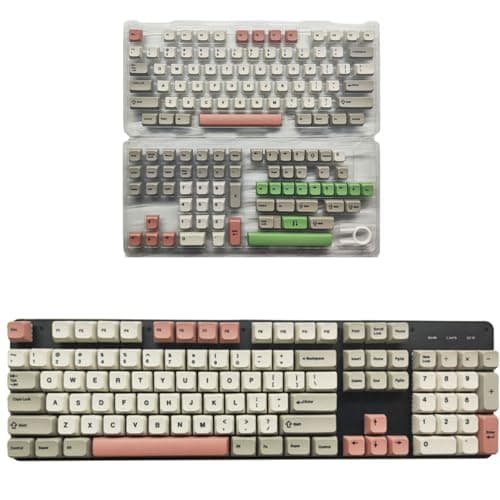
138Key 9009 Retro Theme Key Cap Set XDA Height PBT, Korea
Cosqeae
£21.29
