
Elgato Cam Link 4K Capture Card for DSLR, Camcorder, Action Cam | HDMI to USB 3.0, Stream in 1080p60 or 4K30/60, Ultra-low latency, Works with OBS, Zoom, Discord, PC/Mac/iPad compatible
Brand: Elgato
- Height
- 1.2 cm
- Length
- 8.1 cm
- Width
- 3.1 cm
- Weight
- 20 g
About this product
If you're a content creator looking to stream or record high-quality video from your DSLR, camcorder, or action camera directly onto your computer, the Elgato Cam Link 4K Capture Card is an excellent choice. This card allows you to capture stunning Full HD and even 4K up to 60 fps video right out of the box on both PC and Mac. It works seamlessly with popular streaming software like OBS Studio, Zoom, and Discord. With its compact size (8.1 x 1.2 x 3.1 cm) and lightweight design (20 g), it’s easy to carry around for live streams or recording sessions. The HDMI input supports a wide range of resolutions including 4K60 (using MJPG only) and 4K30, making it versatile for various devices and needs. Whether you're a professional streaming on Twitch or just want to share your adventures on social media, the Cam Link 4K ensures ultra-low latency and smooth performance in all your favorite applications.
Specifications
- Height
- 1.2 cm
- Length
- 8.1 cm
- Width
- 3.1 cm
- Weight
- 20 g
- Pack size
- 1
- Colour
- Black
- Amazon Bestseller Rank
- #2,790
Is this the right pick for you?
If you're a content creator or streamer who uses a DSLR, camcorder, or action camera to capture high-quality video and need to integrate it with your PC or Mac for streaming or recording, the Elgato Cam Link 4K is an excellent choice. It supports both 1080p60 and 4K30/60 streaming, making it versatile enough for a wide range of needs. Whether you're using OBS Studio, Zoom, or Discord, this capture card ensures seamless integration with these applications without the need to install additional software. However, not every camera will work perfectly with Cam Link 4K; compatibility is crucial here. For instance, older models might not support 4K60 streaming due to limitations in their hardware. It's important to check if your specific camera model works with the latest Cam Link 4K firmware to ensure you get the best performance. Setting up the Elgato Cam Link 4K is straightforward and can be done right out of the box on both PC and Mac systems. The USB 3.0 connection ensures fast data transfer, making it easy to stream or record your content without any latency issues. Just connect the HDMI cable from your camera to the capture card, then plug the Cam Link 4K into a USB port on your computer. The included Quick Start Guide will walk you through the process step-by-step. When caring for your Elgato Cam Link 4K, it’s important to handle it with care due to its small size and light weight of just 20 grams. Avoid dropping or exposing it to excessive heat, as this could damage the device. Regularly check that all connections are secure, especially if you're using it for extended periods during streaming sessions.
Frequently asked questions
Can I use this capture card with my DSLR camera?
Yes, the Elgato Cam Link 4K is designed to work with high-end DSLR or mirrorless cameras. However, ensure your camera supports MJPEG recording at 60 fps for 4K streaming as it's a requirement for 4K60p functionality.
Is this compatible with both PC and Mac?
Absolutely, the Cam Link 4K is fully compatible with both Windows (10 or later) and macOS (13 or later). It also supports iPadOS (17 or later), making it versatile for different operating systems.
What are the supported resolutions for streaming?
You can stream in Full HD at up to 60 fps, 4K at 30 fps, or 1080p at 60 fps. This flexibility allows you to choose the resolution that best fits your needs and the application you're using.
You might also like
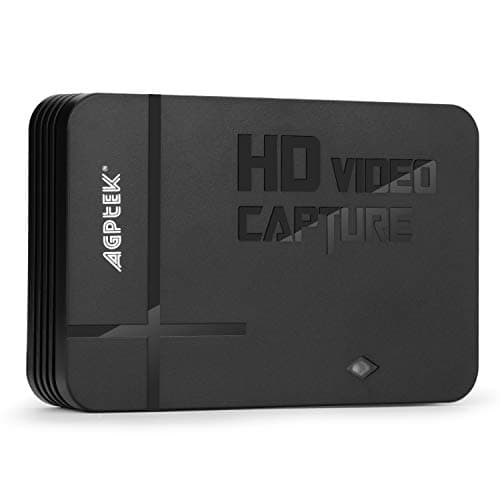
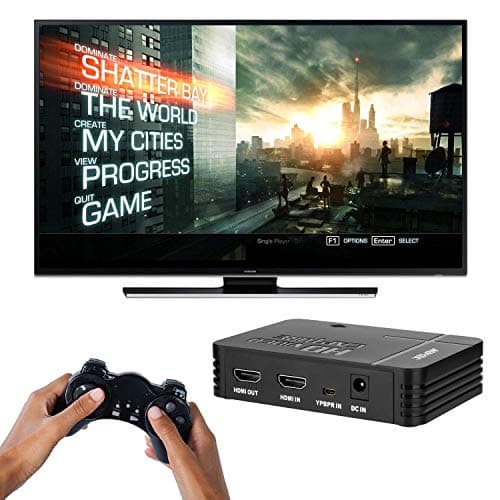
1080P Game Video Capture Card with HDMI and YpbPr Input, Mic-in Video Recorder Compatible with Xbox 360/One/ PS3 /PS4 etc
AGPTEK
£64.18
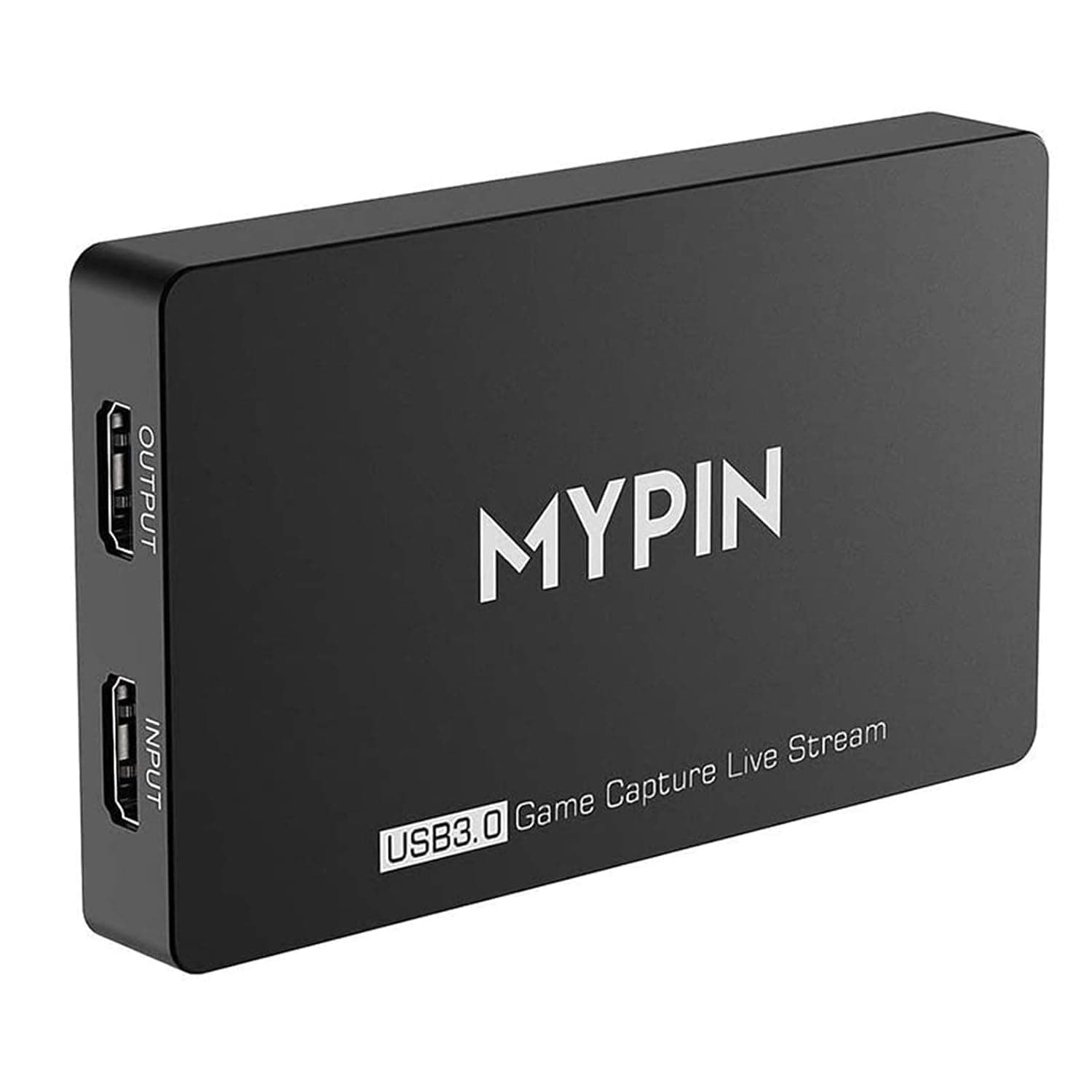
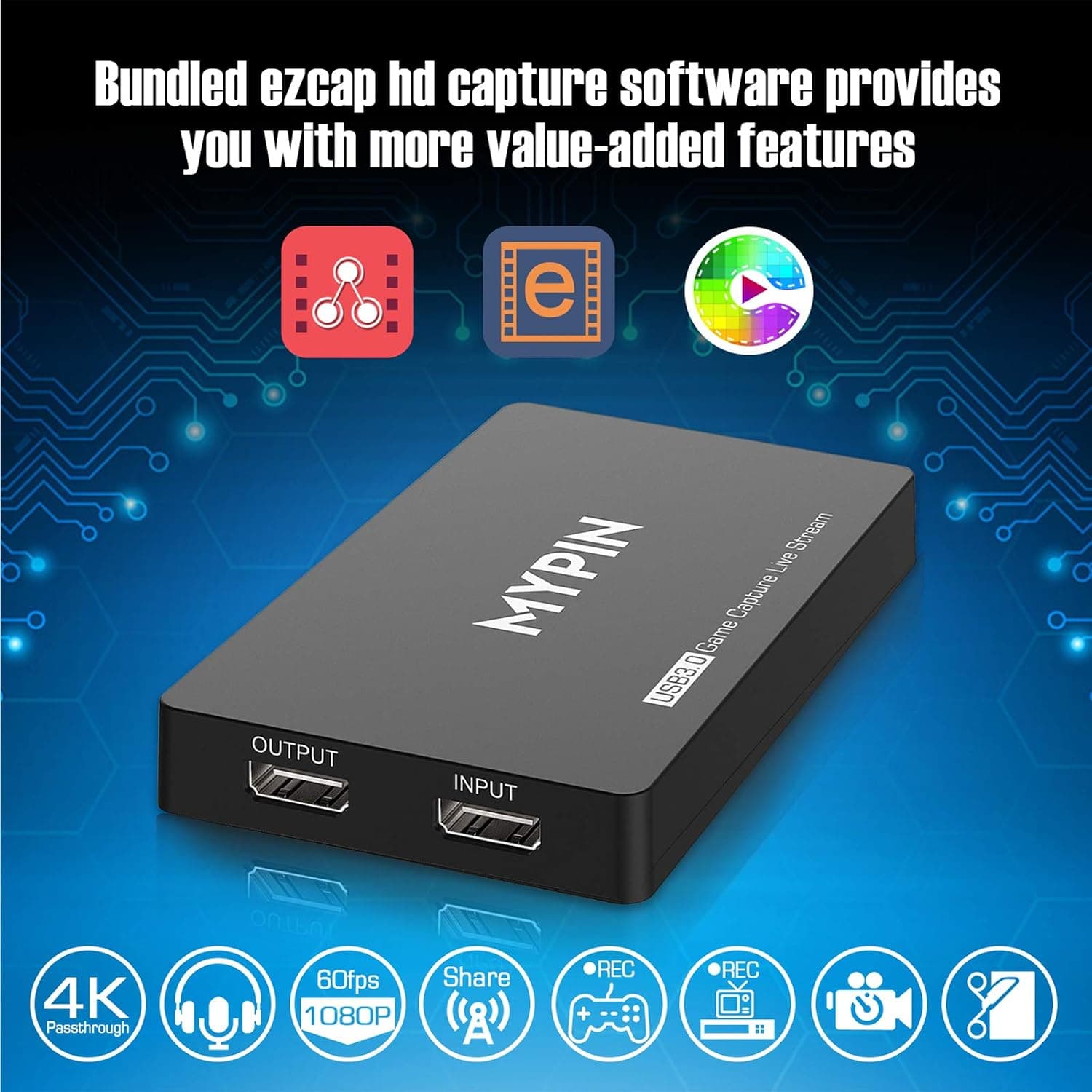
4K Capture Card for Live Streaming, MYPIN USB3.0 HDR Capture 1080P@60fps Support Microphone and Gamepad Party Chat for Nintendo Switch/ PS4 /Xbox One 360 /Wii U/Action Camera/DSLR Camcorder
MYPIN
£19.99
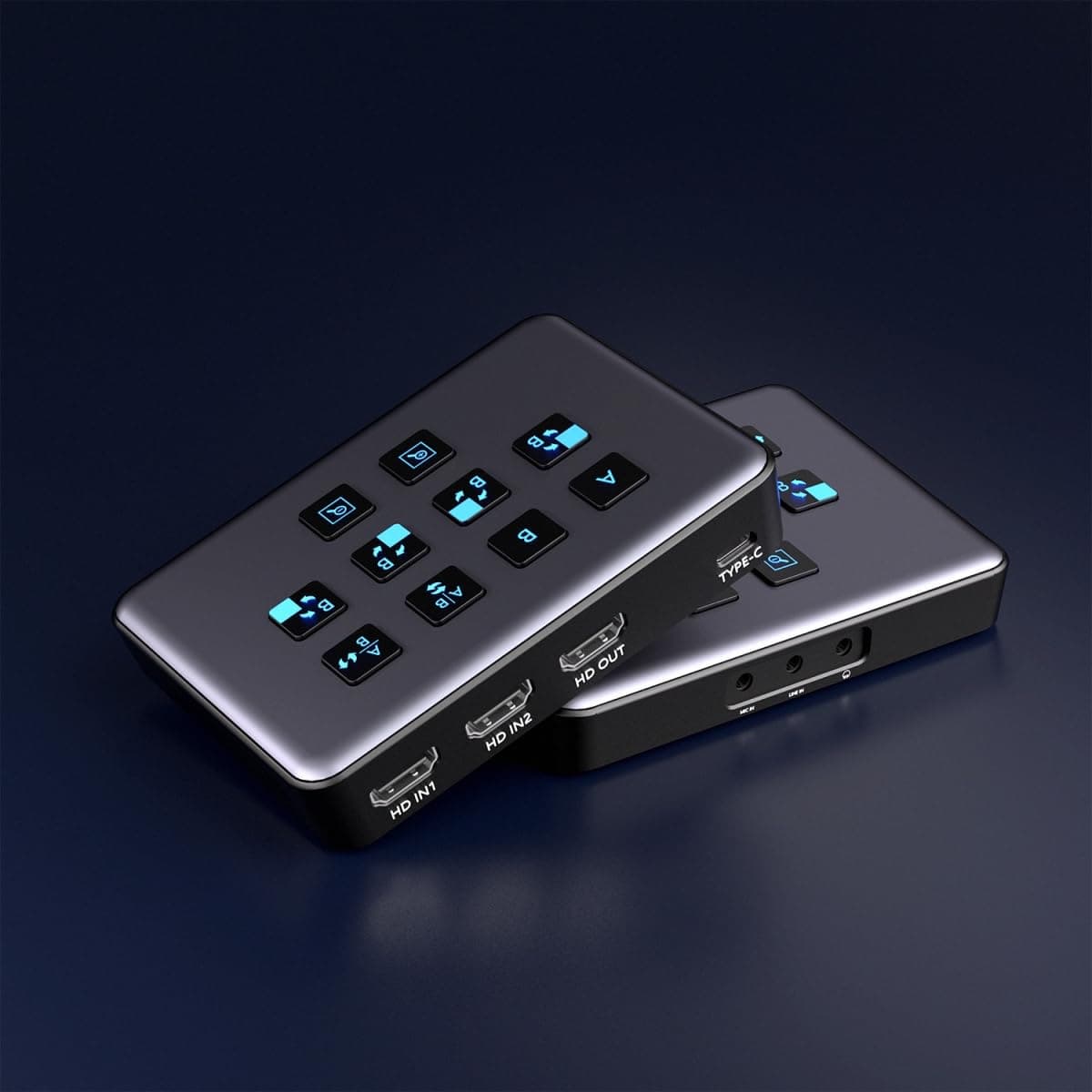
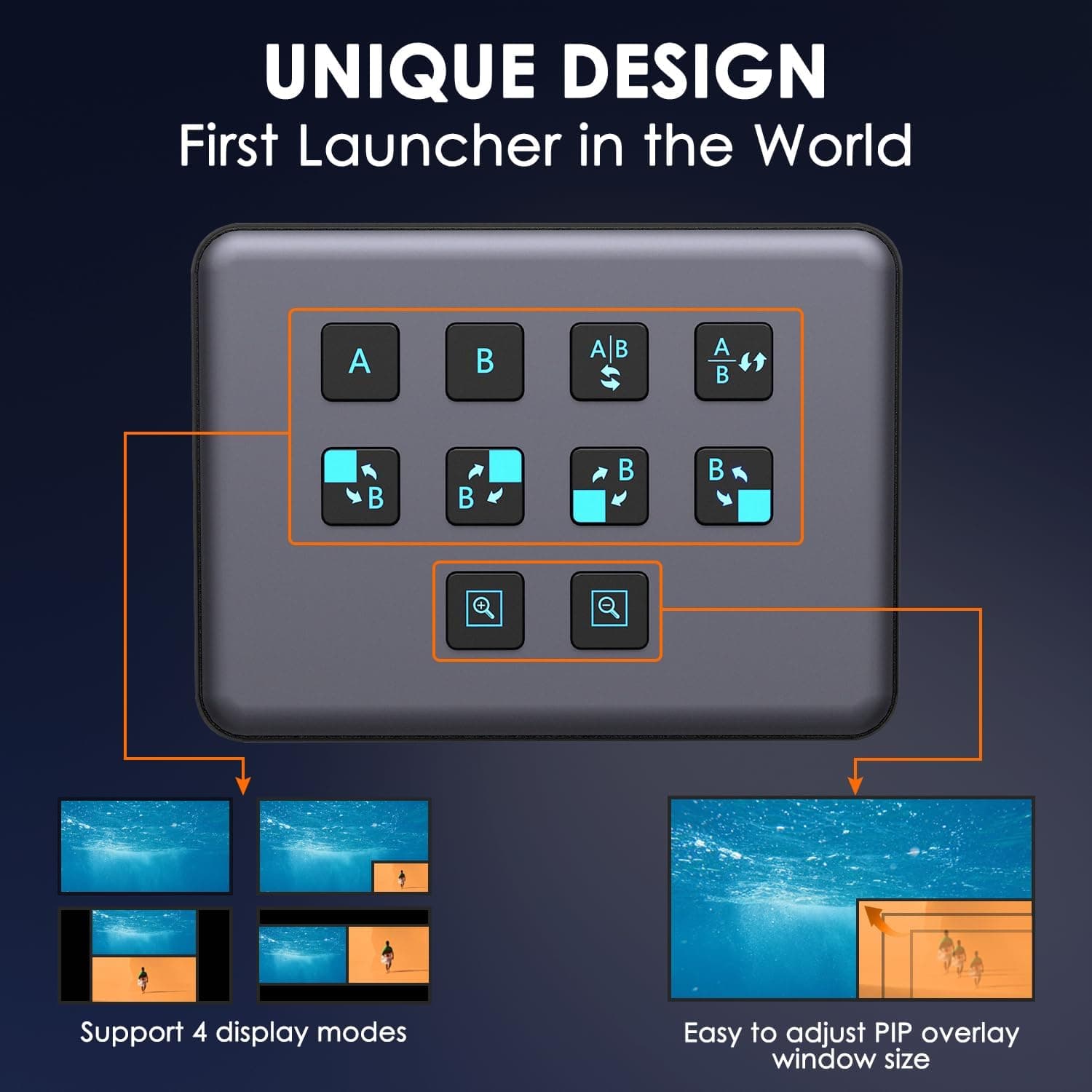
4K Dual HDMI Audio Video Capture Card, USB3.0 1080P 60FPS Equipment for Live Streaming,Capture Card with Loop Camera Link to Type-C Recording Game Video Mixer,Passthrough for Xbox PS5 PS4 Etc
EDISTEC
£25.99
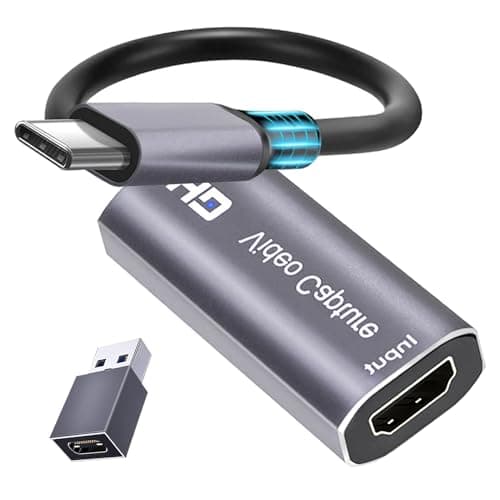
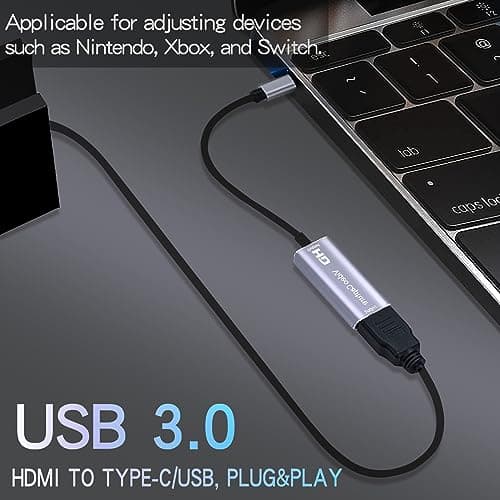
4K HDMI Capture Card, Cam Link Video Capture Card HDMI to 1080P Type-C for Windows Mac OS System for Streaming Gaming Meeting with USB C Adapter to Adjust PS3 4, Switch, Xbox
Extenuating Threads
£12.99
