
Turtle Beach VelocityOne Flightdeck - Universal HOTAS Simulation Joystick & Throttle with Touch Display, Stick Mounted HUD and Contactless Sensors for Air and Space Combat on Windows 10 & 11 | Black, Windows 10 & 11 PCs, Joystick & Throttle for Air & Space Combat Simulation, Touch Display, 139 Mappable Controls
Brand: Turtle Beach
About this product
When it comes to flight simulators on Windows 10 & 11 PCs, the Turtle Beach VelocityOne Flightdeck stands out as a top choice for enthusiasts. This HOTAS (Heads Up Throttle And Stick) system is designed with advanced features and customization options in mind, making it perfect for those who want to experience air and space combat simulations at their best. The Flight Touch Display and OLED HUD offer unparalleled performance optimization, ensuring that every detail of your flight is within reach. What sets the VelocityOne apart is its comprehensive control setup, featuring 15 axes and 139 programmable functions. This level of customization allows you to tailor the joystick and throttle to fit your specific needs, enhancing immersion and precision in your gameplay. Whether you're a seasoned pilot or just starting out, this flight stick is built for the future of simulation gaming.
Is this the right pick for you?
The Turtle Beach® VelocityOne™ Flightdeck is an excellent choice for serious air and space combat simulation enthusiasts. If you're deeply invested in games like X-plane or Microsoft Flight Simulator, this joystick and throttle system offers unparalleled control and customization options. The 15 axes and 139 mappable controls ensure that every aspect of your gameplay can be finely tuned to suit your preferences. Additionally, the touch display and HUD provide a level of immersion that is unmatched by simpler controllers. However, if you're looking for something more casual or if your primary focus is on multiplayer games where precision control isn't as critical, this might be overkill. In a typical setup, the VelocityOne Flightdeck fits seamlessly into an advanced gaming rig. It can be paired with other peripherals like pedals and yokes to create a comprehensive flight deck that enhances both comfort and performance during intense simulations. The system's compatibility with Windows 10 & 11 ensures it works well with most modern simulation software, making it a versatile choice for gamers who want to push the boundaries of their immersive experiences. Before purchasing, there are a few practical considerations. Setting up the Flightdeck involves connecting it via USB and installing the necessary drivers, which is straightforward but requires some patience. The touch display and HUD require careful alignment to ensure they function correctly. Additionally, while the system is designed for durability, it's important to handle it with care due to its sensitive contactless sensors. Regular cleaning and avoiding rough handling will help maintain its performance over time.
Frequently asked questions
Is the Turtle Beach VelocityOne Flightdeck compatible with Windows 10 and 11?
Yes, the Turtle Beach VelocityOne Flightdeck is specifically designed for use on Windows 10 and 11 PCs. It supports these operating systems to ensure a seamless experience for sim pilots and combat enthusiasts.
Can I customize the controls on the Turtle Beach VelocityOne Flightdeck?
Absolutely, you can map up to 139 functions across 15 axes, providing extensive customization options. This level of control allows you to tailor your setup to match the specific needs of different flight simulators and games.
What kind of display does the Turtle Beach VelocityOne Flightdeck have?
The VelocityOne features a unique Flight Touch Display and an OLED Head-Up Display (HUD). These advanced displays provide real-time information and enhance immersion, making it easier to manage in-game actions without taking your eyes off the screen.
You might also like
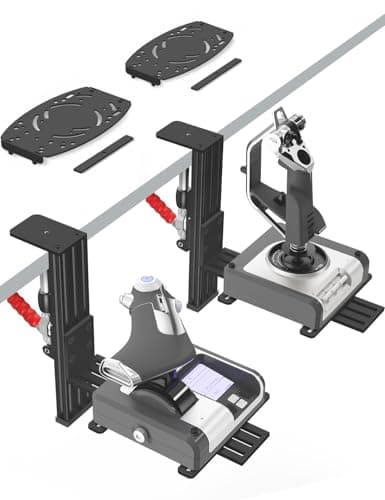
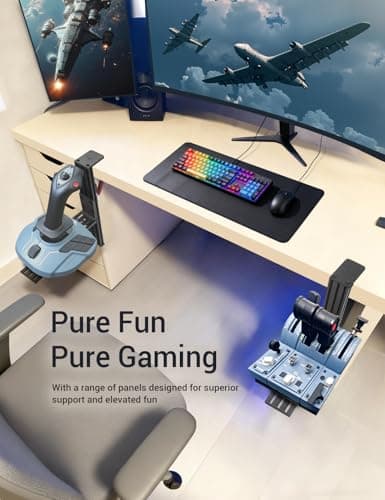
2 Pack Hotas Desk Mount for Flight Sim Hand-Controllers Compatible with Logitech X52 X56 Hotas, Thrustmaster Hotas Warthog, Sol-R2, SimTask Farmstick, T. Flight Hotas, T.16000M, TCA, Winwing,VKB, VPC
VTUIFBT
£64.88
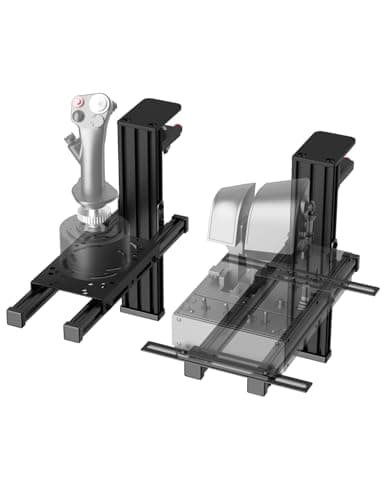
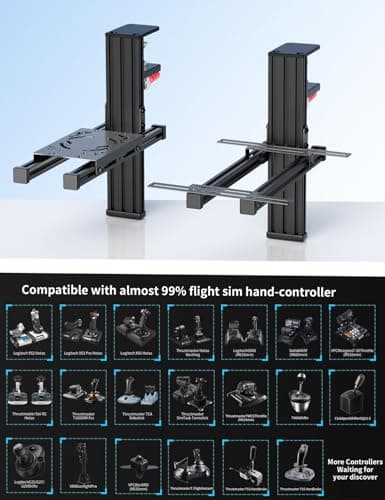
2 Pack Hotas Desk Mount For Flight Sim Joystick Compatible with Logitech X56/X52/X52 Pro, Thrustmaster Hotas Warthog/ T.16000M/ T-Flight Hotas 4/X/ SimTask Farmstick/ Sol-R2, Winwing, VPC, VKB Hotas
VTUIFBT
£59.99
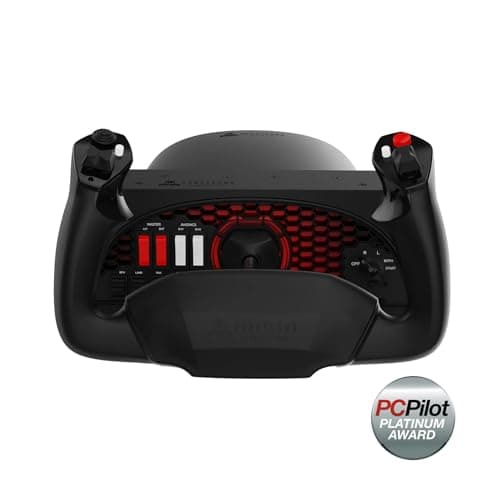
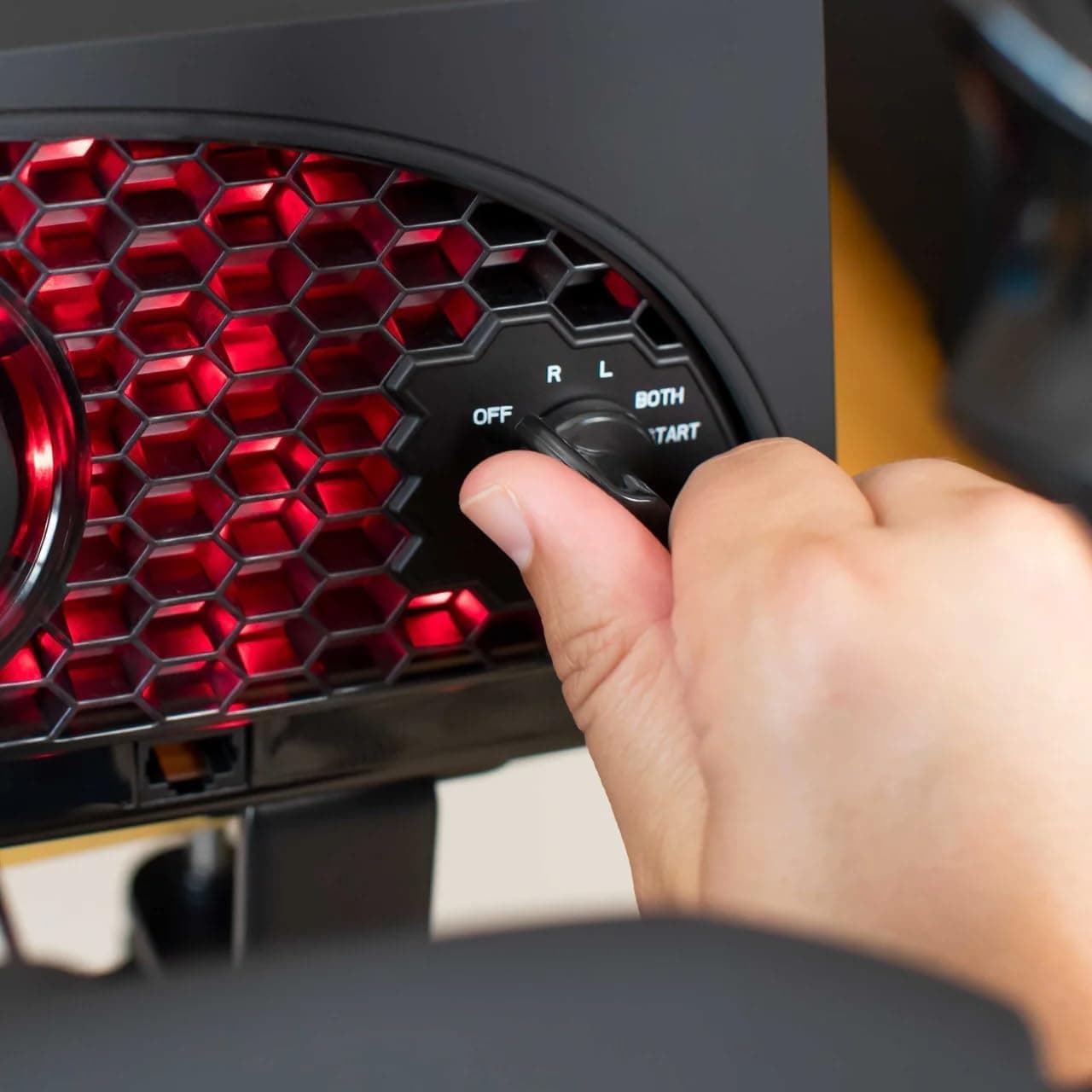
Aerosoft Honeycomb Alpha Flight Controls Flugsimulator-Steuerhorn USB PC black
Honeycomb Aeronautical
£301.16
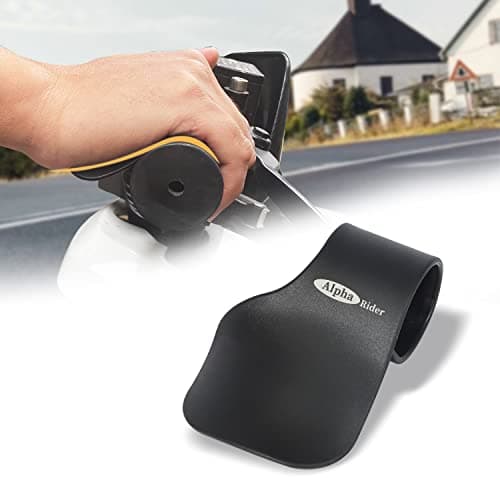
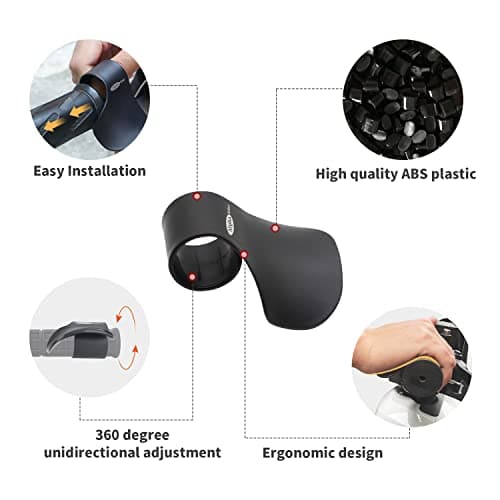
Alpha Rider Universal Motorcycle 22MM Black Throttle Mounted
Alpha Rider
£8.99
