
Logitech Brio 505 Full HD webcam with auto light correction, auto-framing, Show Mode, dual noise reduction mics, privacy shutter - Works with Microsoft Teams, Google Meet, Zoom - Grey
Brand: Logitech
- Height
- 3.1 cm
- Length
- 11 cm
- Width
- 3.1 cm
- Pack size
- 1
About this product
If you're looking for a webcam that enhances your online presence and makes virtual meetings feel more personal, the Logitech Brio 505 Full HD is an excellent choice. This webcam excels in low-light conditions with its auto light correction feature, ensuring clear visibility even when lighting isn't ideal. Its auto-framing technology keeps you centered during calls, allowing for natural movement without losing focus. The Brio 505 also features dual noise reduction mics to ensure your voice is heard clearly and without background interference, making it perfect for those who need to speak over noisy environments or during group discussions. With compatibility across popular platforms like Microsoft Teams, Google Meet, and Zoom, this webcam integrates seamlessly into your existing video conferencing setup, enhancing the quality of every call you make.
Specifications
- Height
- 3.1 cm
- Length
- 11 cm
- Width
- 3.1 cm
- Pack size
- 1
- Colour
- Grey
- Amazon Bestseller Rank
- #12,620
Is this the right pick for you?
This Logitech Brio 505 webcam is ideal for professionals and students who need a reliable and feature-rich solution for their video calls. The auto light correction ensures that your face looks its best in low-light conditions, making it perfect for those working from home or in spaces with limited natural light. Auto-framing allows you to move around during meetings without losing focus on the camera, which is particularly useful if you're using a standing desk or need to adjust your position frequently. Show Mode lets you present items on your desk clearly and professionally, making it an excellent choice for remote presentations or virtual classrooms. However, this webcam might not be the best fit for those who only occasionally use video calls and prefer simplicity over advanced features. The auto-framing and Show Mode can add a bit of complexity to setup, so if you're looking for something more straightforward, there are simpler webcams available that may suit your needs better. Additionally, while Brio 505 is compatible with popular video conferencing platforms like Microsoft Teams, Google Meet, and Zoom, it's always good to check the specific requirements of the platform you plan to use. When setting up the Logitech Brio 505, ensure that your computer has a USB port available. The webcam comes with all necessary cables for connection, but make sure to plug in both the power adapter and the USB cable to the camera itself. Once connected, most video conferencing software will automatically detect the new device. For optimal performance, keep the webcam at eye level or slightly lower to avoid looking up at the camera during calls. Regularly clean the lens with a soft cloth to maintain clear visuals.
Frequently asked questions
What is the Brio 505 good for?
The Logitech Brio 505 is ideal for anyone needing a reliable webcam that enhances their video calls. It offers features like auto light correction and auto-framing, making it perfect for home offices or remote workers who need to look professional during meetings.
Can I use this with different video call platforms?
Yes, the Brio 505 is compatible with popular video conferencing platforms such as Microsoft Teams, Google Meet, and Zoom. It works seamlessly across these applications, ensuring you can use it for all your virtual meeting needs without any hassle.
What does the privacy shutter do?
The privacy shutter on the Brio 505 allows you to cover the camera when not in use, providing an extra layer of security and privacy. This feature is especially useful if you need to protect your personal space during video calls or when you're away from your desk.
You might also like
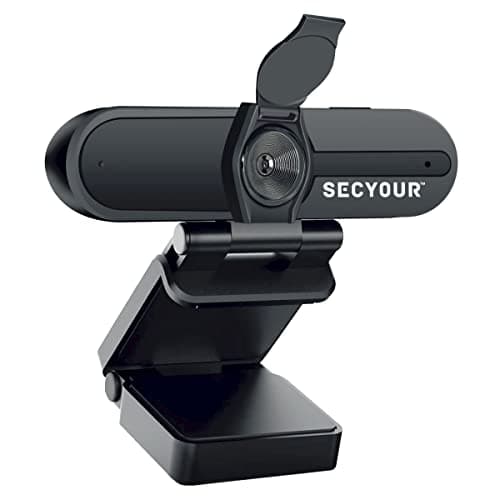
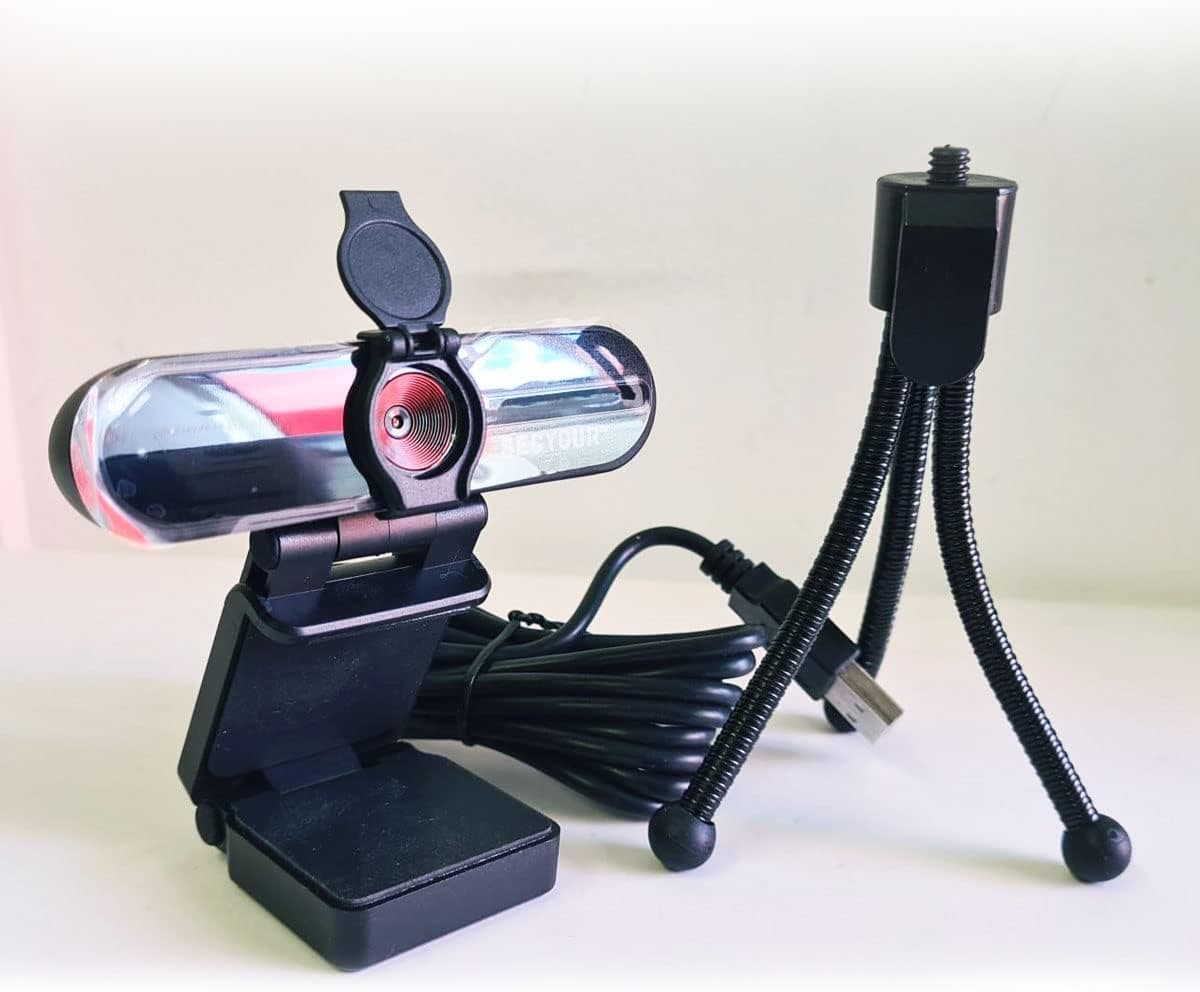
1080p HD USB Webcam Camera with Microphone for PC, Desktop, Laptop, Macbook, Live Streaming, Gaming, YouTube, Video Call Conference Web cam - Noise cancellation 30FPS with mini Tripod
SECYOUR
£8.50
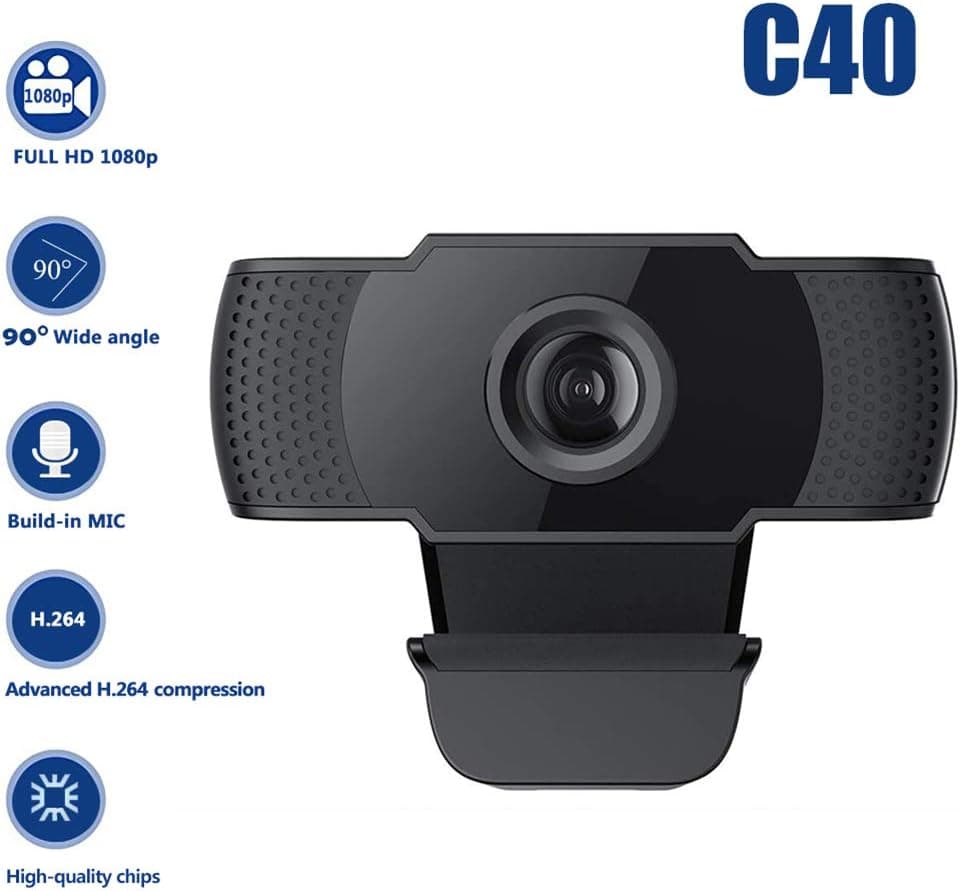
1080P HD Webcam USB Plug and Play Widescreen Built-in MIC Web Camera for PC
Aoewise
£79.99
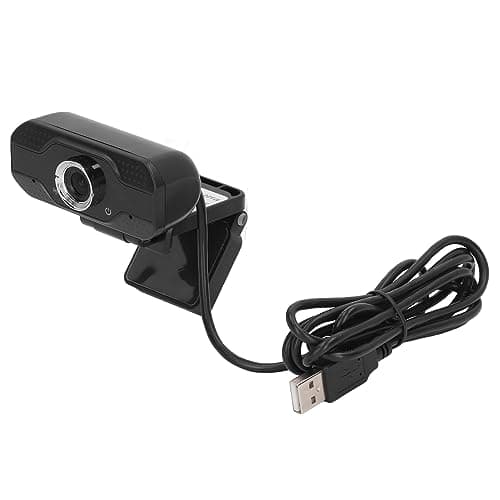
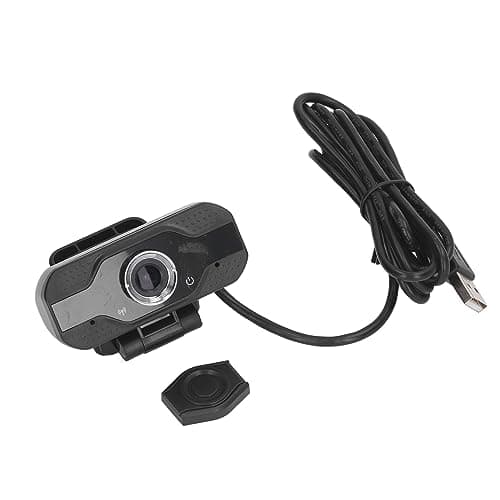
1080P HD Webcam with Dual Noise Canceling Microphone, Auto Light Color Correction, Wide Viewing Angle Plug and Play USB Camera for Video Calling, Recording
ciciglow
£6.33
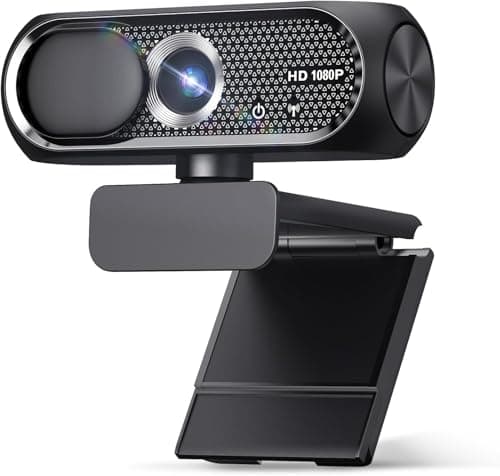
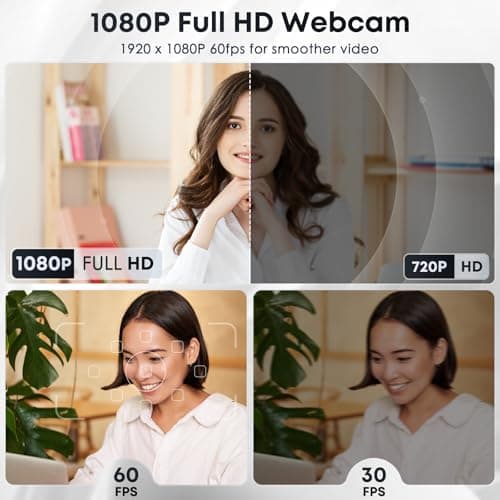
1080P HD Webcam with Microphone, Noise Cancellation, Privacy Cover, Wide-Angle Lens, Auto Light Correction, Plug & Play USB Web Camera for Laptop, Desktop, PC, Mac, Zoom, Skype, Streaming (Black)
Shcngqio
£19.99
