
Anker USB-C Hub, 5-in-1 USB Hub for Laptops, 4K HDMI Multiport Adapter | USB C Dongle with 90W Max Power Delivery, 3×5Gbps USB A Data Ports, for MacBook, Dell, and More (Charger Not Included)
Brand: Anker
- Height
- 1.2 cm
- Length
- 12 cm
- Width
- 3 cm
- Weight
- 58 g
About this product
When you're looking to expand the functionality of your laptop's USB-C port, a versatile cable like Anker’s 5-in-1 USB Hub is an excellent choice. This adapter not only allows you to connect multiple devices but also delivers up to 90W power for charging, making it perfect for MacBook and Dell users who need both speed and versatility. With three 5Gbps USB-A data ports, you can easily transfer files or connect peripherals without compromising on performance. This hub stands out in the 'Cables & Adapters' category by offering a compact solution that fits neatly into your workspace while providing essential connectivity options. Whether you're a professional needing to quickly charge and sync multiple devices or just someone who wants to keep their desk tidy, Anker’s 5-in-1 USB Hub is a practical addition that enhances your laptop's capabilities.
Specifications
- Height
- 1.2 cm
- Length
- 12 cm
- Width
- 3 cm
- Weight
- 58 g
- Pack size
- 1
- Colour
- Gray
- Amazon Bestseller Rank
- #94
Is this the right pick for you?
If you're a MacBook user or own a laptop that supports USB-C, the Anker USB-C Hub is an excellent choice for expanding your device's functionality. It offers 90W Max Power Delivery, which means it can charge your laptop while also providing power to other connected devices like smartphones or tablets. Additionally, with three 5Gbps USB-A data ports and a 4K HDMI output, you get versatile connectivity options that cater to various needs. Whether you're working on multiple tasks simultaneously or streaming high-definition content, this hub ensures smooth performance. On the other hand, if your laptop only supports older USB standards (like USB 2.0) or has limited USB-C ports, this product might not be as beneficial for you. It’s designed to work with a wide range of devices including MacBooks and Dell laptops, but it won’t be useful in scenarios where these features are redundant. In a typical setup, the Anker USB-C Hub can serve as a versatile extension point for your laptop. You can connect external hard drives, printers, or monitors via its USB-A ports, and use the HDMI port to display content on an external screen. This makes it particularly useful in professional settings where you need to work with multiple devices or present content to clients. Before making the purchase, consider that this hub does not include a charger. Ensure you have access to a compatible power source if you plan to charge your laptop using this device. Additionally, when setting up and managing multiple connections, it’s important to keep track of which ports are being used for charging versus data transfer to avoid any potential issues with power delivery or data corruption.
Frequently asked questions
What devices is this Anker USB-C Hub compatible with?
This hub is designed to work with laptops that have a USB-C port, including MacBook and Dell models. It's also suitable for other brands that support USB-C, but always check the manufacturer’s listing for exact compatibility.
Can I use this hub with my 4K TV?
Yes, you can connect your 4K TV via HDMI to enjoy high-resolution video output. However, ensure your laptop supports 4K resolution over USB-C and that both devices support the necessary protocols for seamless 4K functionality.
How many USB-A ports does this hub have?
The Anker USB-C Hub comes with three USB-A data ports, each capable of transferring data at speeds up to 5Gbps. This is ideal for connecting multiple peripheral devices like keyboards, mice, or external hard drives without any performance degradation.
You might also like
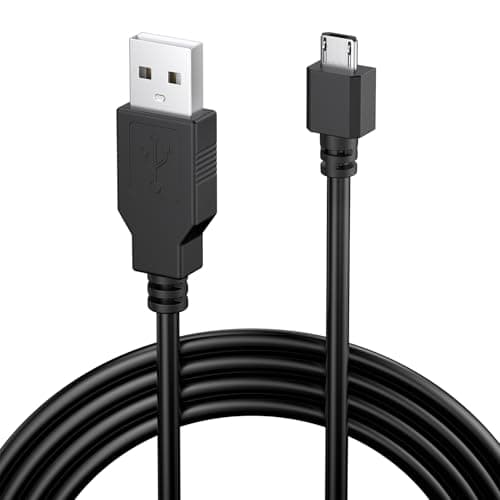
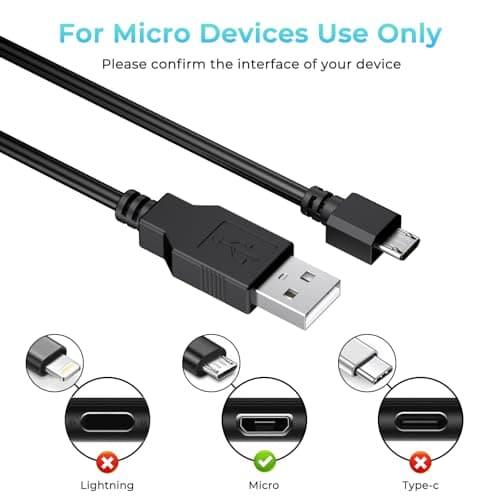
1.8M Charger for PS4 Controller Charger Cable, 5.9FT Micro USB Cable Charging Sync Cord for Sony PlayStation 4/ Dualshock 4/ PS4/ Slim/Pro, Microsoft Xbox One/One S/One X
Yisica
£4.49
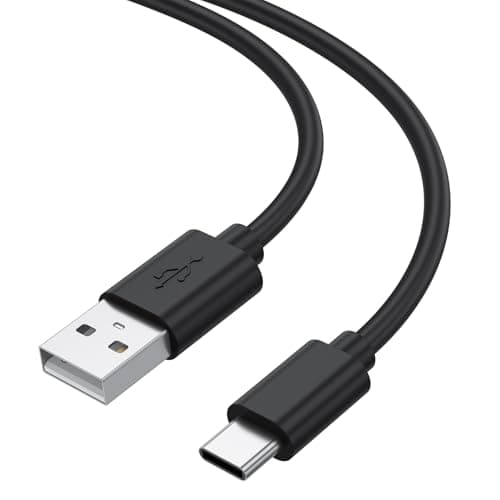
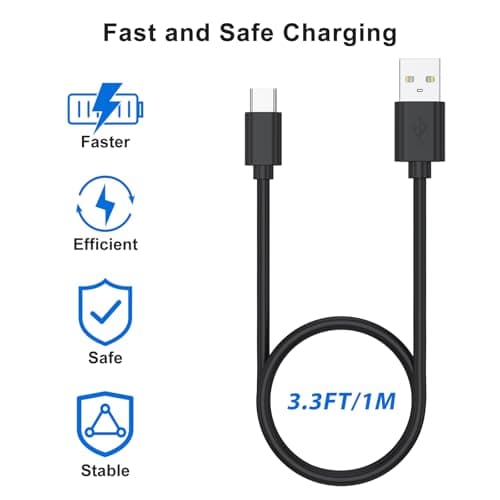
1Meter USB-C Charging Cable Fit for Sony PS5 DualSense Controller, Xbox Series X/S, Switch – Extra Long, Fast Charging Type-C Cord for Gaming, 1/3M Durable Wire (1m)
Zoye
£3.99
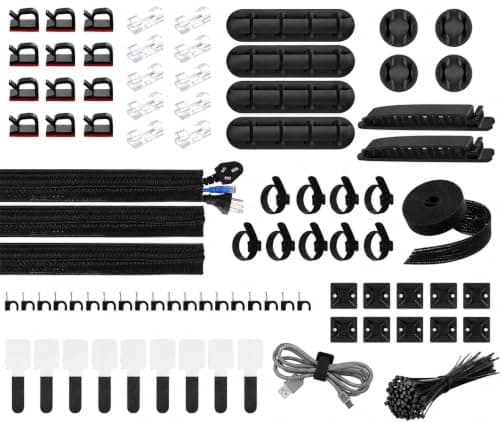
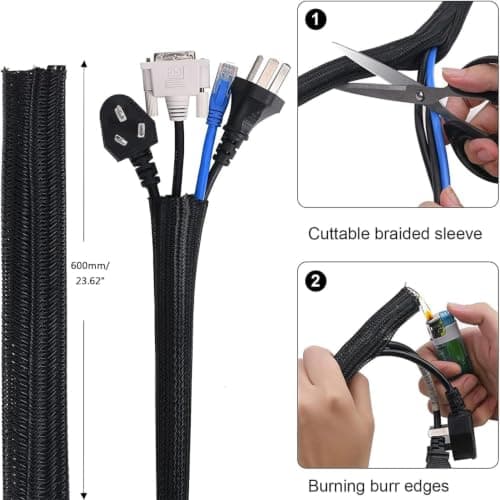
200 PCS Cable Management Kit,4 Wire Organizer Sleeve,7 Cable Holders,10 Zip Tie Mounts,37 Cable Clips,20 Cable Clip Nails,100 Cable Fastening Ties,20+2 Roll Cable Straps for Cable Management
wyevee
£7.99
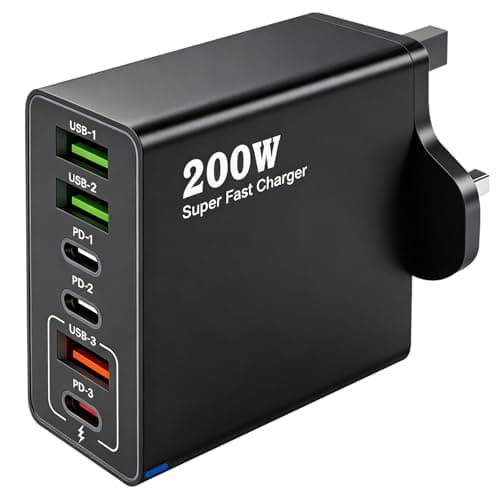
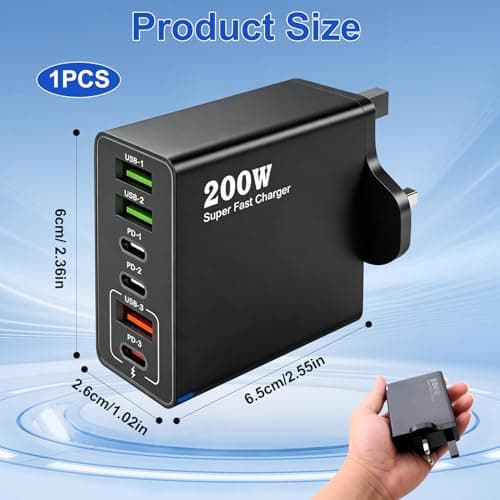
200W USB C Charging Station 6 Port Fast Charger Hub with PD GaN III
ZestEcho
£8.59
