
Razer Kiyo Pro Ultra - 4K webcam for content and streaming creation (Ultra High Dynamic Range-UHDR, UltraHD 4K at 30FPS/1080P at 60FPS, autofocus with AI, light sensor with 2.9 μm) Black
Brand: Razer
About this product
Webcams have evolved from simple tools for video calls to essential equipment for content creation and live streaming. The Razer Kiyo Pro Ultra stands out in this category by offering a level of detail that rivals DSLR cameras. With its 4K resolution at 30FPS and 1080P at 60FPS, it delivers crystal-clear visuals perfect for high-quality video content. What truly sets the Razer Kiyo Pro Ultra apart is its advanced features like AI-powered autofocus and an ultra-large adaptive light sensor with a sensitivity of 2.9 μm. These technologies ensure that your videos are not only clear but also well-lit, even in challenging lighting conditions, making it ideal for content creators looking to produce professional-grade streams and recordings without the need for external equipment.
Is this the right pick for you?
The Razer Kiyo Pro Ultra is an ideal choice for content creators and streamers who demand the highest level of detail in their videos. Its 4K resolution at 30FPS ensures that every frame you capture is exceptionally clear and lifelike, making it perfect for detailed close-ups or wide shots. The AI-driven autofocus system works seamlessly to keep your subjects in sharp focus, even as they move around, while the light sensor with a sensitivity of 2.9 μm adjusts automatically to ensure consistent brightness and color accuracy across different lighting conditions. For those who are already invested in high-end streaming setups, the Kiyo Pro Ultra fits perfectly into an ecosystem that includes top-tier hardware like Razer peripherals or other premium gear from trusted brands. It’s designed for compatibility with a wide range of devices and software, ensuring it can be easily integrated into your existing workflow without any hassle. However, if you're looking for a more budget-friendly solution or one that doesn’t require the highest resolution, there are other options available in the market. Setting up the Razer Kiyo Pro Ultra is relatively straightforward; simply plug it into your computer via USB-C and start streaming or recording. It’s important to note that while the webcam supports 4K at 30FPS and 1080P at 60FPS, you may need a powerful enough PC with adequate graphics processing capabilities to handle these settings smoothly. Additionally, regular cleaning of the lens is recommended to maintain optimal performance, as dust or fingerprints can affect image quality.
Frequently asked questions
What is the Razer Kiyo Pro Ultra used for?
The Razer Kiyo Pro Ultra is ideal for content creators and streamers who require high-quality video capture. With its 4K resolution and advanced features like UHDR and AI autofocus, it ensures that your videos are clear and detailed, making it perfect for professional use.
Is the Razer Kiyo Pro Ultra compatible with my computer?
The webcam is compatible with Windows operating systems. Check the manufacturer's listing for specific requirements to ensure compatibility with your system before purchase. If you're unsure, you can also check online forums or contact customer support for assistance.
Can I use this webcam on a Mac?
While primarily designed for Windows, some users have reported success using it on Macs through software like OBS Studio. However, official compatibility with macOS is not guaranteed and may require additional setup steps. It's best to check the manufacturer’s website or support forums for detailed instructions.
You might also like
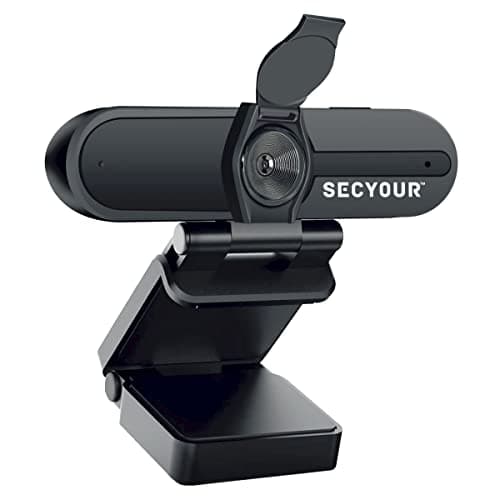
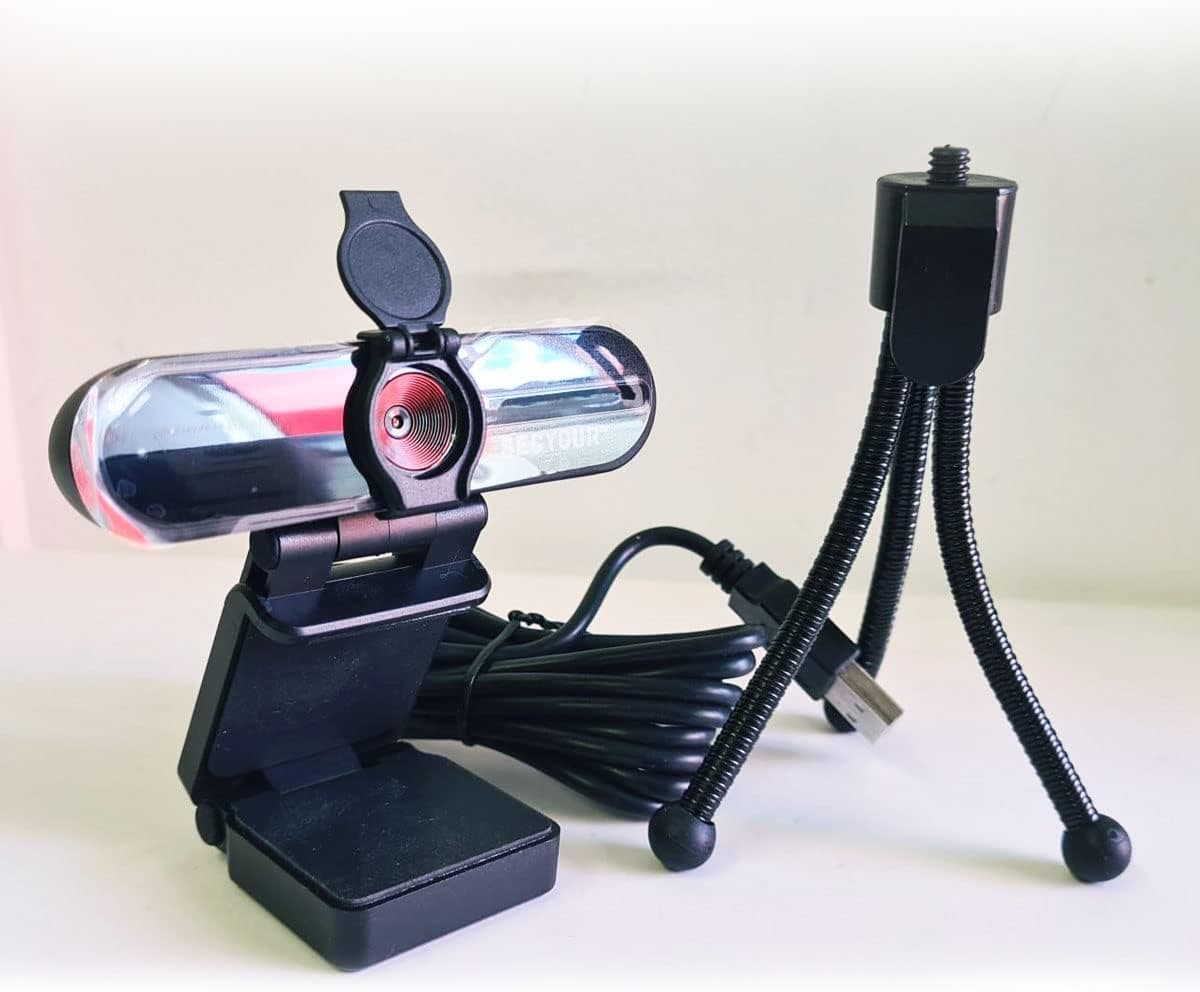
1080p HD USB Webcam Camera with Microphone for PC, Desktop, Laptop, Macbook, Live Streaming, Gaming, YouTube, Video Call Conference Web cam - Noise cancellation 30FPS with mini Tripod
SECYOUR
£8.50
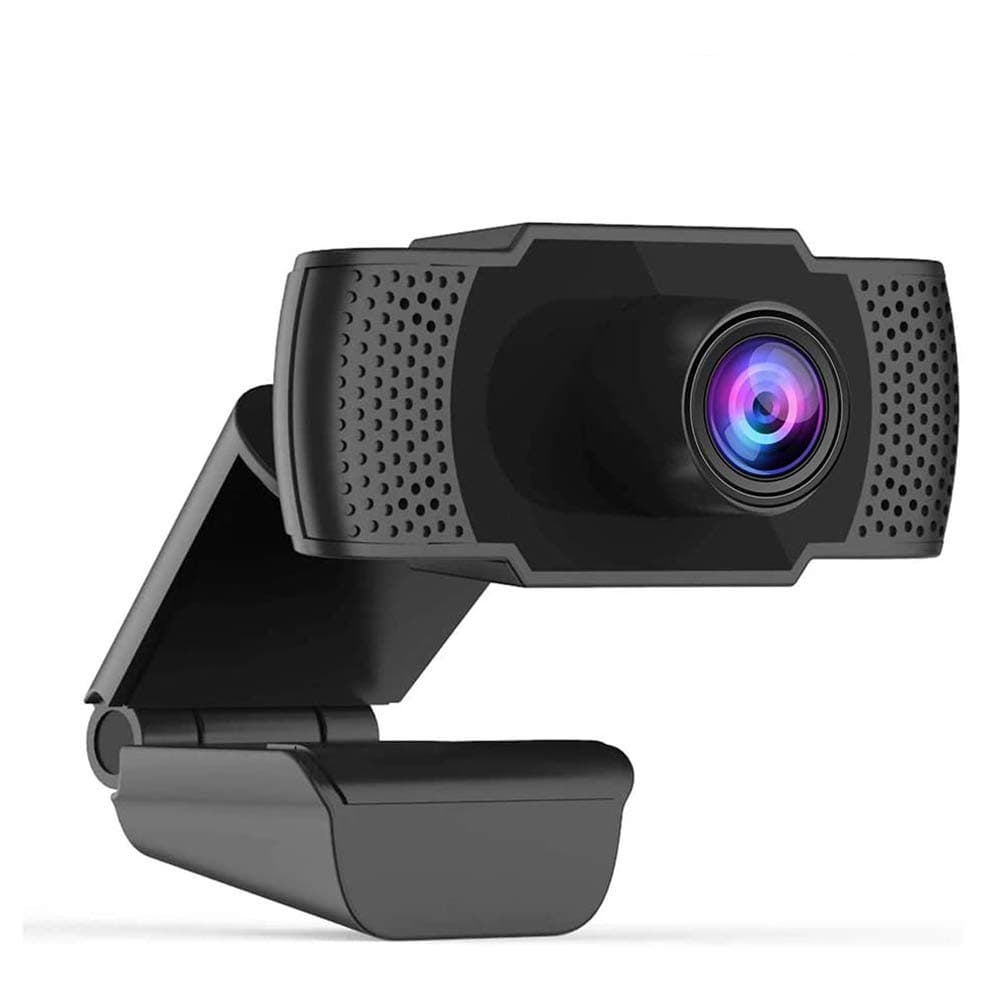
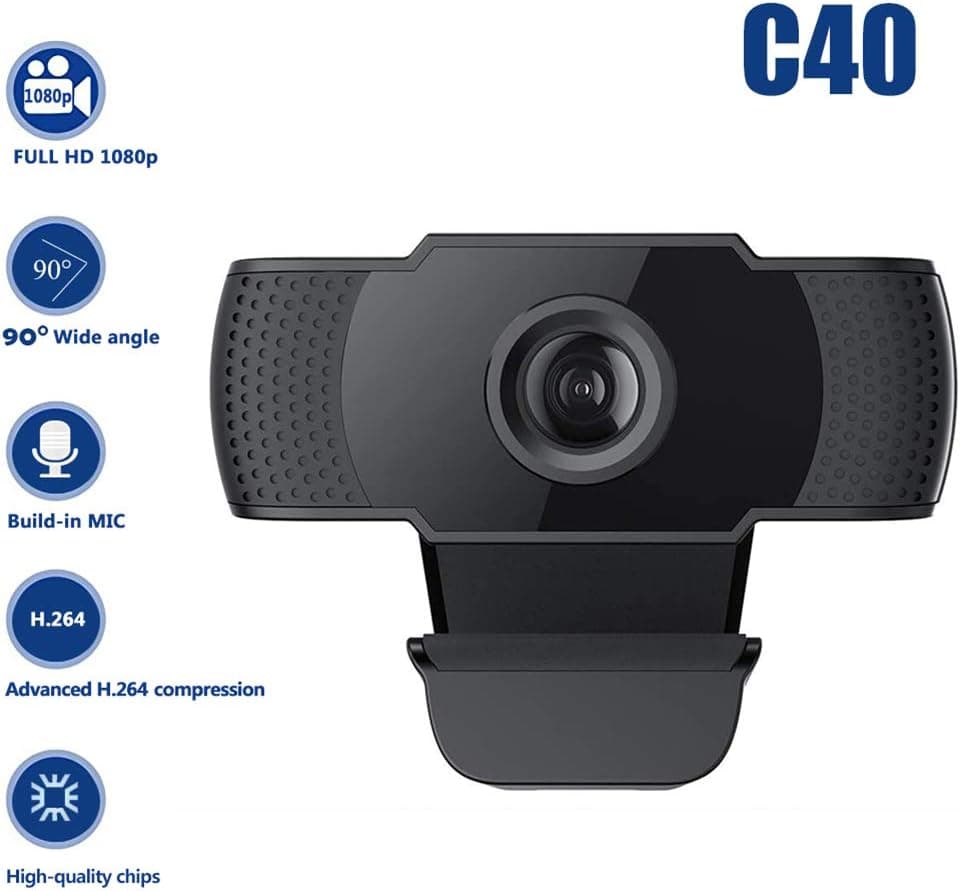
1080P HD Webcam USB Plug and Play Widescreen Built-in MIC Web Camera for PC
Aoewise
£79.99
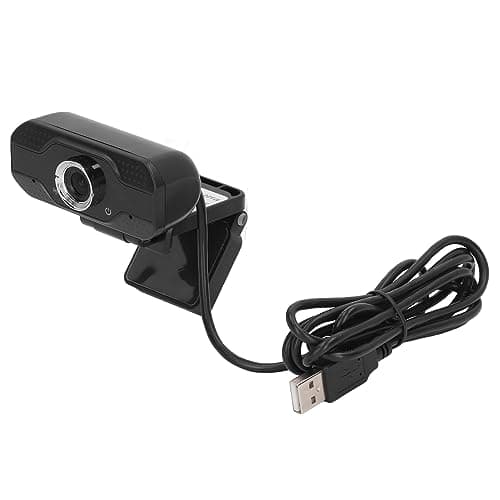
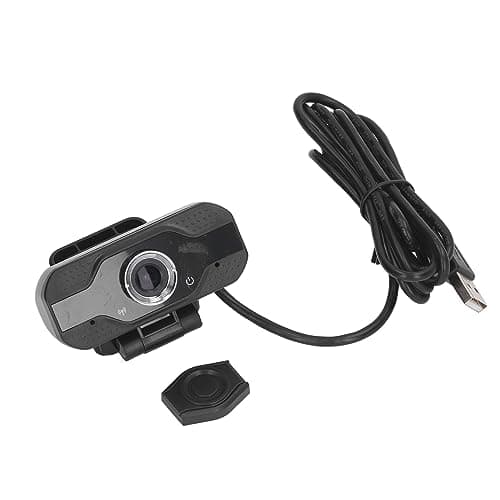
1080P HD Webcam with Dual Noise Canceling Microphone, Auto Light Color Correction, Wide Viewing Angle Plug and Play USB Camera for Video Calling, Recording
ciciglow
£6.33
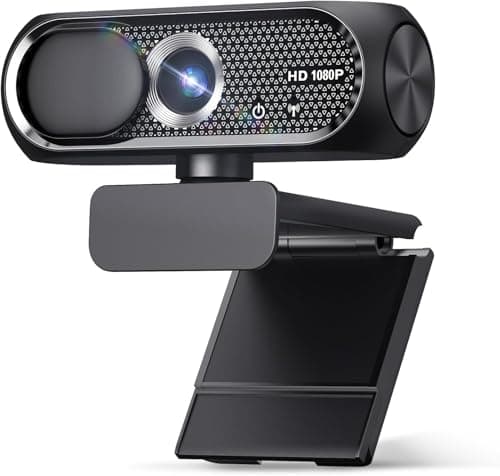
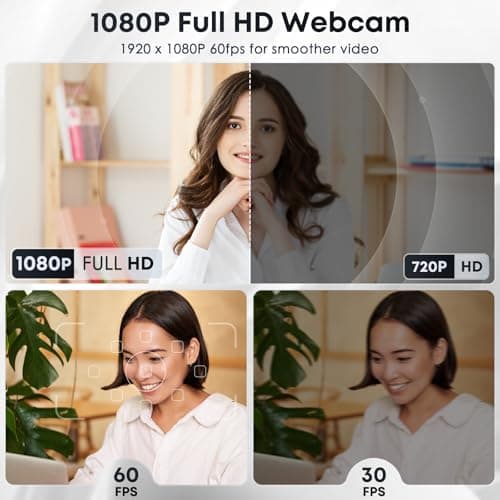
1080P HD Webcam with Microphone, Noise Cancellation, Privacy Cover, Wide-Angle Lens, Auto Light Correction, Plug & Play USB Web Camera for Laptop, Desktop, PC, Mac, Zoom, Skype, Streaming (Black)
Shcngqio
£19.99
