
Elgato Facecam MK.2 + Stream Deck Mini Bundle – Premium Full HD Webcam with PTZ Control, Seamless Integration for Streaming, Video Calls, OBS, Zoom, Teams, and More – Mac/PC Compatible
Brand: Elgato
- Pack size
- 2
- Colour
- Black
- Amazon Bestseller Rank
- #174,821
About this product
If you're a content creator or gamer looking to elevate your live streaming experience, the Elgato Facecam MK.2 + Stream Deck Mini Bundle is an absolute must-have. This premium Full HD webcam comes with PTZ (Pan-Tilt-Zoom) control, allowing you to adjust the camera's position and zoom during broadcasts for a more dynamic and engaging presentation. Perfect for those who want to stand out in their live streams or video calls, it seamlessly integrates with popular software like OBS, Zoom, and Teams, making it versatile for both professional and casual use. This bundle isn't just about the Facecam MK.2’s advanced features; the Stream Deck Mini adds another layer of functionality by providing customizable hotkeys to streamline your workflow during live streams or recordings. Together, they offer a comprehensive solution that enhances both your streaming and video call experiences on Mac or PC platforms, making it an ideal choice for creators who want top-notch quality without breaking the bank.
Specifications
- Pack size
- 2
- Colour
- Black
- Amazon Bestseller Rank
- #174,821
Is this the right pick for you?
If you're a live streamer or someone who frequently participates in video calls and meetings, the Elgato Facecam MK.2 + Stream Deck Mini Bundle is an excellent choice for enhancing your setup. The Facecam MK.2 offers premium Full HD 1080p resolution with PTZ (Pan-Tilt-Zoom) control, allowing you to adjust the camera's position during live streams or video calls. This feature ensures that you always appear in frame and can maintain eye contact with viewers or colleagues, which is crucial for maintaining engagement and professionalism. The Stream Deck Mini complements this by providing a versatile tool for controlling various software applications such as OBS, Zoom, Teams, and more. It allows you to customize your workflow by assigning specific functions to each button, making it easier to switch between different tools during live streams or meetings without the need to navigate through menus. This can significantly reduce the time spent on setup and transitions, allowing you to focus more on your content. Before purchasing, consider that the bundle is compatible with both Mac and PC systems, so it should work seamlessly across your devices. However, ensure that your computer meets the minimum system requirements for running OBS or other software applications you plan to use. Additionally, setting up the Facecam MK.2 involves connecting it via USB, which requires a free USB port on your device. The Stream Deck Mini is also USB-powered and doesn’t require additional drivers, making setup relatively straightforward. For care, always handle the webcam with care to avoid damaging the PTZ mechanism. Regularly clean the lens using a soft cloth or specialized camera cleaning solution to maintain optimal image quality. Additionally, keep the Stream Deck Mini in a cool environment to prevent overheating during extended use.
Frequently asked questions
Is the Elgato Facecam MK.2 compatible with both Mac and PC?
Yes, the Elgato Facecam MK.2 is fully compatible with both Mac and PC systems, making it a versatile choice for users across different operating environments.
What types of software can I use with this webcam?
This webcam supports popular software like OBS, Zoom, Teams, and more, ensuring seamless integration into various streaming and video call applications. Always check the manufacturer's listing for specific software compatibility.
Does the Elgato Facecam MK.2 come with PTZ control?
Yes, the Elgato Facecam MK.2 includes PTZ (Pan-Tilt-Zoom) control via an included Stream Deck Mini, allowing you to adjust the camera’s position and zoom during live streams or video calls for a professional appearance.
You might also like
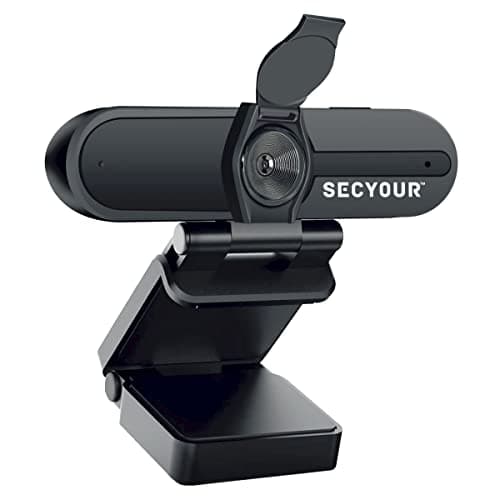
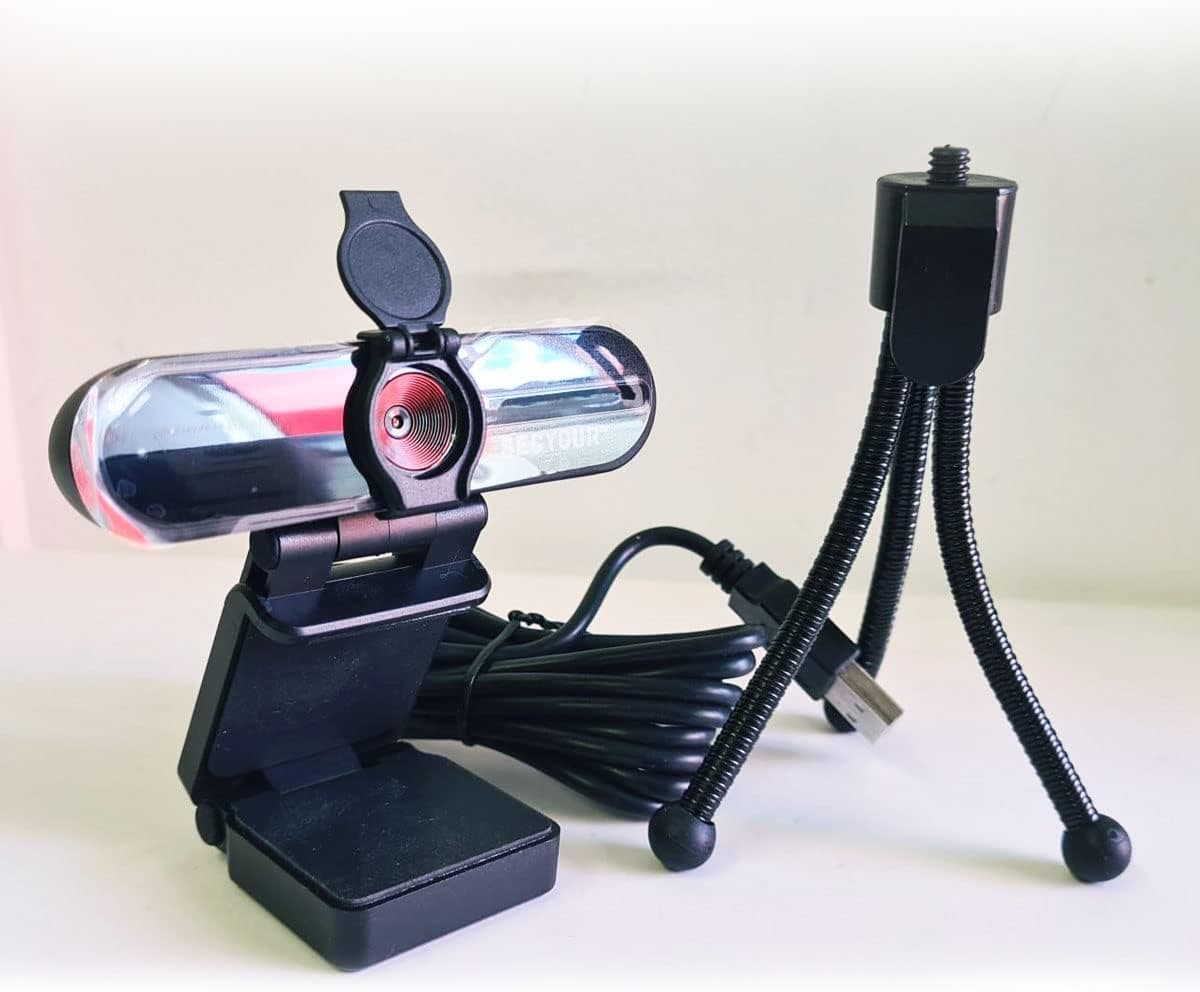
1080p HD USB Webcam Camera with Microphone for PC, Desktop, Laptop, Macbook, Live Streaming, Gaming, YouTube, Video Call Conference Web cam - Noise cancellation 30FPS with mini Tripod
SECYOUR
£8.50
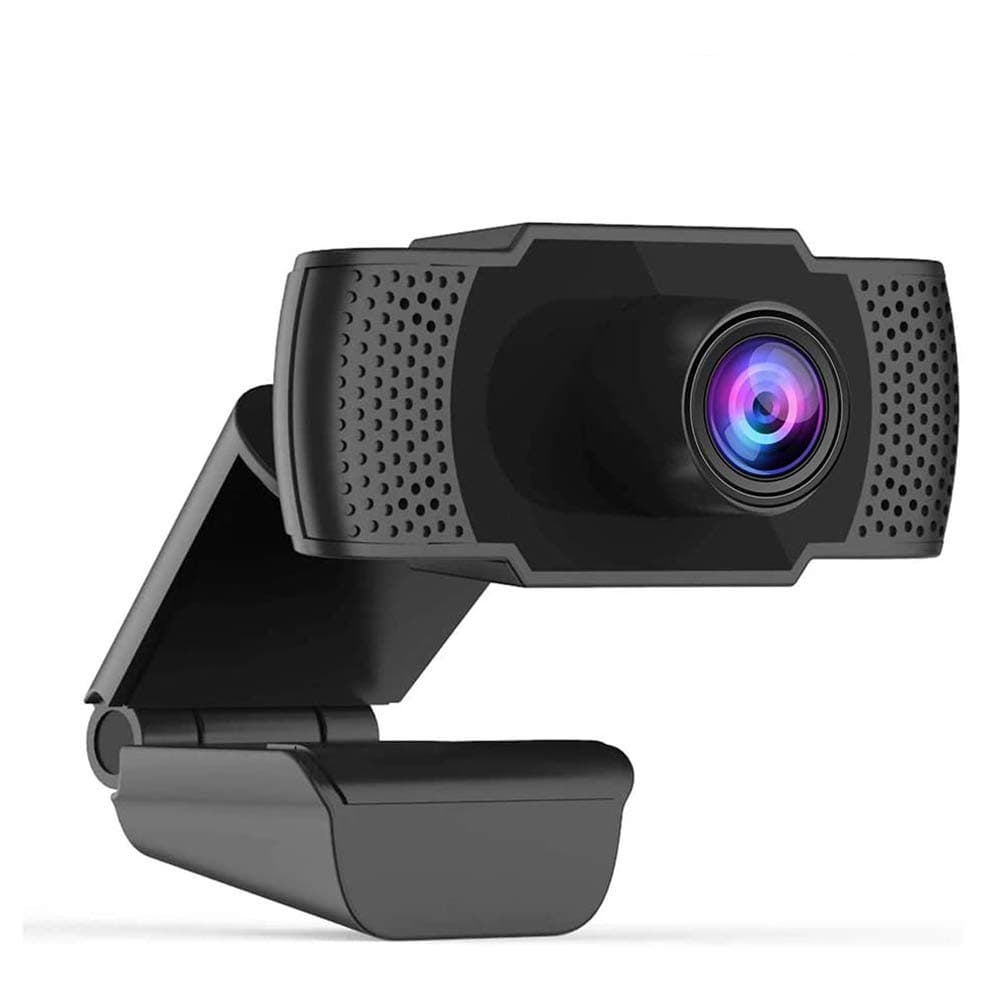
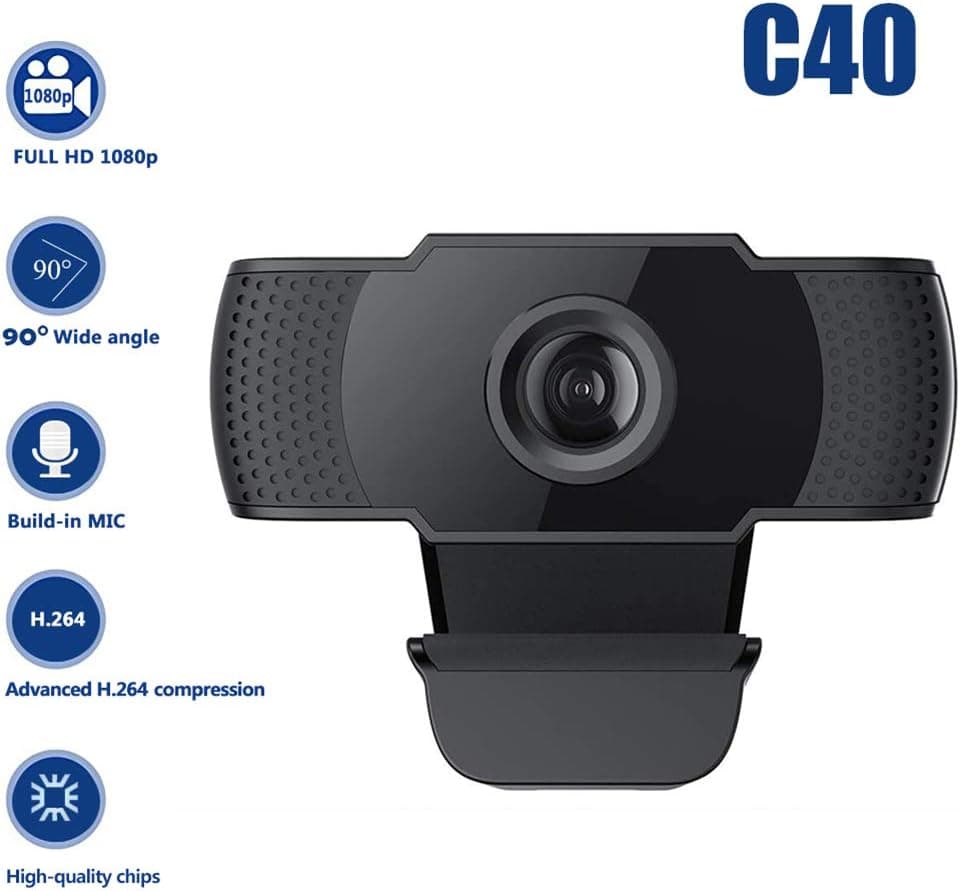
1080P HD Webcam USB Plug and Play Widescreen Built-in MIC Web Camera for PC
Aoewise
£79.99
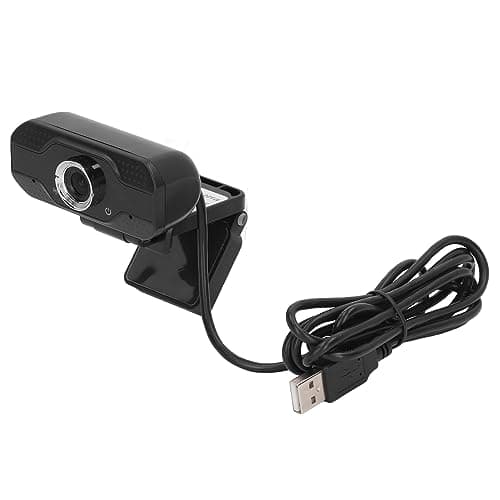
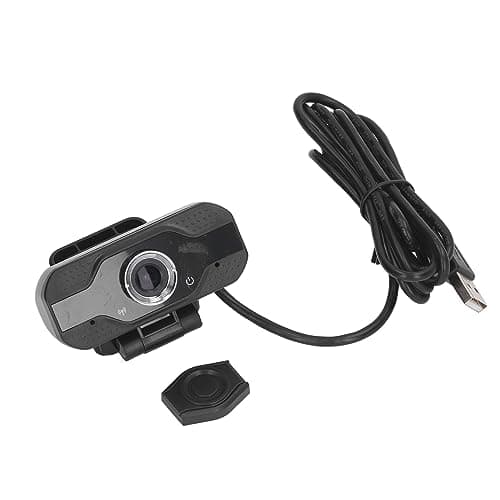
1080P HD Webcam with Dual Noise Canceling Microphone, Auto Light Color Correction, Wide Viewing Angle Plug and Play USB Camera for Video Calling, Recording
ciciglow
£6.33
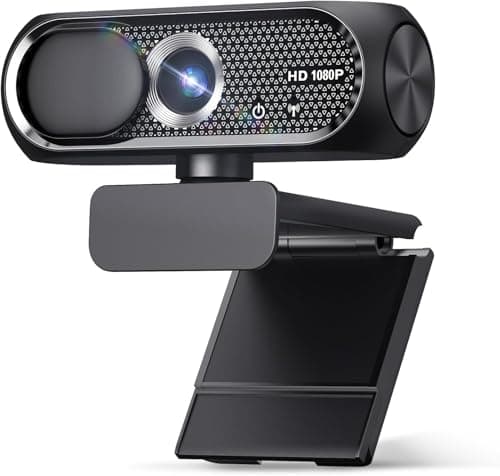
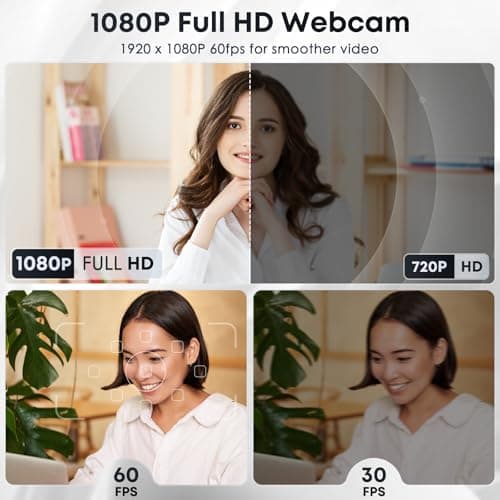
1080P HD Webcam with Microphone, Noise Cancellation, Privacy Cover, Wide-Angle Lens, Auto Light Correction, Plug & Play USB Web Camera for Laptop, Desktop, PC, Mac, Zoom, Skype, Streaming (Black)
Shcngqio
£19.99
