
Klipsch ProMedia Lumina 2.1 Computer Gaming System with Subwoofer and Integrated RGB Lighting Effects
Brand: Klipsch
- Height
- 25 cm
- Length
- 17 cm
- Width
- 10 cm
- Weight
- 5.94 kg
About this product
Dive into a world of immersive sound with the Klipsch ProMedia Lumina 2.1 Computer Gaming System, where vibrant and clear audio is at your fingertips. This system stands out not just for its powerful subwoofer but also for its integrated RGB lighting effects, offering customizable color options to match any gaming setup or mood. Perfect for gamers who demand more than just sound—this speaker system enhances your gaming experience with rich, balanced audio that brings every battle and scene to life. Whether you're in the heat of a competitive multiplayer session or enjoying a cinematic single-player adventure, the Lumina 2.1 delivers the depth and clarity needed to stay ahead of the game.
Specifications
- Height
- 25 cm
- Length
- 17 cm
- Width
- 10 cm
- Weight
- 5.94 kg
- Pack size
- 1
- Colour
- Black
Is this the right pick for you?
This Klipsch ProMedia Lumina 2.1 Computer Gaming System is a perfect fit for gamers who want top-notch audio without breaking the bank. The system's powerful subwoofer and clear midrange drivers deliver immersive sound effects that enhance your gaming experience, making it easier to pinpoint enemies or track your progress in fast-paced games. Whether you're playing first-person shooters or strategy games, the clarity of the Lumina 2.1 ensures you stay ahead by hearing every detail. On the other hand, if you're looking for a system with cutting-edge wireless connectivity or multiple Bluetooth devices support, this might not be the best choice. The Lumina 2.1 is designed to work seamlessly with your computer via USB and does not offer advanced features like Wi-Fi or multi-device pairing. It’s ideal for those who prioritize simplicity and reliability in their gaming setup. Setting up the Klipsch ProMedia Lumina 2.1 is straightforward, but it requires a bit of attention to detail. You’ll need to connect the speakers via USB to your computer, ensuring you have enough power supply from your PC or an external hub if necessary. The subwoofer connects directly to one of the front channels for optimal sound performance. Once connected, you can adjust volume and other settings through the Klipsch Control Center software, which is available for both Windows and Mac users. Taking care of these speakers involves regular cleaning to maintain their appearance and performance. Dust and fingerprints can accumulate on the surface, so a soft, dry cloth should be used for cleaning. Avoid using harsh chemicals or abrasive materials that could damage the finish. Additionally, ensure the subwoofer is placed in an area with good airflow to prevent overheating during extended use.
Frequently asked questions
Is this speaker system compatible with my gaming PC or laptop?
This Klipsch ProMedia Lumina 2.1 system is designed to work with both desktops and laptops. Check the manufacturer's listing for specific connector types like USB, HDMI ARC, or analog audio inputs that are supported.
Who would benefit most from this speaker system?
This system is ideal for gamers who want high-quality sound without breaking the bank. It provides clear dialogue and immersive surround effects, making it perfect for both gaming and multimedia use.
How does this compare to other 2.1 systems in its category?
Compared to other 2.1 systems, Klipsch ProMedia Lumina offers a balanced sound profile with good bass from the subwoofer. While some higher-end models might offer more advanced features like wireless connectivity or more powerful amplifiers, this system strikes a great balance between performance and affordability.
You might also like
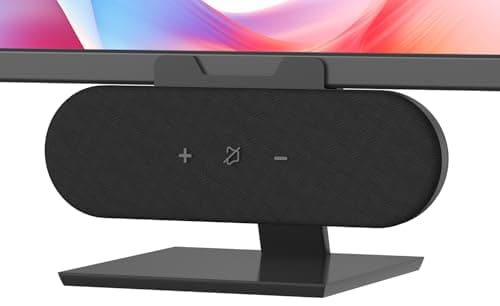
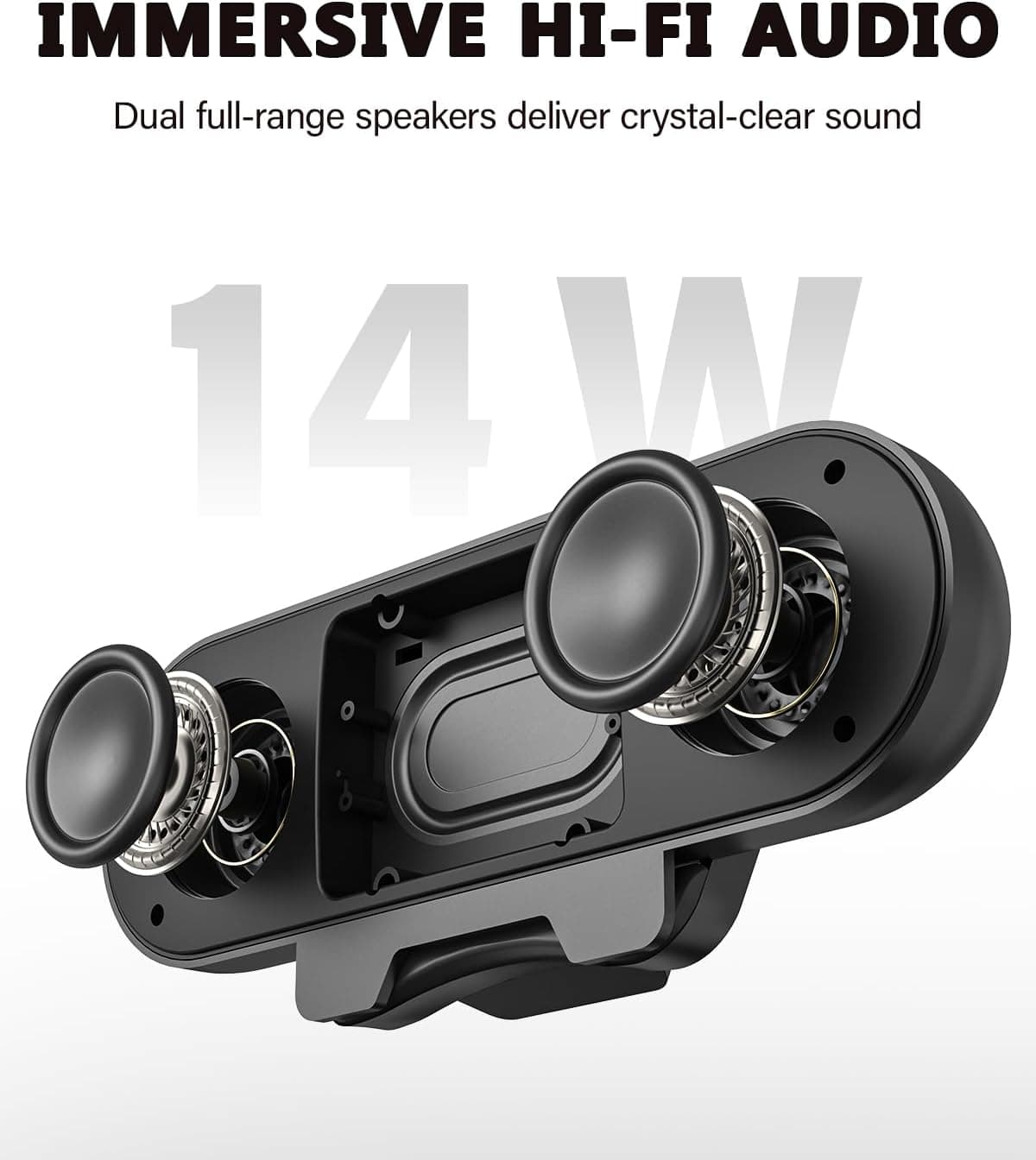
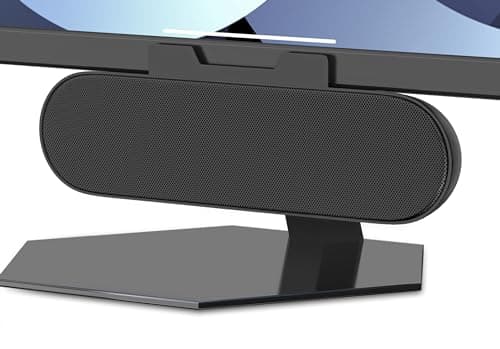
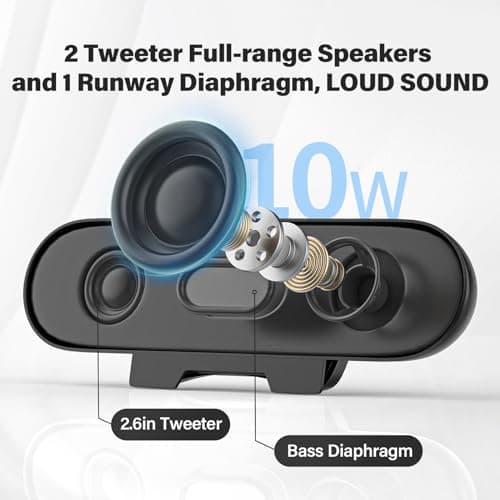
ADELGO Computer Speakers for Desktop PC USB | Speakers for Monitor with Touch Control Stereo 14w Laptop Speaker Sound Enhanced Bass, Soundbar Speaker for Mac Windows PS5
ADELGO
£21.99
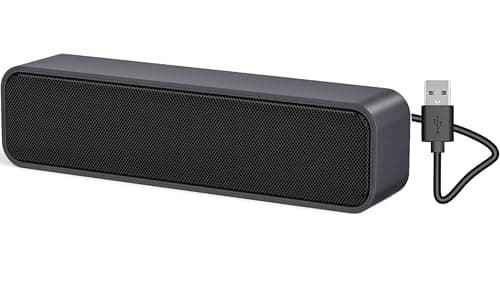
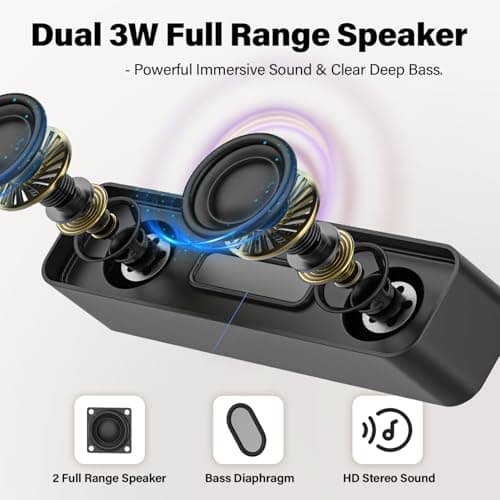
ADELGO USB Computer Speaker for Desktop, Laptop, Checkout Counter
ADELGO
£14.99
ADELGO USB Speakers for PC Desktop
ADELGO
£18.99
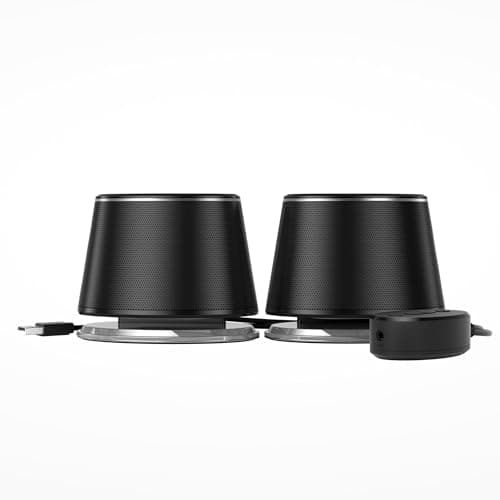
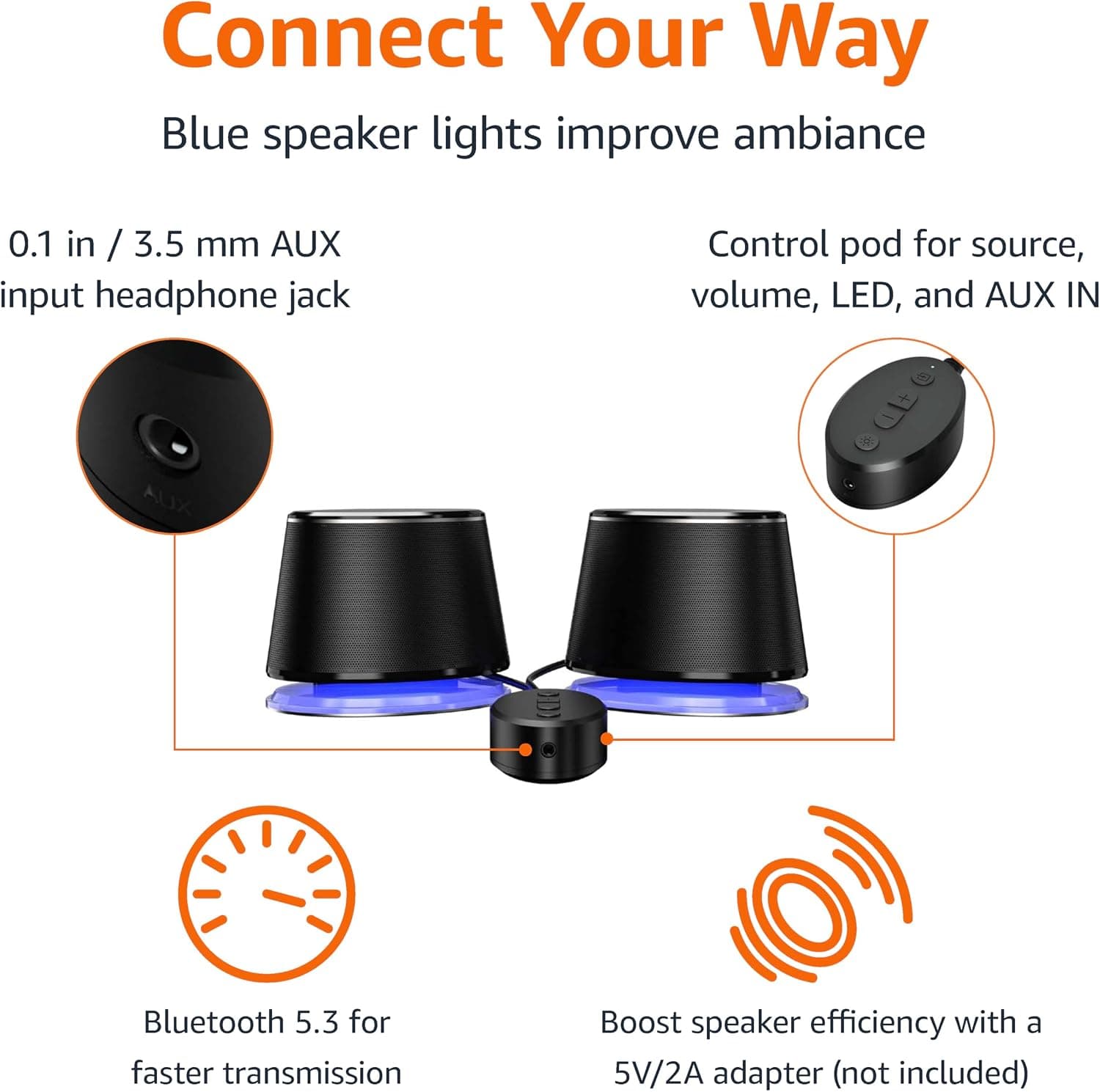
Amazon Basics Bluetooth and USB Computer Speakers with Blue Lighting, Black
Amazon Basics
£28.34
