
Samsung Odyssey G9 Curved Gaming Monitor, 49 Inch, 240hz, 1000R, 1ms, 1440p, Black White
Brand: Samsung
About this product
Could a monitor truly transform your gaming experience? The Samsung Odyssey G9 Curved Gaming Monitor, 49 Inch, 240hz, answers this question with an enthusiastic yes. This ultrawide monitor offers industry-leading 1000R curvature for immersive gameplay and comfortable viewing, earning it the 2020 CES Innovation Award. Perfect for gamers seeking a seamless experience, its blazing fast 1ms (GTG) response time and 240Hz refresh rate ensure no lag or stutter. The dual WQHD resolution at 5120*1440p with true-to-life 10-bit colors and Samsung’s QLED technology deliver stunning visuals, while HDR 1000 supports high luminance 1000 nit for details in both light and dark scenes.
Highlights
- Industry-leading 1000R 49 inch ultrawide curved monitor for maximum immersion and eye comfort. 2020 CES innovation award winner
- Blazing fast 1ms (GTG) response time and 240Hz refresh rate for smooth gameplay
- Astonishing picture quality with dual WQHD resolution (5120*1440p) and true-to-life 10 bit colors along with Samsung’ s QLED technology
- No image tearing or stuttering thanks to Freesync Premium Pro and Gsync compatible technology
- Highest HDR 1000 standard supporting high luminance 1000 nit shows small hidden details in the lightest and darkest scenes
- Enhanced ergonomics with swivel, tilt and height adjustable stand and VESA compliant
Is this the right pick for you?
This Samsung Odyssey G9 Curved Gaming Monitor is a top choice for avid gamers looking to enhance their immersive experience. The 2020 CES innovation award winner offers an impressive 1000R curvature that provides a more natural viewing angle and reduces eye strain, making it ideal for extended gaming sessions without the discomfort often associated with flat monitors. With its blazing fast 1ms (GTG) response time and 240Hz refresh rate, you can expect smooth gameplay even in the most demanding titles. The dual WQHD resolution (5120*1440p) ensures that every detail is sharp and clear, while true-to-life 10-bit colors and Samsung’s QLED technology bring out vibrant and vivid visuals. However, this monitor might not be the best fit for casual users or those on a tighter budget. The premium features such as Freesync Premium Pro and Gsync compatibility are designed to work seamlessly with high-end graphics cards, which can add to the overall cost of your gaming setup. Additionally, while the enhanced ergonomics with swivel, tilt, and height adjustment make it comfortable for extended use, these adjustments might require some space on your desk or table. Before making a purchase, consider that setting up this monitor involves connecting it via HDMI, DisplayPort, or USB-C, depending on your system's capabilities. Ensure your PC supports the necessary ports and has compatible graphics drivers to take full advantage of the 240Hz refresh rate. Regular care is also important; avoid placing heavy objects near the edges due to its curved design, and clean the screen gently with a microfiber cloth to maintain optimal picture quality.
Frequently asked questions
Is this monitor compatible with my PC or console?
This monitor is designed to work seamlessly with both PCs and gaming consoles. However, check the manufacturer's listing for exact compatibility details such as input ports and connectivity options.
How does the 49-inch size compare to other monitors in its category?
The Samsung Odyssey G9 offers a large 49-inch screen, providing an expansive view that enhances immersion. It’s ideal for gamers who prefer a wide field of view and don’t mind the bulkiness of such a large monitor.
Can I use this monitor with my existing setup without any issues?
This monitor should work well with most setups due to its Freesync Premium Pro and Gsync compatibility. However, ensure your graphics card supports these technologies for optimal performance.
You might also like
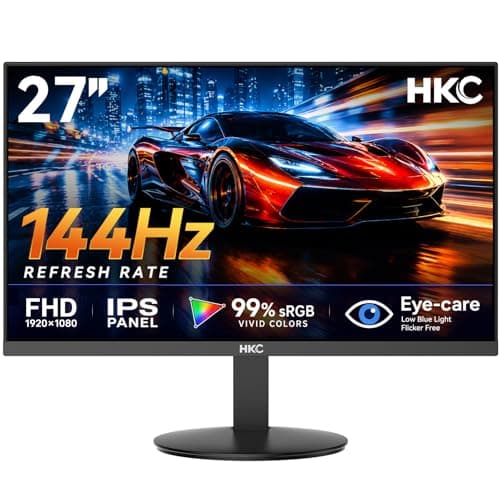
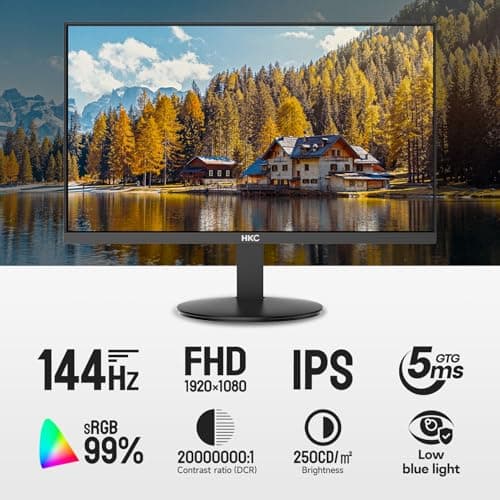
27 inch Gaming Monitor 144Hz, FHD 1080P IPS Display with 99% sRGB, FreeSync, Tilt Adjustable, lowblue mode, HDMI/VGA Ports for Home Office and computer monitor V2718S
HKC
£84.98
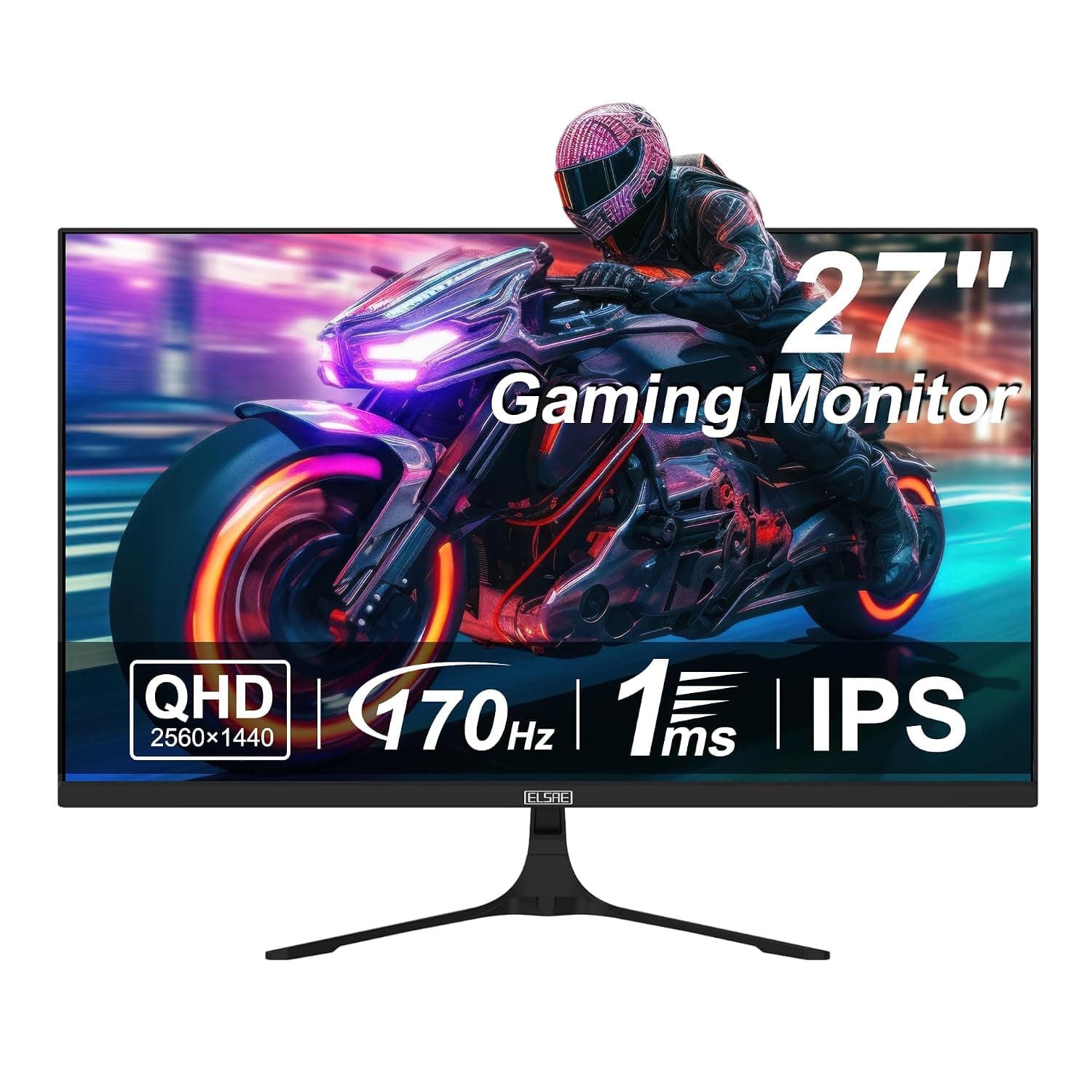
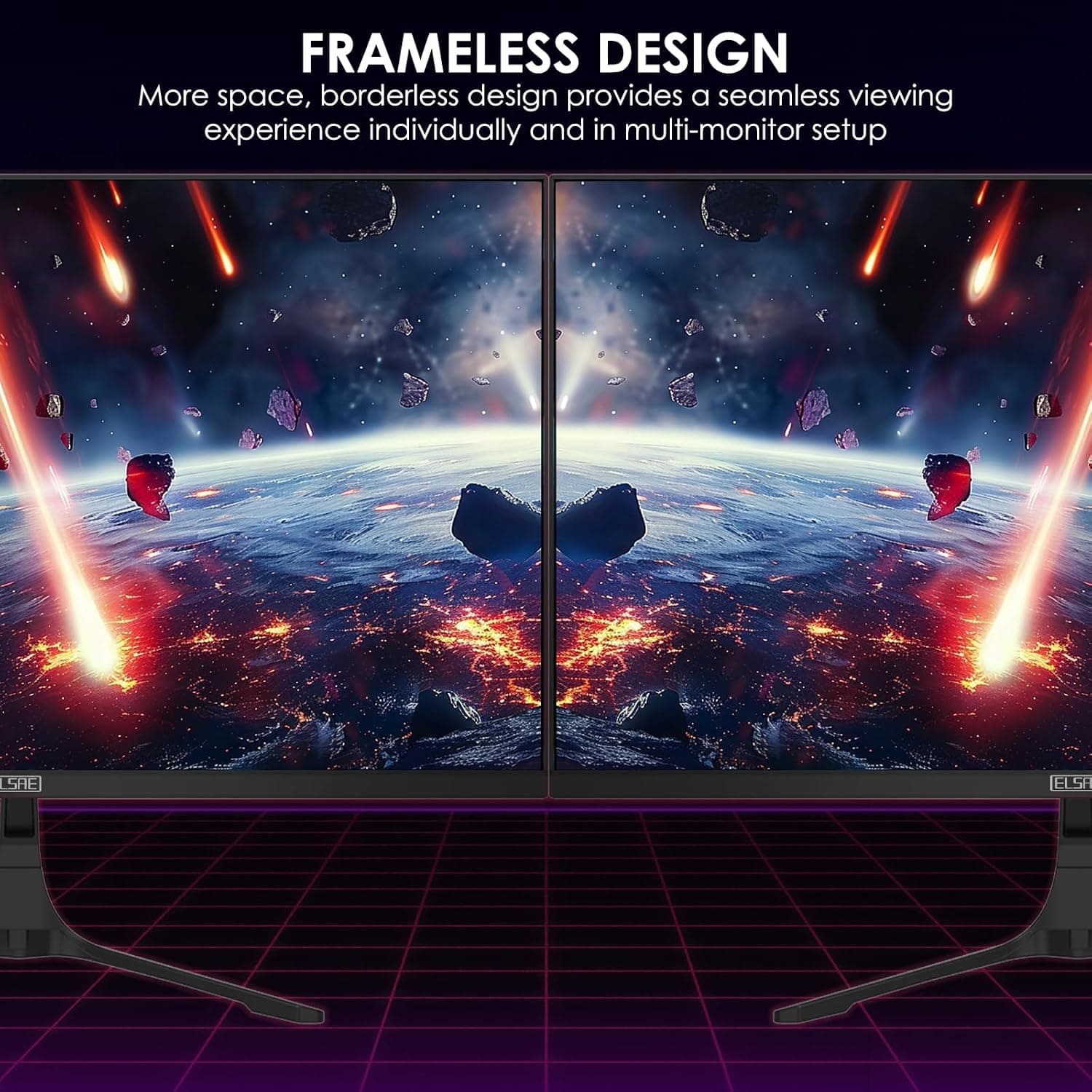
27 Inch QHD 1440P Gaming Monitor, 170Hz 144Hz IPS Computer Monitor, FreeSync, HDR 113% sRGB, Low Blue Light, HDMI & Display Port x2, VESA Mountable
ELSAE
£415.70
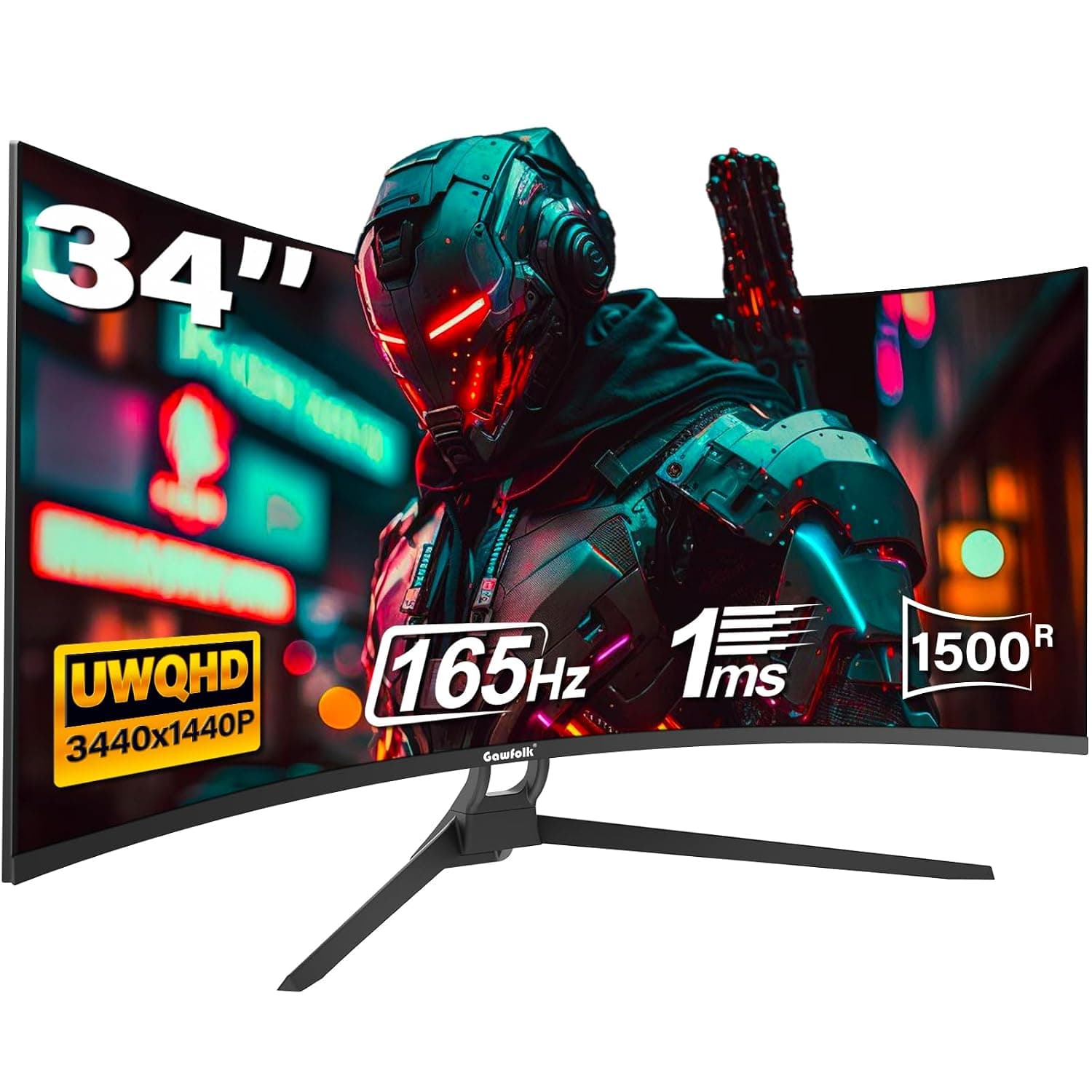
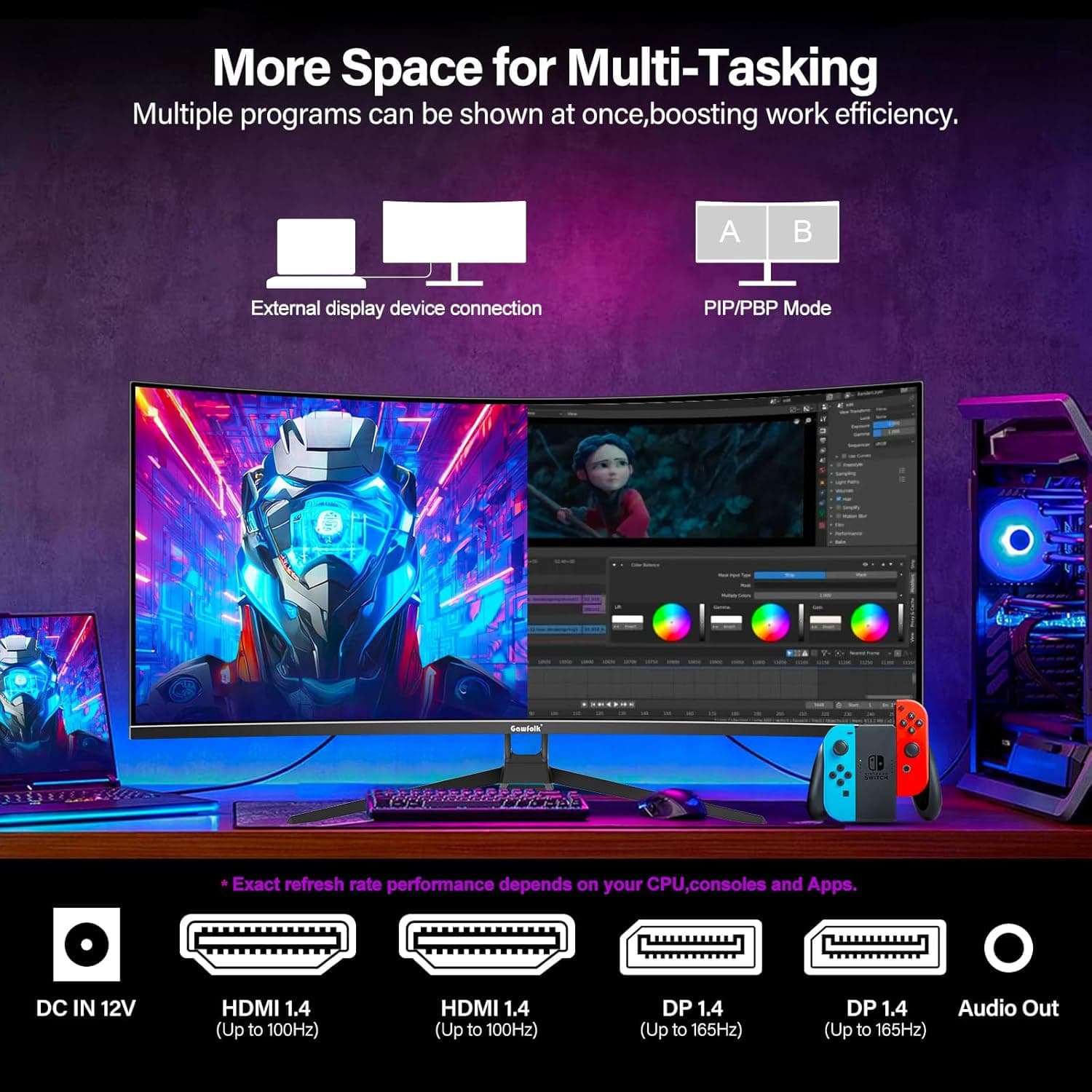
34 Inch Ultrawide Curved Gaming Monitor, 1500R PC Screen 165hz WQHD 3440x1440p Monitor, Curved Computer Display with FreeSync & Eye-Care Technology, DP, HDMI
Gawfolk
£189.99
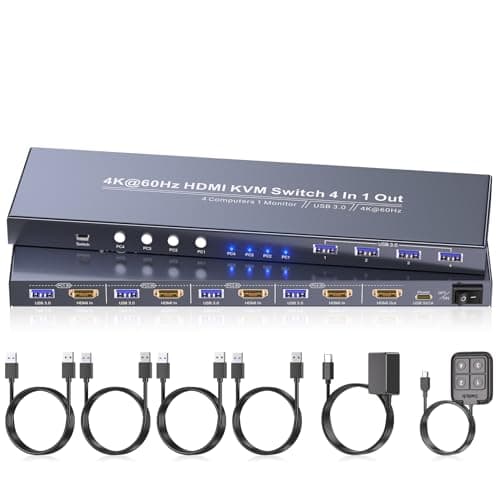
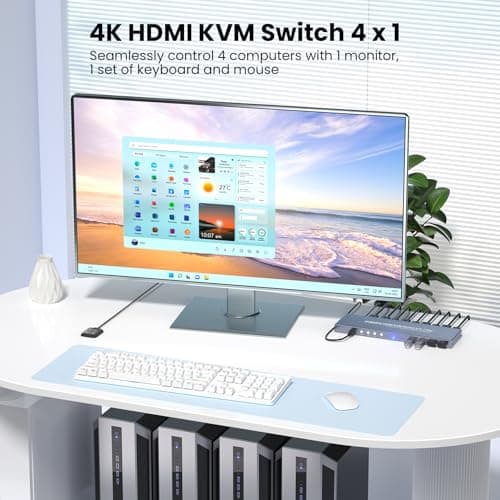
4K60Hz HDMI KVM Switch 1 Monitor 4 Computers, 4 Port KVM Switch for 4 PCs Share 1 Monitor and 1 Set of Keyboard Mouse, 4 Port USB 3.0 Hub Integrated, Dual Switching Methods
Generic
£42.49
