
Logitech Brio 500 Full HD Webcam with Auto Light Correction | Show Mode, Dual Noise Reduction Mics, Privacy Cover, Works with Microsoft Teams, Google Meet, Zoom, USB-C Cable - Graphite
Brand: Logitech
About this product
Ideal for professionals and students needing top-notch video quality during virtual meetings, the Logitech Brio 500 Full HD Webcam ensures clear visibility with its advanced Image Quality feature. This webcam is perfect for those who frequently participate in online meetings using platforms like Microsoft Teams or Zoom, as it seamlessly integrates with them. Equipped with Auto Light Correction (RightLight 4), this webcam adapts to your lighting conditions, making sure you're always seen clearly, even in dimly lit rooms. The Privacy Cover adds an extra layer of security by blocking the camera when not in use, ensuring your privacy is protected between meetings.
Highlights
- Advanced Image Quality: Full HD 1080p webcam resolution provides outstanding image quality so everyone can see you clearly during meetings
- Auto Light Correction (RightLight 4): RightLight 4 video lighting technology automatically adjusts to the lighting in your environment, so you can be seen clearly even in low light
- Auto-Framing (RightSight): Auto-framing (1)(3) centres the video camera on you, allowing you to stand and move during meetings without leaving the frame
- Show Mode: Present your work or other objects on your desk with Show Mode, which lets you tilt the web camera up or down with one hand
- Dual Noise Reduction Microphones: Be heard clearly in noisy environments thanks to noise-cancelling mics that filter out background sound during calls
- Webcam with Privacy Cover: To protect your privacy between meetings, simply rotate the integrated webcam privacy shutter to completely block the camera
Is this the right pick for you?
This Logitech Brio 500 Full HD Webcam is a great choice for professionals and casual users alike who need a reliable webcam that can handle various meeting scenarios. Its Auto Light Correction (RightLight 4) feature ensures you are always well-lit, making it perfect for home offices with varying lighting conditions or even in low-light environments like early mornings or late nights. The Auto-Framing (RightSight) technology is particularly useful for those who might move around during meetings, as it keeps your image centered without requiring constant adjustments. For presenters and content creators, the Show Mode feature offers a convenient way to share documents or objects on your desk without needing additional hardware. With just one hand, you can easily tilt the camera up or down to focus on what needs to be shown, making it ideal for quick presentations during calls. The dual noise reduction microphones are especially beneficial in noisy environments, ensuring that your voice is clear and audible even when there’s a lot of background chatter. Before purchasing, consider the setup process: connecting via USB-C ensures a straightforward plug-and-play experience, but make sure your computer has a compatible port or an adapter if necessary. The webcam works seamlessly with popular video conferencing platforms like Microsoft Teams, Google Meet, and Zoom, so you can integrate it into your existing workflow without any issues. Additionally, the privacy cover is a thoughtful feature that allows you to quickly block the camera when not in use, adding an extra layer of security and convenience.
Frequently asked questions
Is this webcam compatible with Microsoft Teams and other video conferencing platforms?
Yes, the Logitech Brio 500 is specifically designed to work seamlessly with Microsoft Teams as well as Google Meet and Zoom. It ensures a high-quality experience across multiple platforms, making it versatile for various business needs.
Can I use this webcam on my laptop or desktop computer?
Absolutely, the Logitech Brio 500 can be used on both laptops and desktop computers via its USB-C connection. This makes it compatible with a wide range of devices without requiring additional adapters.
What kind of lighting conditions is this webcam best suited for?
The Auto Light Correction (RightLight 4) technology in the Logitech Brio 500 ensures clear visibility even in challenging lighting conditions, such as low light or bright sunlight. It automatically adjusts to optimize your appearance on screen, making it suitable for a variety of environments.
You might also like
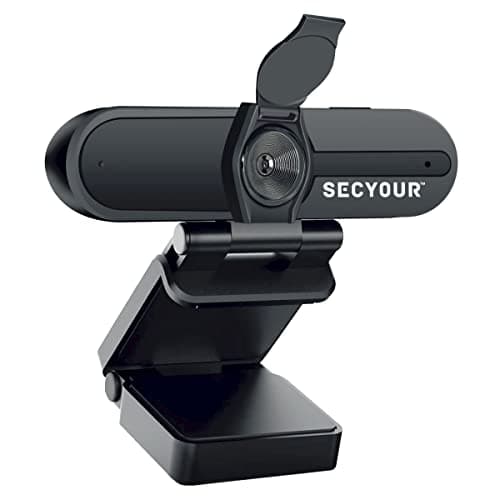
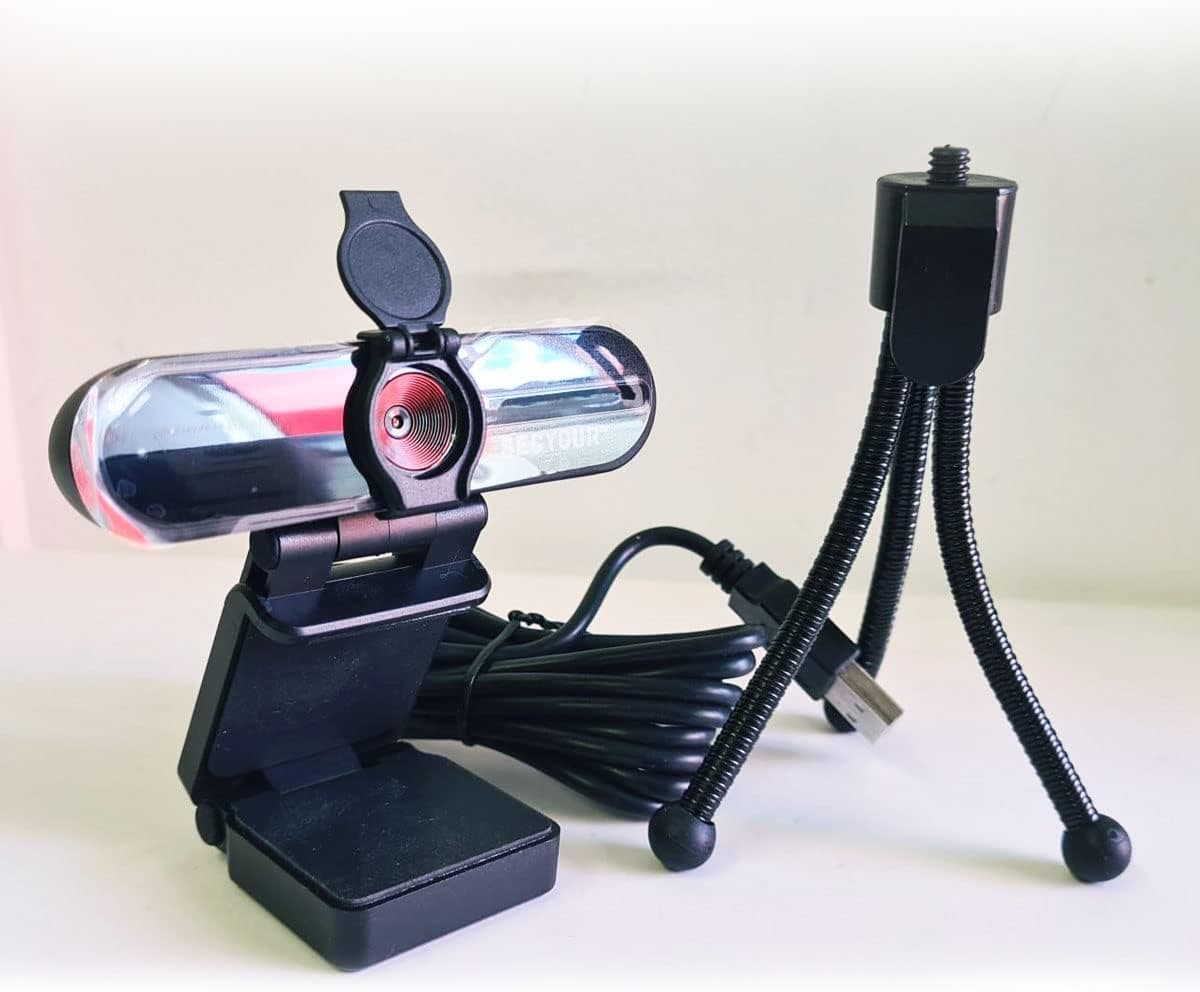
1080p HD USB Webcam Camera with Microphone for PC, Desktop, Laptop, Macbook, Live Streaming, Gaming, YouTube, Video Call Conference Web cam - Noise cancellation 30FPS with mini Tripod
SECYOUR
£8.50
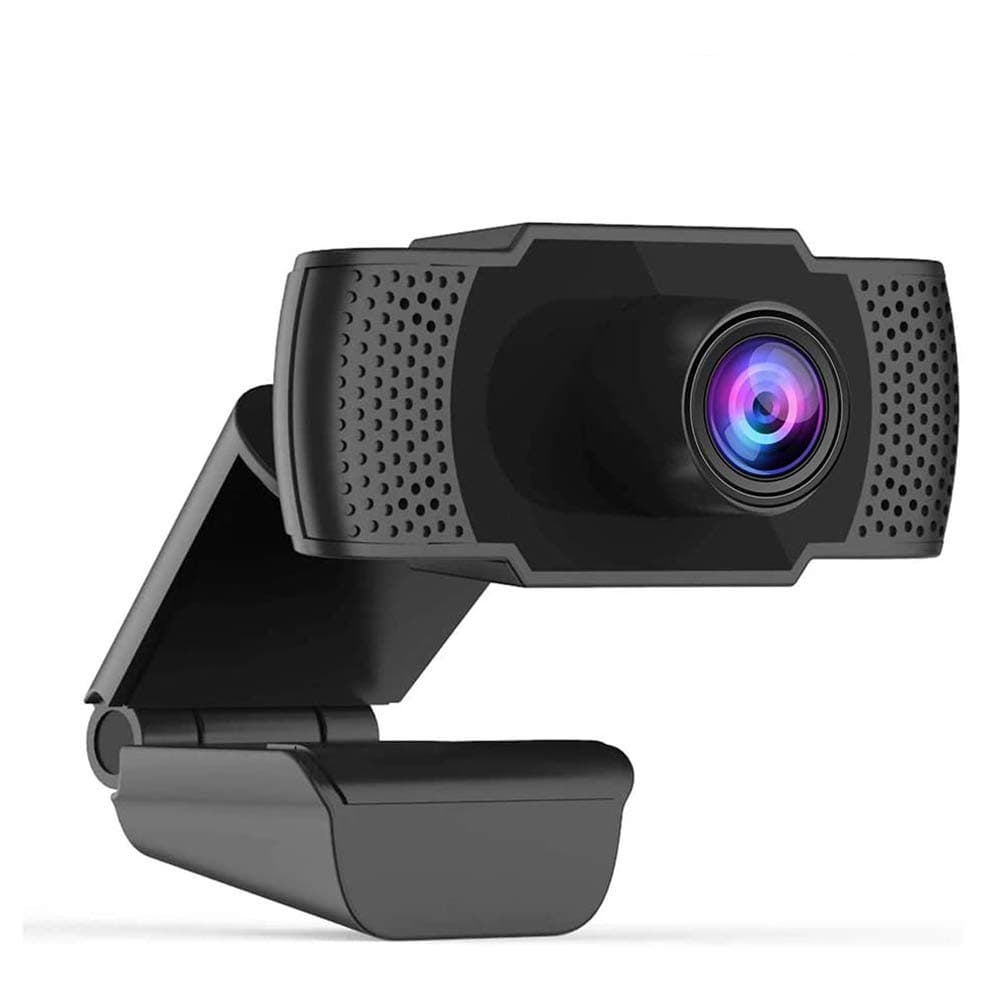
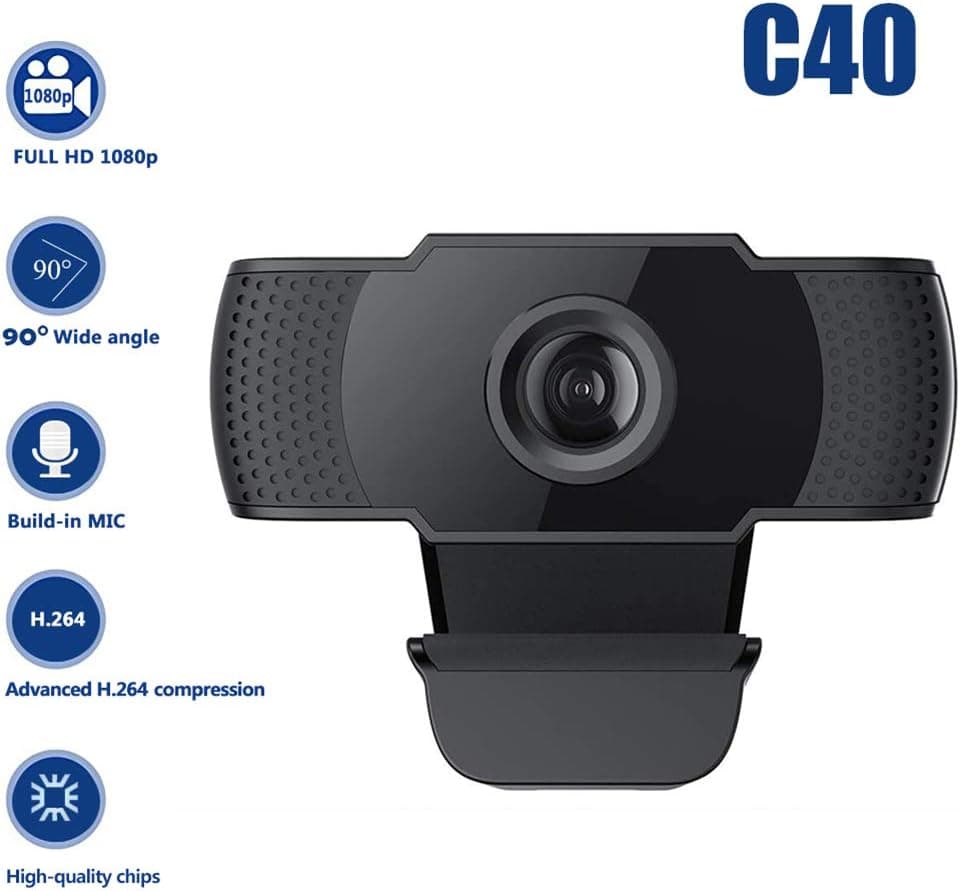
1080P HD Webcam USB Plug and Play Widescreen Built-in MIC Web Camera for PC
Aoewise
£79.99
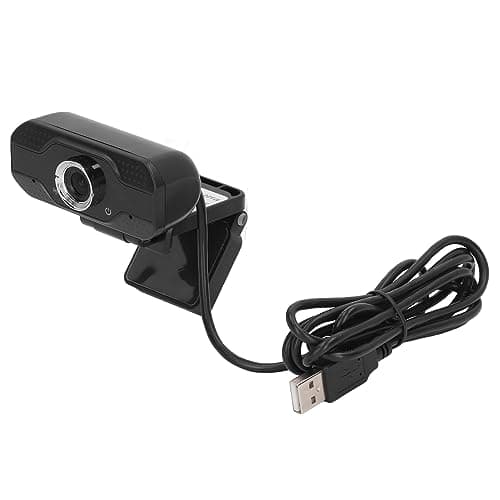
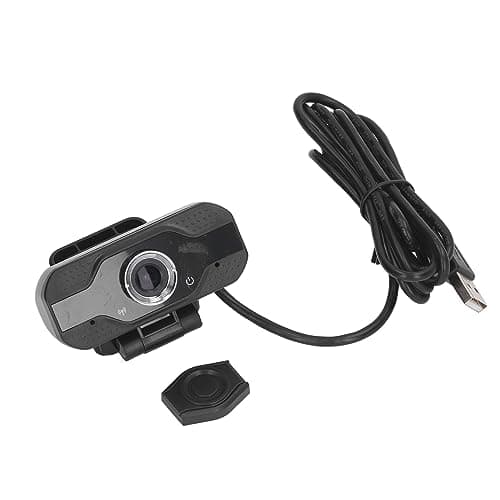
1080P HD Webcam with Dual Noise Canceling Microphone, Auto Light Color Correction, Wide Viewing Angle Plug and Play USB Camera for Video Calling, Recording
ciciglow
£6.33
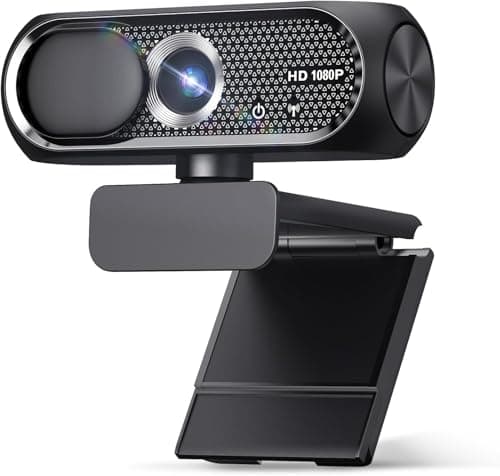
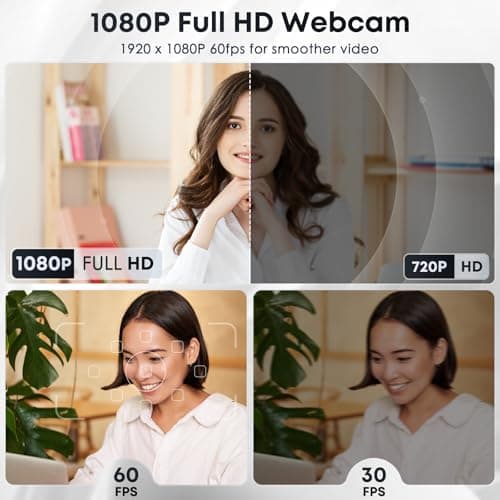
1080P HD Webcam with Microphone, Noise Cancellation, Privacy Cover, Wide-Angle Lens, Auto Light Correction, Plug & Play USB Web Camera for Laptop, Desktop, PC, Mac, Zoom, Skype, Streaming (Black)
Shcngqio
£19.99
