
AVerMedia Live Gamer HD 2 - PCIe Internal Game Capture Card, HDMI and 3.5 mm, PassThrough, Ultra Low Latency,1080p60 Uncompressed Streaming Technology for PS4, Xbox, Switch Live Gamer - (GC570)
Brand: AVerMedia
- Height
- 12 cm
- Length
- 15 cm
- Width
- 2.1 cm
- Weight
- 145 g
About this product
Perfect for gamers looking to stream and record their gameplay in high definition, the AVerMedia Live Gamer HD 2 is a top choice. This PCIe internal capture card supports PS4, Xbox, and Switch, ensuring compatibility with major gaming consoles. With its ultra-low latency and 1080p60 uncompressed streaming technology, you can enjoy smooth, clear streams without any lag. Ideal for content creators and streamers who want to deliver the best possible quality to their audience, this capture card stands out in the Capture Cards category. Its PassThrough feature allows you to continue using your console's audio output while capturing video, making it a versatile addition to your setup.
Specifications
- Height
- 12 cm
- Length
- 15 cm
- Width
- 2.1 cm
- Weight
- 145 g
- Pack size
- 1
- Colour
- Black/Blue
- Amazon Bestseller Rank
- #17,430
Is this the right pick for you?
This capture card is ideal for gamers who want to stream their gameplay in high definition without any latency issues. It supports a wide range of gaming consoles including PS4, Xbox, and Nintendo Switch, making it versatile for different platforms. The Ultra Low Latency feature ensures that your streaming experience remains smooth and responsive, which is crucial when you're trying to capture the exact moment of a game-winning move. On the other hand, this product might not be suitable for users who are looking for something more compact or portable. Since it's an internal PCIe card, it requires a dedicated slot in your PC’s motherboard, which can limit its use to desktop setups. Additionally, if you're planning on using multiple capture cards simultaneously, you'll need a system with sufficient PCIe slots. Setting up the AVerMedia Live Gamer HD 2 is relatively straightforward. You simply plug it into an available PCIe slot and connect it to your gaming console via HDMI or a 3.5mm audio cable for microphone input. Ensure that your PC meets the minimum requirements, such as having at least one free PCIe slot and adequate power delivery. Regular maintenance involves keeping the card clean and ensuring that all connections are secure to avoid any potential issues during use.
Frequently asked questions
Is this capture card compatible with my PS4?
Yes, the AVerMedia Live Gamer HD 2 is specifically designed to work with PS4. Make sure your PS4 firmware is up-to-date and check the manufacturer's listing for any additional compatibility details.
Can I use this card with Xbox as well?
Absolutely, the capture card supports both PS4 and Xbox consoles, allowing you to stream or record gameplay from either system seamlessly. Ensure that your console meets the minimum requirements for streaming.
What about Nintendo Switch? Is it supported too?
The AVerMedia Live Gamer HD 2 does support Nintendo Switch, but only through HDMI passthrough mode. This means you can use it to stream or record gameplay from a Switch connected via HDMI to your PC. Check the manufacturer's instructions for detailed setup steps.
You might also like
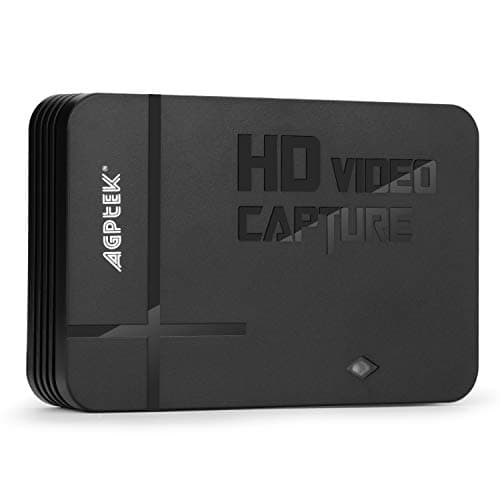
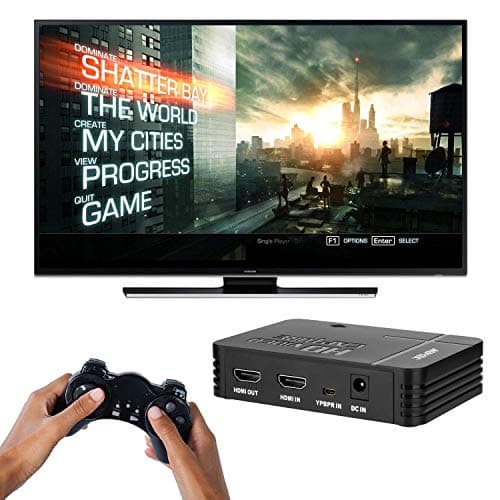
1080P Game Video Capture Card with HDMI and YpbPr Input, Mic-in Video Recorder Compatible with Xbox 360/One/ PS3 /PS4 etc
AGPTEK
£64.18
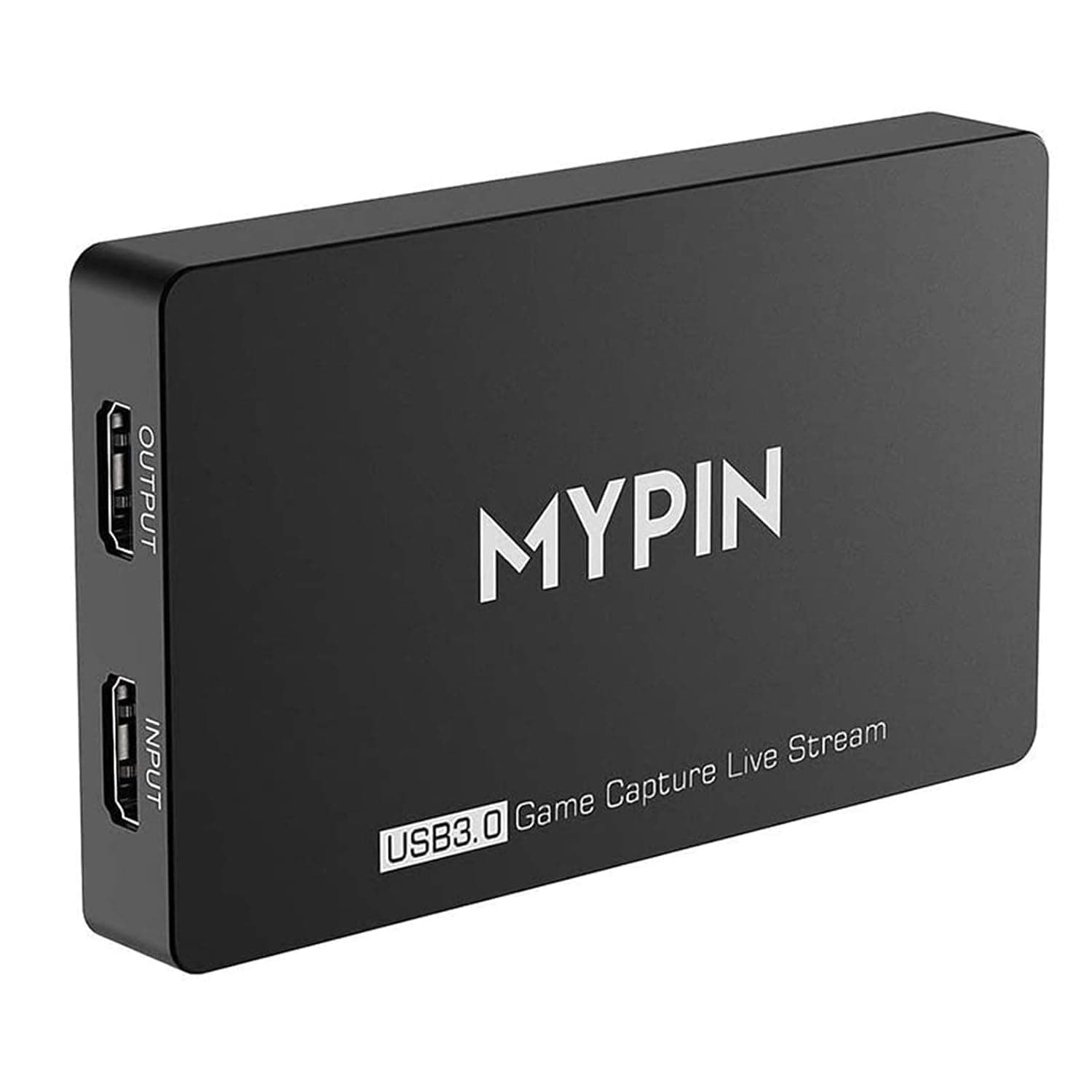
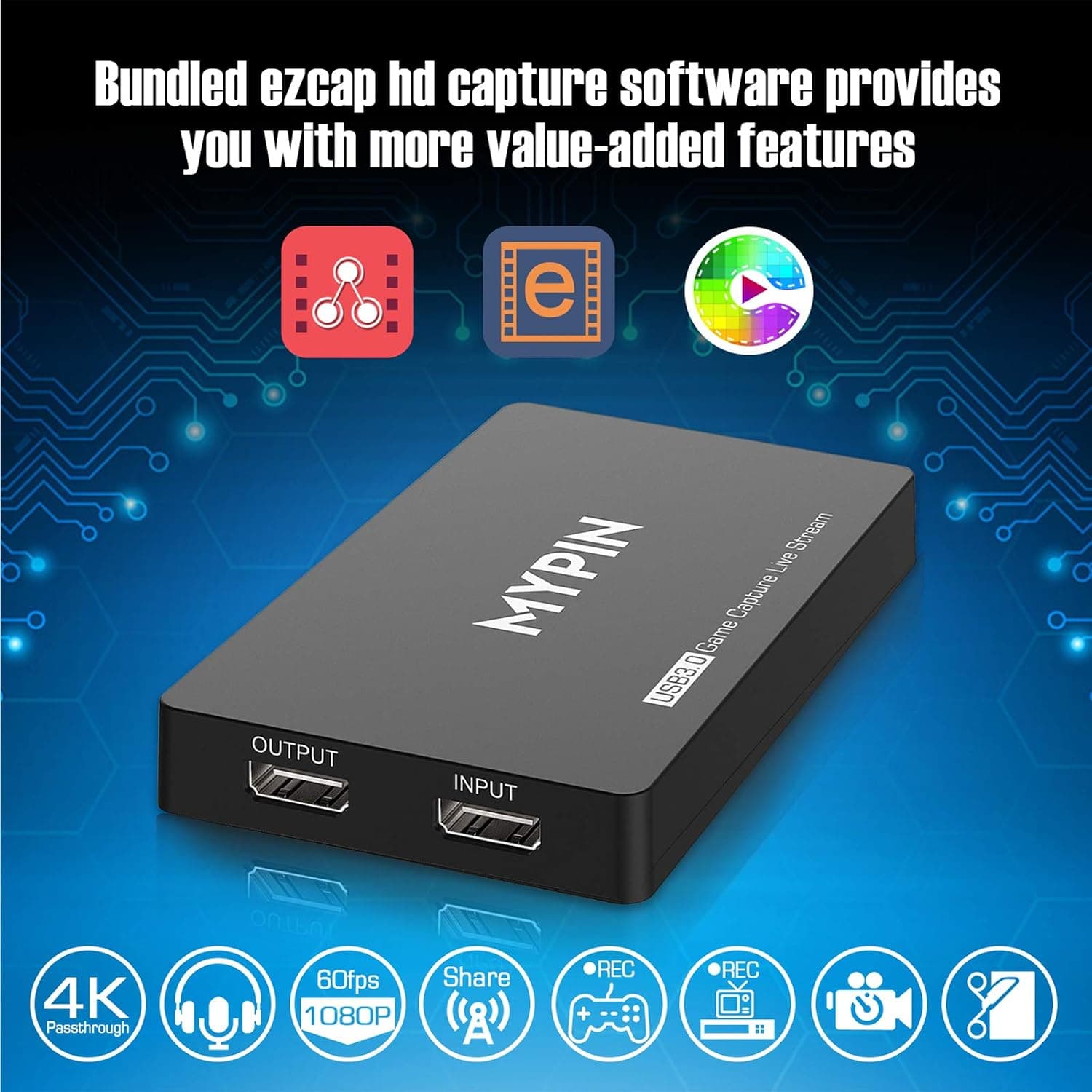
4K Capture Card for Live Streaming, MYPIN USB3.0 HDR Capture 1080P@60fps Support Microphone and Gamepad Party Chat for Nintendo Switch/ PS4 /Xbox One 360 /Wii U/Action Camera/DSLR Camcorder
MYPIN
£19.99
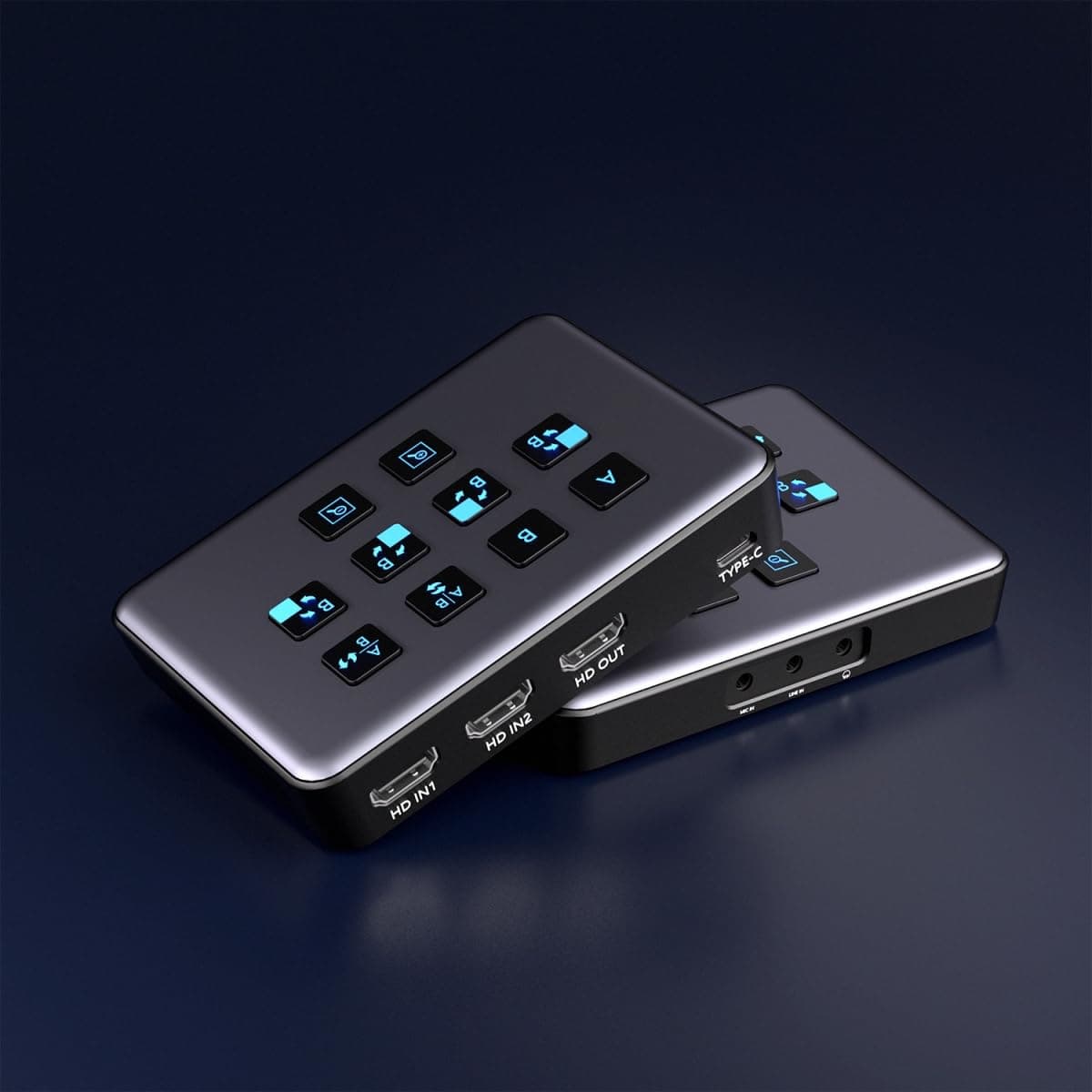
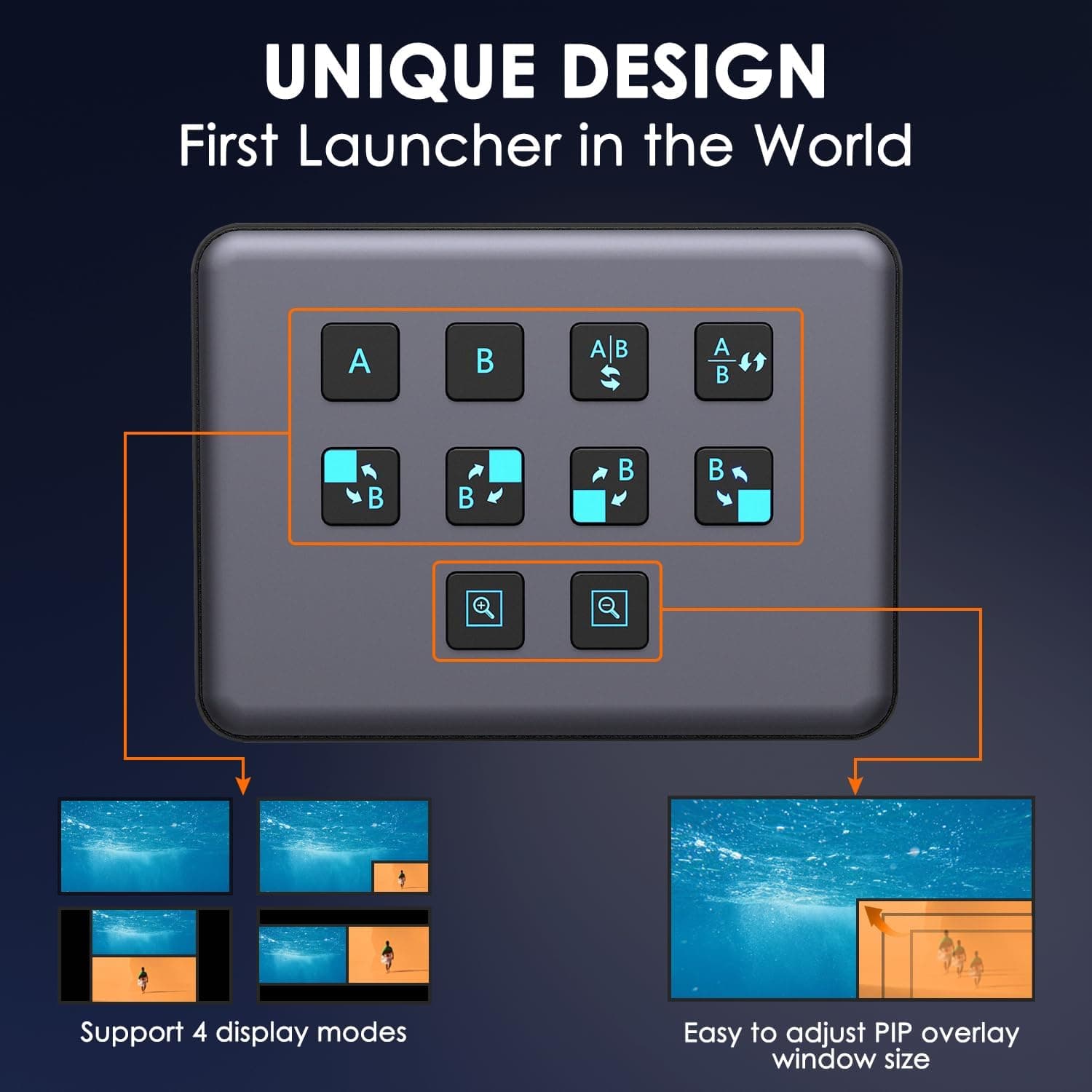
4K Dual HDMI Audio Video Capture Card, USB3.0 1080P 60FPS Equipment for Live Streaming,Capture Card with Loop Camera Link to Type-C Recording Game Video Mixer,Passthrough for Xbox PS5 PS4 Etc
EDISTEC
£25.99
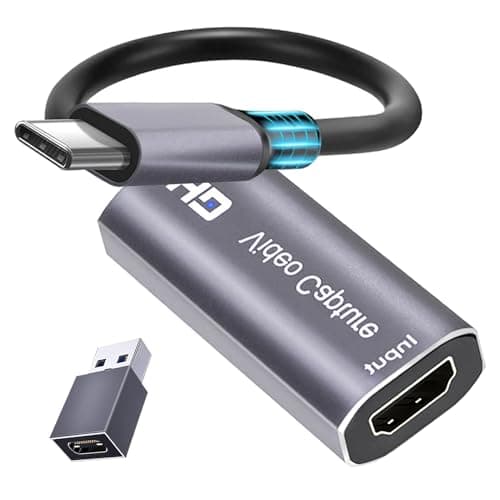
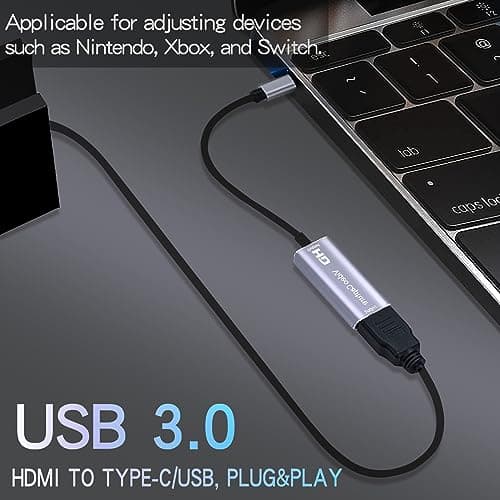
4K HDMI Capture Card, Cam Link Video Capture Card HDMI to 1080P Type-C for Windows Mac OS System for Streaming Gaming Meeting with USB C Adapter to Adjust PS3 4, Switch, Xbox
Extenuating Threads
£12.99
