
Lume Cube Broadcast Lighting Kit Live Stream Webcam Light for Computer & Laptop Enhance Video Calls Streaming & Vlogging Include Adjustable Tripod & Suction Mount Adjust Brightness & Color Temperature
Brand: Lume Cube
- Height
- 6.6 cm
- Length
- 12 cm
- Width
- 8 mm
- Pack size
- 2
About this product
This Lume Cube Broadcast Lighting Kit stands out for its ability to significantly enhance your video calls and live streams. Designed specifically for computer and laptop users, it offers adjustable brightness and color temperature settings that can dramatically improve the quality of your online presence. Whether you're streaming or vlogging, this kit ensures your face is well-lit and clearly visible, making a huge difference in how you are perceived. INCLUDED IN THE KIT: Along with the Broadcast Lighting Kit itself, you'll also receive an adjustable tripod and suction mount. This versatility means you can position the light exactly where it's needed for optimal results. Perfect for those who want to take their online content creation seriously, this kit is a must-have for anyone looking to professionalize their live streaming or video call experience.
Specifications
- Height
- 6.6 cm
- Length
- 12 cm
- Width
- 8 mm
- Pack size
- 2
- Colour
- Lighting Kit with Computer Mount & Stand
Is this the right pick for you?
This Lume Cube Broadcast Lighting Kit is an excellent choice for anyone looking to improve their live streaming and vlogging setup. It’s particularly suited for content creators who need a reliable light source that can adjust both brightness and color temperature to match the needs of different lighting environments or video calls. The kit includes an adjustable tripod and suction mount, making it easy to position the light exactly where you need it, whether you're streaming from home or on the go. On the other hand, if you’re just using your webcam for casual video chats with friends and family, this might be a bit overkill. The kit’s primary advantage lies in its ability to enhance the quality of your videos by providing consistent lighting that reduces shadows and highlights details, which is crucial for professional-looking content creation. Setting up the Lume Cube Broadcast Lighting Kit is straightforward. Just plug it into any USB port on your computer or laptop, adjust the brightness and color temperature as needed, and use the included tripod or suction mount to position the light correctly. It’s compatible with most computers and laptops that have a standard USB-C or USB-A port, making it versatile for various devices. One practical consideration is maintaining the kit over time. The Lume Cube comes with a one-year warranty covering any defects, but regular cleaning of the light will help ensure its longevity. Avoid exposing the device to extreme temperatures or moisture, as this could affect its performance and lifespan.
Frequently asked questions
Is this compatible with all types of computers and laptops?
This kit is designed to work with most modern computers and laptops. It connects via USB, so as long as your device has a USB port, it should be compatible. Check the manufacturer’s listing for exact compatibility if you have specific concerns.
Can I use this for both streaming and vlogging?
Absolutely! This kit is perfect for enhancing your video calls, live streams, or vlogs by providing consistent lighting that reduces shadows and enhances color accuracy. It's a versatile tool for anyone looking to improve their online presence.
What does the kit include besides the light itself?
The Lume Cube Broadcast Lighting Kit comes with an adjustable tripod and a suction mount. These accessories allow you to position the light precisely where you need it, whether you're using your computer on a desk or setting up in a different location for vlogging.
You might also like
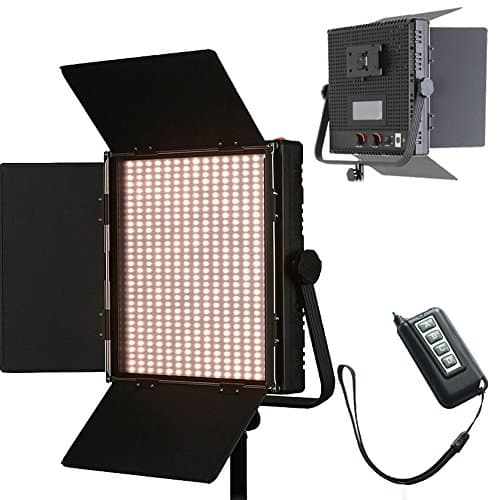
1024 LED Video Light, 61.5W Dimmable Bi-Color 3200-5600K LED Panel Light with LCD Screen, Bracket, Barndoor and Remote Control for Photography Studio
HWAMART
£445.89
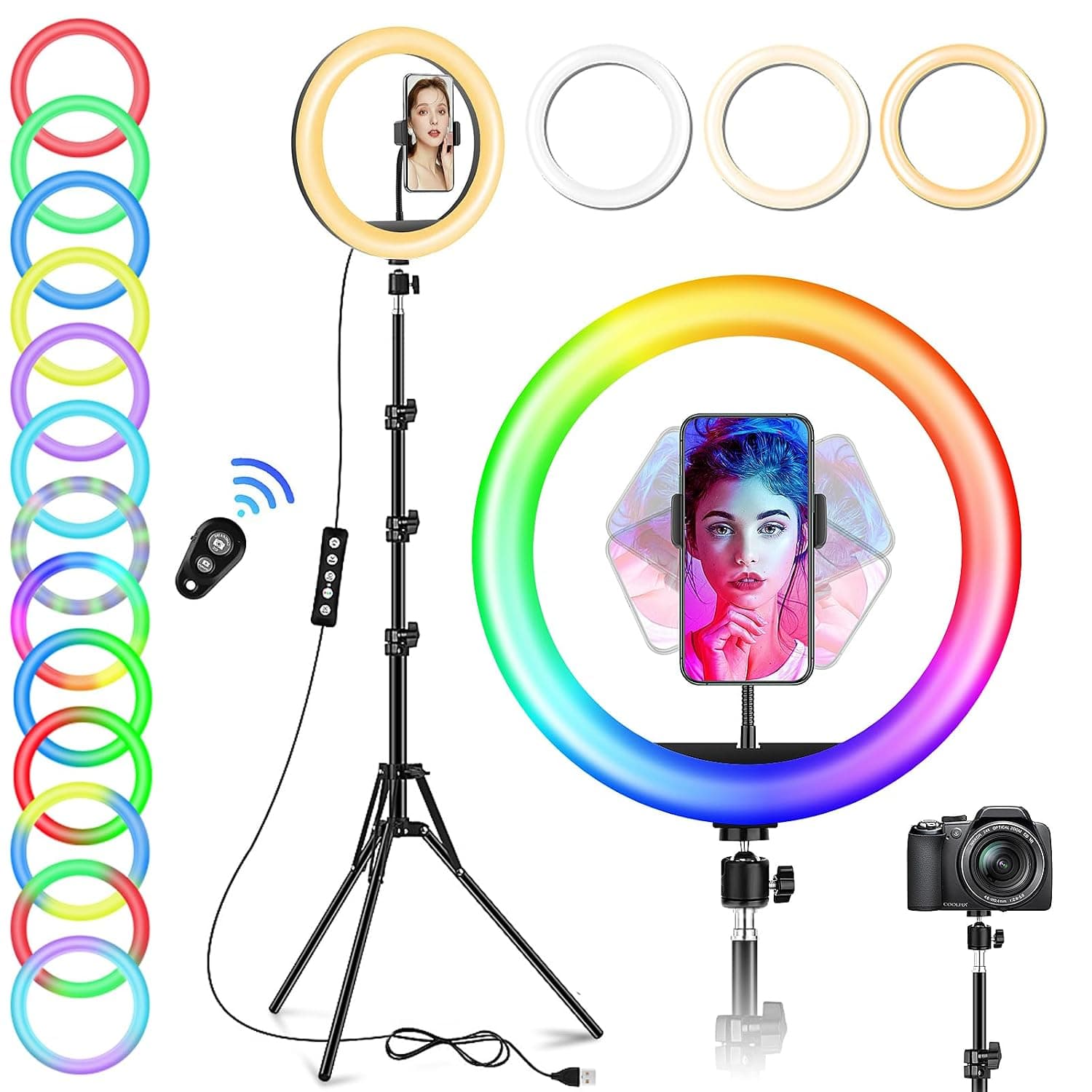
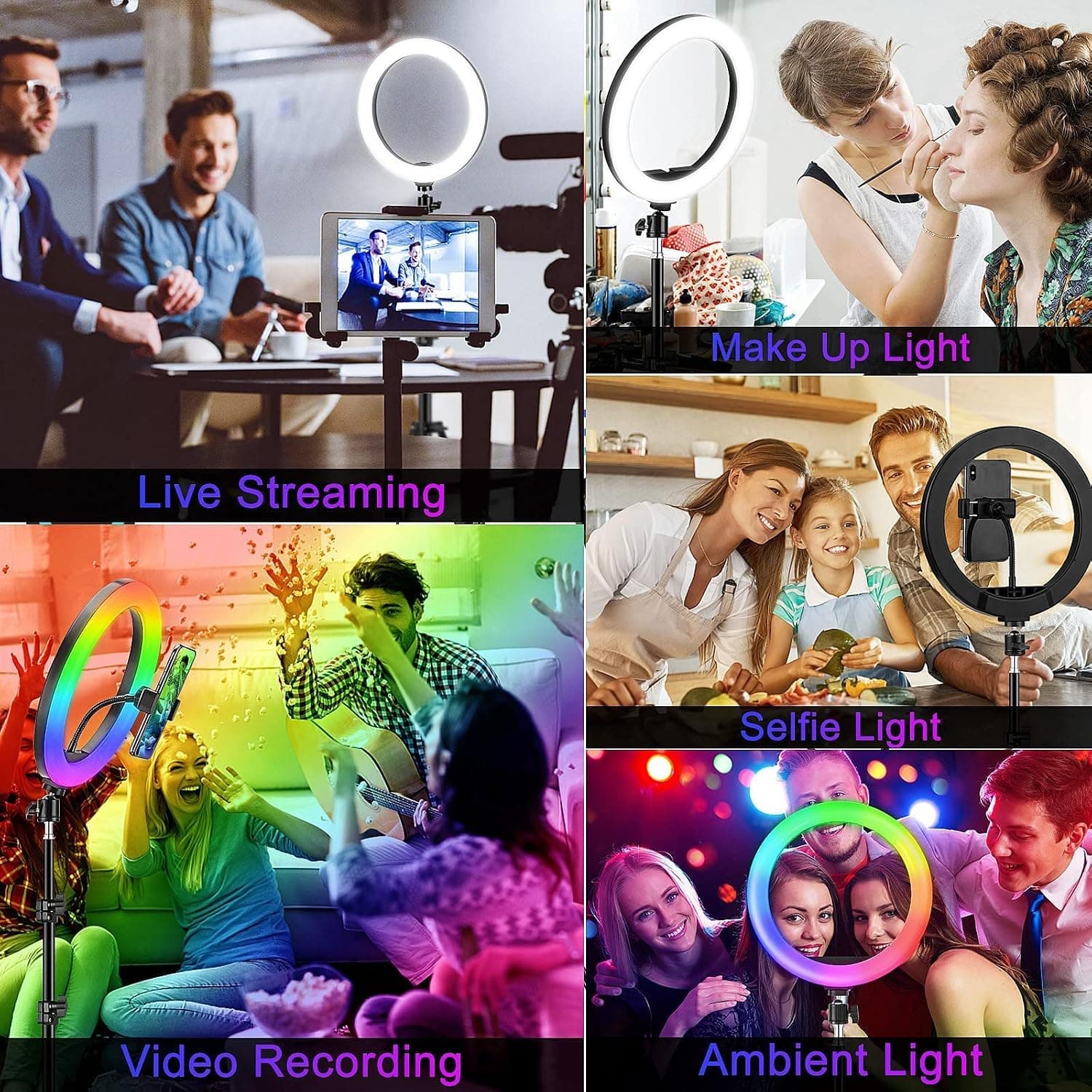
10" Desktop RGB LED Ring Light with Tripod Stand, Dimmable Colour Changing Colorful Lamp Phone Holder Clip Tabletop Selfie Ringlight for Make Up/YouTube Live Streaming Video Kit
GerTong
£21.98
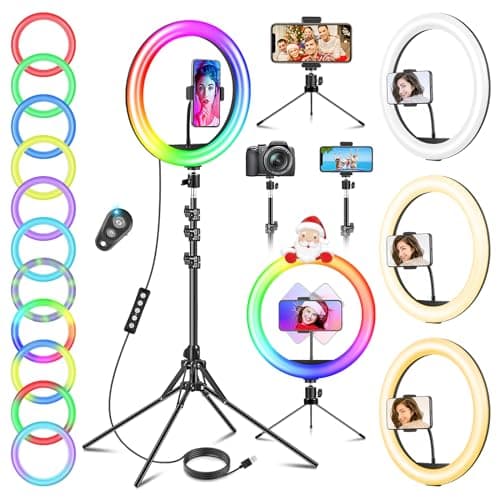
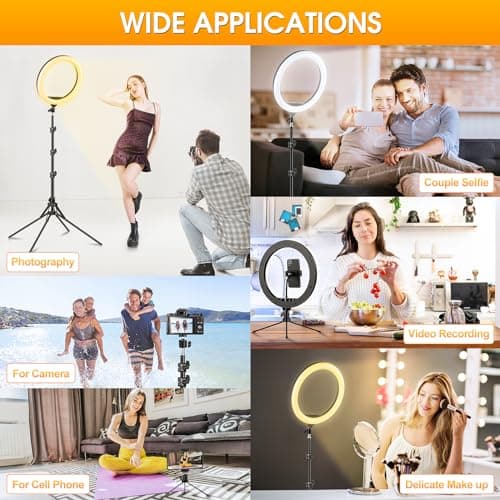
11.5" Ring Light with Tripod & Quadpod Stands for Phone
GerTong
£22.98
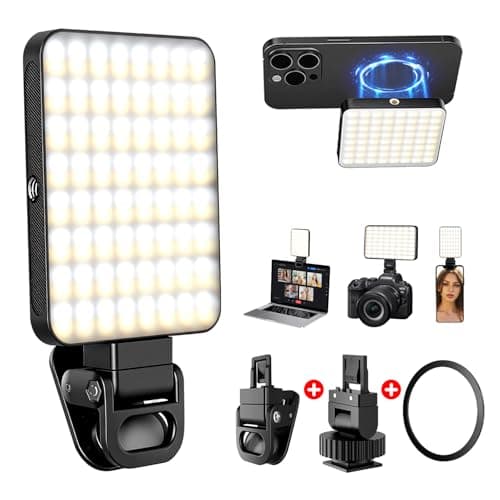
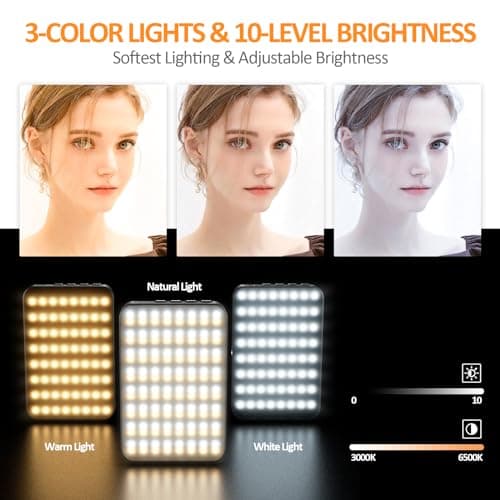
128 LED Rechargeable Portable Selfie Light Video Conference Lighting with Clip and Camera Tripod Adapter, 3 Lighting Modes, for Laptop/Phone, iPhone Camera, Youtube, TikTok, Makeup Vlog
Cyowoyre
£13.99
