
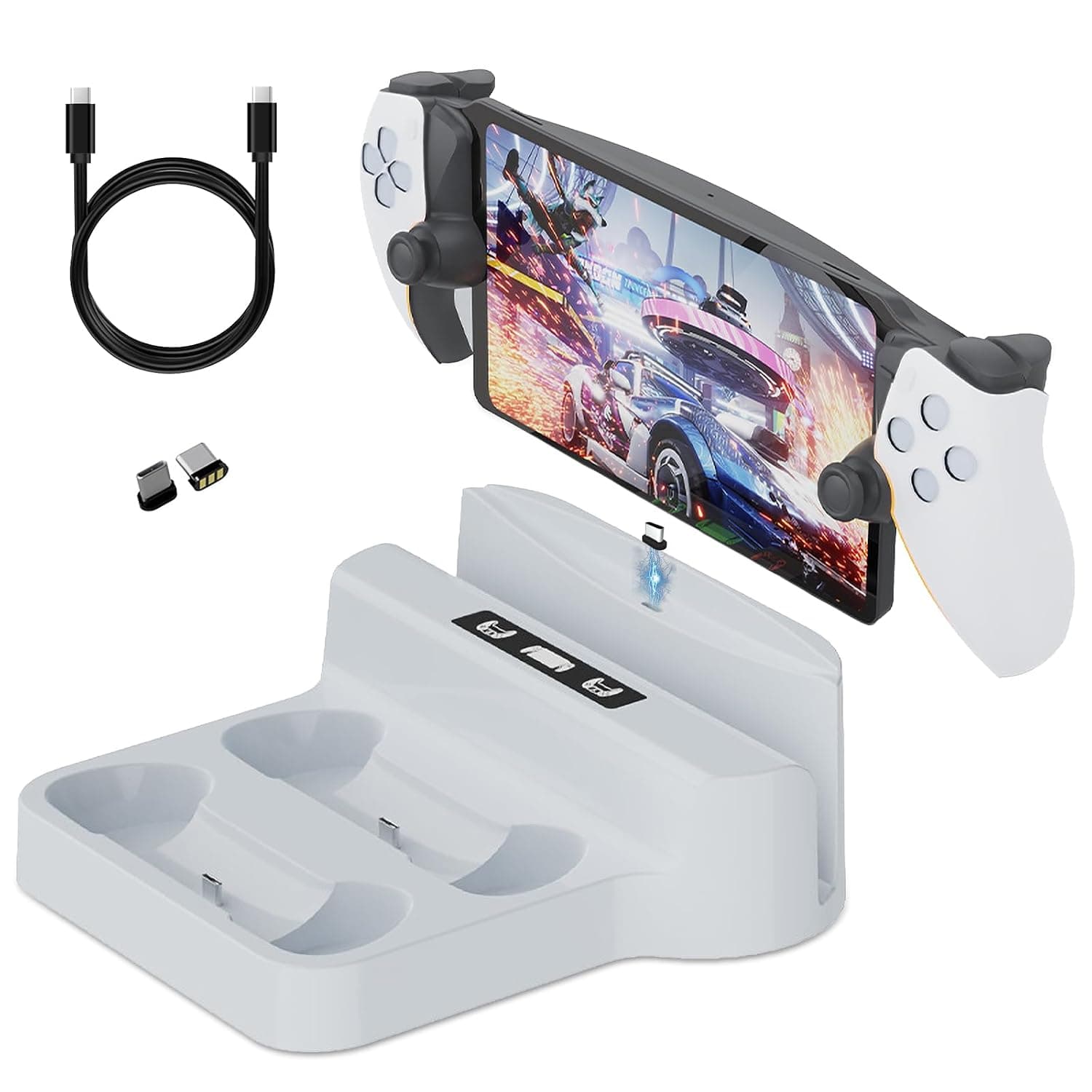
Charging Stand for PS Portal & PS 5 Controller, Charging Dock Station with LED Indicator for Playstation Portal, PS Portal Magnetic Charger Dock, PS5 Game Accessories (White)
About this product
This Charging Stand for PS Portal & PS 5 Controller is a must-have for any gamer looking to keep their gaming accessories charged and organized. Perfect for those who spend long hours playing on the PlayStation Portal or PS 5, this dock ensures your controller stays powered up without cluttering your workspace. The LED indicator provides a clear visual cue when charging, making it easy to know at a glance that everything is running smoothly. Equipped with a type-C charging cable and two magnetic charging terminals, this stand offers convenience and efficiency. Whether you're a casual player or a dedicated gamer, this Charging Dock Station keeps your gaming setup tidy while ensuring your controller is always ready for action.
Is this the right pick for you?
This Charging Stand for PS Portal & PS 5 Controller is ideal for gamers who want a convenient and stylish way to charge their controllers. If you frequently find yourself needing to charge your PlayStation Portal or PS 5 controller without the hassle of tangled cables, this dock station offers a clean solution. It features two magnetic charging terminals that ensure your controllers stay in place while they charge, making it perfect for those who prefer a clutter-free setup. However, this product may not be suitable for users with multiple controllers or peripherals that require different charging methods. The dock is designed to handle up to 2800mA of current at 5V, which is sufficient for most PS 5 and Portal controllers but might fall short if you need to charge additional devices simultaneously. For a more comprehensive solution, consider looking into multi-device charging docks. When setting up the Charging Stand, simply plug in the Type-C cable provided with the dock to your power source and insert your controller into one of the magnetic terminals. The LED indicator will light up when the device is charging or fully charged, providing you with clear feedback. To care for this product, ensure that the magnetic terminals are clean and free from dust or debris, which could affect their performance. Additionally, avoid exposing the dock to extreme temperatures or moisture to prevent damage. The Charging Stand fits seamlessly into a typical setup where you have one primary controller for gaming sessions. It’s particularly useful if you want to keep your desk tidy while ensuring quick access to charging your PlayStation Portal and PS 5 controllers.
Frequently asked questions
Is this charging stand compatible with both PS Portal and PS5 controllers?
Yes, it is designed to be compatible with both the PS Portal and PS5 controllers. This means you can charge either controller type using a single charging dock, which is convenient for users who switch between these devices.
Can I use this charging stand for other types of controllers or devices?
While the product description indicates it’s specifically designed for PS Portal and PS5 controllers, we recommend checking the manufacturer's listing to ensure compatibility with any other devices you might have. For general use beyond gaming accessories, it may not be suitable.
How many charging ports does this dock offer?
This charging stand provides two separate magnetic charging terminals, allowing you to charge up to two controllers simultaneously without needing a hub or adapter. The dual-port design ensures efficient and convenient charging for both your devices.
You might also like
 New
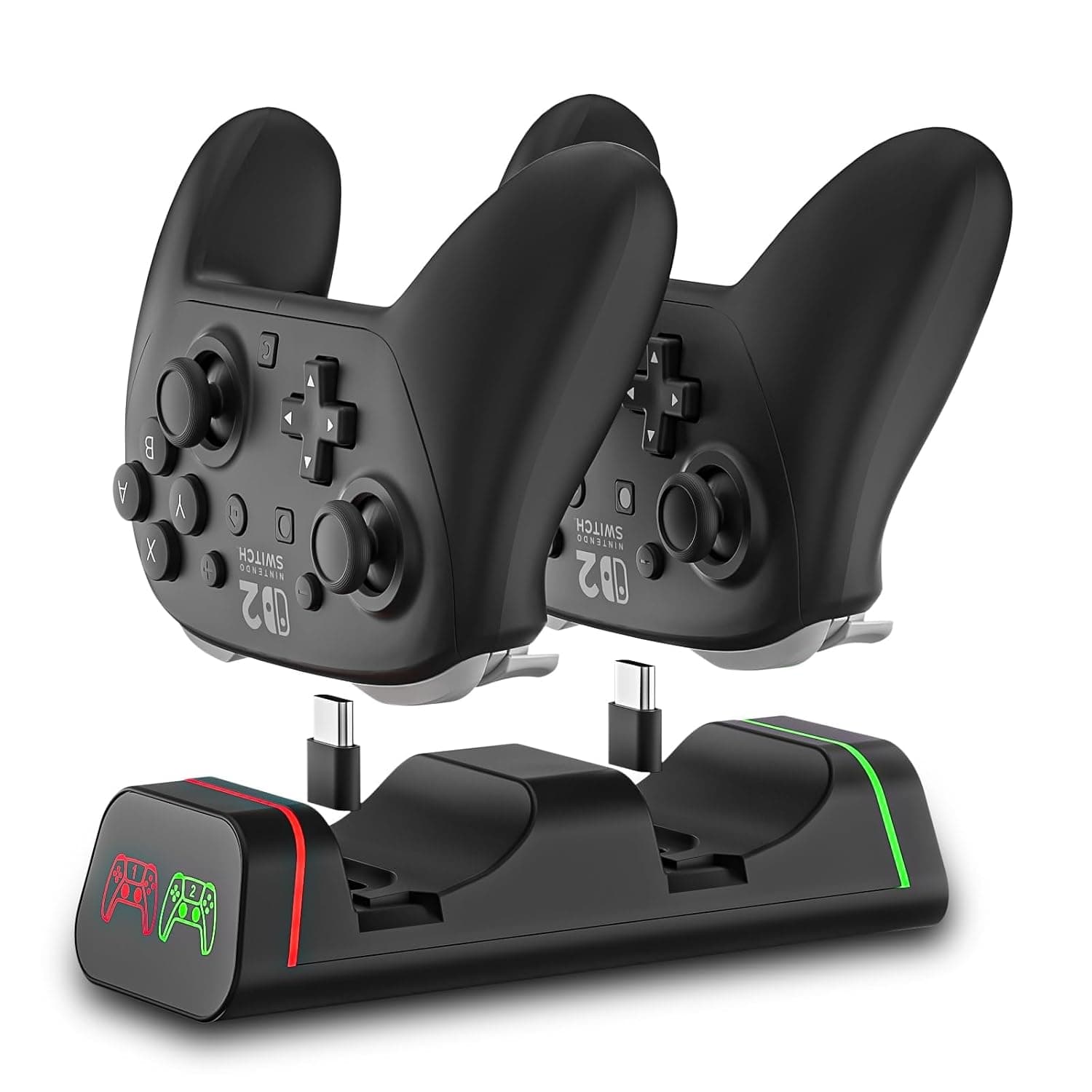
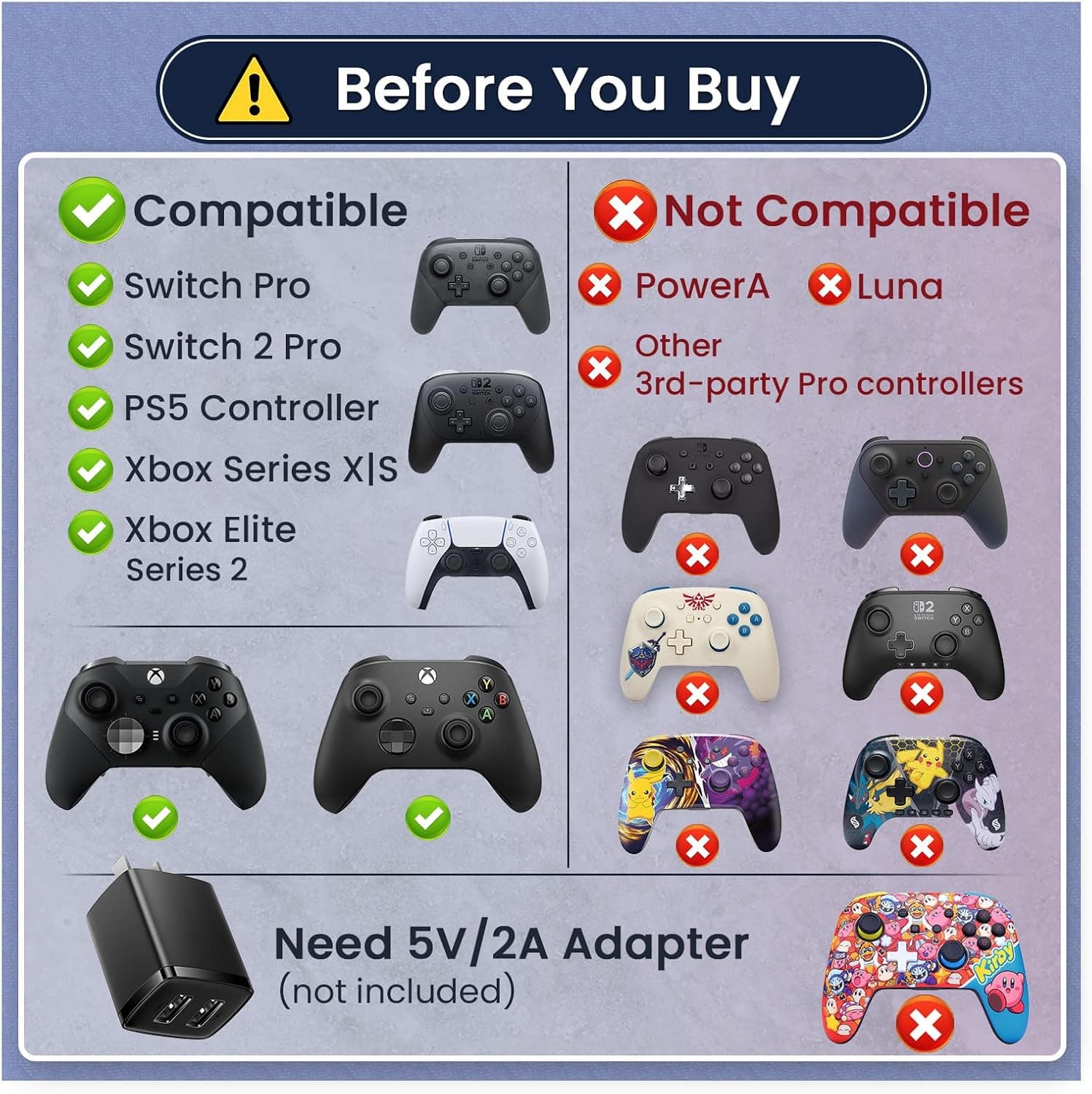
New2-Port Controller Charging Dock, USB-C for Switch Pro/Switch 2 Pro, PS5, Xbox Series X/S & Elite 2 (Not for PowerA/3rd-Party), 5V2A USB Adaptor Recommended
HEATFUN
£18.99
 New
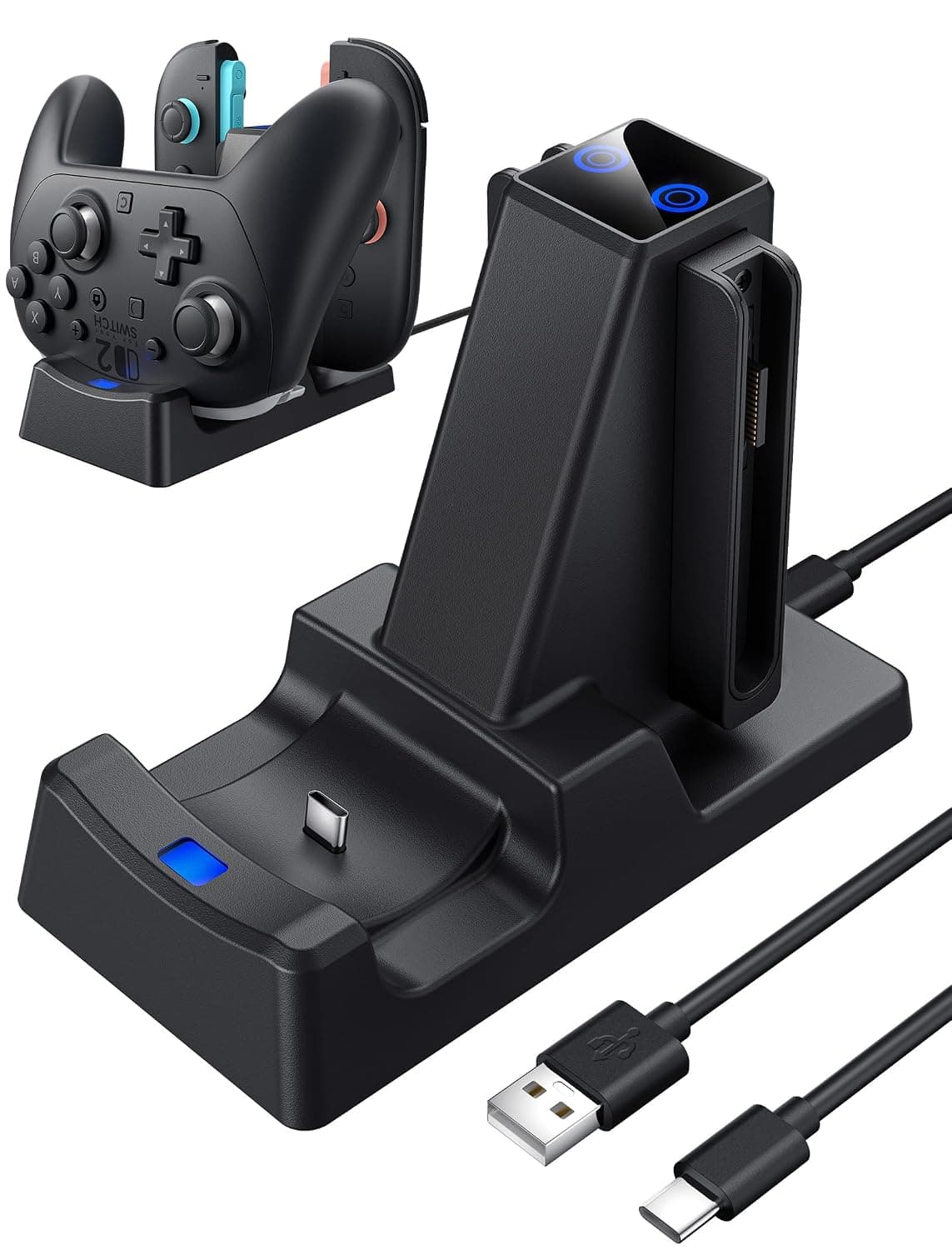
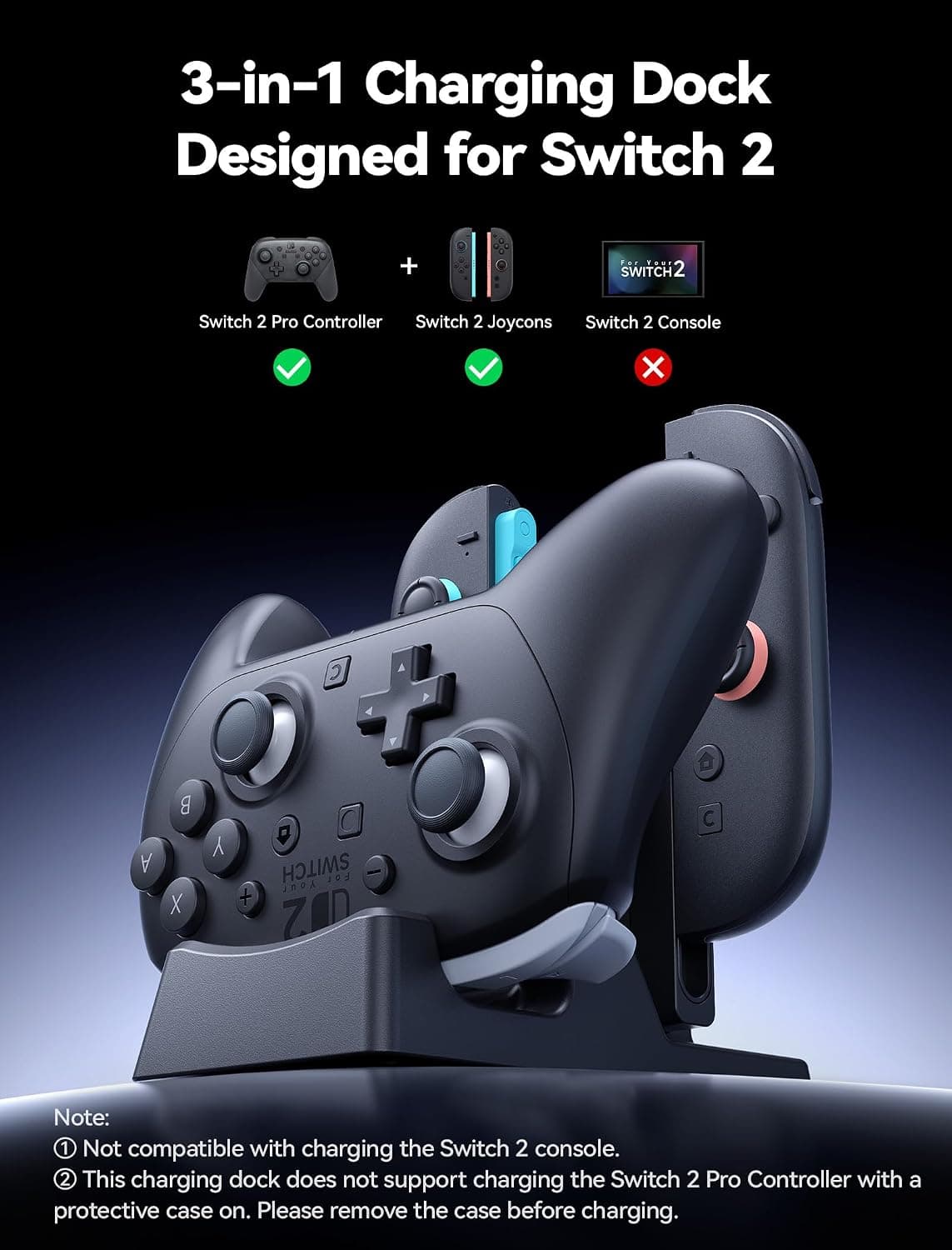
New3 in 1 Charging Dock for Nintendo Switch 2 JoyCon and Pro Controller, WEOTOO Controller Charger with LED Indicator Space-Saving Storage Stand Accessories for Switch2 (2025)
£25.99
 New
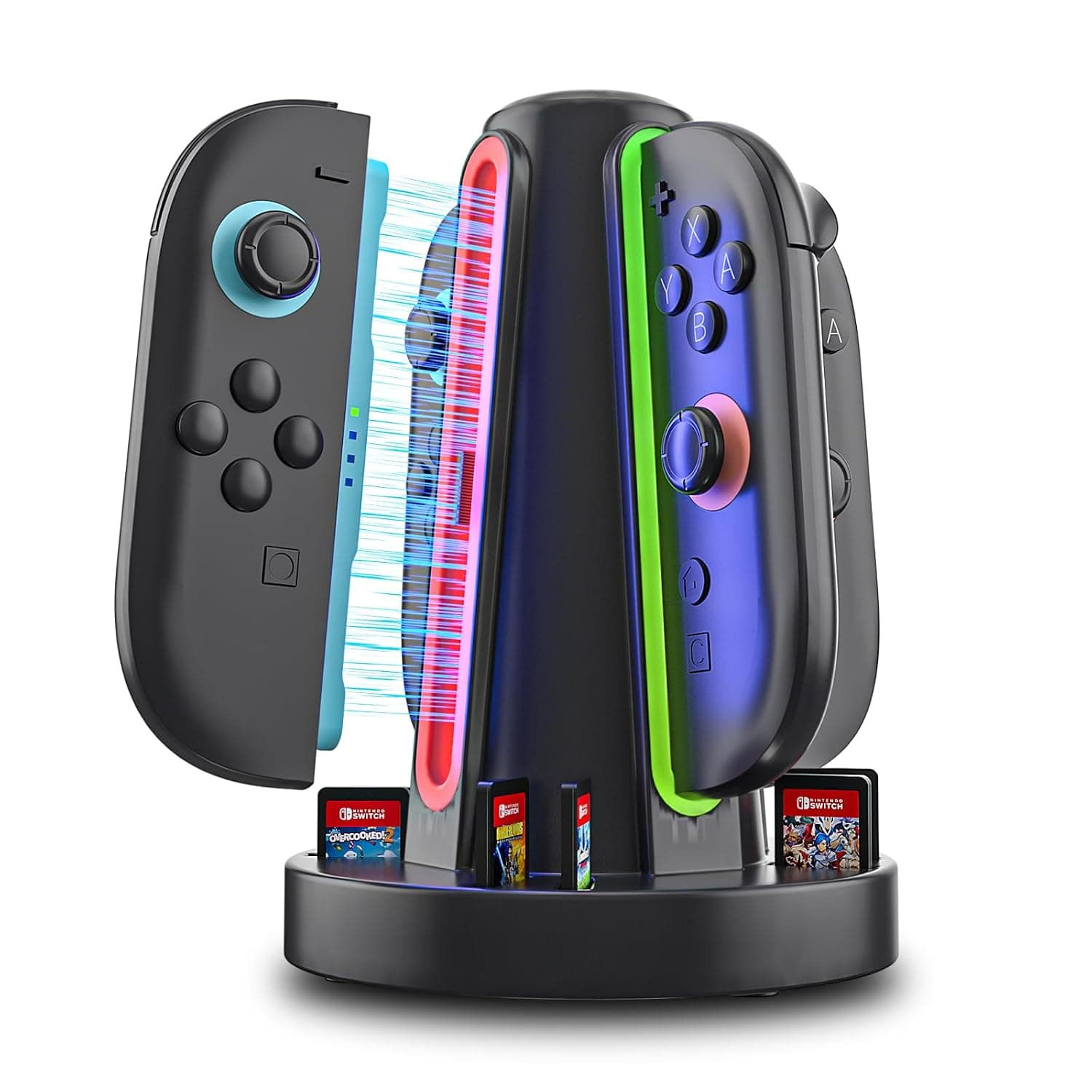
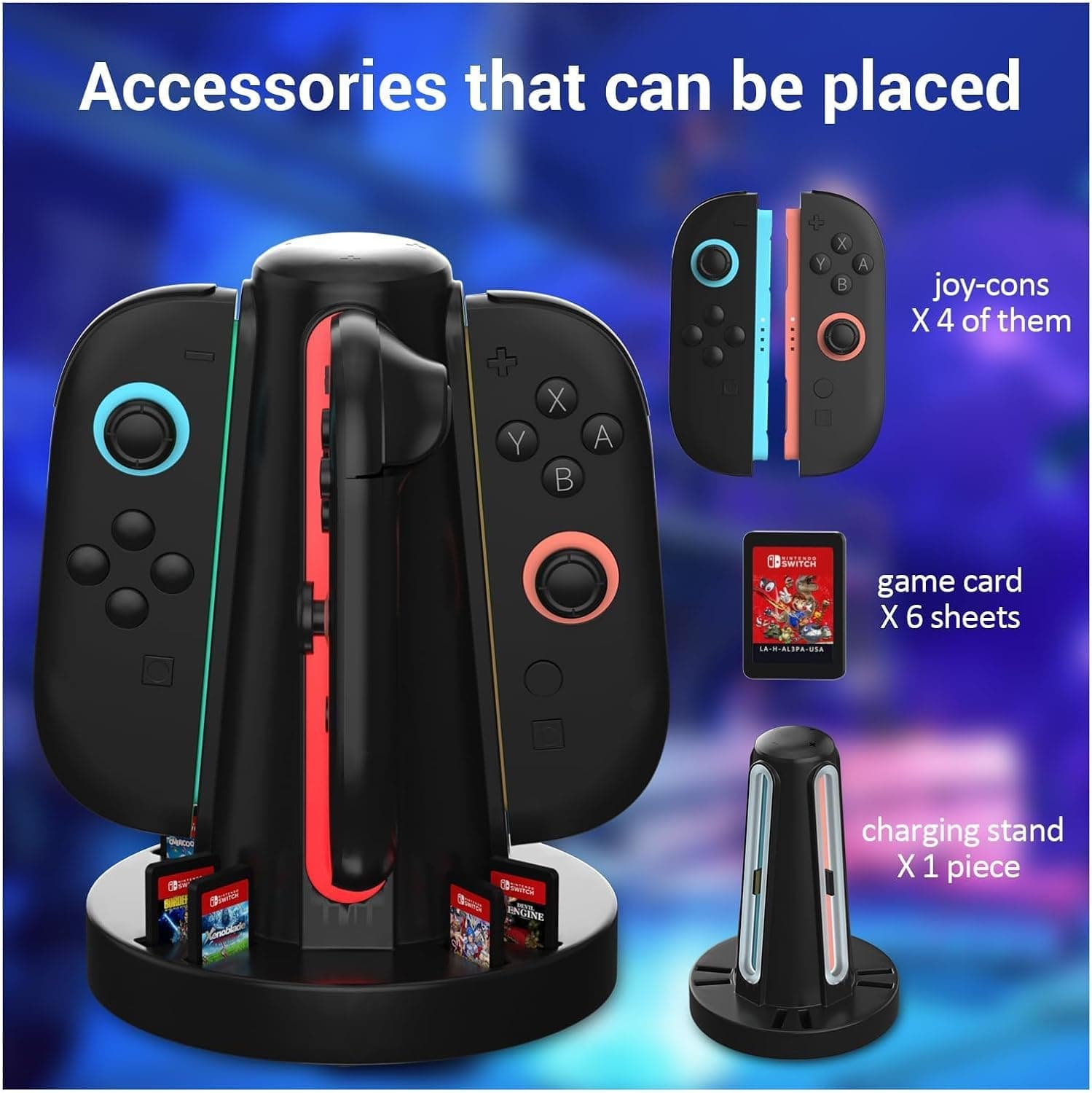
New4-Port Switch 2 Controller Charger Dock, 6-Card Storage & LED Indicators | Switch 2 controller charger powers four controllers in 2.5 hours, with 6 card slots, LED status bars and magnetic snap-in fit
HEATFUN
£9.99
 New
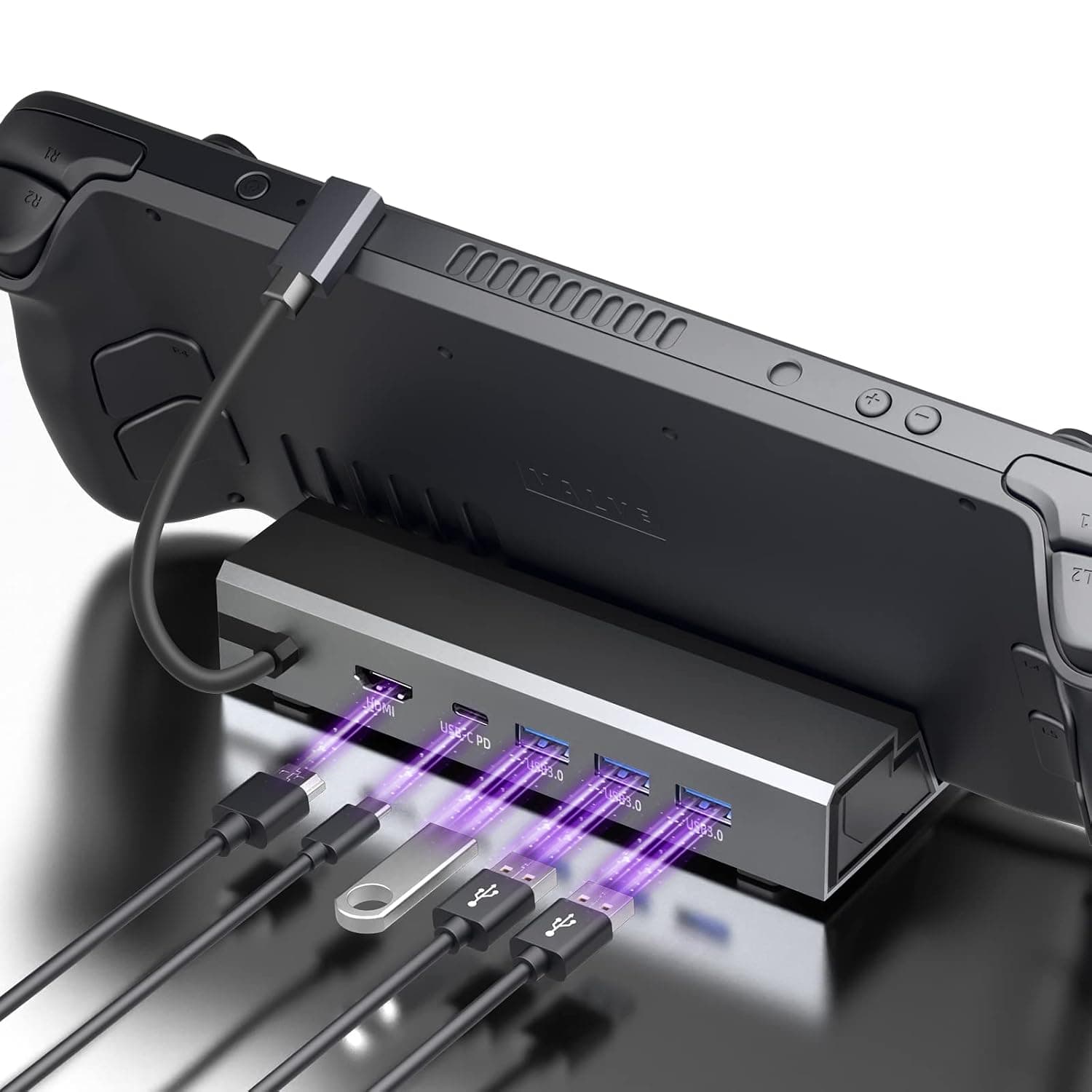
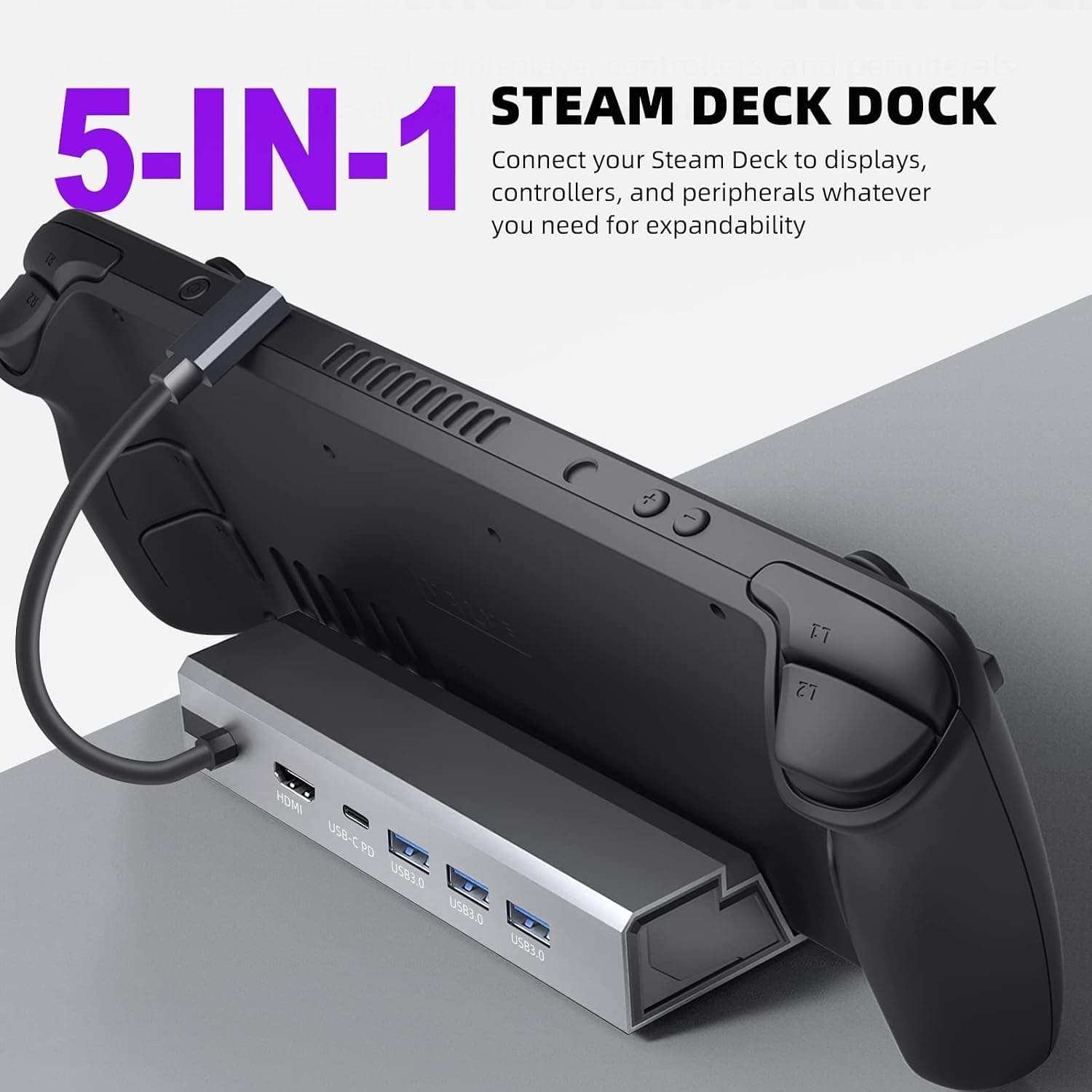
New5-in-1 Steam Deck Dock - Your Ultimate Gaming Hub for Steam Deck, High-Performance Steam Deck Docking Station with 4K@60Hz HDMI, 100W Type-C PD Fast Charging and 3 USB 3.0 Ports
£33.99