
Razer Aether Monitor Light Bar - Computer Monitor lamp with Gaming RGB Lighting (Light bar with Touch Control, USB Screen lamp with Adjustable Colour Temperature and Brightness) Black
Brand: Razer
- Height
- 9.7 cm
- Length
- 46 cm
- Width
- 3.9 cm
- Weight
- 200 g
About this product
Why settle for a plain old monitor lamp when you can have something that enhances both your gaming and work experience? The Razer Aether Monitor Light Bar stands out as the perfect companion for any computer setup. This sleek, black light bar not only provides adjustable color temperature and brightness to reduce eye strain but also adds a touch of style to your workspace. With its USB connection and touch controls, it’s incredibly easy to use and fits seamlessly into your Razer Chroma RGB ecosystem, making it an ideal addition for those looking to elevate their gaming environment or professional setup.
Specifications
- Height
- 9.7 cm
- Length
- 46 cm
- Width
- 3.9 cm
- Weight
- 200 g
- Pack size
- 1
- Colour
- Black
- Amazon Bestseller Rank
- #39,678
Is this the right pick for you?
The Razer Aether Monitor Light Bar is an excellent choice for gamers and professionals who spend long hours in front of their screens. Its versatile RGB lighting offers a customizable experience that can help reduce eye strain by adjusting the color temperature to suit your needs. Whether you prefer warm, cool, or neutral tones, this light bar allows you to set the perfect ambiance for your work or gaming sessions. The touch controls are intuitive and easy to use, making it simple to adjust brightness and color settings without needing to reach for a separate control panel. This monitor lamp integrates seamlessly into any setup that includes Razer Chroma RGB technology, enhancing the overall aesthetic of your gaming rig or office desk. Its compact design ensures that it fits snugly on most monitors, taking up minimal space while providing optimal illumination for your screen. However, it is not suitable for users who require a more powerful lighting solution or those with monitors that do not have USB ports to accommodate external lighting accessories. Before purchasing, consider the setup and compatibility requirements. The light bar must be connected via USB to the monitor, which means you need a compatible monitor and enough available USB ports. Additionally, ensure that your desk or workspace has sufficient space for the light bar without obstructing your view of the screen. Regular cleaning is recommended to maintain its performance and appearance, as dust accumulation can affect the lighting quality over time.
Frequently asked questions
Is the Razer Aether Monitor Light Bar compatible with all monitors?
The Razer Aether Monitor Light Bar is designed to be versatile and can connect to most modern monitors via USB. However, it's always a good idea to check the manufacturer’s listing or contact their support for exact compatibility details.
Can I adjust the color temperature on the light bar?
Yes, you can customize the color temperature of the Razer Aether Monitor Light Bar. This feature allows you to choose between warm and cool tones, which can help reduce eye strain during long gaming sessions or work hours.
What kind of touch controls are available for the light bar?
The Razer Aether Monitor Light Bar features intuitive touch controls that allow you to easily adjust brightness levels and switch between different lighting modes. These controls are designed to be user-friendly, ensuring a seamless experience without needing to reach for your mouse or keyboard.
You might also like
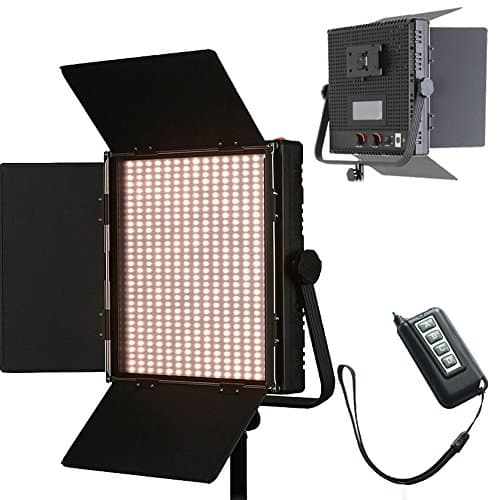
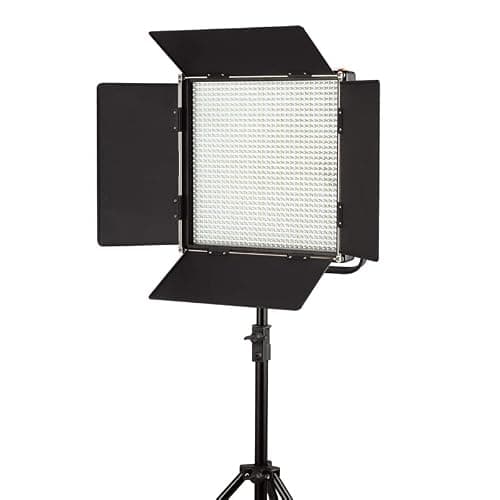
1024 LED Video Light, 61.5W Dimmable Bi-Color 3200-5600K LED Panel Light with LCD Screen, Bracket, Barndoor and Remote Control for Photography Studio
HWAMART
£445.89
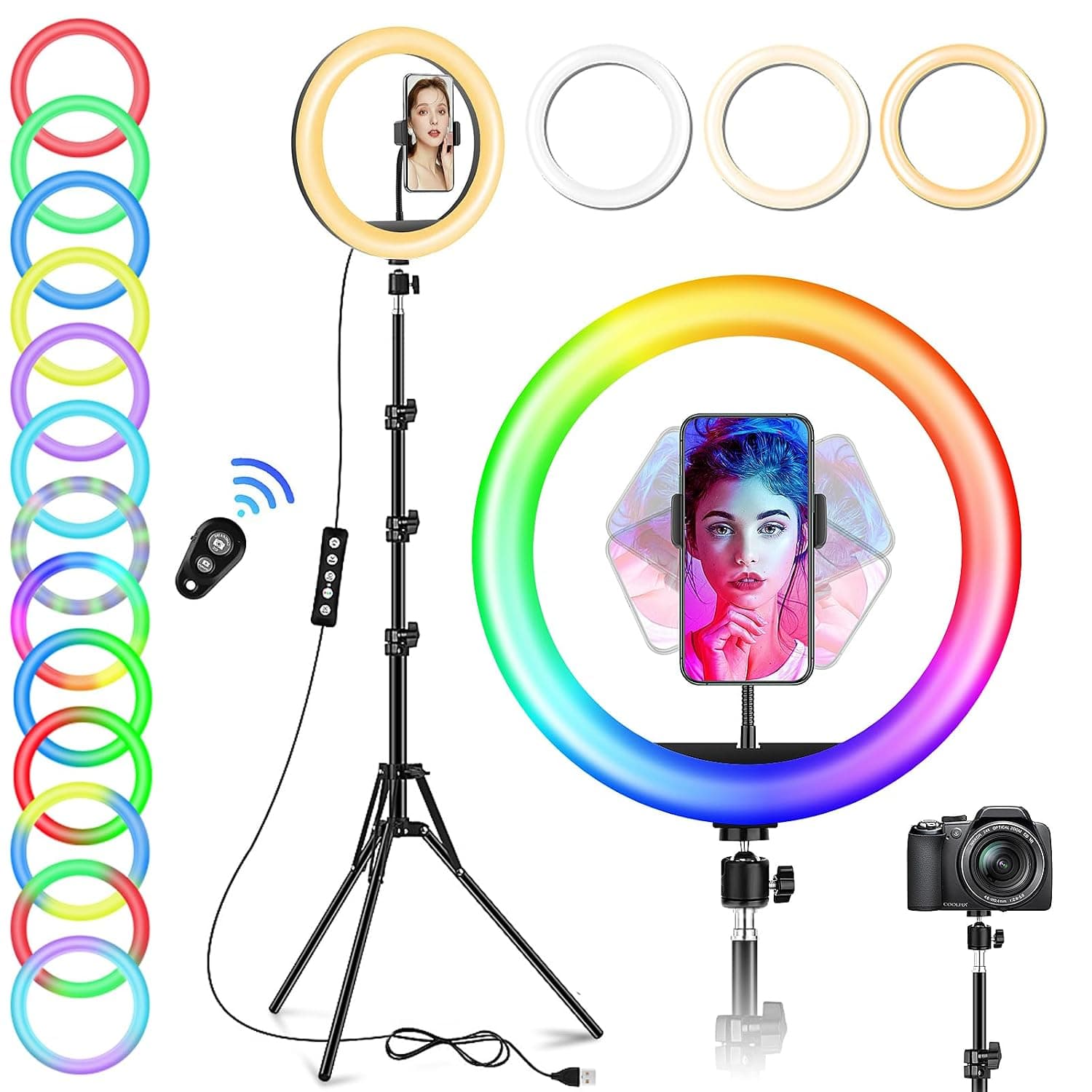
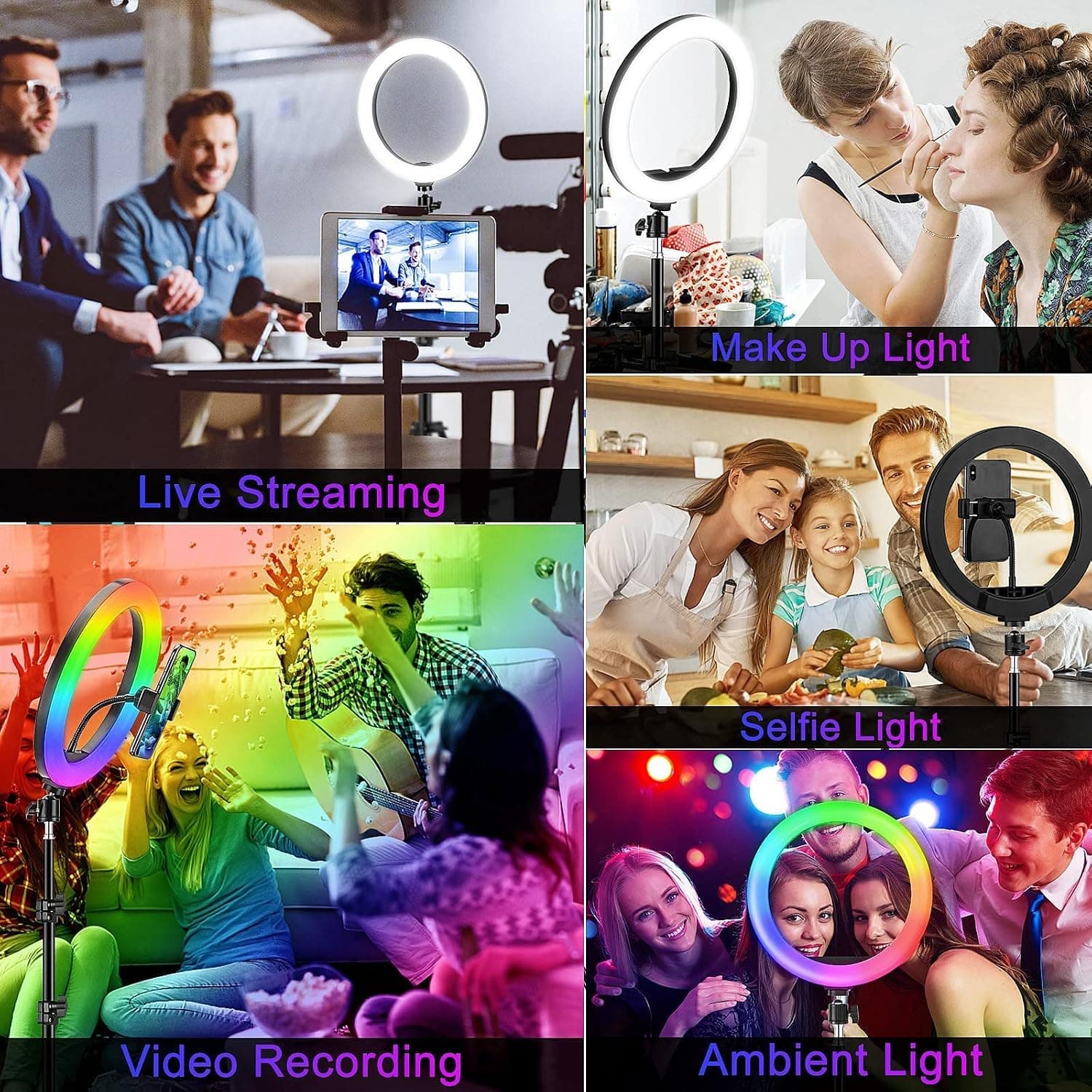
10" Desktop RGB LED Ring Light with Tripod Stand, Dimmable Colour Changing Colorful Lamp Phone Holder Clip Tabletop Selfie Ringlight for Make Up/YouTube Live Streaming Video Kit
GerTong
£21.98
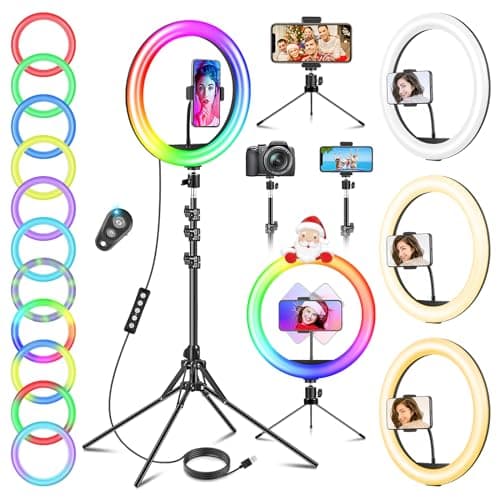
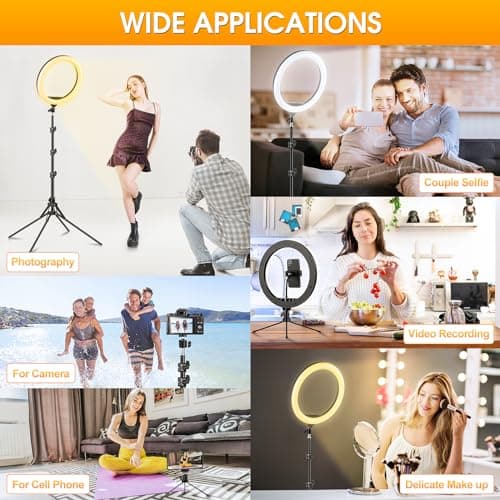
11.5" Ring Light with Tripod & Quadpod Stands for Phone
GerTong
£22.98
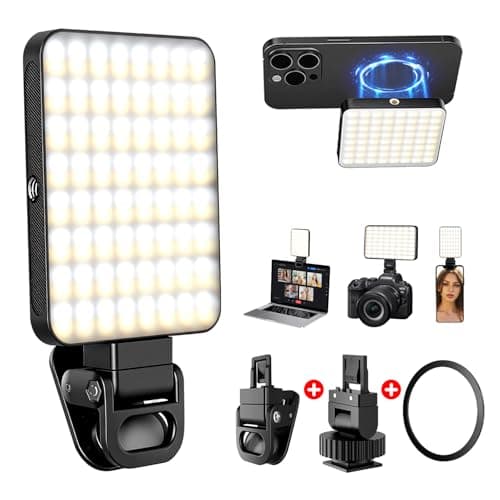
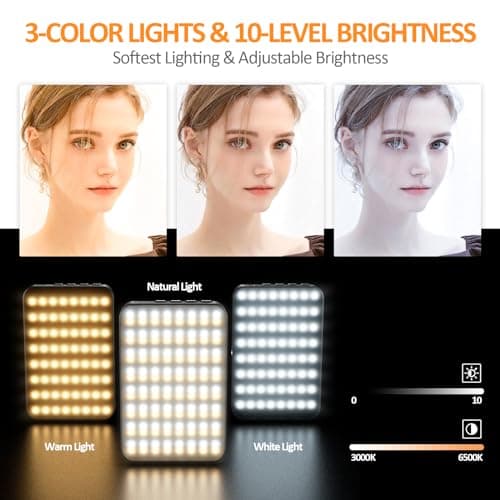
128 LED Rechargeable Portable Selfie Light Video Conference Lighting with Clip and Camera Tripod Adapter, 3 Lighting Modes, for Laptop/Phone, iPhone Camera, Youtube, TikTok, Makeup Vlog
Cyowoyre
£13.99
