
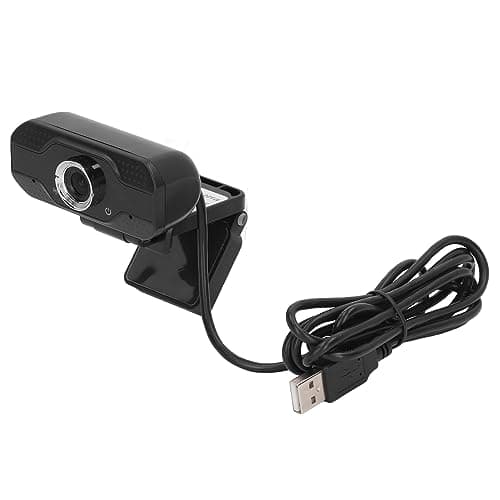
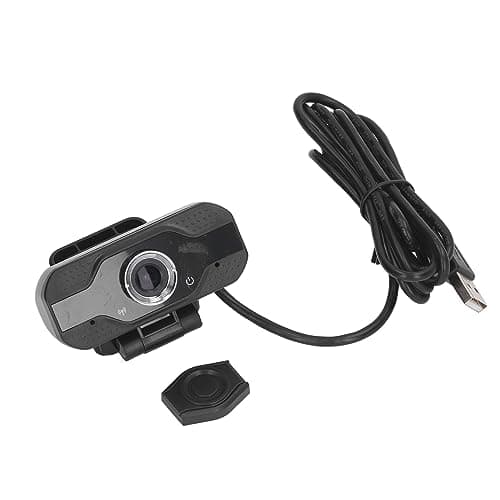
Full HD 1080P Webcam, papalook PA452 PC Computer Camera with Colorful LED Lights, built-in MIC for Video Calling and Recording on Skype, MSN, Windows Live Messenger and Yahoo
Brand: papalook
- Height
- 7.1 cm
- Length
- 13 cm
- Width
- 13 cm
- Weight
- 100 g
About this product
When you need crystal-clear video calls and recordings, the Full HD 1080P Webcam from papalook stands out with its stunning 1080P resolution. This webcam is perfect for gamers, students, and professionals who require high-quality visuals for their online interactions. With its built-in microphone, it ensures clear audio during your video chats on platforms like Skype, MSN, Windows Live Messenger, and Yahoo. The papalook PA452 offers more than just a sharp image; it features a luxury HD five-glass coating lens that minimizes glare and enhances picture quality. Its manual focus allows for precise adjustments to ensure every detail is in perfect clarity, making it ideal for detailed work or gaming where visual accuracy matters.
Specifications
- Height
- 7.1 cm
- Length
- 13 cm
- Width
- 13 cm
- Weight
- 100 g
- Colour
- Silver
Is this the right pick for you?
This Full HD 1080P Webcam from papalook is ideal for those who frequently engage in video calls or need a high-quality camera for recording and live streaming. Its compatibility with major platforms like Skype, MSN, Windows Live Messenger, and Yahoo makes it perfect for gamers, professionals, and casual users alike. The webcam's built-in microphone ensures clear audio during your sessions, while the colorful LED lights can add a touch of personality to your video chats. However, this webcam might not be the best choice if you're looking for something with extensive connectivity options or advanced features like facial recognition. It’s specifically designed for standard PC and laptop use, so it won't support all types of devices out of the box, such as older systems like Windows XP (though it works well with newer versions up to 10). For Mac users, while the webcam itself is compatible, you might need to install drivers manually. Setting up this webcam is straightforward but requires some basic computer skills. You’ll need to plug it into your USB port and ensure your device manager recognizes it as a camera. The included driver CD can help with installation on Windows 10 systems, though most modern operating systems should detect the webcam automatically. For optimal performance, especially when recording or streaming, make sure your system is up-to-date and has sufficient processing power to handle high-resolution video.
Frequently asked questions
Is this webcam compatible with my Windows 10 computer?
Yes, the PAPALOOK PA452 is fully compatible with Windows 10. You can connect it via USB and use it for video calling or recording on platforms like Skype, MSN, and Yahoo. Make sure to follow the driver installation instructions provided in the CD for optimal performance.
Can I use this webcam with my Mac?
The webcam is compatible with Mac computers but only as a standard webcam; the included driver CD will not work. You can still use it for video calls, but you might need to download and install drivers from papalook’s website or use system tools directly.
What image resolutions does this camera support?
This 1080P Full HD webcam supports a range of resolutions, including the maximum resolution of 19201080 at 30fps. It also offers lower resolutions like 160120 at 30fps and a default setting of 1280*720 at 8fps. These settings ensure you can choose the right resolution based on your needs for video chat or recording.
You might also like
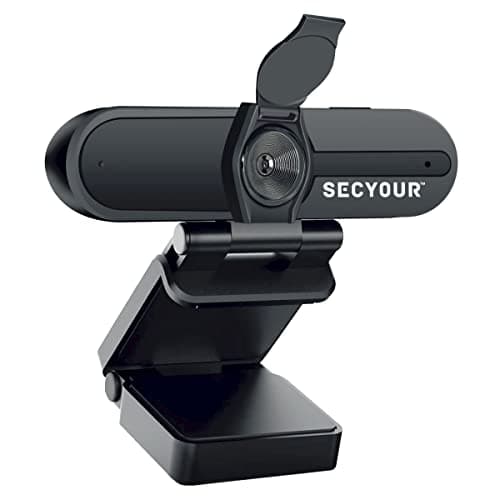
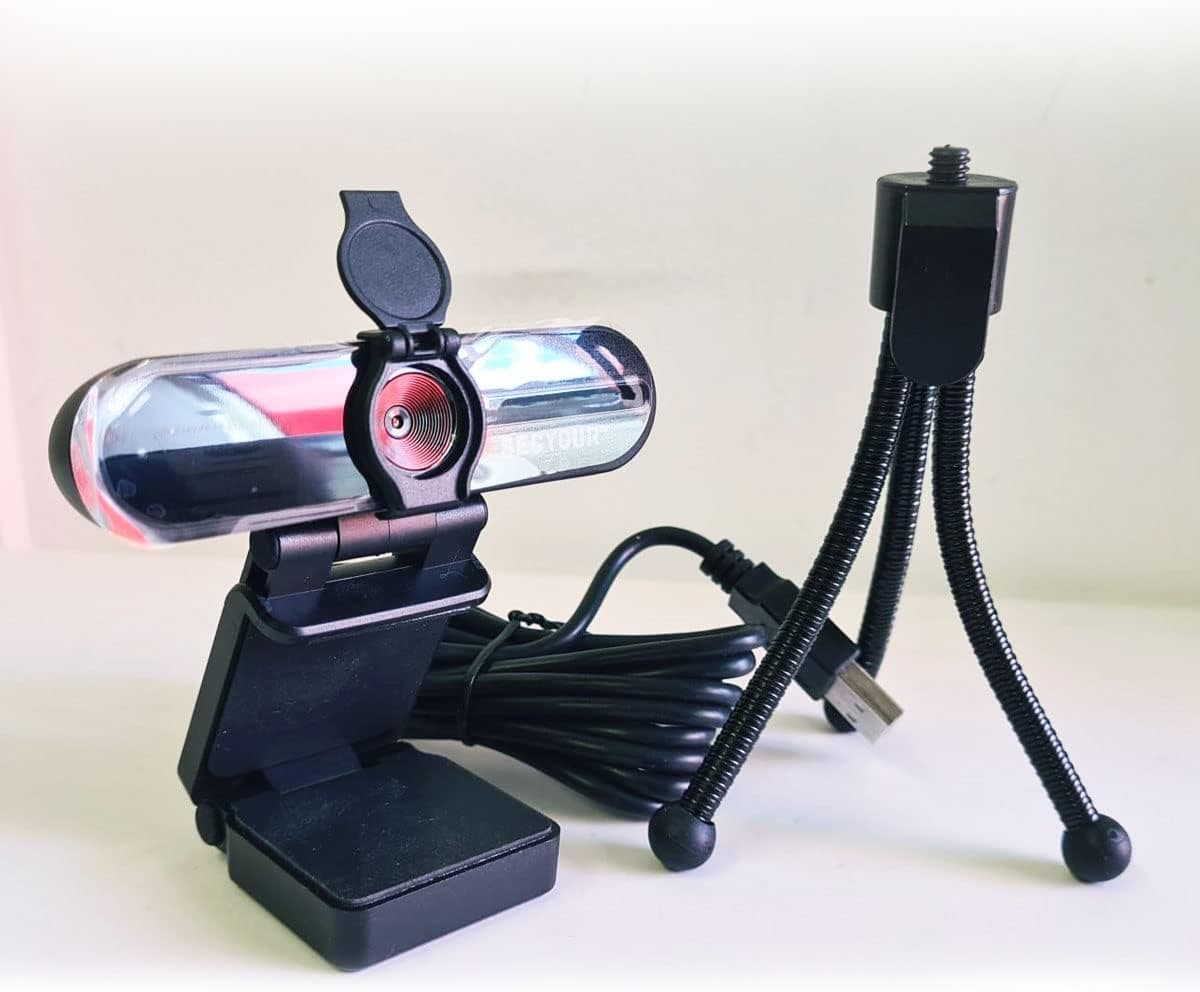
1080p HD USB Webcam Camera with Microphone for PC, Desktop, Laptop, Macbook, Live Streaming, Gaming, YouTube, Video Call Conference Web cam - Noise cancellation 30FPS with mini Tripod
SECYOUR
£8.50
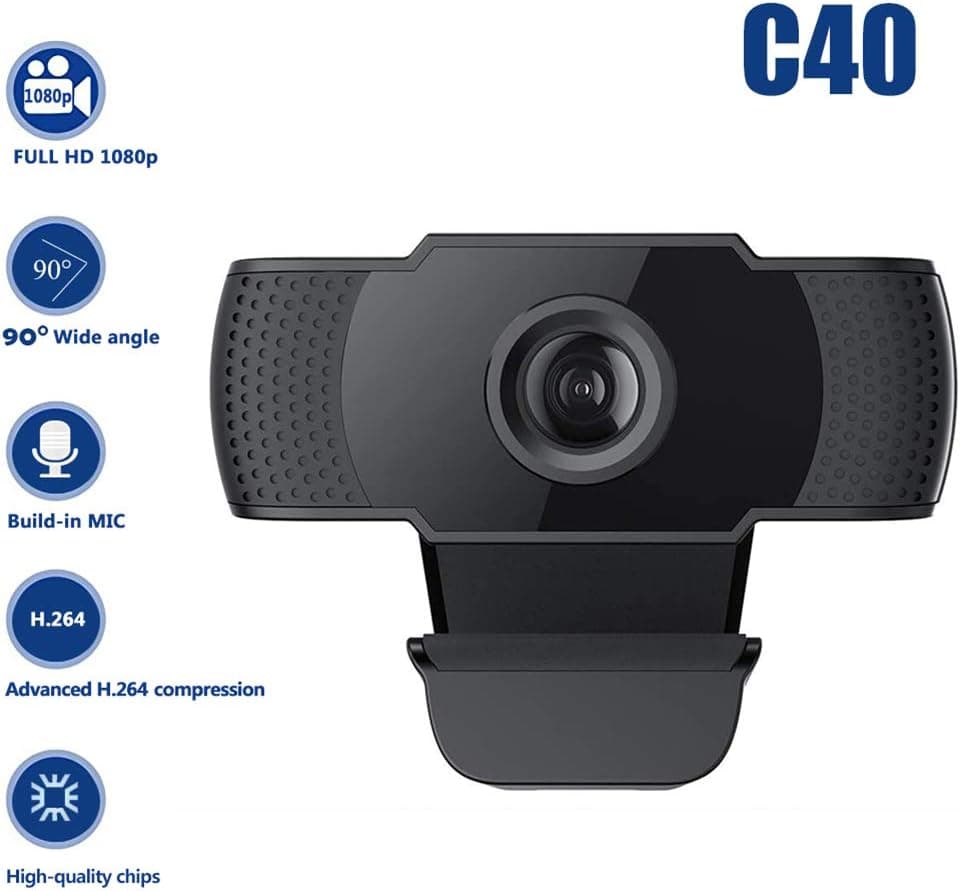
1080P HD Webcam USB Plug and Play Widescreen Built-in MIC Web Camera for PC
Aoewise
£79.99
1080P HD Webcam with Dual Noise Canceling Microphone, Auto Light Color Correction, Wide Viewing Angle Plug and Play USB Camera for Video Calling, Recording
ciciglow
£6.33
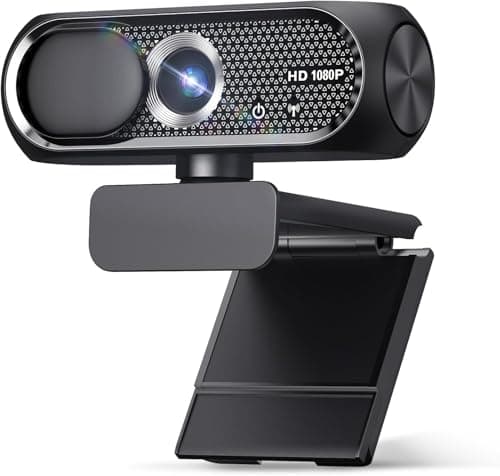
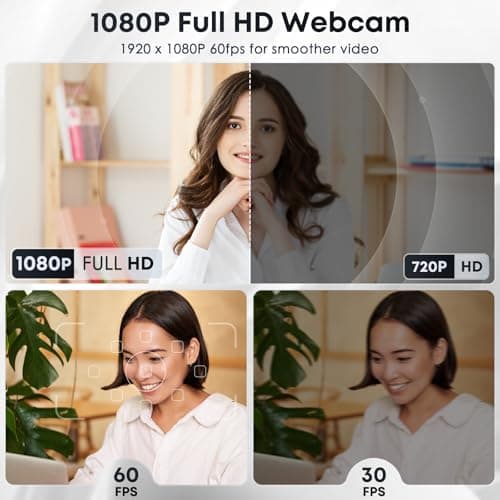
1080P HD Webcam with Microphone, Noise Cancellation, Privacy Cover, Wide-Angle Lens, Auto Light Correction, Plug & Play USB Web Camera for Laptop, Desktop, PC, Mac, Zoom, Skype, Streaming (Black)
Shcngqio
£19.99
