
Logitech G Saitek Pro Flight Radio Panel | Professional Simulation Radio Controller, 4 Separate Led Displays, Modular and Customizable, USB, PC - Black
Brand: Logitech G
About this product
Isn't it what every aviation enthusiast dreams of—a cockpit control panel that feels as authentic as stepping into a real aircraft? The Logitech G Saitek Pro Flight Radio Panel delivers just that. This professional simulation radio controller not only integrates seamlessly with popular flight simulators like FSX, X-Plane, and Prepar3D but also features four separate LED displays for real-time radio frequency information. Its modular design allows you to stack or arrange panels as needed, making it perfect for building a comprehensive cockpit setup that enhances your flying experience.
Highlights
- Control the Navigation: With this cockpit instrument panel integrating radio and navigation functions exactly like a real pilot would for COM12, NAV12, DME, ADF and XPDR functions
- Real-Time Radio Frequency Display: Shows the information from your flight simulator and allows you to directly adjust, with integration into FSX, X-Plane and Prepar3D software
- Modular and Interchangeable: Saitek's range of instrument panels can be stacked one on top of another or placed side by side in your preferred configuration
- Upgrade your Cockpit: Add devices like the yoke system until you have every instrument display that you need for your virtual aircraft of choice
Is this the right pick for you?
This Logitech G Saitek Pro Flight Radio Panel is a must-have for serious flight sim enthusiasts who demand the most authentic cockpit experience. It's designed to integrate seamlessly with popular flight simulation software like FSX, X-Plane, and Prepar3D, offering real-time radio frequency displays that mimic the functions of a professional pilot’s panel. The ability to control COM12, NAV12, DME, ADF, and XPDR directly from your simulator enhances immersion and allows for precise navigation in virtual flights. The modular design is one of its standout features, as it can be stacked or placed side by side with other Saitek panels, allowing you to build a comprehensive cockpit setup that suits your specific needs. This flexibility means you can start with just the radio panel and expand over time as your simulator rig grows, making it an excellent investment for those committed to serious flight simulation. Before purchasing, consider the setup process: while the USB connection is straightforward, ensuring compatibility with your existing hardware and software might require some initial configuration. It's also important to note that this product is not a standalone device but rather part of a larger ecosystem of Saitek panels, which means you'll need other components like yokes or pedals to create a complete setup. Regular cleaning and handling with care will help maintain the longevity of your investment, especially given its importance in creating an immersive flight experience.
Frequently asked questions
What is the Logitech G Saitek Pro Flight Radio Panel used for?
This panel is designed for pilots and aviation enthusiasts who use flight simulators like FSX, X-Plane, and Prepar3D. It allows you to control navigation functions such as COM12, NAV12, DME, ADF, and XPDR directly from your simulator environment.
Can I use this panel with my PC?
Yes, the Logitech G Saitek Pro Flight Radio Panel is compatible with PC-based flight simulators. It connects via USB and integrates seamlessly into popular simulators like FSX, X-Plane, and Prepar3D, providing a realistic cockpit experience.
How many LED displays does this panel have?
The panel features four separate LED displays that show real-time radio frequency information. These displays help you keep track of your flight simulator's navigation data for enhanced realism during your simulation sessions.
You might also like
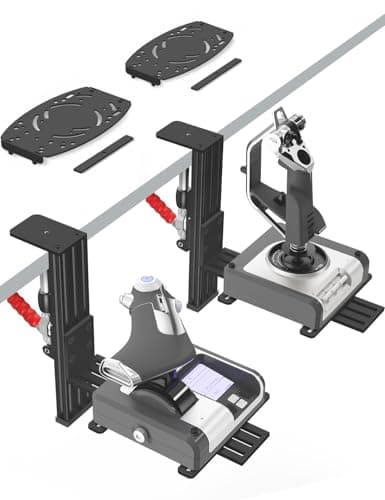
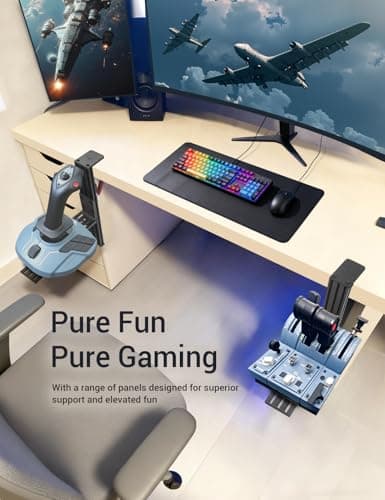
2 Pack Hotas Desk Mount for Flight Sim Hand-Controllers Compatible with Logitech X52 X56 Hotas, Thrustmaster Hotas Warthog, Sol-R2, SimTask Farmstick, T. Flight Hotas, T.16000M, TCA, Winwing,VKB, VPC
VTUIFBT
£64.88
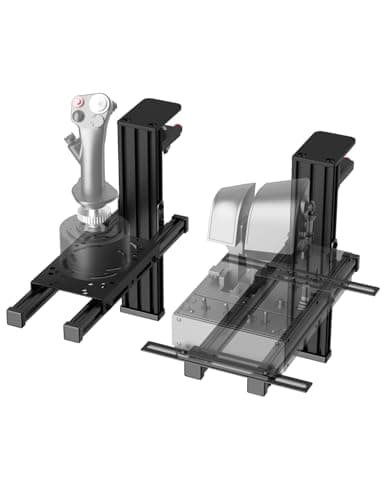
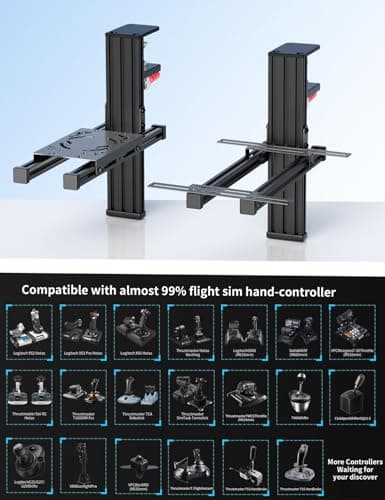
2 Pack Hotas Desk Mount For Flight Sim Joystick Compatible with Logitech X56/X52/X52 Pro, Thrustmaster Hotas Warthog/ T.16000M/ T-Flight Hotas 4/X/ SimTask Farmstick/ Sol-R2, Winwing, VPC, VKB Hotas
VTUIFBT
£59.99
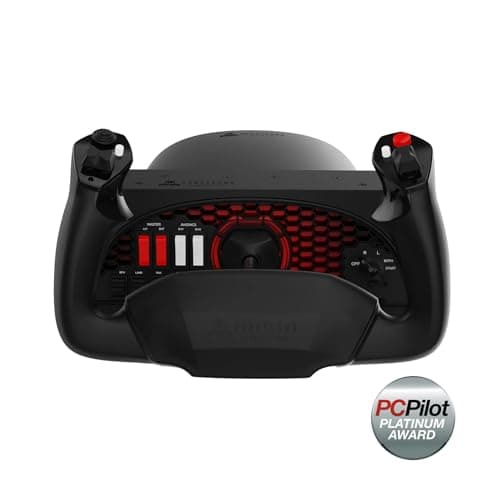
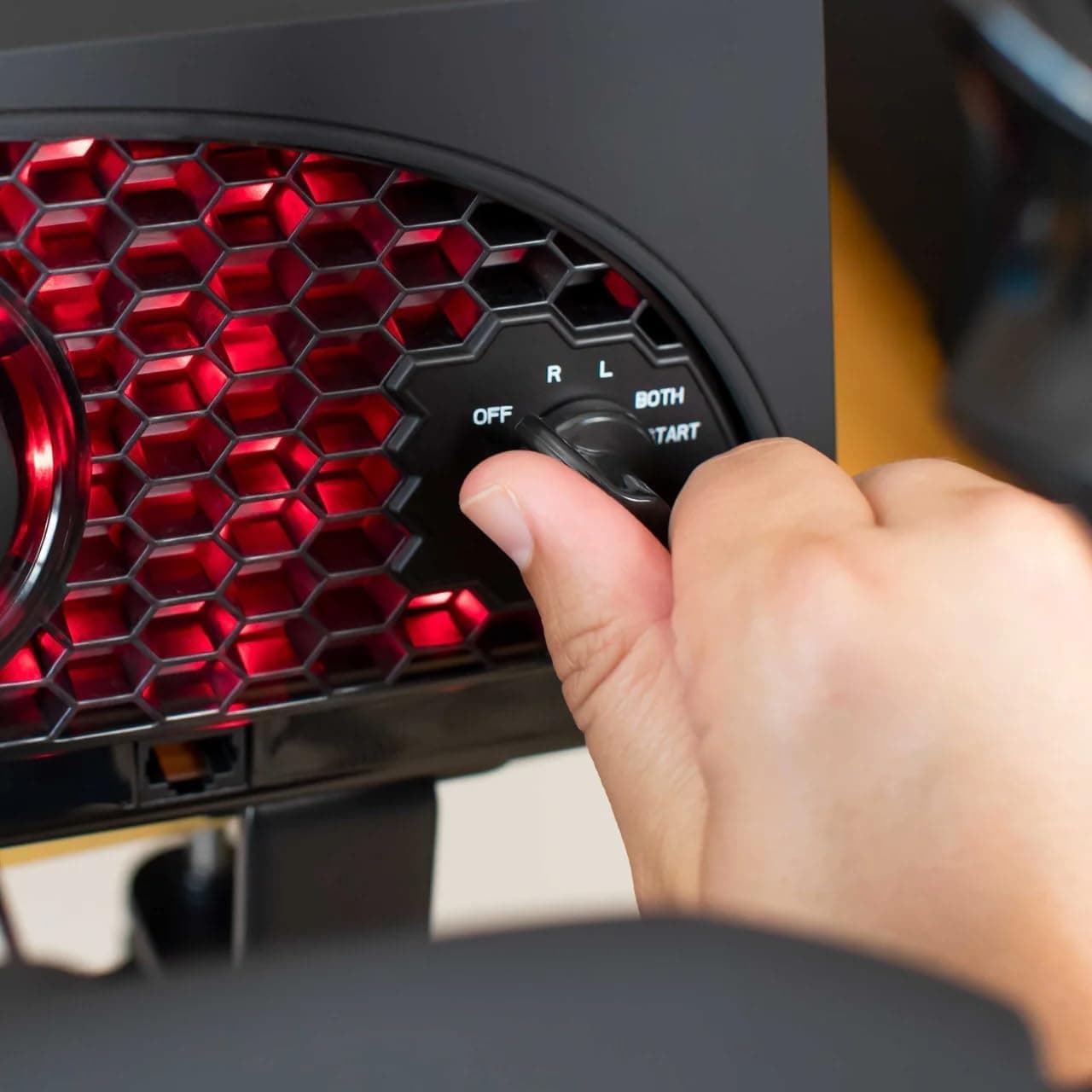
Aerosoft Honeycomb Alpha Flight Controls Flugsimulator-Steuerhorn USB PC black
Honeycomb Aeronautical
£301.16
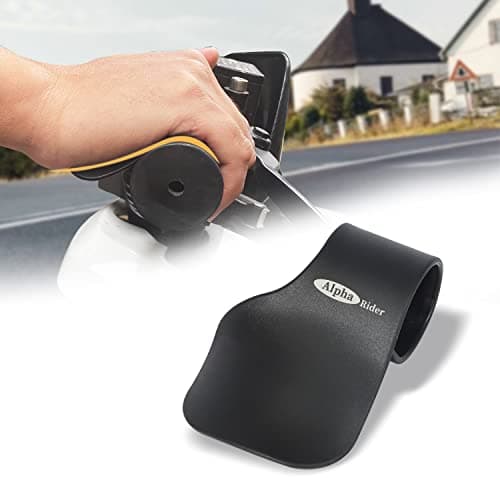
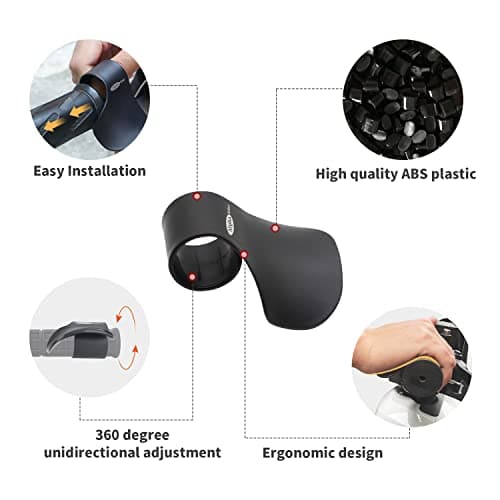
Alpha Rider Universal Motorcycle 22MM Black Throttle Mounted
Alpha Rider
£8.99
