
Razer Kiyo V2 – 4K 30FPS Webcam with AI-Powered Auto-Framing - 1080p 60 FPS, Integrated Webcam Cover, HDR, USB-C, Ultra-Wide-Angle Lens, Works with Microsoft Teams, Zoom, Google Meet | Black
Brand: Razer
About this product
Crystal-clear 4K 30FPS video is at the heart of the Razer Kiyo V2, making it perfect for content creators who want to stand out and look sharp. This webcam uses an advanced Sony STARVIS sensor to capture crisp, professional-quality footage that will captivate your audience. With AI-Powered Auto-Framing, you can stay center stage effortlessly. The webcam follows your movements with intelligent pan, tilt, and zoom effects, ensuring you're always in the perfect position for every shot. Whether you're streaming, gaming, or just chatting, this feature keeps you looking natural and engaged.
Highlights
- Crystal-Clear 4K 30FPS Video - powered by an advanced Sony STARVIS Sensor : Stand out, look sharp, and create with confidence in 4K 30FPS. Powered by a high-performance sensor, grow your following with crisp, professional content that catches everyone’s attention.
- AI-Powered Auto-Framing - for natural face tracking : Subtle gestures, epic reactions—catch every clip-worthy moment with a webcam that knows exactly where to look. With intelligent pan, tilt, and zoom effects, you’ll always be center stage.
- One-Click Image Enhancement - for superior low-light performance : Do what you love and look good doing it effortlessly. From low-light RGB battlestations to backlit setups, appear crisp and clear with automatic exposure, white balance and noise reduction.
- Powerful, Intuitive Software Customization - through Razer Synapse : Whether you're creating content for 10 or 10 million, take control with software that's both easy to use and powerful enough for pros—featuring advanced settings like ISO and shutter speed.
- High Dynamic Range (HDR) - for colors that pop : Show off your style and personality boldly. From Chroma-filled gaming sessions to GRWM streams, add more depth to your content with richer hues and enhanced contrast.
- Ultra-Wide-Angle Lens - to fit more into every shot : Zoom in to get personal or pull out to show off your entire setup, all without warping or distortion around the edges.
Is this the right pick for you?
The Razer Kiyo V2 is an excellent choice for content creators and streamers who want to produce high-quality videos without the hassle of manual adjustments. Its 4K 30FPS resolution ensures that your footage stands out, making it perfect for those looking to capture sharp details in their broadcasts or recordings. The AI-Powered Auto-Framing feature is particularly useful for maintaining a clear and centered image, even when you're moving around or interacting with your surroundings. This makes the Kiyo V2 ideal for gamers, streamers, and content creators who want to stay in frame without constantly adjusting their webcam. However, if you're primarily using webcams for casual video calls or basic online meetings, this advanced feature might be overkill. The Kiyo V2 is best suited for those who need a high level of control and customization, such as professional streamers, content creators, or anyone looking to produce polished videos for YouTube, Twitch, or other platforms. Its compatibility with popular platforms like Microsoft Teams, Zoom, and Google Meet ensures that it will work seamlessly in your existing setup. When setting up the Razer Kiyo V2, ensure you have a USB-C port available on your computer. The webcam comes with an integrated cover to protect your privacy when not in use, which is a thoughtful design feature. Regular care includes keeping the lens clean and free from dust or smudges, as this can affect image quality. Additionally, always store the webcam in its original packaging when not in use to prevent damage.
Frequently asked questions
What is the Razer Kiyo V2's primary use case?
The Razer Kiyo V2 is ideal for content creators, streamers, and professionals who need a high-quality webcam to capture clear, professional-looking videos. Its advanced features make it perfect for live streams, video calls, and presentations where you want to stand out.
Can the Razer Kiyo V2 be used with non-Razer software?
Yes, while the Razer Kiyo V2 is designed to work seamlessly with Razer Synapse, it also supports popular third-party software such as Microsoft Teams, Zoom, and Google Meet. This flexibility ensures you can use it across various platforms without any issues.
How does AI-Powered Auto-Framing benefit users?
AI-Powered Auto-Framing continuously tracks your face and adjusts the camera’s pan, tilt, and zoom to keep you centered in the frame naturally. This feature is especially useful during live streams or video calls where you might move around, ensuring you stay within the optimal framing without manual adjustments.
You might also like
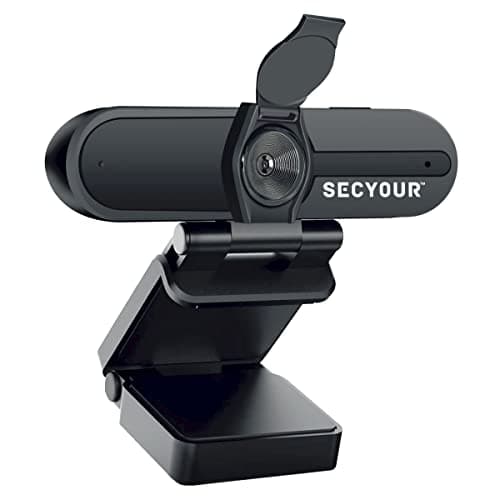
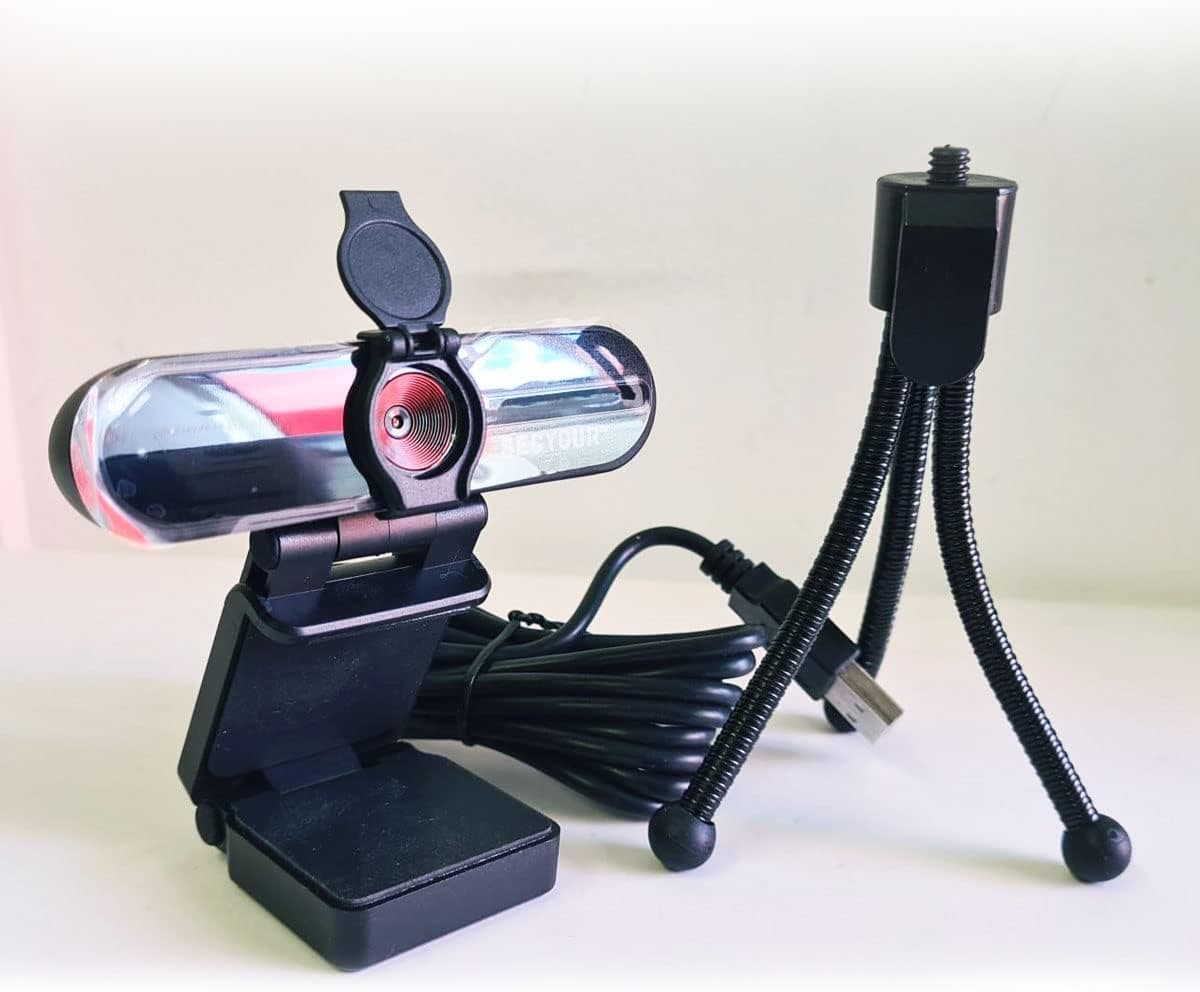
1080p HD USB Webcam Camera with Microphone for PC, Desktop, Laptop, Macbook, Live Streaming, Gaming, YouTube, Video Call Conference Web cam - Noise cancellation 30FPS with mini Tripod
SECYOUR
£8.50
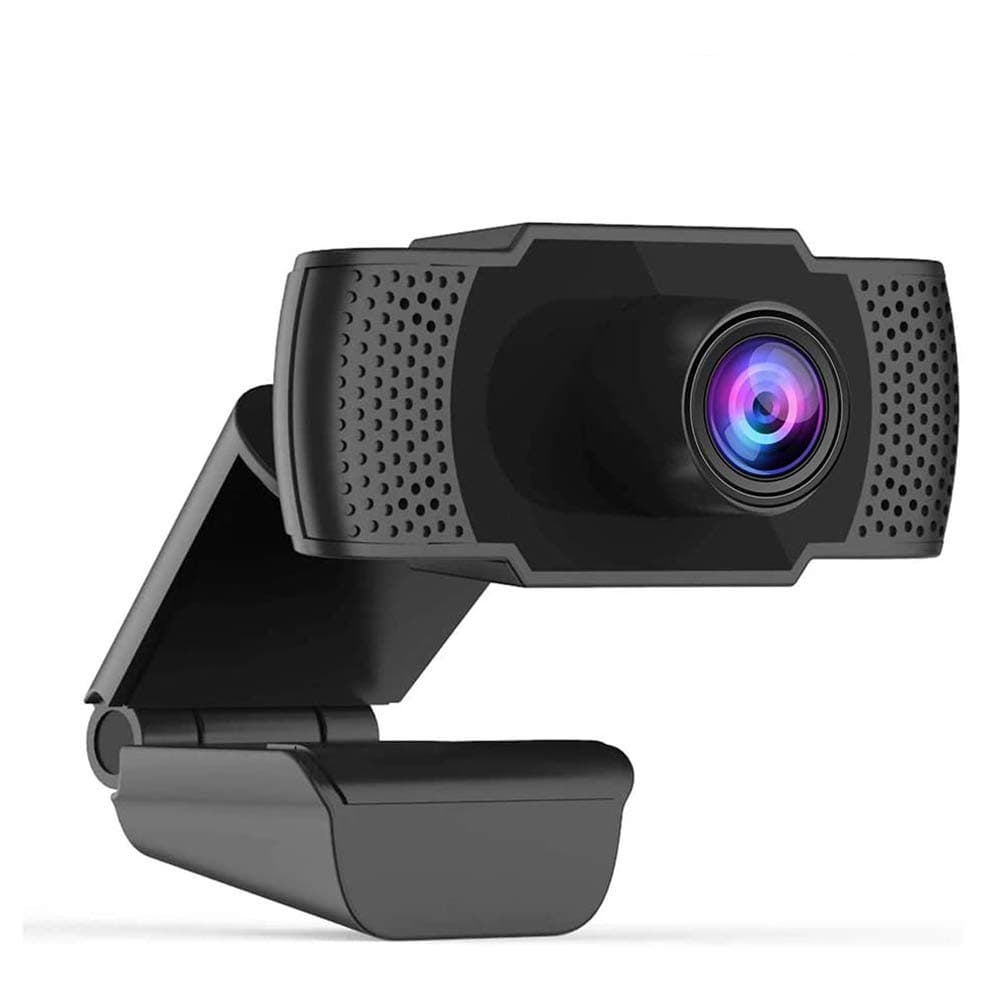
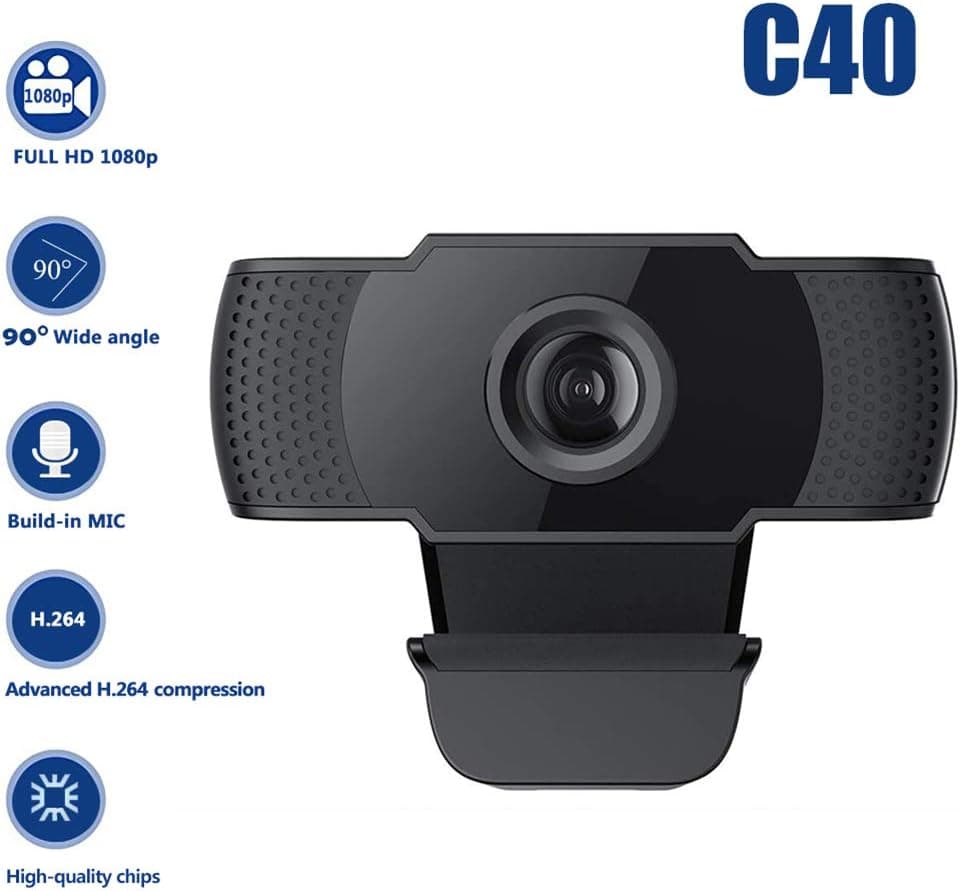
1080P HD Webcam USB Plug and Play Widescreen Built-in MIC Web Camera for PC
Aoewise
£79.99
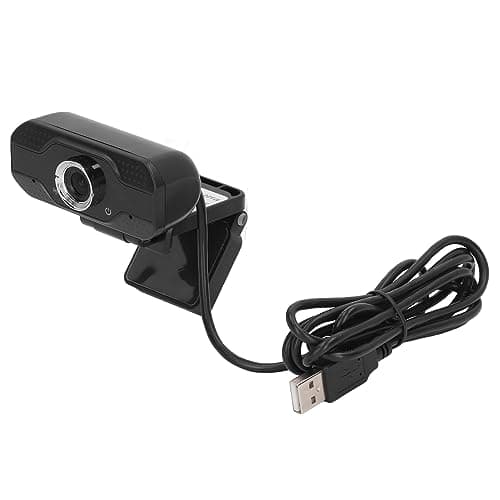
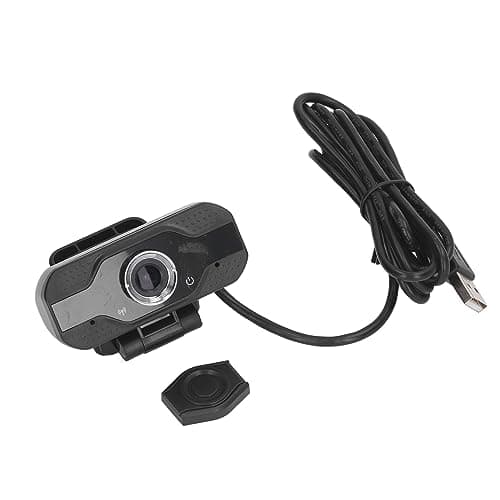
1080P HD Webcam with Dual Noise Canceling Microphone, Auto Light Color Correction, Wide Viewing Angle Plug and Play USB Camera for Video Calling, Recording
ciciglow
£6.33
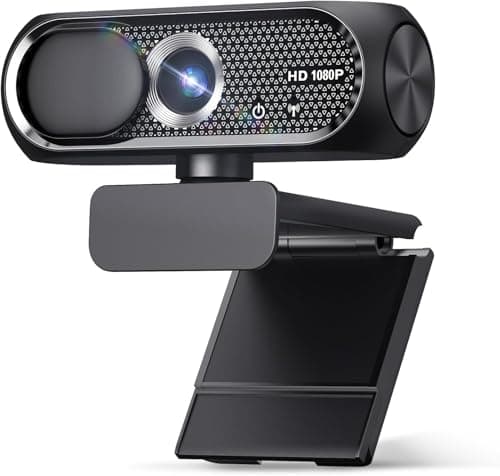
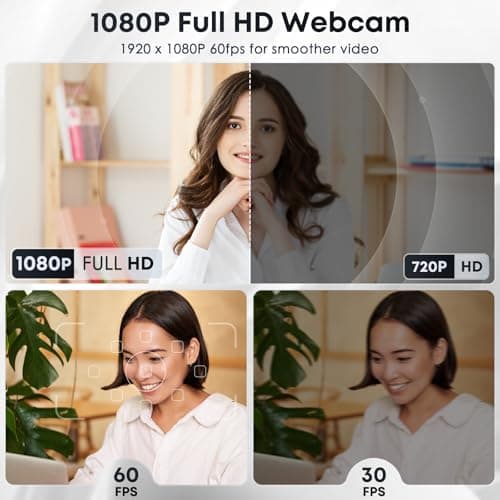
1080P HD Webcam with Microphone, Noise Cancellation, Privacy Cover, Wide-Angle Lens, Auto Light Correction, Plug & Play USB Web Camera for Laptop, Desktop, PC, Mac, Zoom, Skype, Streaming (Black)
Shcngqio
£19.99
