
Crucial P3 Plus SSD 1TB M.2 NVMe PCIe Gen4 Internal SSD, Up to 5000MB/s, Laptop & Desktop (PC) Compatible, Solid State Drive - CT1000P3PSSD801
Brand: Crucial
- Height
- 2.2 cm
- Length
- 8 cm
- Width
- 2 mm
- Weight
- 17 g
About this product
When it comes to gaming SSDs, the Crucial P3 Plus 1TB M.2 NVMe PCIe Gen4 Internal SSD stands out for its blazing speed and compatibility with both laptops and desktops. With read speeds up to 5000MB/s, this solid-state drive significantly reduces load times and enhances overall system performance, making it a top choice for gamers looking to boost their PC's responsiveness. This particular model is designed to fit seamlessly into the "Gaming SSDs" category by providing an upgrade path that doesn't just improve gaming experiences but also accelerates everyday tasks. Whether you're launching games or transferring large files, this SSD ensures quick and efficient operations, making it a valuable addition for power users and serious gamers alike.
Specifications
- Height
- 2.2 cm
- Length
- 8 cm
- Width
- 2 mm
- Weight
- 17 g
- Pack size
- 1
- Amazon Bestseller Rank
- #9,088
Is this the right pick for you?
This Crucial P3 Plus SSD is designed for users who demand top-tier performance in their gaming setup. With its blazing-fast read and write speeds of up to 5000MB/s, it ensures that your games load quickly and smoothly, making the most of modern titles that require rapid data access. It's an excellent choice if you're looking to upgrade a desktop or laptop with a PCIe Gen4 M.2 slot for improved performance across all applications, not just gaming. In a typical setup, this SSD can significantly enhance the boot-up time of your operating system and application load times, making daily tasks more efficient. For gamers, it means faster game loads, quicker save times, and smoother in-game performance. However, it's important to note that while this SSD is compatible with both laptops and desktops, not all systems will have a PCIe Gen4 M.2 slot available. Before purchasing, ensure your system supports the necessary interface type. When setting up the Crucial P3 Plus SSD, follow these steps: first, make sure your computer has an open M.2 slot that supports NVMe and is compatible with PCIe Gen4. Next, safely remove any existing storage or cooling components if needed to access the M.2 slot, then install the SSD by securing it into place using the provided screws. Finally, connect the SSD to your system's power supply and configure it in your BIOS settings as an additional drive. Proper care involves keeping the SSD cool to maintain optimal performance; avoid exposing it to extreme temperatures or physical stress.
Frequently asked questions
Is this SSD compatible with both laptops and desktops?
Yes, the Crucial P3 Plus is designed to be compatible with both laptops and desktop PCs. However, ensure your system supports M.2 NVMe PCIe Gen4 before purchasing.
What kind of performance can I expect from this SSD?
The Crucial P3 Plus offers up to 5000MB/s read speeds, significantly improving load times for games and applications compared to traditional HDDs. This makes it ideal for gamers looking to enhance their PC's performance.
How does the Crucial P3 Plus compare to other gaming SSDs in its category?
The Crucial P3 Plus stands out with its Gen4 speed, offering faster read/write speeds than many competitor models in the same category. This can provide a noticeable boost to overall system responsiveness and game loading times.
You might also like
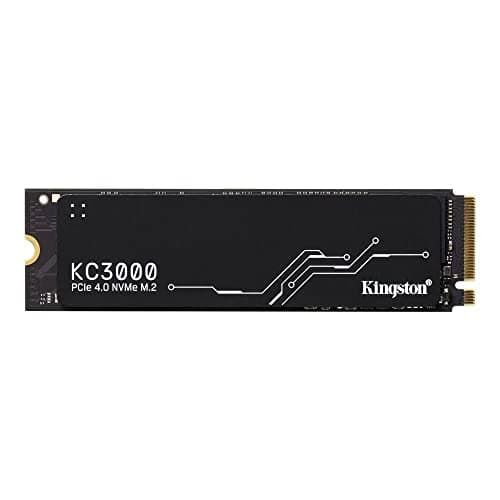
1TB Kingston KC3000, M.2 2280 PCIe, NVMe, SKC3000S/1024G SSD
Kingston
£324.88
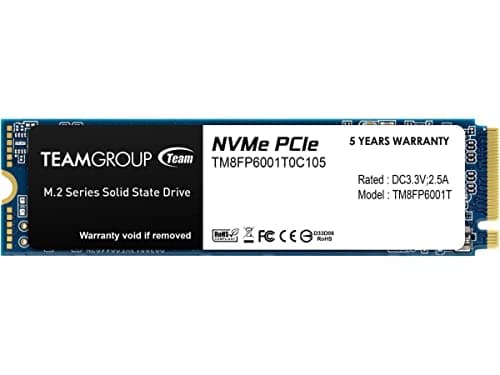
1TB TEAMGROUP MP33 M.2 2280 PCI Express 3.0 x4 NVMe Solid State Drive
TEAMGROUP
£151.43
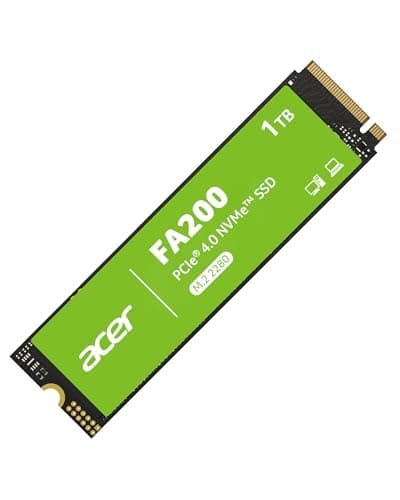

Acer FA200 M.2 2280 SSD 1TB: PCIe 4.0 NVMe Gen4x4 with HMB & SLC, Up to 7200 MB/s Read Speed, Internal Solid State Drive for Laptop, Desktop PC & PS5 Compatible
Acer
£154.69
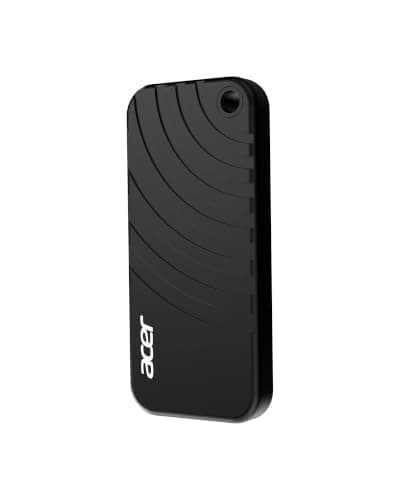
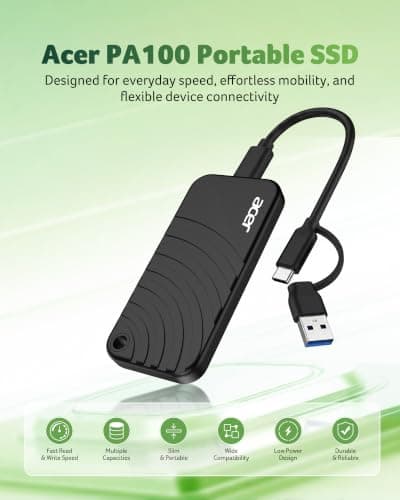
Acer PA100 Portable SSD 500GB, USB 3.2 Gen1 Type-C External Solid State Drive, Read Speed Up to 560MB/s, Ultra-Slim 9mm Design, Compatible with PC/Mac/PS5/Android/iOS
Acer
£82.99
