
Honeycomb BRAVO LITE - compact throttle quadrant for flight simulation, clear design, compatible with MSFS 20/24
Brand: Honeycomb Aeronautical
- Language
- German
- Product Dimensions
- 43.18 x 37.34 x 19.56 cm; 4.38 kg
- Item model number
- HC003790
- Guaranteed software updates until
- unknown
About this product
In the world of flight simulators, the 'Flight Sticks & HOTAS' category is where enthusiasts find tools that enhance their experience. The Honeycomb BRAVO LITE stands out as a compact throttle quadrant designed specifically for those who want to enjoy flight simulation without the bulkiness of larger setups. It offers a clear and intuitive design, making it perfect for both beginners and experienced pilots looking to improve their immersion. This compact yet versatile device is compatible with MSFS 20/24, ensuring that users can integrate it seamlessly into their setup. With its streamlined design, the BRAVO LITE focuses on essential controls, providing a more accessible entry point into the world of flight simulation while still offering the necessary precision for advanced use.
Highlights
- Bravo Throttle Quadrant Lite
Specifications
- Language
- German
- Product Dimensions
- 43.18 x 37.34 x 19.56 cm; 4.38 kg
- Item model number
- HC003790
- Guaranteed software updates until
- unknown
Is this the right pick for you?
The Honeycomb BRAVO LITE throttle quadrant is a compact and clear design solution for pilots who are looking to enhance their flight simulation experience without the bulk of larger setups. It's particularly well-suited for those who have limited space or prefer a more streamlined cockpit layout, as it doesn't take up much desk real estate. However, if you're someone who requires extensive controls like multiple switches and levers, this might not be the best fit—its compact size means fewer buttons and features compared to larger throttle quadrants. In a typical flight simulation setup, the BRAVO LITE can serve as an excellent complement to other peripherals such as joysticks or rudder pedals. It integrates seamlessly with Microsoft Flight Simulator 2020 and 2024, making it a valuable addition for MSFS enthusiasts. For users who are already invested in a HOTAS (Heads-Up Throttle And Stick) system but want to add more depth to their throttle control experience, the BRAVO LITE can be a great choice. Before purchasing, consider that setting up the BRAVO LITE involves connecting it via USB, which requires a free port on your computer. Additionally, given its weight (4.38 kg), ensure you have a stable desk or stand to support it securely during intense sessions. Regular cleaning and dusting are recommended to maintain its functionality, especially if used in environments with lots of flying debris or after prolonged use.
Frequently asked questions
Is the Honeycomb BRAVO LITE compatible with Microsoft Flight Simulator 2020 and 2023?
Yes, the Honeycomb BRAVO LITE is specifically designed to be compatible with both Microsoft Flight Simulator 2020 and 2023. This compatibility ensures that you can use it seamlessly in your flight simulation setup without any issues.
Who would benefit most from using the Honeycomb BRAVO LITE?
The Honeycomb BRAVO LITE is ideal for pilots who are new to flight simulators or those looking for a more compact and streamlined throttle quadrant. Its clear design and essential controls make it accessible for beginners while still providing sufficient functionality for advanced users.
How does the Honeycomb BRAVO LITE compare to other throttle quadrants in its category?
Compared to other throttle quadrants, the Honeycomb BRAVO LITE offers a more focused set of controls, which can be beneficial for pilots who prefer simplicity and ease of use. While it may not have as many features as some full-featured models, it excels in providing essential functions without clutter.
You might also like
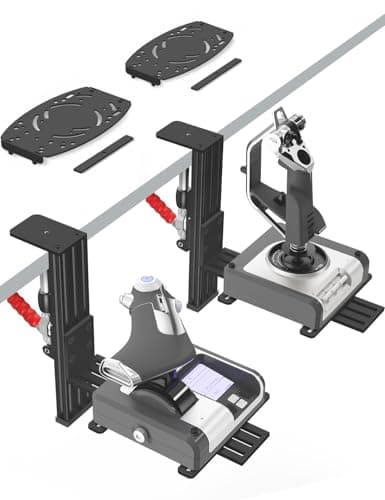
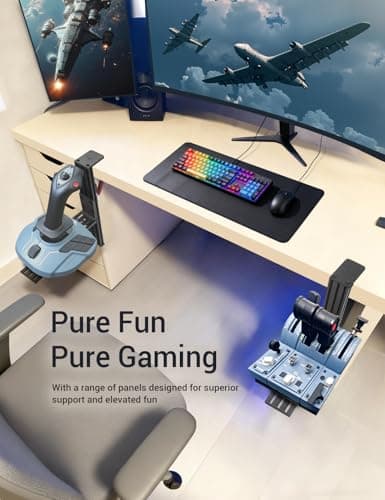
2 Pack Hotas Desk Mount for Flight Sim Hand-Controllers Compatible with Logitech X52 X56 Hotas, Thrustmaster Hotas Warthog, Sol-R2, SimTask Farmstick, T. Flight Hotas, T.16000M, TCA, Winwing,VKB, VPC
VTUIFBT
£64.88
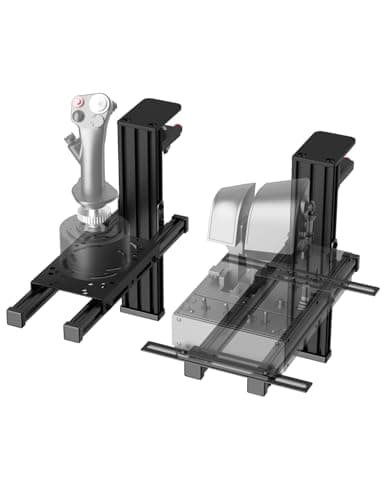
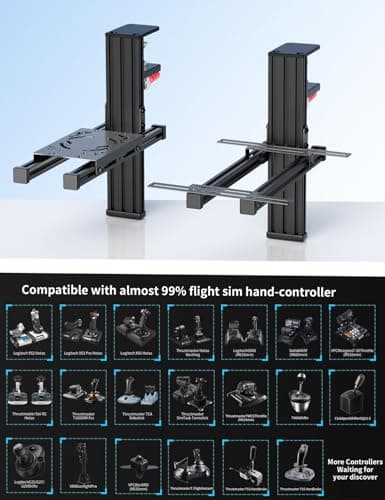
2 Pack Hotas Desk Mount For Flight Sim Joystick Compatible with Logitech X56/X52/X52 Pro, Thrustmaster Hotas Warthog/ T.16000M/ T-Flight Hotas 4/X/ SimTask Farmstick/ Sol-R2, Winwing, VPC, VKB Hotas
VTUIFBT
£59.99
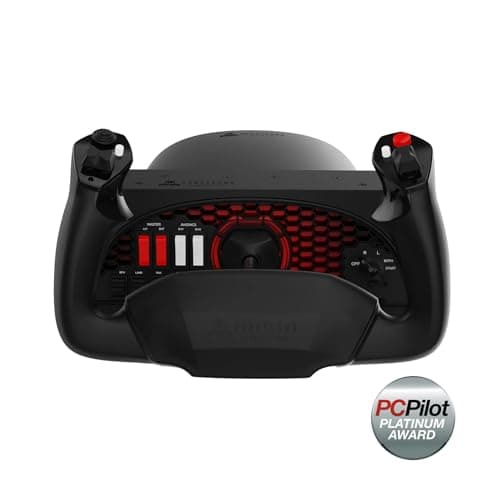
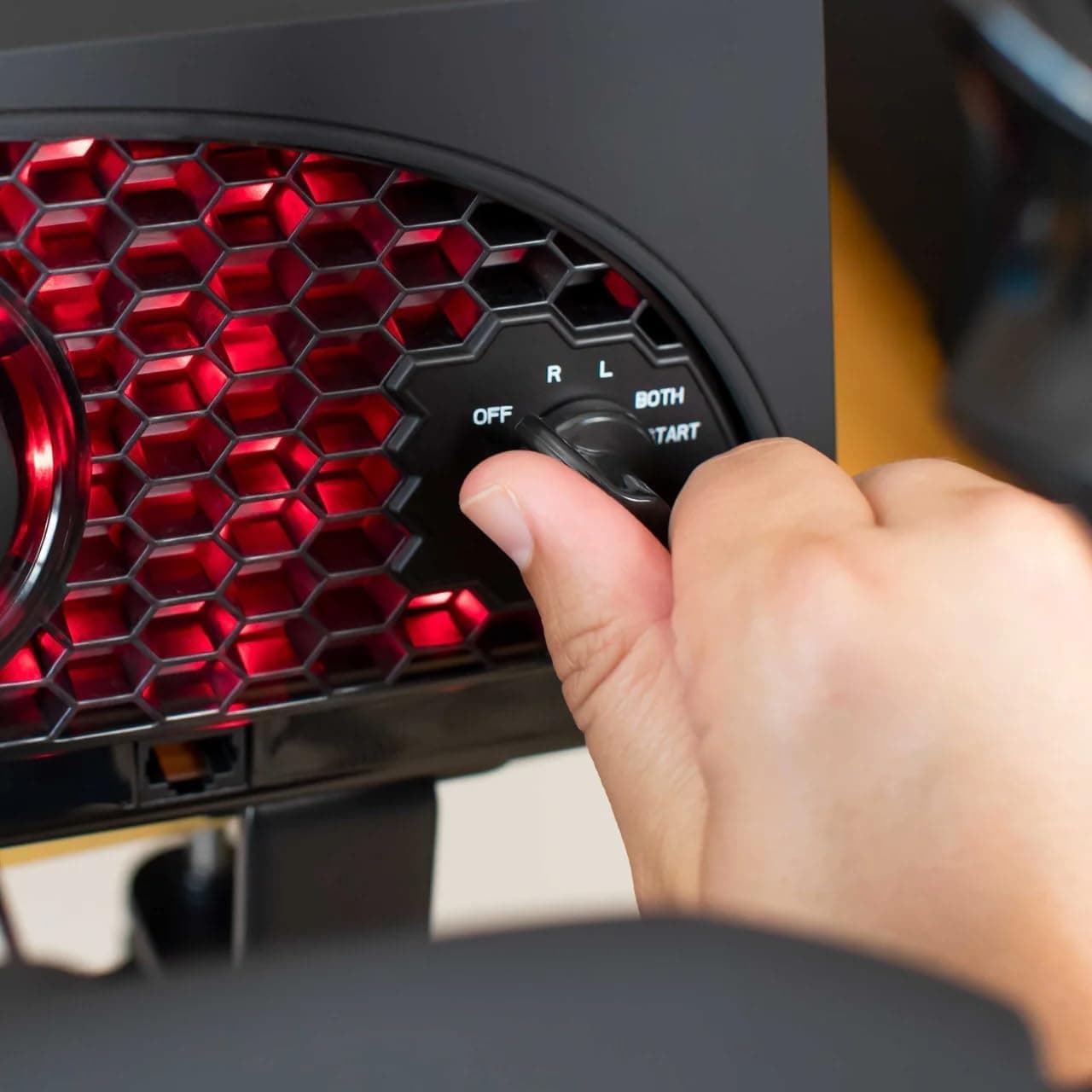
Aerosoft Honeycomb Alpha Flight Controls Flugsimulator-Steuerhorn USB PC black
Honeycomb Aeronautical
£301.16
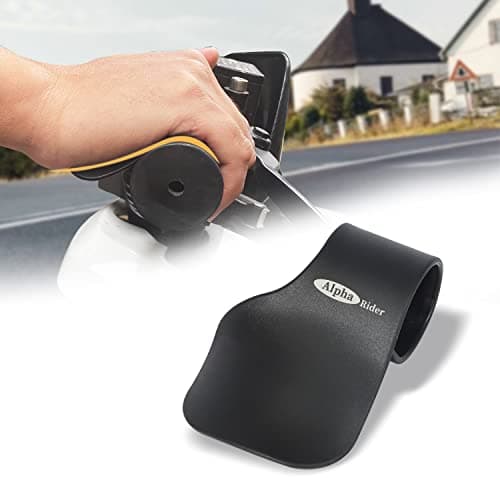
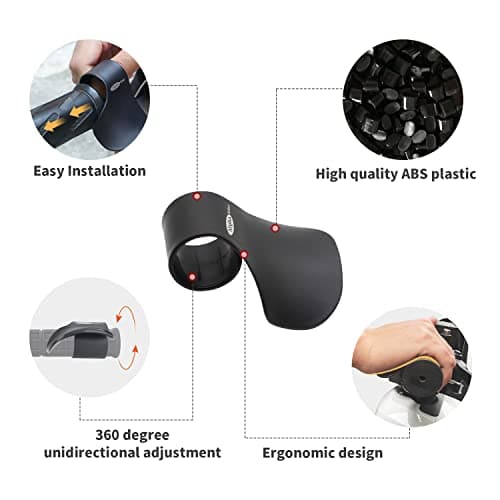
Alpha Rider Universal Motorcycle 22MM Black Throttle Mounted
Alpha Rider
£8.99
