
Razer Kiyo - Streaming Webcam Full HD 1080p 30FPS / 720p 60FPS - Ring Light w/Adjustable Brightness - Built-in Microphone - Autofocus - Works with Zoom/Teams/Skype for Conferencing and Video Calling
Brand: Razer
- Height
- 4.7 cm
- Length
- 6.9 cm
- Width
- 6.9 cm
- Weight
- 200 g
About this product
If you're a gamer or streamer looking to enhance your online presence and ensure top-notch video quality for your broadcasts, the Razer Kiyo Streaming Webcam is an excellent choice. This Full HD 1080p webcam offers smooth streaming at 30 frames per second (FPS) with the option to switch to 60 FPS for clearer, more detailed visuals—perfect for those intense gaming moments. The built-in microphone and ring light with adjustable brightness add to its versatility, making it ideal for both streaming and video conferencing needs like Zoom, Teams, or Skype. With professional-grade features designed by top streamers, the Razer Kiyo ensures you look your best on camera. Whether you're sharing your gaming experiences live or participating in virtual meetings, this webcam delivers high-quality visuals and audio to keep your audience engaged.
Specifications
- Height
- 4.7 cm
- Length
- 6.9 cm
- Width
- 6.9 cm
- Weight
- 200 g
- Pack size
- 1
- Colour
- Black
- Amazon Bestseller Rank
- #110,056
Is this the right pick for you?
The Razer Kiyo is an excellent choice if you are a serious streamer or gamer looking to enhance your video quality. Its 1080p resolution and 30fps streaming at full HD provide crisp visuals that can make a significant difference in how engaging your streams appear. The adjustable ring light, which can be dimmed or brightened as needed, ensures that you are always well-lit regardless of the time of day or lighting conditions in your room. This feature is particularly useful for those who stream late at night when ambient light might otherwise create harsh shadows. On the other hand, if you primarily use webcams for casual video calls with friends and family, this product may be a bit overkill. The Razer Kiyo’s advanced features are geared towards professional streaming environments where high-quality visuals are crucial. For everyday use in Zoom meetings or similar applications, simpler cameras might suffice. In terms of setup and compatibility, the Razer Kiyo is designed to work seamlessly with popular conferencing software such as Zoom, Teams, and Skype for video calls. It comes equipped with a built-in microphone that offers excellent sensitivity, ensuring clear audio during your streams or calls. To set it up, simply plug it into your computer via USB, adjust the ring light according to your preferences, and you are ready to go. Care for the Razer Kiyo is straightforward; keep it clean by wiping down the lens with a soft cloth when necessary, and ensure that the ring light remains dust-free to maintain its brightness.
Frequently asked questions
Is the Razer Kiyo compatible with Zoom/Teams/Skype for conferencing and video calling?
Yes, the Razer Kiyo is designed to work seamlessly with popular platforms like Zoom, Microsoft Teams, and Skype. It provides high-quality streaming capabilities that are suitable for both professional gaming streams and everyday video calls.
Can I adjust the brightness of the ring light on the Razer Kiyo?
Absolutely, the Razer Kiyo features a multi-step ring light with adjustable brightness. This allows you to fine-tune the lighting according to your environment or personal preference, ensuring that you always have the best possible lighting for your stream or call.
What streaming resolutions does the Razer Kiyo support?
The Razer Kiyo supports both Full HD 1080p at 30 FPS and 720p at 60 FPS. This flexibility lets you choose the resolution that best suits your needs, whether you prefer higher detail or smoother motion.
You might also like
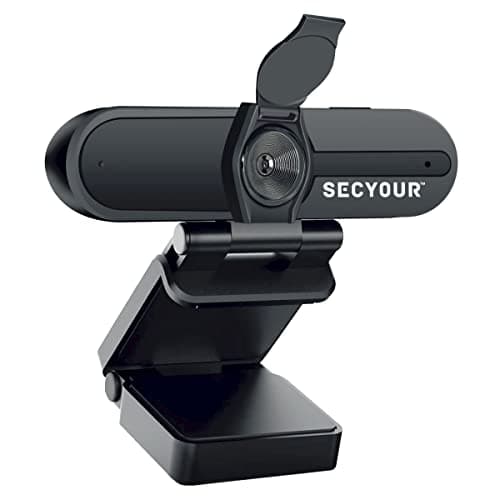
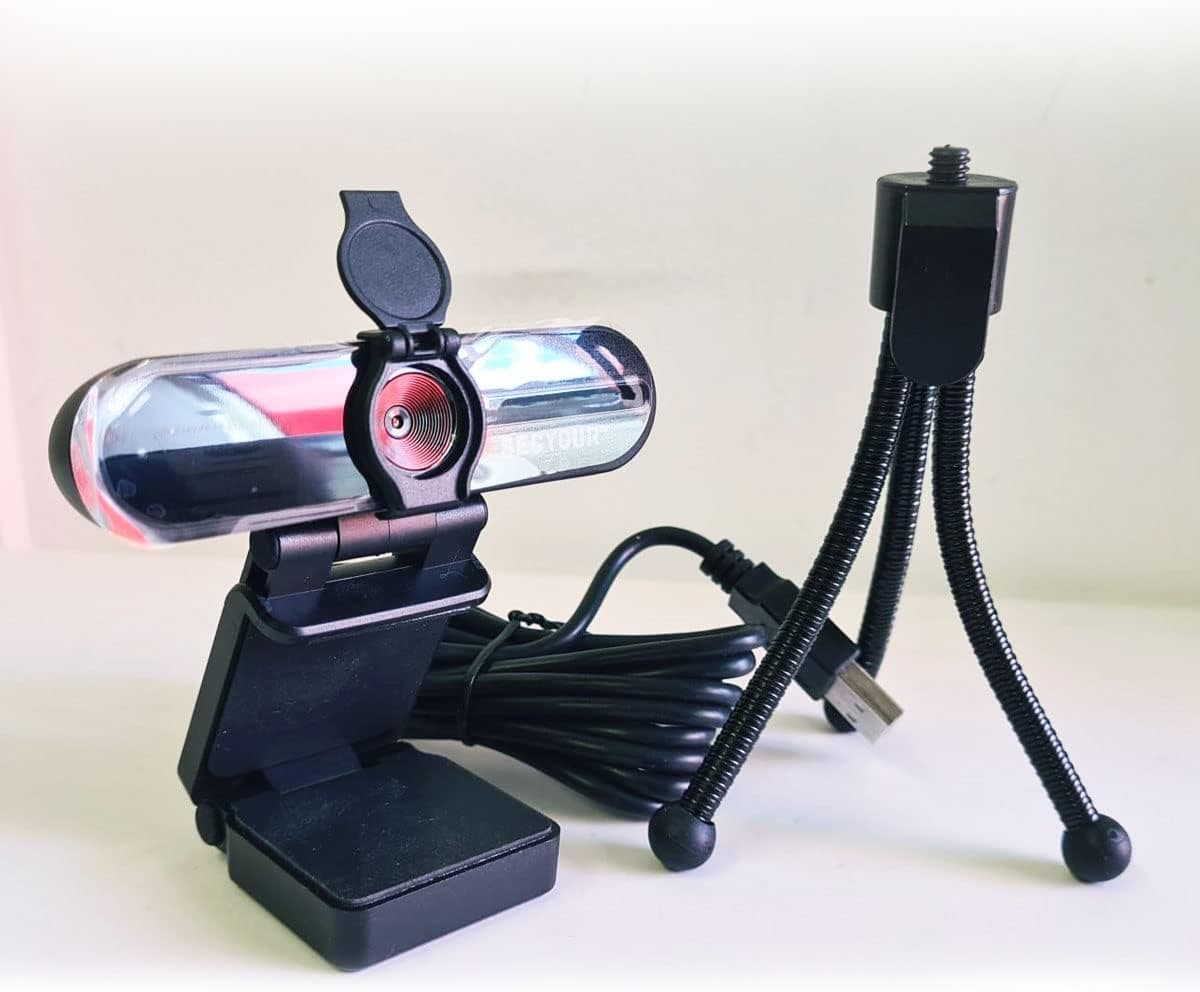
1080p HD USB Webcam Camera with Microphone for PC, Desktop, Laptop, Macbook, Live Streaming, Gaming, YouTube, Video Call Conference Web cam - Noise cancellation 30FPS with mini Tripod
SECYOUR
£8.50
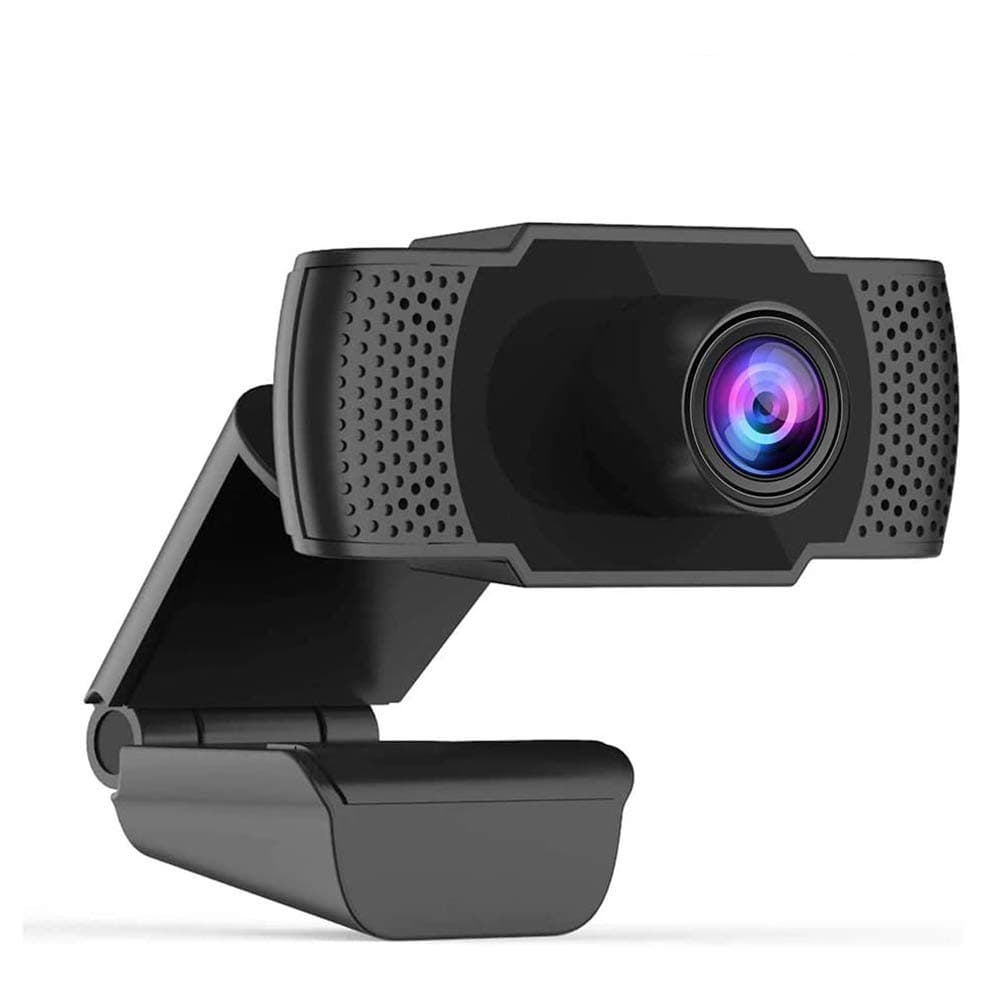
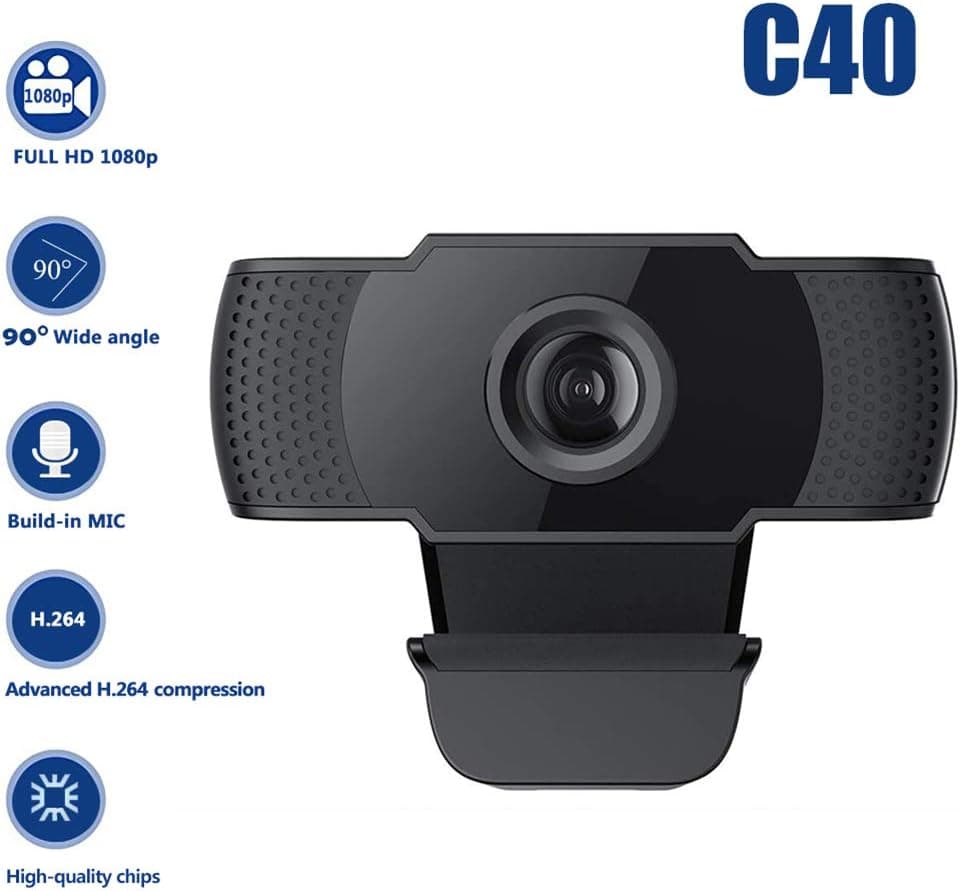
1080P HD Webcam USB Plug and Play Widescreen Built-in MIC Web Camera for PC
Aoewise
£79.99
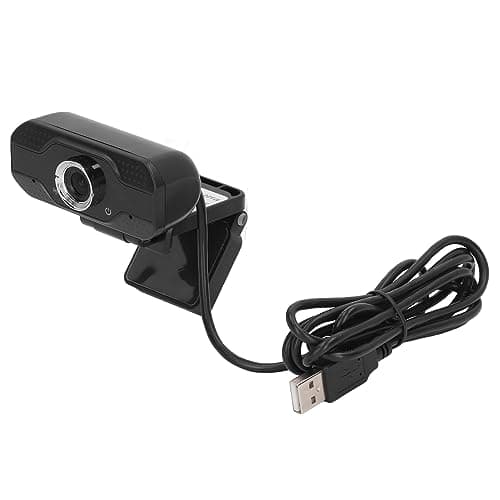
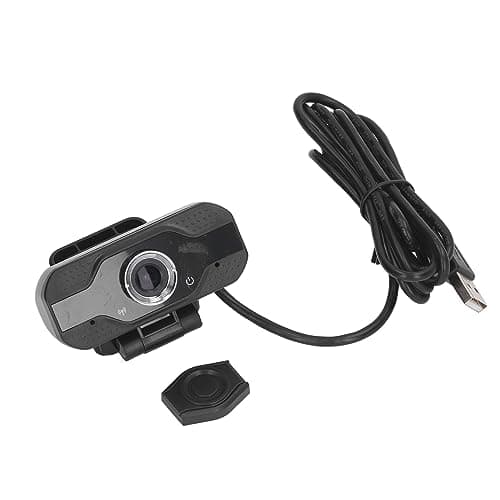
1080P HD Webcam with Dual Noise Canceling Microphone, Auto Light Color Correction, Wide Viewing Angle Plug and Play USB Camera for Video Calling, Recording
ciciglow
£6.33
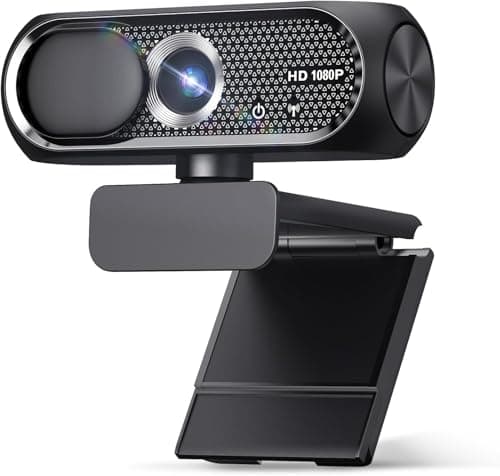

1080P HD Webcam with Microphone, Noise Cancellation, Privacy Cover, Wide-Angle Lens, Auto Light Correction, Plug & Play USB Web Camera for Laptop, Desktop, PC, Mac, Zoom, Skype, Streaming (Black)
Shcngqio
£19.99
