
WAVLINK BE5100 WiFi 7 Router, Dual Band Gaming Router | 2.5G WAN, 4 Gigabit LAN, WPA2/WPA3 Mix, Guest WiFi, Parental Control, QoS, MU-MIMO, IPv6 & Advanced VPN for Home
Brand: WAVLINK
- Height
- 19 cm
- Length
- 17 cm
- Width
- 17 cm
- Pack size
- 1
About this product
In the world of gaming routers, the WAVLINK BE5100 stands out as a powerful choice for serious gamers. This dual-band router is designed to enhance your online gaming experience with its robust performance and advanced features, making it perfect for those who demand the best in connectivity. With 2.5G WAN and four Gigabit LAN ports, it ensures lightning-fast data transfer speeds, crucial for smooth gameplay. Narrowing down to what makes this specific model unique, the WAVLINK BE5100 offers a blend of security with WPA2/WPA3 Mix encryption, along with guest WiFi and parental control options. Its Quality of Service (QoS) feature prioritizes gaming traffic, ensuring minimal lag and stutter, while MU-MIMO technology ensures all connected devices get optimal signal strength. Additionally, the inclusion of IPv6 and advanced VPN support adds layers of security and flexibility for home networking needs.
Specifications
- Height
- 19 cm
- Length
- 17 cm
- Width
- 17 cm
- Pack size
- 1
- Amazon Bestseller Rank
- #23,125
Is this the right pick for you?
This router is particularly well-suited for gamers and tech enthusiasts looking to enhance their home network experience. With its 2.5G WAN port and four Gigabit LAN ports, it offers robust and fast internet connectivity, making it ideal for high-speed gaming sessions and large file transfers. The dual-band WiFi with MU-MIMO technology ensures that multiple devices can connect simultaneously without interference, providing a stable connection even when several players are streaming or downloading in the background. However, this router might not be the best choice if you're looking for an extremely compact device or one with extensive smart home integrations. Its primary focus is on gaming performance and security features like WPA2/WPA3 mix, QoS (Quality of Service) to prioritize traffic, and guest WiFi capabilities. These features are designed to cater to users who require a high level of network control and security. When setting up the router, ensure that it's placed in a central location within your home for optimal coverage. The 2.5G WAN port should be connected directly to your ISP’s modem if available, as this will provide the fastest internet speeds possible. Compatibility with modern gaming consoles and devices is generally not an issue, but always check the router’s specifications to ensure it supports any specific protocols or standards required by your hardware. Taking care of the router involves regular firmware updates from WAVLINK to maintain security and performance, as well as occasional cleaning of dust from its vents to prevent overheating. While this router comes with a decent set of features for gaming and home networking, ongoing maintenance will help ensure it continues to perform optimally over time.
Frequently asked questions
Is this router compatible with my existing devices?
The WAVLINK BE5100 supports both 2.4GHz and 5GHz bands, which should be compatible with most modern gaming consoles, laptops, smartphones, and other devices. For specific compatibility, check the manufacturer’s listing or consult your device documentation.
Can this router handle multiple gamers streaming at once?
Absolutely, the BE5100 features MU-MIMO technology that can manage multiple data streams simultaneously, ensuring each connected device gets a fair share of bandwidth and maintaining smooth gameplay for all users. This is particularly useful in households with many gamers or heavy internet users.
What kind of gaming-related features does this router offer?
The router includes Quality of Service (QoS) settings to prioritize gaming traffic, reducing latency and packet loss. It also supports Parental Controls to manage device usage by different users and Guest WiFi for visitors without compromising your network security.
You might also like
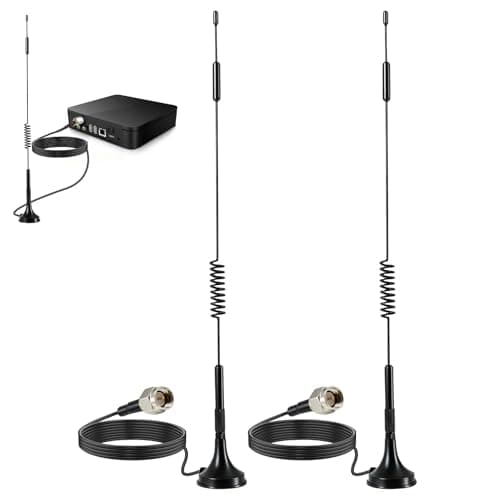
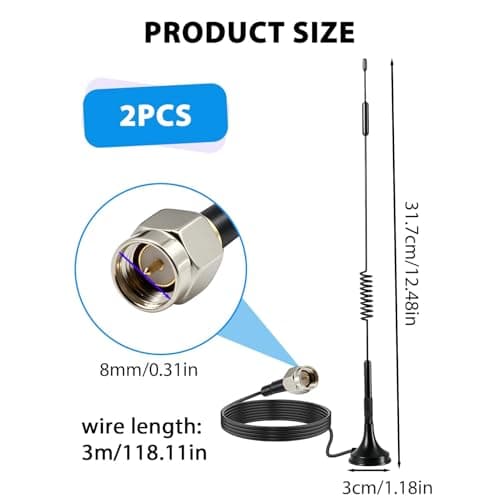
2Pack 4G LTE Antenna 7dBi High Gain SMA Male Aerial with 3m Magnetic Base with SMA Connector Signal Booster for Netgear TP-Link Router Modem Hotspot Wireless Router Hub Indoor Outdoor
Aradoea
£11.49
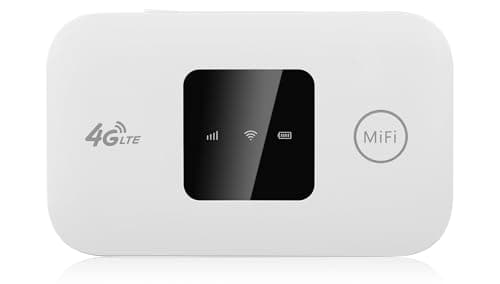
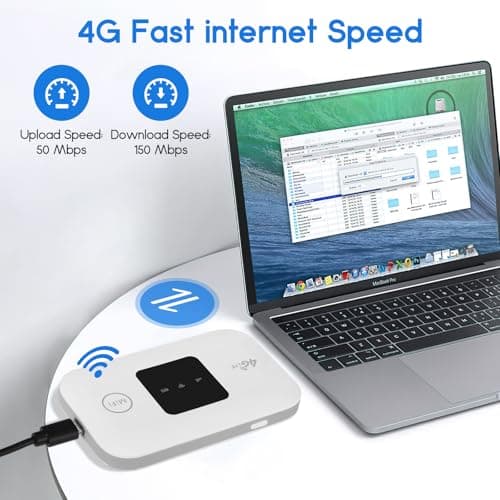
4G/5G MiFi Router,Portable Wifi Travel Router with SIM Card Slot,Pocket 4G LTE Internet Hotspot Up To 10 Users for Travel Phone Computer Laptop
VIHBRAI
£16.99
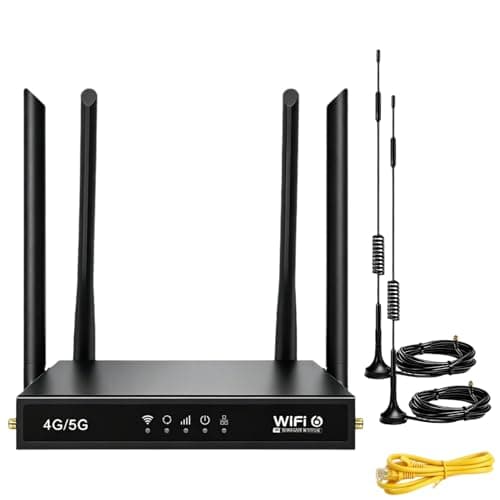
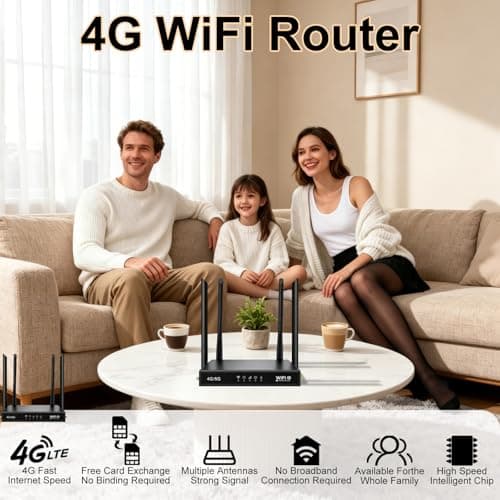
4G Router with SIM Card Slot, 4G LTE WiFi 6 Router 300Mbps, Plug & Play Mobile WiFi Router with 4 LAN/WAN Ports, 6 High Gain Antennas, SIM Card Router for Travel Home Office Caravan CCTV
Pak2iaa
£39.99
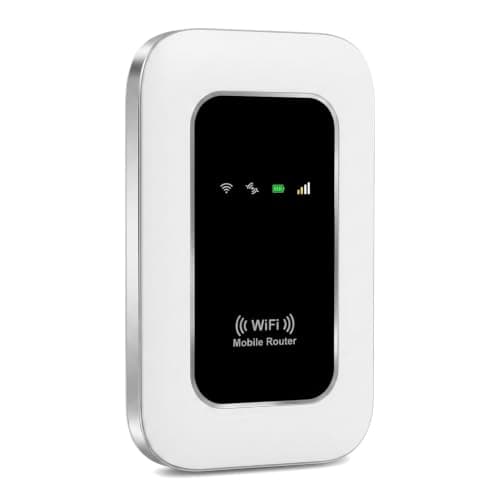
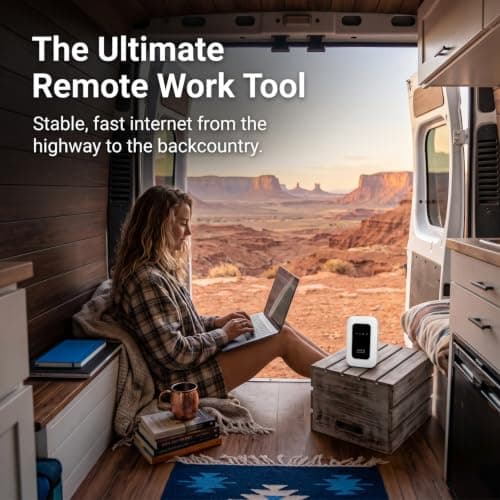
5G Mobile WiFi Hotspot, Unlocked Portable Router with SIM Slot, Ultra-Fast Internet up to 300 Mbps, Pocket-Sized Travel Modem for Remote Work & UK Trips, Connects up to 16 Devices Simultaneously
Generic
£37.99
