
Ezcap 4K HDMI Internal PCI-E Video Capture Card for Live Streaming, PC Gaming, and Sound Mixing - Compatible with Windows, Mac, PS4, Xbox, and Switch
Brand: Ezcap
About this product
If you're looking for a reliable way to capture high-quality video from your PC or console games for live streaming, the Ezcap 4K HDMI Internal PCI-E Video Capture Card is worth considering. This card supports 4Kp30, 1080p120, and 1440p60 resolutions, making it perfect for detailed gaming footage or professional live streams. Its UVC standard compatibility means you can start streaming right away without needing to install additional drivers. With a latency of less than 50ms, your gameplay will appear almost instantly on the stream, ensuring smooth and responsive broadcasts.
Highlights
- PCIE HDMI Video Capture Rather than being connected externally via USB or Thunderbolt, a PCI-Express video capture card is installed internally, directly to your motherboard to offer one of the fastest and most efficient ways to stream, record and/or broadcast footage over the web
- Live Streaming Support UVC standard, no driver installation required. Support most of capturing and streaming software like OBS studio, VLC etc.- Latency less than 50ms. Or you can use our ezcap link software, please search B08HHWPC2S
- International products have separate terms, are sold from abroad and may differ from local products, including fit, age ratings, and language of product, labeling or instructions.
Is this the right pick for you?
This Ezcap 4K HDMI Internal PCI-E Video Capture Card is ideal for gamers and streamers who need a reliable solution for live streaming, recording, and sound mixing. It's perfect if you're looking to capture high-quality video from your PC or console games directly into your computer without the hassle of external USB connections. The card supports 4Kp30, 1080p120, and 1440p60 resolutions for both input and pass-through, which means you can enjoy your gameplay in stunning detail while still streaming or recording at high frame rates. However, this capture card isn't the best choice if you're looking for a simple setup with minimal technical requirements. The Ezcap is designed to work seamlessly with popular software like OBS Studio and VLC, but it does require some system specifications to function optimally. For 4Kp30 or 1080p120 recording, your computer needs at least an Intel Core i5-6XXX or AMD Ryzen 3 XXX processor, along with a NVIDIA GTX 1060 or AMD RX 5700 graphics card and 8 GB of RAM. For 1080p60 recording, a more powerful system is recommended, such as the Intel Core i7-3770 processor and a NVIDIA GeForce GTX 650 or AMD Radeon R7 250X graphics card. Before making your purchase, ensure that your computer has a compatible PCI-E X1 slot. The card measures 126 x 121 x 22 mm, so check the available space in your case to avoid any issues with installation. Additionally, while manual driver installation isn't required for UVC standard compatibility, you might need to use the ezcap link software for more advanced features or troubleshooting.
Frequently asked questions
Is this capture card compatible with my PS4?
Yes, the Ezcap 4K HDMI Internal PCI-E Video Capture Card is compatible with your PS4. However, you will need to use an HDMI cable to connect it from the capture card to your PS4 for recording or live streaming purposes.
Can I record at 4K resolution?
Absolutely, this capture card supports 2160p30 (4K) recording, making it ideal for high-resolution content creation. Ensure your system meets the recommended requirements listed in the specifications to achieve optimal performance.
What operating systems are supported?
This capture card is compatible with both Windows and Mac operating systems. It works seamlessly on Windows 10 x64 and Mac Pro running macOS High Sierra 10.15 or above, provided you have a PCI-E X1 slot available.
You might also like
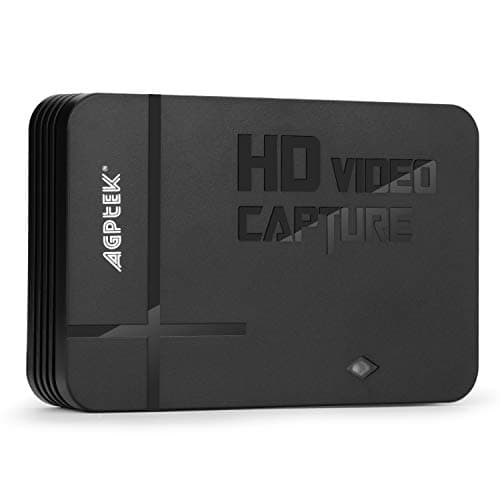
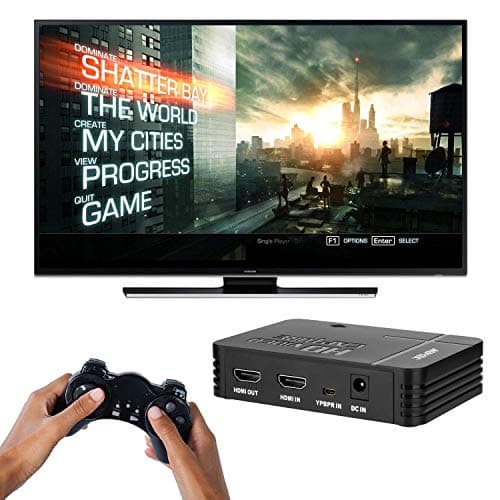
1080P Game Video Capture Card with HDMI and YpbPr Input, Mic-in Video Recorder Compatible with Xbox 360/One/ PS3 /PS4 etc
AGPTEK
£64.18
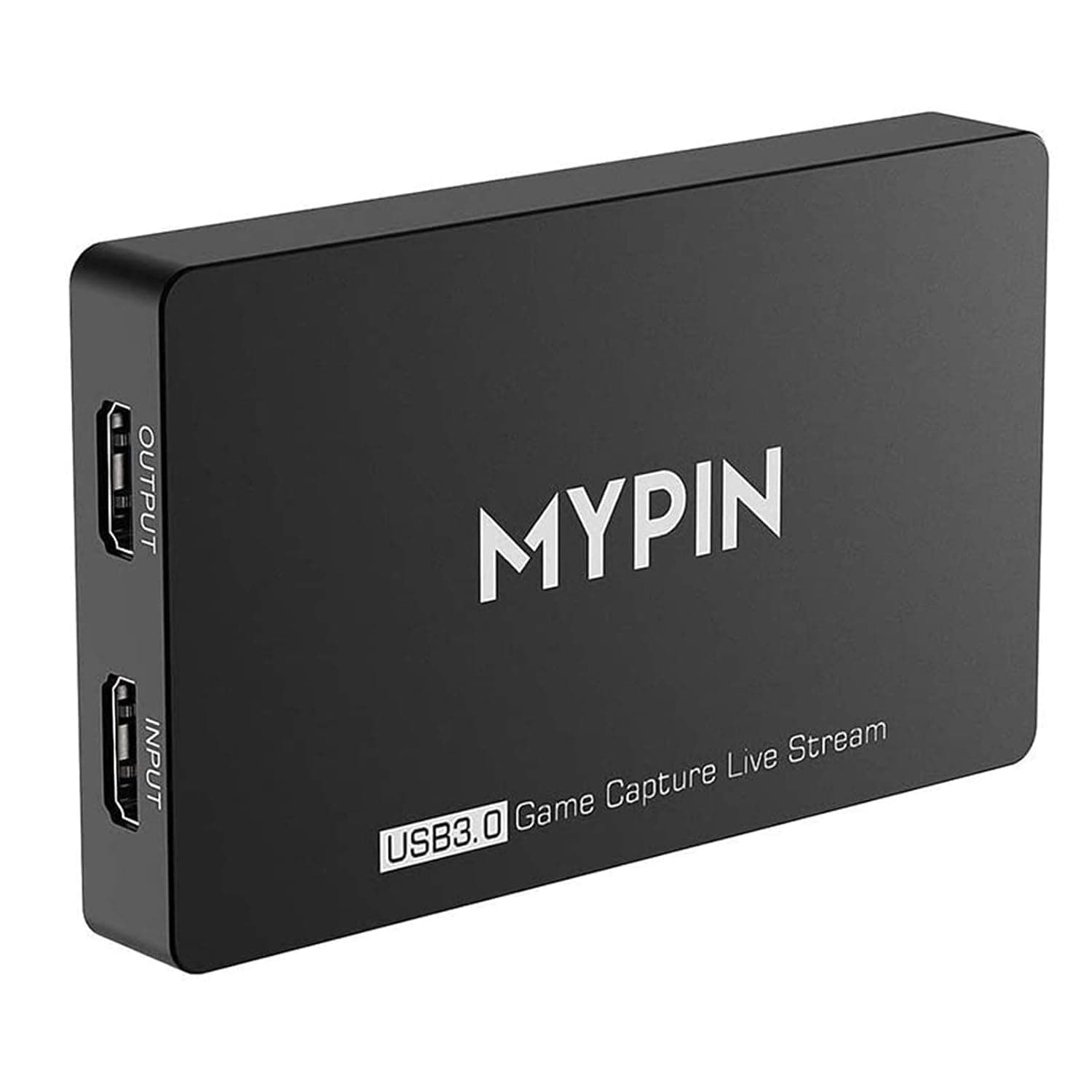
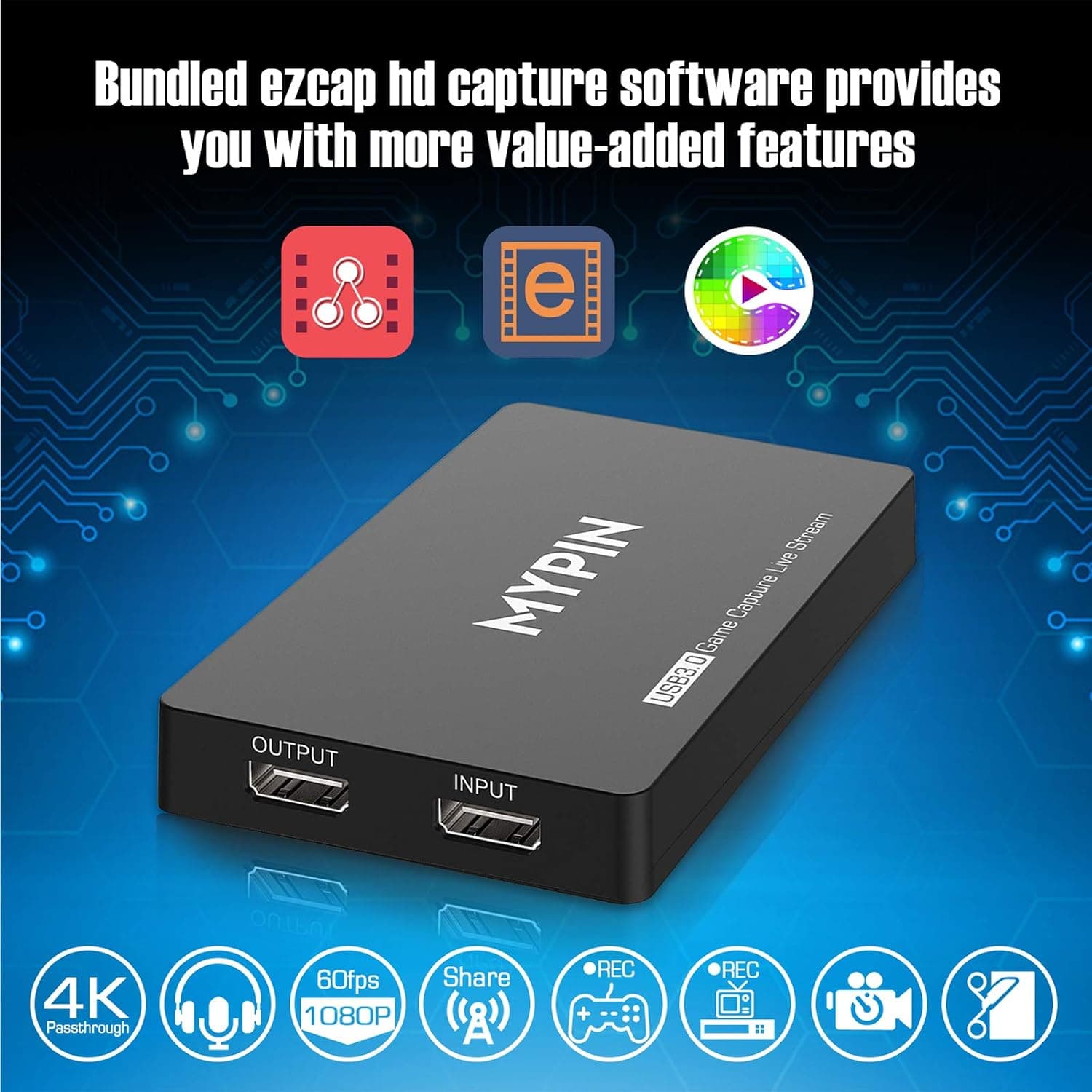
4K Capture Card for Live Streaming, MYPIN USB3.0 HDR Capture 1080P@60fps Support Microphone and Gamepad Party Chat for Nintendo Switch/ PS4 /Xbox One 360 /Wii U/Action Camera/DSLR Camcorder
MYPIN
£19.99
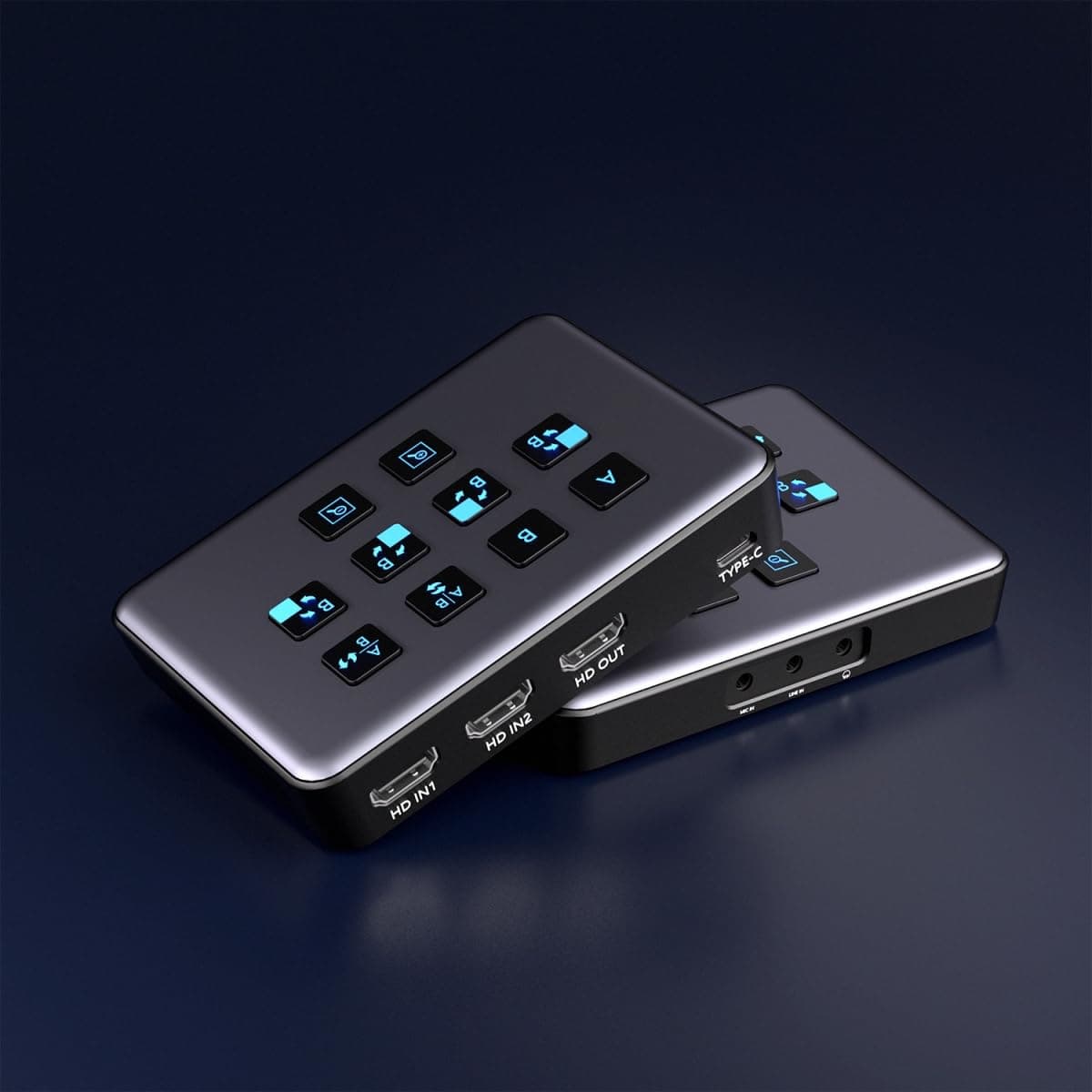
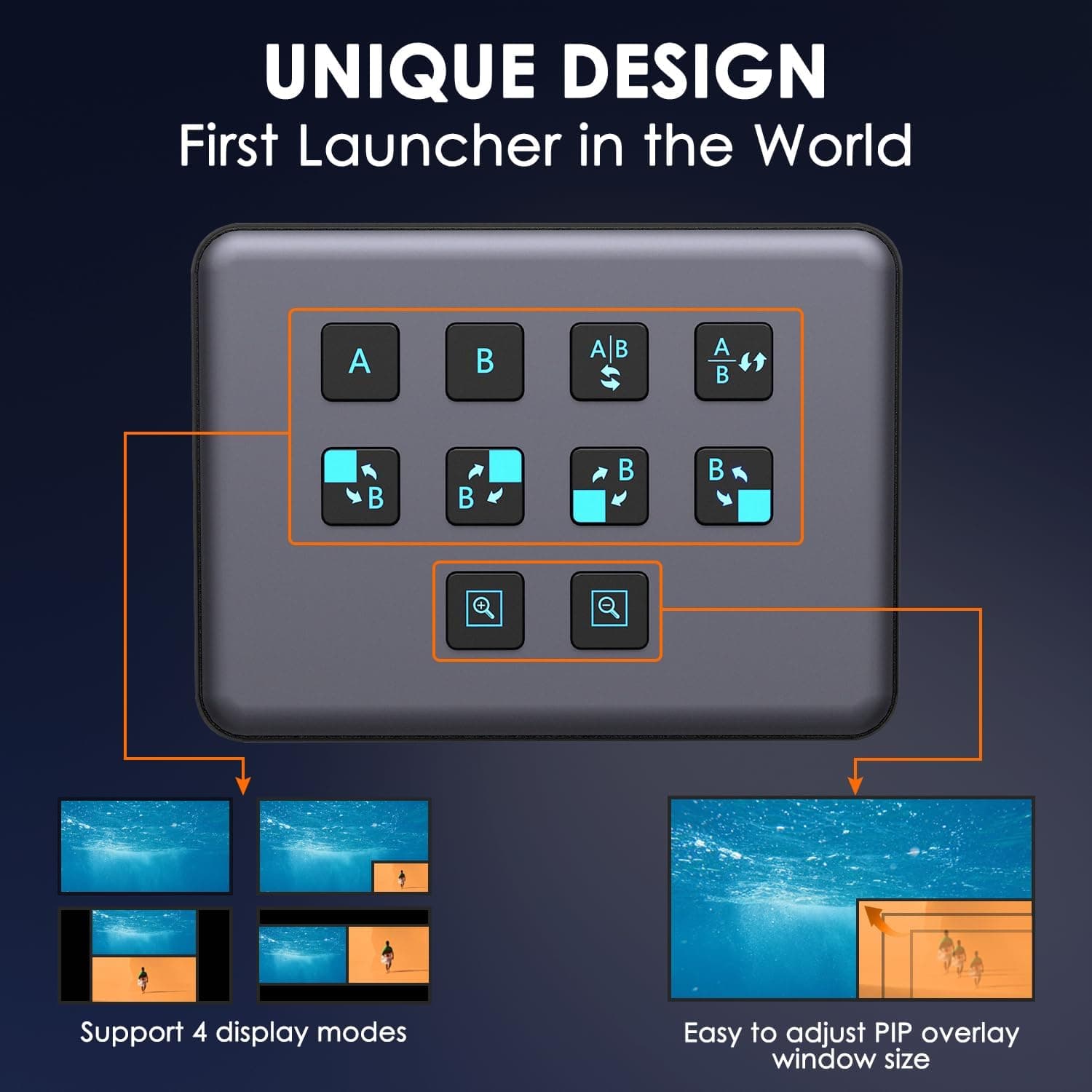
4K Dual HDMI Audio Video Capture Card, USB3.0 1080P 60FPS Equipment for Live Streaming,Capture Card with Loop Camera Link to Type-C Recording Game Video Mixer,Passthrough for Xbox PS5 PS4 Etc
EDISTEC
£25.99
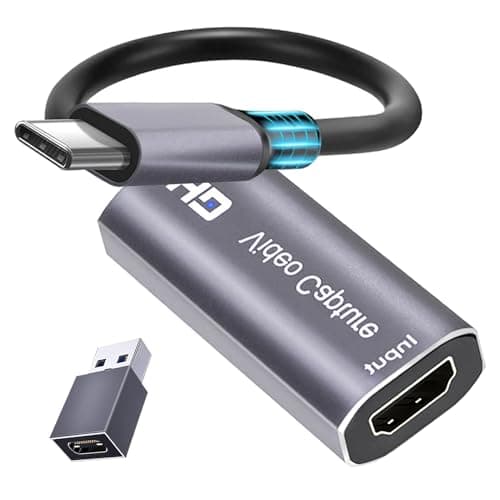
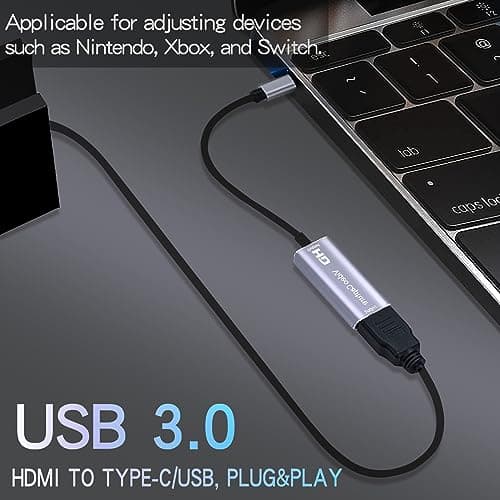
4K HDMI Capture Card, Cam Link Video Capture Card HDMI to 1080P Type-C for Windows Mac OS System for Streaming Gaming Meeting with USB C Adapter to Adjust PS3 4, Switch, Xbox
Extenuating Threads
£12.99
