
TP-Link Archer GE800 Gaming Router WiFi 7 BE19000Mbps, Tri-Band WiFi Router, 10G Ports, Dedicated Game Panel, USB 3.0 Port, Exclusive Acceleration for Games, HomeShield, Easy Setup,EasyMesh
Brand: TP-Link
- Height
- 22 cm
- Length
- 29 cm
- Width
- 21 cm
- Weight
- 2.21 kg
About this product
Designed for serious gamers and tech enthusiasts, the TP-Link Archer GE800 Gaming Router is a powerhouse in the gaming router category. With its tri-band WiFi 7 technology delivering up to BE19000Mbps speeds, it ensures smooth, lag-free gameplay even during intense sessions. Its robust design includes 10G ports and a dedicated game panel for optimized performance, making it an ideal choice for those looking to enhance their gaming experience. EMBRACE THE GEEKYALIEN GAMING ROUTER CATEGORY: This router not only fits seamlessly into the gaming router category but also stands out with its exclusive acceleration features for games. The HomeShield security feature adds a layer of protection against online threats, ensuring your gaming environment is both fast and secure. Easy setup and integration with EasyMesh technology make it user-friendly, perfect for anyone looking to upgrade their home network without the hassle.
Specifications
- Height
- 22 cm
- Length
- 29 cm
- Width
- 21 cm
- Weight
- 2.21 kg
- Pack size
- 1
- Colour
- Black
- Amazon Bestseller Rank
- #2,500
Is this the right pick for you?
This TP-Link Archer GE800 is specifically designed for gamers and those who require a robust network setup. Its tri-band WiFi 7 technology with a max speed of 19Gbps ensures that your online gaming sessions are smooth, minimizing lag and providing stable connections even during peak times. The dedicated game panel offers customizable settings to fine-tune your gaming experience, while the exclusive acceleration feature further enhances performance by prioritizing traffic from your games. For those who need multiple devices connected simultaneously—whether it's for streaming, downloading large files, or running multiple applications—the 10G ports provide a significant boost in data transfer speeds and reliability. The USB 3.0 port is handy for quick file transfers or connecting external storage solutions, making it easier to manage game saves or media files. Setting up the Archer GE800 is straightforward thanks to its Easy Setup feature, which guides you through the process with minimal effort. However, ensure that your router is placed in a central location within your home to maximize coverage and performance. Additionally, while the HomeShield security feature is beneficial for protecting your network from threats, it may require some initial configuration to set up properly. Before purchasing, consider whether your current network setup can benefit from these advanced features or if you have specific needs that align with this router's capabilities. This model might be overkill for basic home networks but is ideal for gamers and users requiring high-speed, reliable connections.
Frequently asked questions
What is the maximum speed of this router?
This TP-Link Archer GE800 Gaming Router supports WiFi 7 with a theoretical peak speed of up to BE19000Mbps. However, actual speeds will depend on your internet service provider and environmental factors.
Is this router compatible with my gaming console?
Yes, the router is designed for gaming consoles and should be compatible with most modern systems like PlayStation, Xbox, or Nintendo Switch. Check the manufacturer's listing for exact compatibility details if needed.
Can I use this router with multiple devices simultaneously?
Absolutely, this tri-band WiFi router supports simultaneous connections from up to 100+ devices without significant performance degradation. The dedicated game panel and exclusive acceleration features are particularly beneficial in a multi-device environment.
You might also like
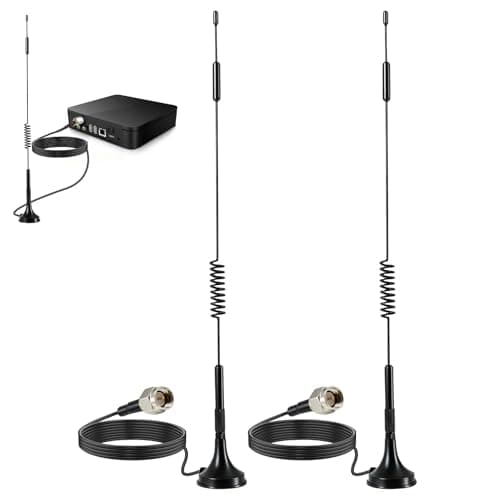
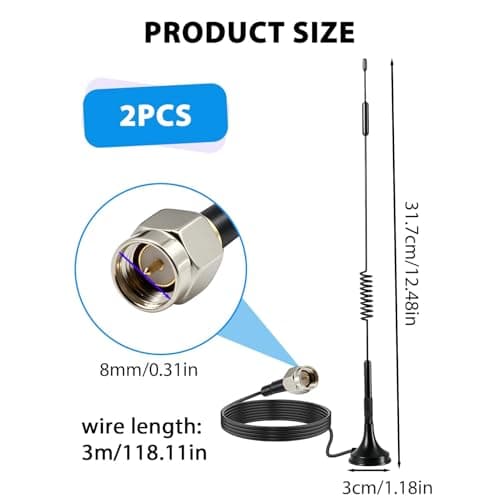
2Pack 4G LTE Antenna 7dBi High Gain SMA Male Aerial with 3m Magnetic Base with SMA Connector Signal Booster for Netgear TP-Link Router Modem Hotspot Wireless Router Hub Indoor Outdoor
Aradoea
£11.49
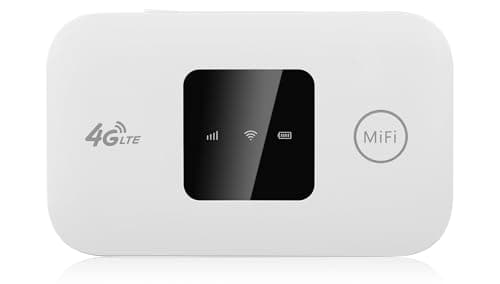
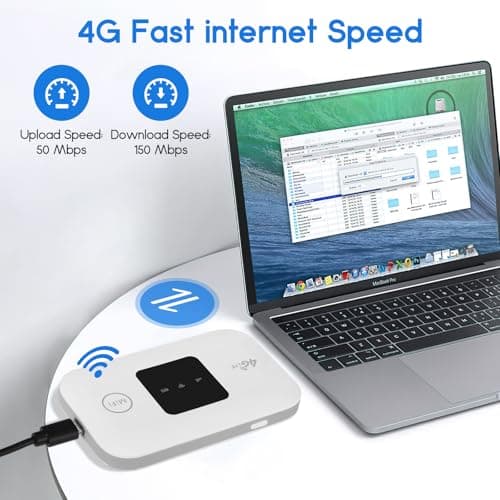
4G/5G MiFi Router,Portable Wifi Travel Router with SIM Card Slot,Pocket 4G LTE Internet Hotspot Up To 10 Users for Travel Phone Computer Laptop
VIHBRAI
£16.99
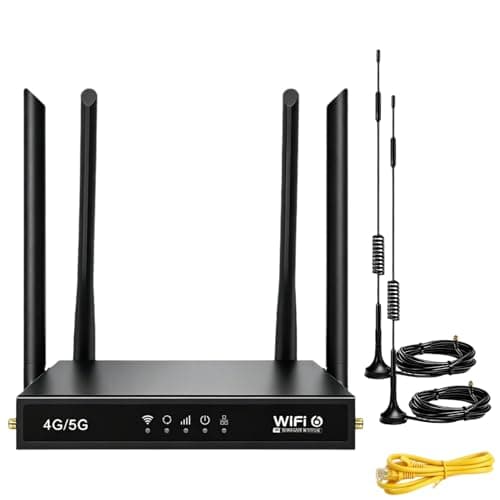
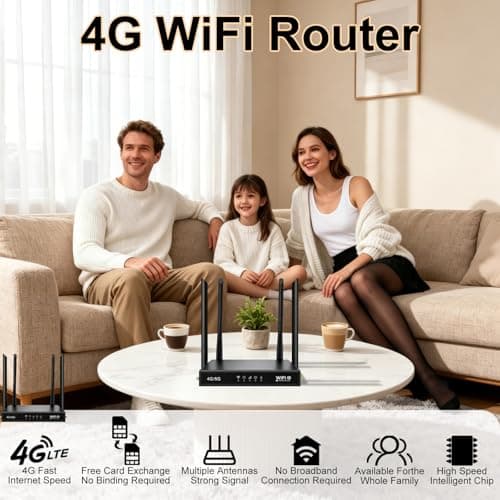
4G Router with SIM Card Slot, 4G LTE WiFi 6 Router 300Mbps, Plug & Play Mobile WiFi Router with 4 LAN/WAN Ports, 6 High Gain Antennas, SIM Card Router for Travel Home Office Caravan CCTV
Pak2iaa
£39.99
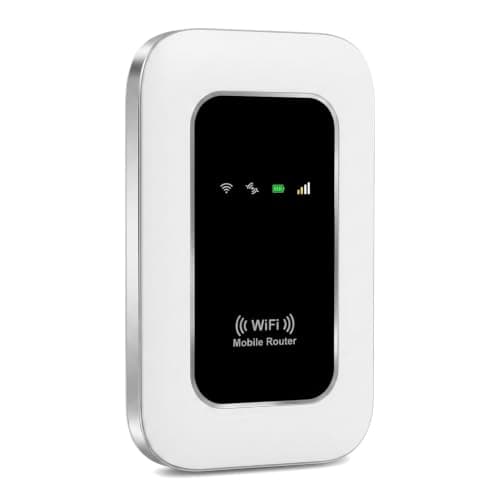
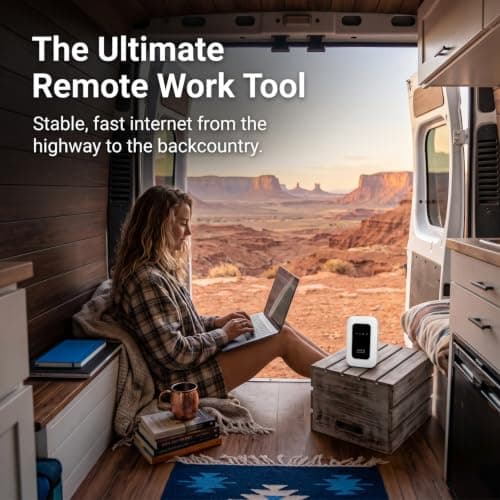
5G Mobile WiFi Hotspot, Unlocked Portable Router with SIM Slot, Ultra-Fast Internet up to 300 Mbps, Pocket-Sized Travel Modem for Remote Work & UK Trips, Connects up to 16 Devices Simultaneously
Generic
£37.99
