
Logitech Brio 500 Full HD Webcam with Auto Light Correction, show Mode, Dual Noise Reduction Mics,Graphite
Brand: Logitech
- Height
- 3.1 cm
- Length
- 3.1 cm
- Width
- 11 cm
- Pack size
- 1
About this product
Are you looking for a webcam that delivers crystal-clear video calls and meetings? The Logitech Brio 500 Full HD Webcam with Auto Light Correction is perfect for professionals and students alike. Equipped with dual noise reduction mics and auto light correction, it ensures clear audio and optimal lighting in any environment. Ideal for both video conferencing and live streaming, this webcam stands out with its sleek graphite finish and high-definition 1080p resolution, making every call or stream look professional. This webcam is compatible with Chrome OS, Windows 8 (or later), and macOS 10.10 (or later). It’s particularly suited for those using the latest operating systems to ensure seamless performance during video calls and live streams. At just £70.68, it offers excellent value for money while providing top-notch quality that meets your needs in a variety of settings.
Specifications
- Height
- 3.1 cm
- Length
- 3.1 cm
- Width
- 11 cm
- Pack size
- 1
- Colour
- Graphite
- Amazon Bestseller Rank
- #90,533
Is this the right pick for you?
The Logitech Brio 500 Full HD Webcam is a solid choice for those who need high-quality video calls and meetings. It's particularly well-suited for users working from home or engaging in remote learning, as its advanced features like Auto Light Correction help ensure clear and bright visuals under various lighting conditions. The dual noise reduction mics are excellent for reducing background noise during video conferences, making it ideal for professionals who need to maintain focus and clarity in their virtual meetings. However, this webcam might not be the best fit for all users. If you're looking for a budget-friendly option with basic functionality, there are simpler webcams available that could meet your needs at a lower price point. The Brio 500 is more geared towards those who require enhanced features and a professional appearance, such as its sleek graphite finish. In terms of setup and compatibility, the webcam works seamlessly with Chrome OS, Windows 8 or later (with Windows 8.1 or higher for resolutions above 1080p), and macOS 10.10 or later. It’s important to ensure that your operating system meets these requirements before purchasing. Additionally, while setup is straightforward, you should have a USB port available on your device as the webcam connects via USB. Care for this webcam involves keeping it clean and free from dust to maintain optimal performance. Regularly cleaning the lens with a soft cloth can help prevent any smudges or dirt that might affect video quality.
Frequently asked questions
What operating systems is the Logitech Brio 500 compatible with?
The Logitech Brio 500 is designed for use on Chrome OS, Windows 8 or later (with Windows 8.1 or higher required for resolutions greater than 1080p), and macOS 10.10 or later. Make sure your system meets these requirements to ensure seamless operation.
Can I use this webcam with my gaming PC?
Yes, the Logitech Brio 500 is suitable for use on a gaming PC running one of the supported operating systems. Its high-quality video and audio features will enhance your streaming or recording experience.
How does the Auto Light Correction feature work?
The Auto Light Correction adjusts the lighting in your environment to ensure consistent, clear images regardless of the ambient light conditions. This feature is particularly useful for maintaining good quality during live streams or video calls where lighting can vary.
You might also like
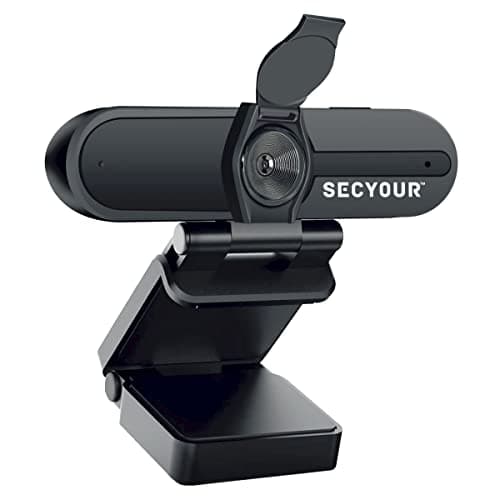
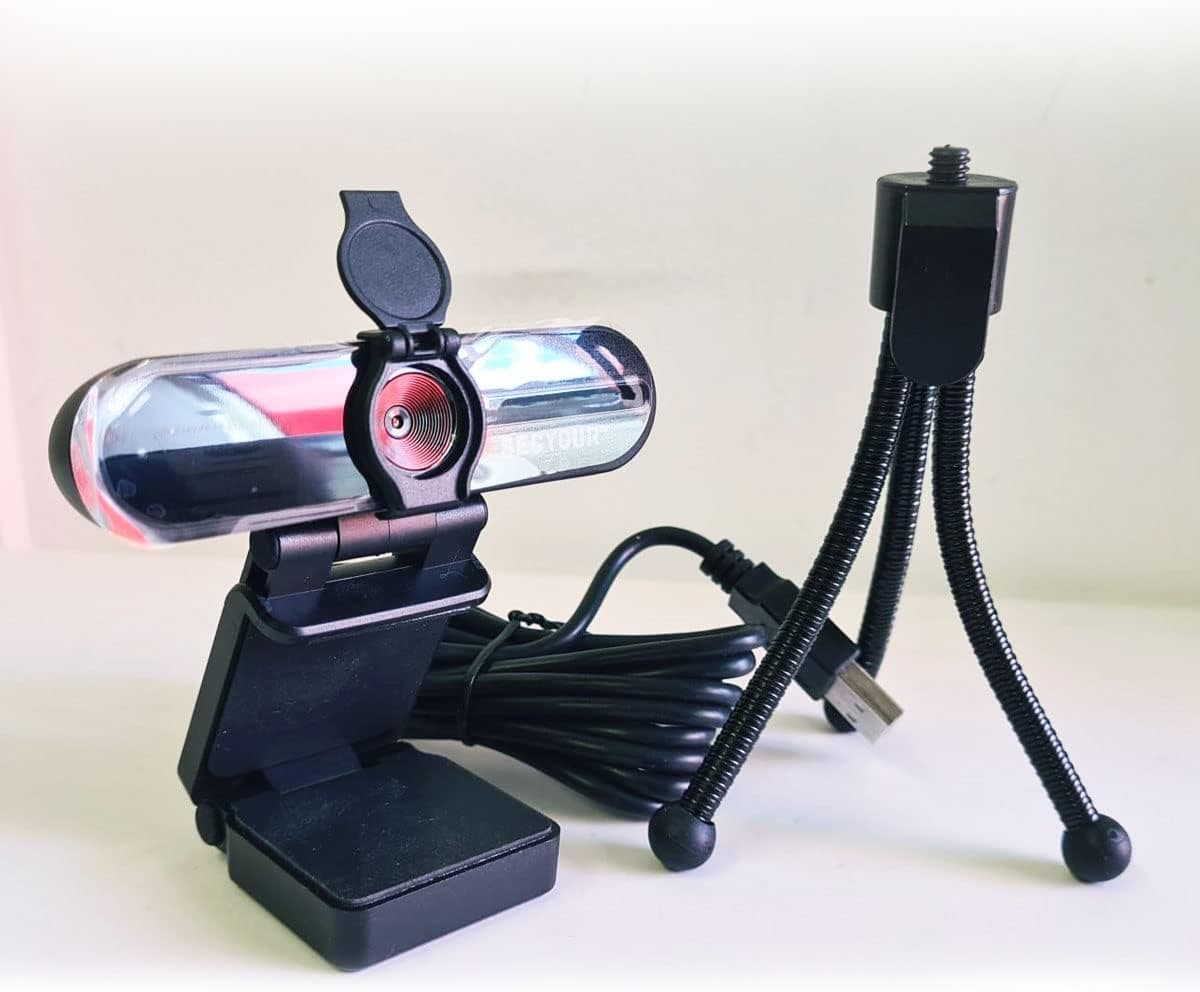
1080p HD USB Webcam Camera with Microphone for PC, Desktop, Laptop, Macbook, Live Streaming, Gaming, YouTube, Video Call Conference Web cam - Noise cancellation 30FPS with mini Tripod
SECYOUR
£8.50
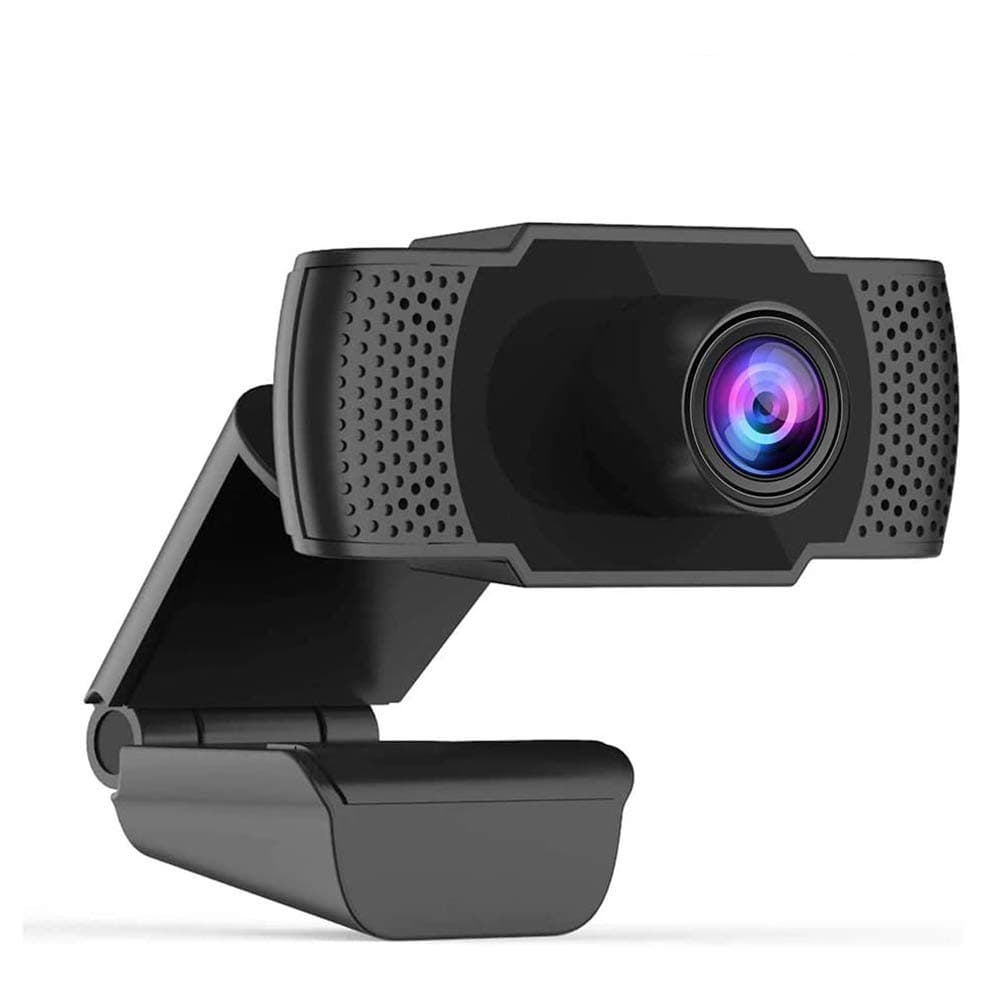
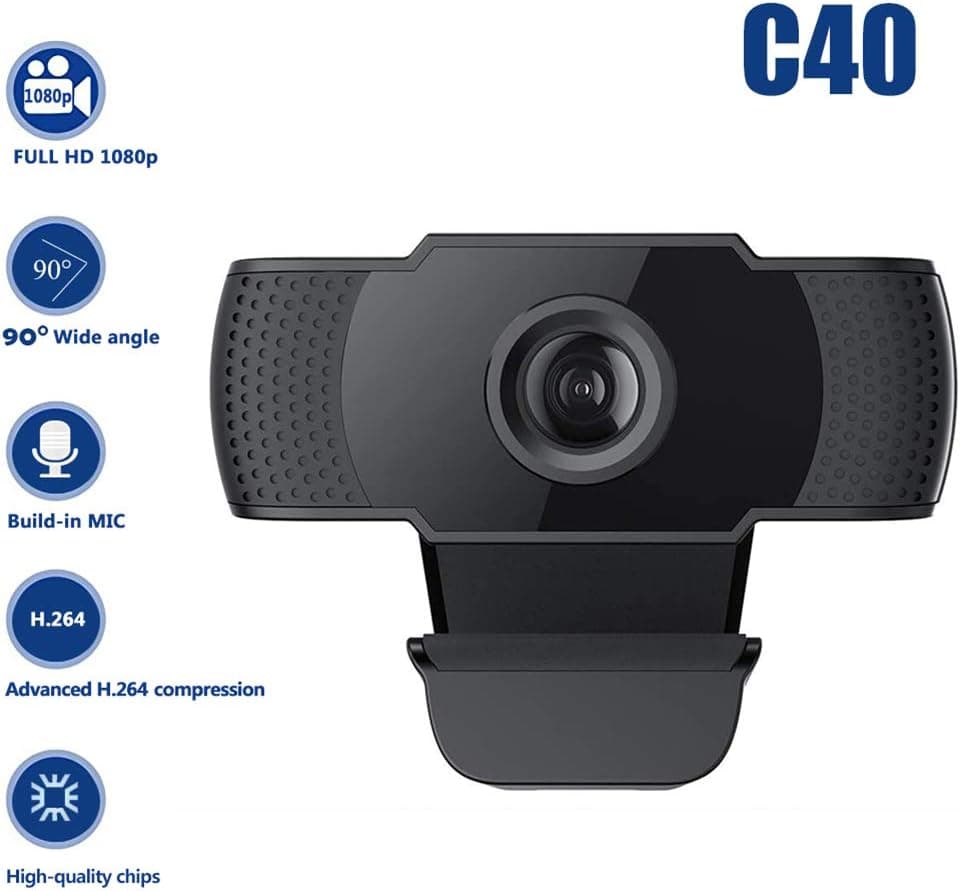
1080P HD Webcam USB Plug and Play Widescreen Built-in MIC Web Camera for PC
Aoewise
£79.99
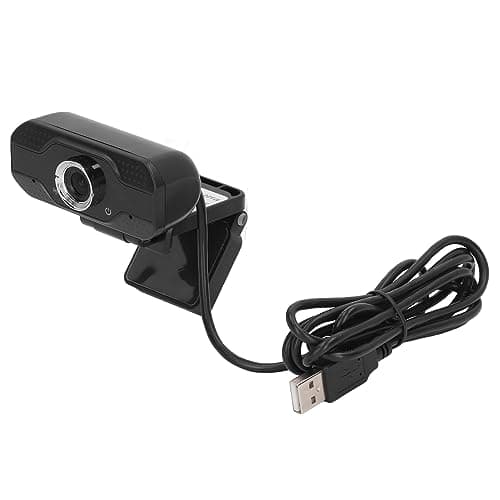
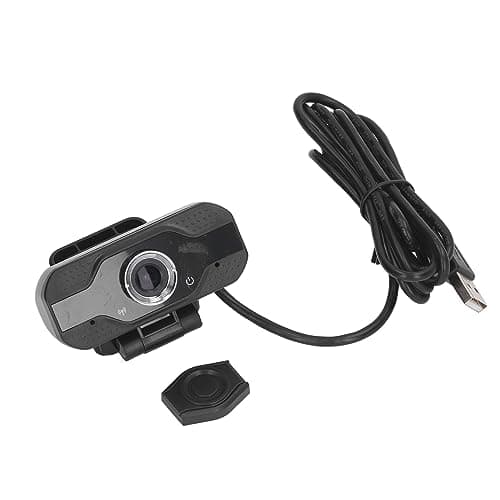
1080P HD Webcam with Dual Noise Canceling Microphone, Auto Light Color Correction, Wide Viewing Angle Plug and Play USB Camera for Video Calling, Recording
ciciglow
£6.33
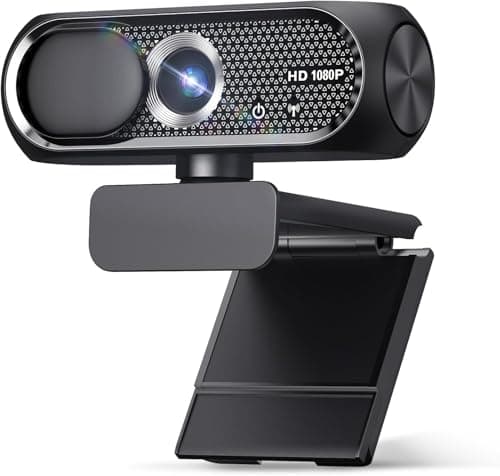
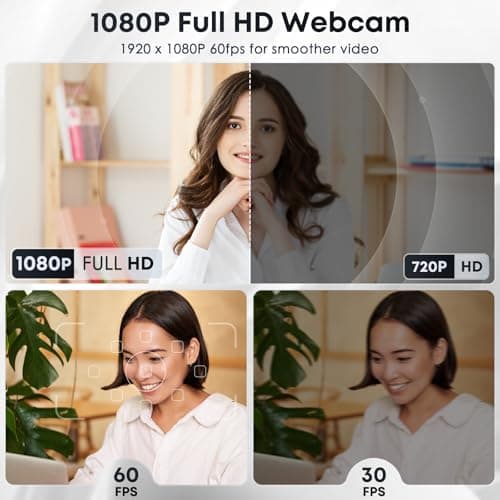
1080P HD Webcam with Microphone, Noise Cancellation, Privacy Cover, Wide-Angle Lens, Auto Light Correction, Plug & Play USB Web Camera for Laptop, Desktop, PC, Mac, Zoom, Skype, Streaming (Black)
Shcngqio
£19.99
