
Razer Nommo V2 X - Full-Range 2.0 PC Gaming Speakers (Two 3” Full-Range Drivers, THX Spatial Audio, Max Sound Pressure Level of 96dB, Cross-Platform Compatibility) Black
Brand: Razer
- Height
- 18 cm
- Length
- 26 cm
- Width
- 18 cm
- Weight
- 3.6 kg
About this product
Are you looking for gaming speakers that can enhance your in-game experience? The Razer Nommo V2 X Full-Range 2.0 PC Gaming Speakers are designed specifically for gamers, providing a rich audio experience with THX Spatial Audio technology. These speakers deliver powerful sound with a max sound pressure level of 96dB, ensuring you hear every detail and movement in your games. Perfect for cross-platform play, these speakers work seamlessly on both Windows and Mac systems, making them versatile for any gaming setup. Whether you're playing on PC or switching between devices, the Nommo V2 X ensures consistent audio quality across platforms.
Specifications
- Height
- 18 cm
- Length
- 26 cm
- Width
- 18 cm
- Weight
- 3.6 kg
- Pack size
- 1
- Colour
- Black
- Amazon Bestseller Rank
- #11,810
Is this the right pick for you?
The Razer Nommo V2 X is tailored for gamers who prioritize immersive audio experiences without the need for complex setups. These speakers are perfect for those who play on a PC and want to enhance their gaming environment with clear, balanced sound that can make every in-game moment more engaging. They offer THX Spatial Audio, which ensures an accurate and detailed soundscape, making it ideal for players who enjoy first-person shooters or strategy games where spatial awareness is crucial. However, if you are looking for speakers that can be used across multiple devices like a console or mobile phone, the Nommo V2 X might not be your best choice. While they do support cross-platform compatibility, their primary design and performance focus on PC gaming means they may lack the versatility needed for other setups. For instance, if you frequently switch between playing games on different platforms throughout the day, you might find it more convenient to opt for speakers that are designed with a broader range of devices in mind. Setting up these speakers is relatively straightforward; simply connect them via USB and ensure your PC's audio settings are configured correctly to output sound through the Nommo V2 X. The speakers come with all necessary cables and instructions, making the process hassle-free. However, it’s important to note that they do not require any additional power source since they draw power directly from your computer. This means you can place them anywhere near your PC without worrying about cords getting tangled or blocked. When it comes to care, these speakers are durable but should be handled with some caution. The 96dB maximum sound pressure level is impressive for their size, making them capable of producing loud sounds during intense gaming sessions. However, prolonged exposure to high volumes can damage your hearing, so it’s crucial to use the volume settings wisely and take breaks when necessary. Additionally, keep the speakers away from liquids or moisture to prevent any potential damage to the electronic components inside.
Frequently asked questions
Are these speakers compatible with my console as well?
Yes, the Razer Nommo V2 X is designed for cross-platform compatibility, which means they work seamlessly with both PC and consoles. Check your device’s audio input requirements to ensure a proper connection.
How do I connect them to my PC?
To connect these speakers to your PC, you can use the 3.5mm audio cable provided in the box or an HDMI ARC cable if your system supports it. The Razer Nommo V2 X also offers THX Spatial Audio for enhanced sound quality.
Do I need any special setup for THX Spatial Audio?
Setting up THX Spatial Audio is straightforward. Simply connect the speakers to your PC and ensure they are set as the default audio device in your system settings. The Razer Nommo V2 X automatically enables THX Spatial Audio, providing an immersive gaming experience.
You might also like
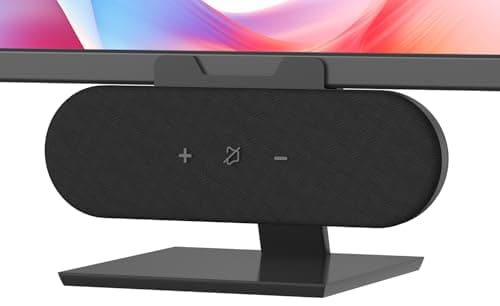
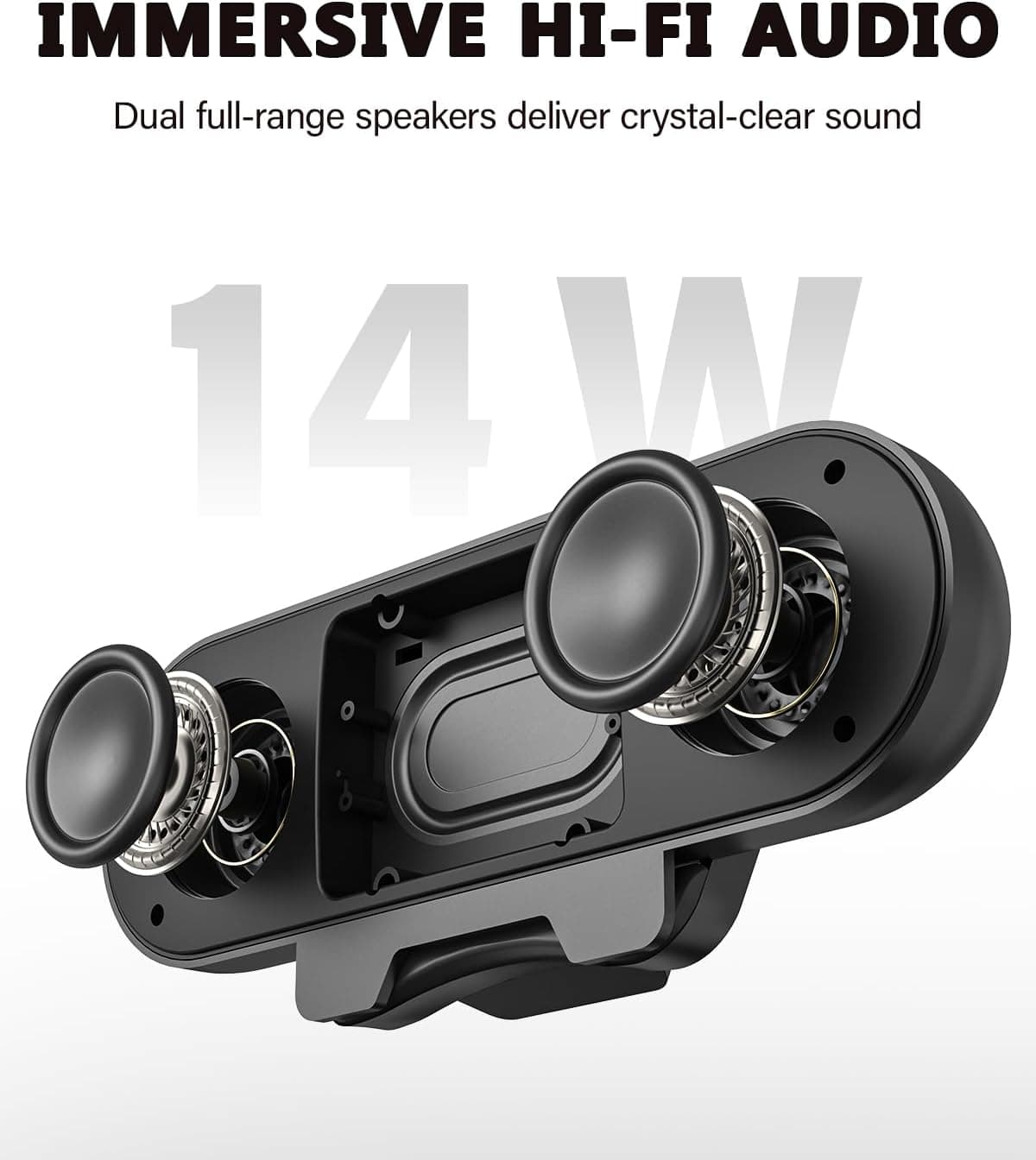
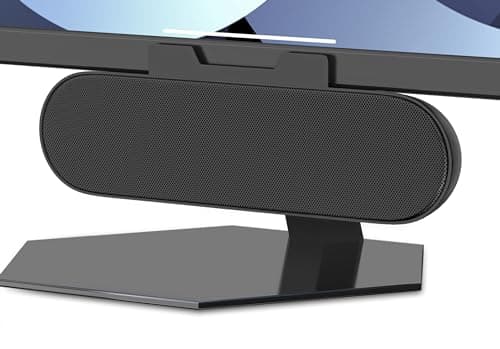
ADELGO Computer Speakers for Desktop PC USB | Speakers for Monitor with Touch Control Stereo 14w Laptop Speaker Sound Enhanced Bass, Soundbar Speaker for Mac Windows PS5
ADELGO
£21.99
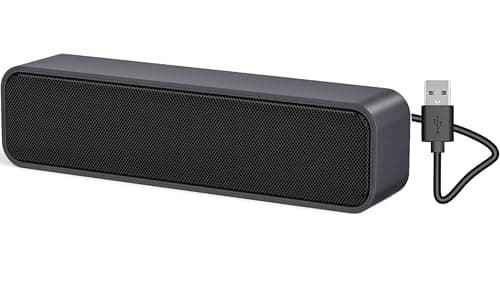
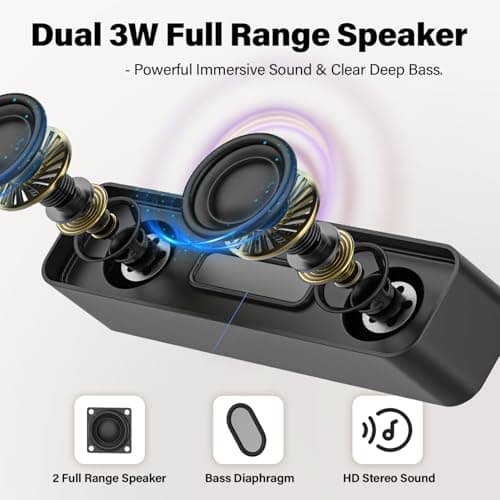
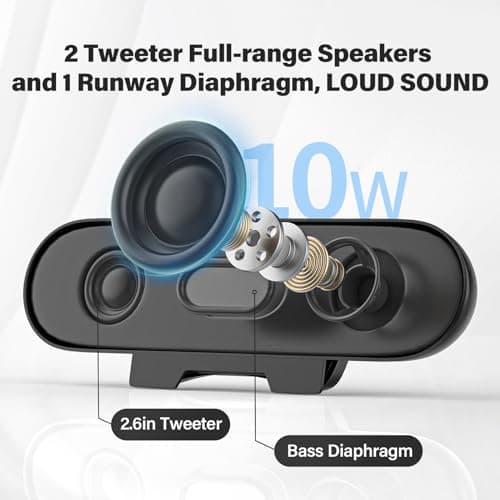
ADELGO USB Computer Speaker for Desktop, Laptop, Checkout Counter
ADELGO
£14.99
ADELGO USB Speakers for PC Desktop
ADELGO
£18.99
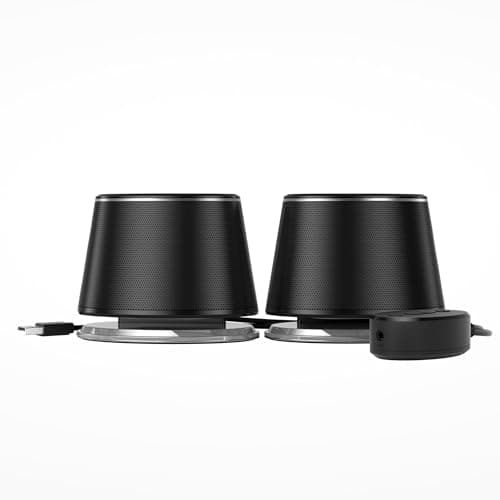
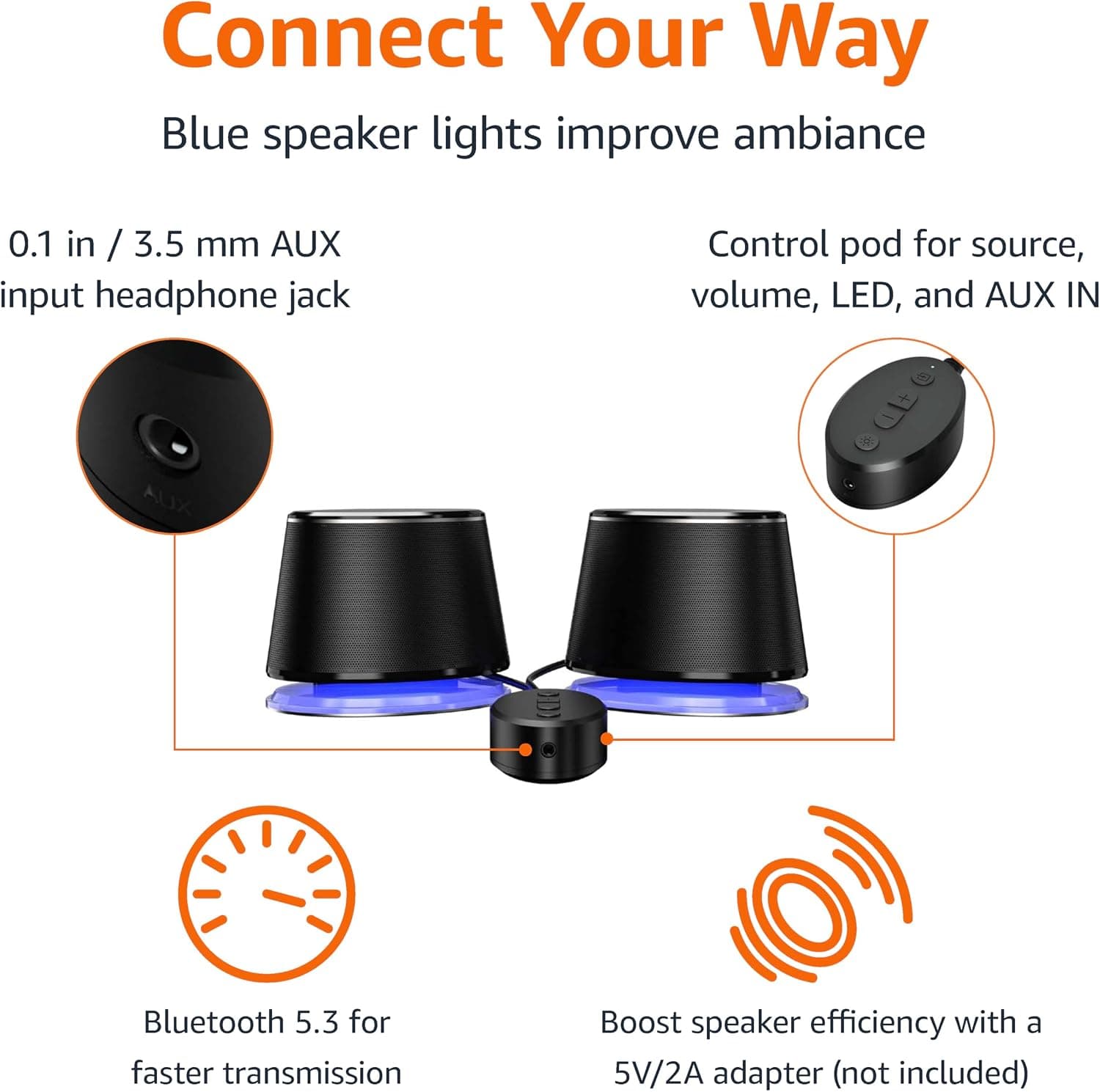
Amazon Basics Bluetooth and USB Computer Speakers with Blue Lighting, Black
Amazon Basics
£28.34
